We've all been there. When you're in a high-stakes meeting, try to listen intently while noting down every important detail. However, you may end up with messy notes, or worse, miss a key decision because you were too busy typing. It's simply hard to stay focused and keep accurate records at the same time.
That is where meeting minutes apps come in. These tools act as your personal assistant, listening in and summarizing the conversation for you. They don't just record audio; they capture action items, decisions, and key insights so nothing falls through the cracks.
In this guide, we have handpicked 10 of the best tools on the market. Whether you are a lawyer, a doctor, or a startup founder, there is something here for you. We spent time doing in-depth research and testing these apps to help you find the perfect fit.
TL;DR: What's the Best Meeting Minutes App
The best meeting notes app depends on your role and specific pain points. For example, if you are in a global team, Otter.ai is the king of live transcription. If you are a freelancer on a budget, Fathom is unbeatable because of its generous free tier. For specialized fields like healthcare, Mentalyc is the gold standard for HIPAA compliance.
Here is a quick breakdown of our top picks:
App | Best For | Key Use Cases | Security | Starting Price |
Global Business Teams | Live transcription, meeting summaries, and collaboration | SOC2, GDPR | 7-day free trial $8.33/user/month | |
Corporate managers | Action tracking, team accountability, meeting agendas | SOC 2, GDPR, HIPAA, AES-256 | Free version, $7/user/month | |
In-Person Meetings | In-person notes, AI summaries, private recordings | GDPR, SOC2, ISO 27001, CCPA | Free version, $14/user/month | |
Ops Leaders | CRM automation, meeting follow-ups, workflow agents | SOC2, HIPAA | 7-day free trial $49.99/month | |
Healthcare Professionals | Therapy notes, session summaries, clinical documentation | HIPAA, BAA, SOC2 | 14-day free trial $14.99/month | |
Legal professionals | Depositions, interviews, legal transcripts | End-to-End Encryption | $19.99/month | |
Education & research | Lecture notes, knowledge organization, and collaboration | AES-256, TLS/SSL | $9.99/month, Included in Microsoft 365 | |
Agencies | Visual meeting reports, client summaries, team insights | SOC2, AES-256 | $22.99/month | |
Freelancers | Free meeting summaries, Zoom transcription, highlights | SOC2, HIPAA, GDPR, SCIM | Free (Unlimited recordings), $15/month/user | |
Personal Use | Voice notes, reminders, and quick meeting capture | Google security | Free |
1. Otter.ai: Best for global business teams needing real-time transcription
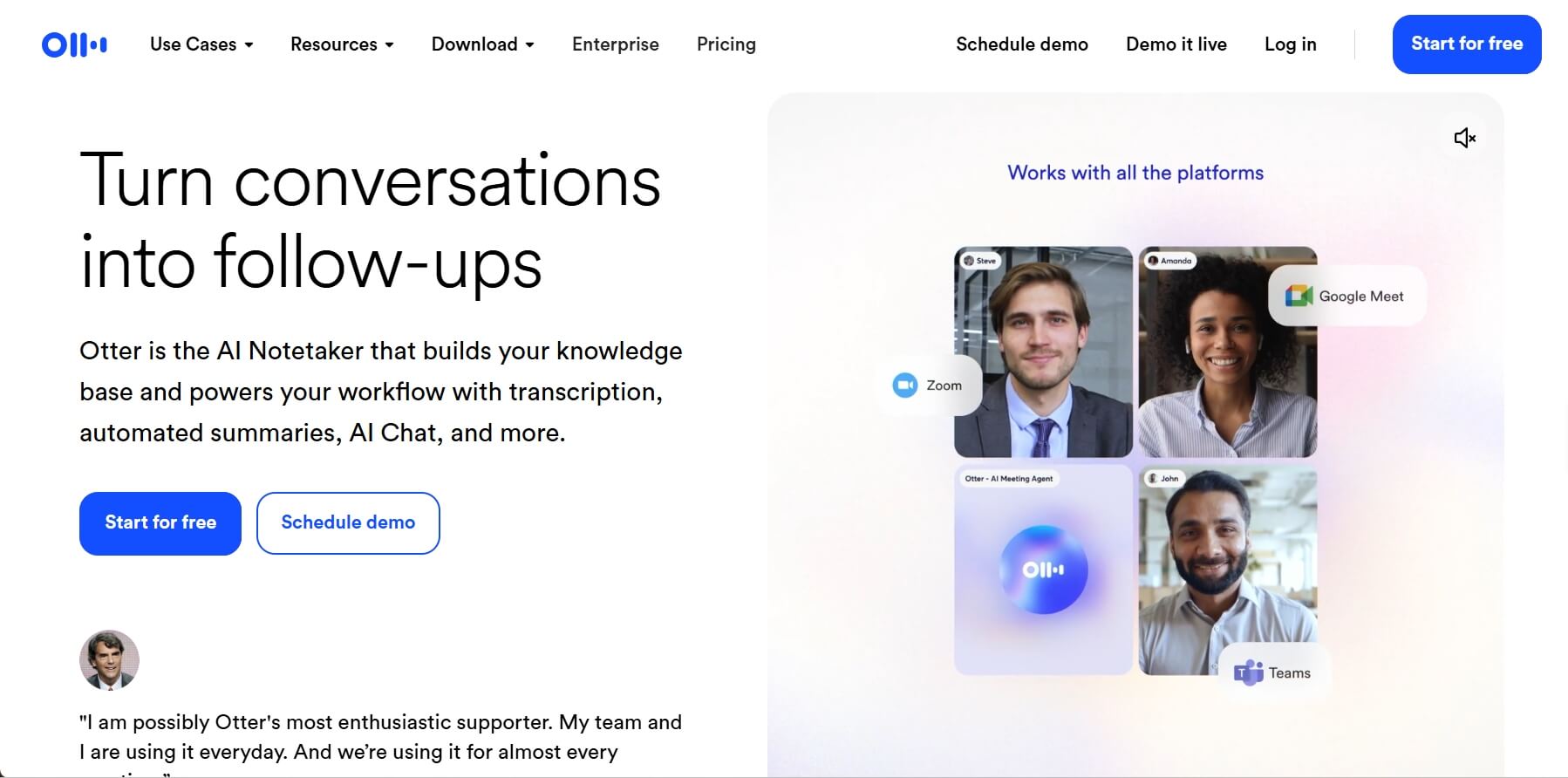
Best For: Multi-national corporations, sales teams, and journalists who need to see text as it happens and search through thousands of hours of archives instantly.
I've used Otter in rooms with three different accents, and it rarely breaks a sweat. It feels like having a super-fast stenographer in your pocket. One of the best parts is the "OtterPilot", which automatically joins your Zoom or Teams calls even if you're running five minutes late.
In my experience, the real-time search is a lifesaver. If someone mentions a specific "Project X" twenty minutes into a call, you can jump straight to that moment without scrolling. It makes "catching up" on a meeting you missed feel like reading a 2-minute executive summary rather than listening to a 60-minute recording.
Standout Features:
- OtterPilot: Joins, records, and summarizes meetings automatically.
- Chat Live Q&A: Ask the AI questions about the meeting while it's still happening.
- Speaker Identification: Highly accurate at labeling who said what.
Integrations: Zoom, Microsoft Teams, Google Meet, Slack, Salesforce.
Pros | Cons |
Incredible real-time transcription speed. Great mobile app for on-the-go. In-meeting AI chat for instant clarification on past points. | Struggles with non-English languages. Transcription of heavy accents can vary. |
2. Fellow: Best for corporate Managers tracking team action items and accountability
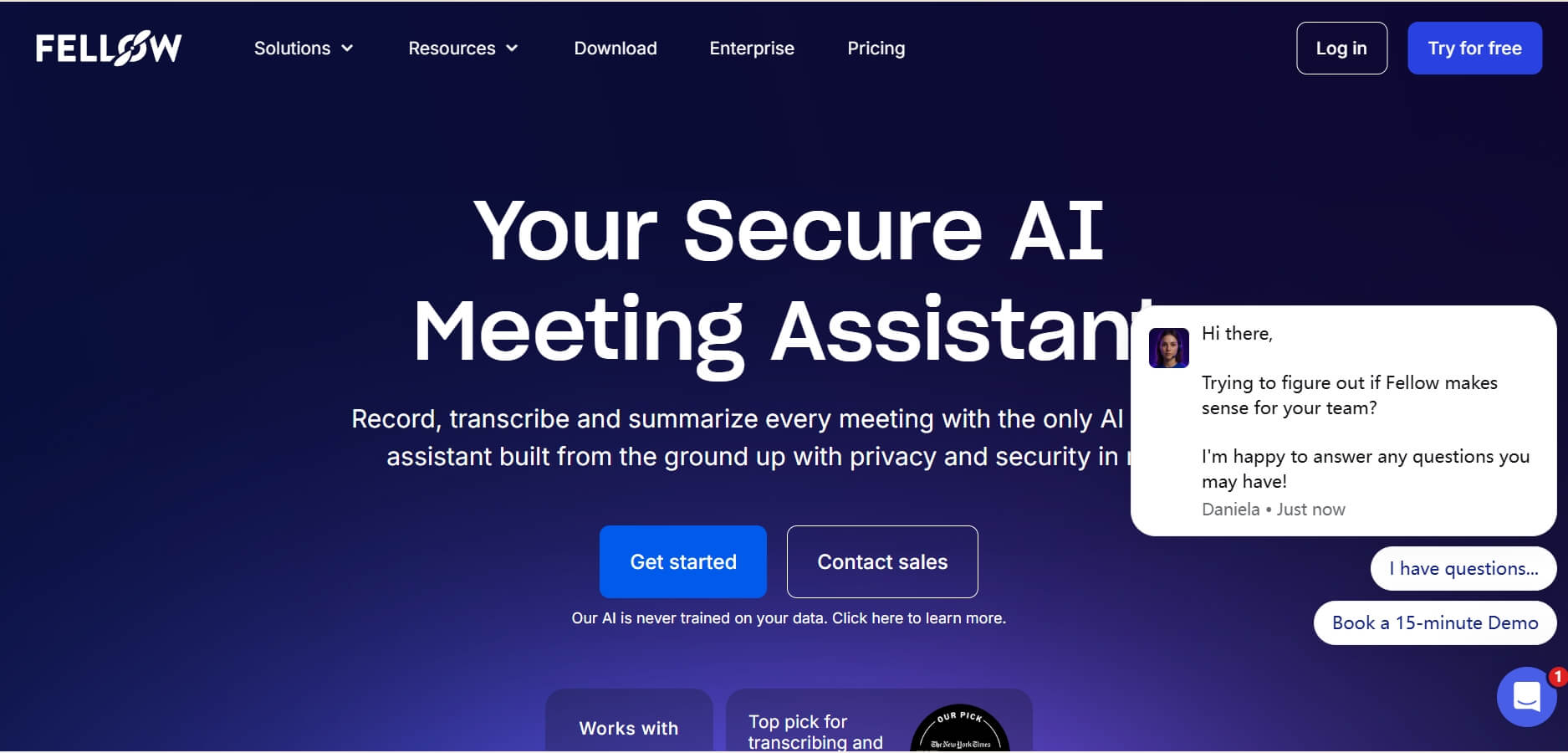
Best For: Managers and team leaders who are tired of meetings ending with no clear "next steps" or people forgetting their assignments.
Why It's Worth: Fellow AI meeting assistant isn't just a recorder; it's a behavior changer. I noticed that when teams start using Fellow, they actually start preparing for meetings. It forces you to have an agenda before you start.
The "Accountability" factor is what makes it shine. When a task is assigned during the meeting, it doesn't just sit in a transcript. It stays on the sidebar for the next meeting until it's checked off. It creates a "closed-loop" system where nothing is forgotten. For a manager overseeing 10+ people, this is the difference between chaos and a well-oiled machine.
Standout Features:
- Collaborative Agendas: Everyone contributes to the talking points before the call.
- Action Item Tracking: Tasks carry over to subsequent meetings automatically.
- Feedback Loops: Send quick surveys after meetings to improve culture.
Integrations: Google Calendar, Slack, MS Teams, Jira, Asana, Notion.
Pros | Cons |
Amazing task follow-up system. Excellent for team accountability. Great library of agenda templates. | Not focused on transcription. Learning curve for all features. |
3. Bluedot: Best for in-person meetings requiring privacy
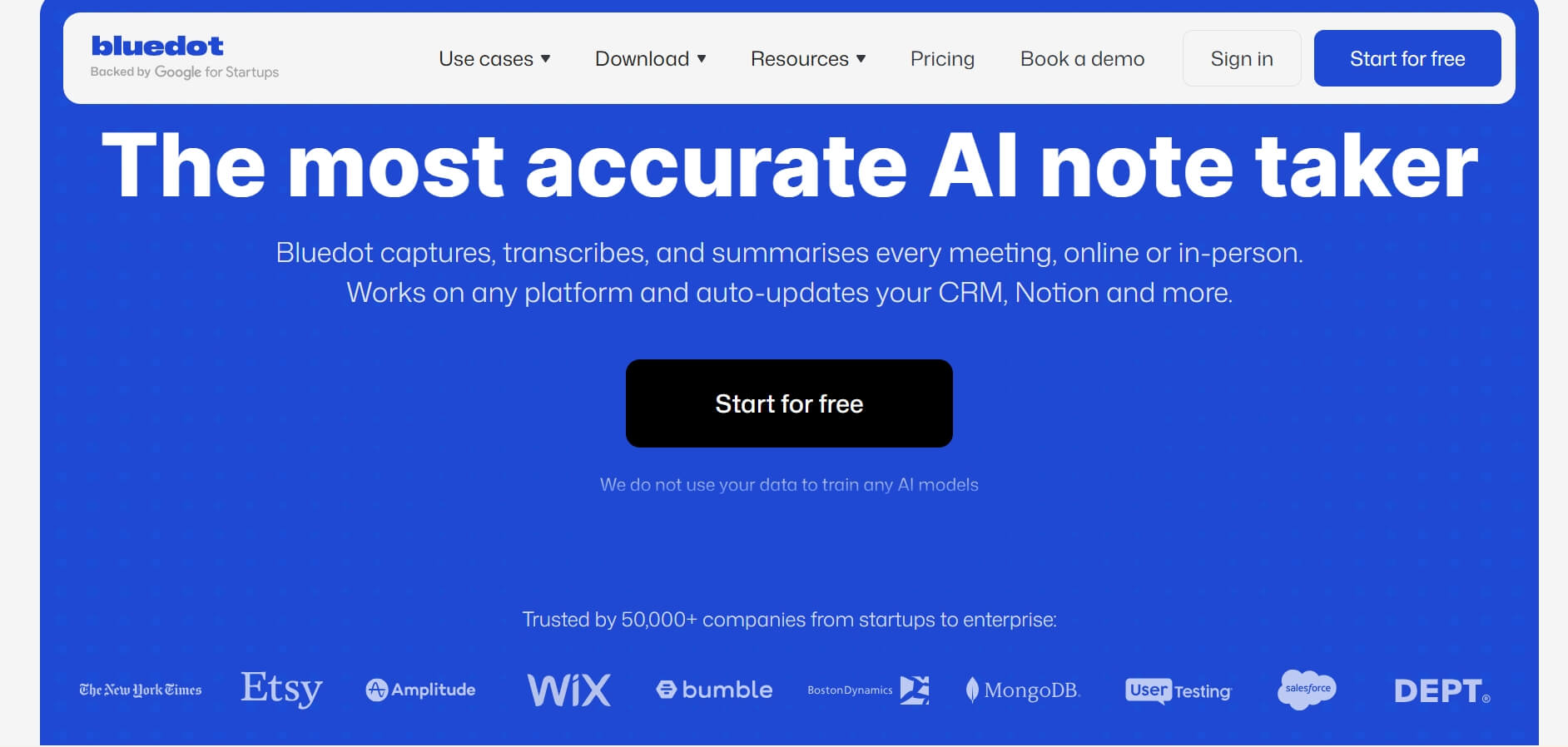
Best For: Executives, consultants, and HR professionals who meet people face-to-face and find a "virtual bot" joining the room awkward or unprofessional.
Why It's Worth: Most AI tools require a "bot" to join a digital room, but Bluedot is "No-Bot." You just hit record on your laptop or phone, and it sits there silently. For high-level negotiations or sensitive HR chats, this is a game-changer. It respects the physical space.
The privacy settings are also top-tier; you have total control over who sees the recording. The summaries it produces are "human-like"—it doesn't just list sentences; it understands the intent behind the conversation.
Standout Features:
- Invisible Recording: No bots appearing in your Zoom window or physical space.
- 100+ Languages: Best-in-class support for non-English speakers.
- Screenshare Capture: Records your screen alongside the audio for context.
Integrations: Slack, Notion, Google Drive, HubSpot, Salesforce.
Pros | Cons |
Strong privacy protection. Works well for in-person meetings. Exceptional multi-language support. | No "live" transcription view. Higher price point than basic tools. |
4. Lindy.ai: Best for operations leaders automating post-meeting CRM workflows
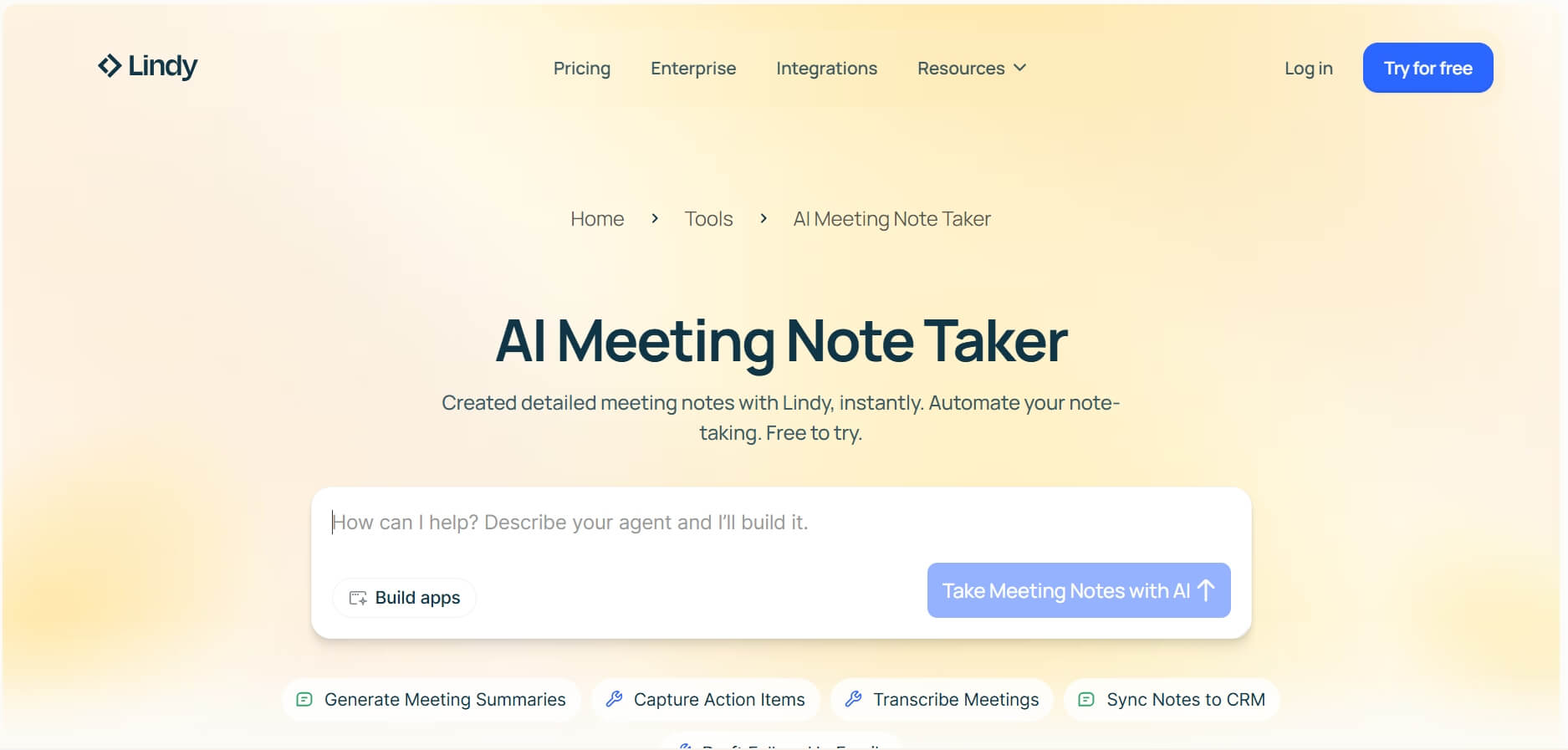
Best For: Operations leaders and sales organizations that want to automate follow-ups after meetings.
Why It's Worth: Lindy is less like a note taker and more like an AI employee. I've seen it used to bridge the gap between a sales call and a CRM. After the meeting ends, Lindy doesn't just say "Meeting over." It can be programmed to automatically update a HubSpot lead, draft a follow-up email in Gmail, and create a task in Monday.com.
If you hate "admin work" after a meeting, Lindy is your savior. It understands context deeply. If a client says, "I'm interested but check back in two weeks," Lindy can set that reminder for you without you touching a button. It's for the person who wants to spend zero minutes on follow-up.
Standout Features:
- AI Agents: Custom-build an AI agent that can handle your specific post-meeting tasks.
- Trigger-based Automation: Connects to 4,000+ apps via native integrations.
- Contextual Memory: Remembers what was discussed in previous months.
Integrations: Zapier (4,000+ apps), Salesforce, HubSpot, Gmail, Slack.
Pros | Cons |
Powerful automation features. Saves manual CRM updates. Highly customizable. | Higher price for small teams. Requires setup time to "teach" the AI. |
5. Mentalyc: Best for medical clinicians creating HIPAA-compliant mental health notes
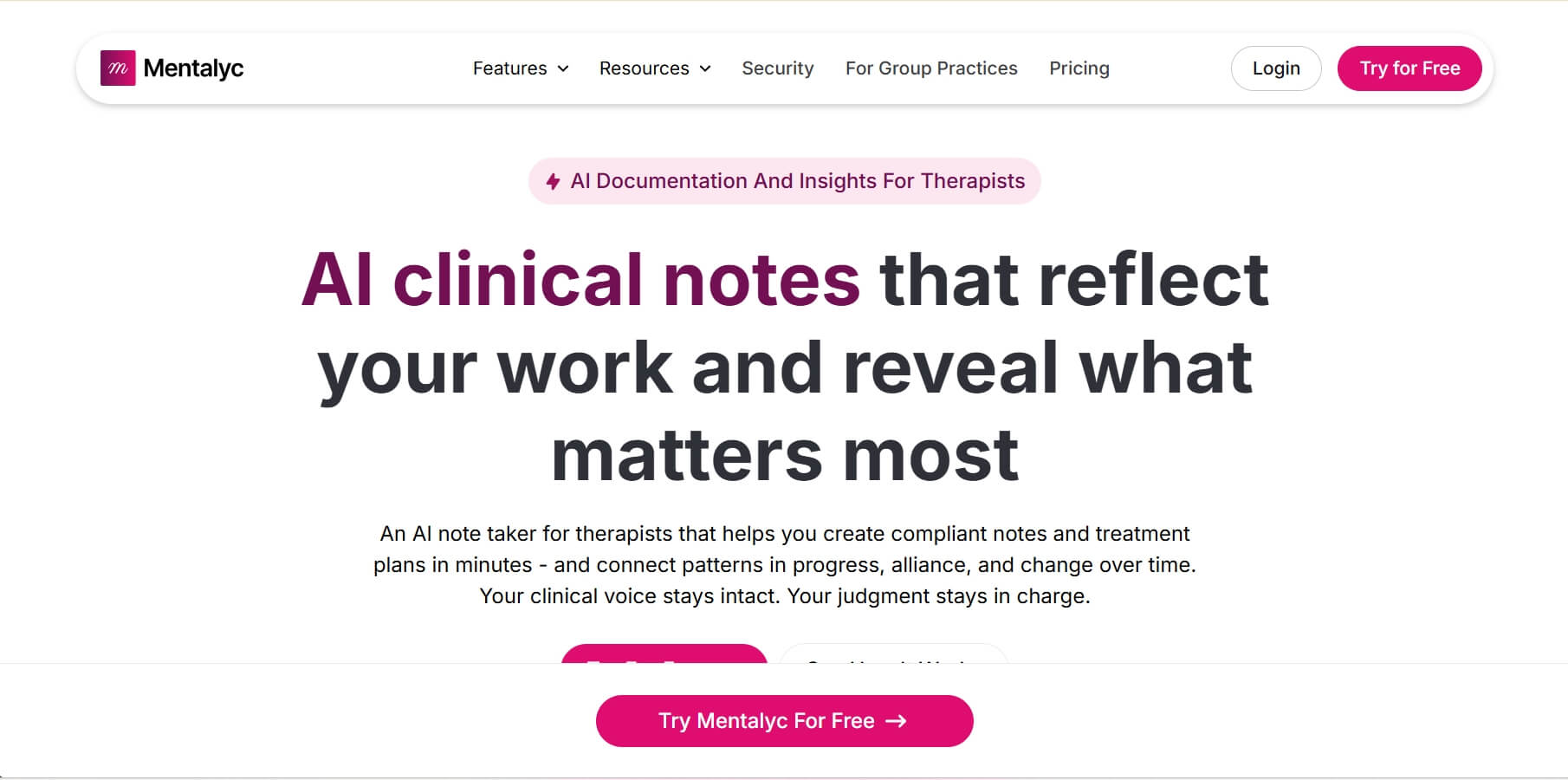
Best For: Therapists, psychologists, and clinical counselors who spend way too many hours on "paperwork" and need to stay strictly HIPAA-compliant.
Why It's Worth: For healthcare workers, a normal AI note-taker is a legal liability. Mentalyc is different. It's built specifically for mental health workflow. For example, it helps therapists turn their 2-hour end-of-day charting into a 10-minute review session.
It generates SOAP notes (Subjective, Objective, Assessment, Plan) that look exactly like what an insurance company or a hospital requires. It's "clinical" in its tone, which is exactly what you need. Most importantly, the security is "Bank-Grade." They don't store recordings longer than necessary, and everything is encrypted to protect patient confidentiality.
Standout Features:
- SOAP Note Generation: Automatically formats notes for clinical standards.
- HIPAA & HITECH Compliant: Highest level of data security for healthcare.
- Progress Tracking: Helps monitor patient goals over multiple sessions.
Integrations: Major EHR (Electronic Health Record) systems via secure export.
Pros | Cons |
Saves massive amounts of "charting" time. Deeply understands the therapy context. Structured clinical templates. | Very niche (not for general business). Higher monthly cost. |
6. Scribbe AI: Best for legal professionals recording depositions and interviews
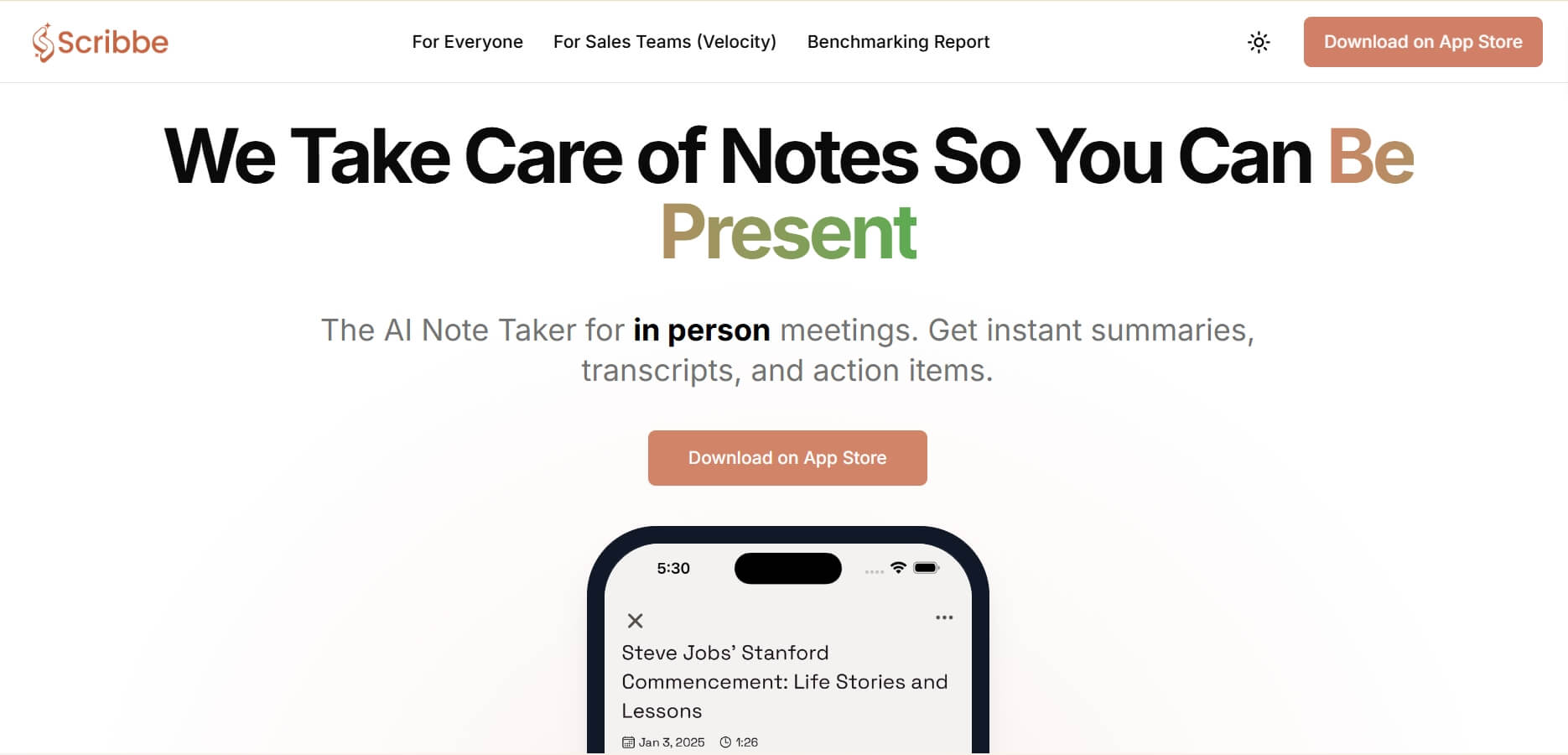
Best for: Lawyers, legal assistants, and researchers who need "Court-Ready" accuracy and a way to manage high-stakes testimony.
Why It's Worth: In the legal world, a mistake in a transcript can lose a case. Scribbe AI focuses on High-Fidelity accuracy. It is capable of handling legal terminology—Latin phrases, specific statutes—much better than a general tool like Google or Siri.
When recording a deposition, Scribbe provides a clean, verbatim transcript that allows lawyers to search for contradictions in real time. It's designed for the "interrogation" or "interview" style, where the speaker's exact words matter more than just a summary. The security is also "Air-Gapped" style, ensuring that client-attorney privilege is never compromised.
Standout Features:
- Verbatim Transcription: Focuses on every "um" and "ah" for legal accuracy.
- Case Management: Organize recordings by case number or client.
- Multi-Speaker Identify: Pinpoints exactly who spoke, even in a crowded room.
Integrations: Dropbox, Google Drive, Clio (via export).
Pros | Cons |
Superior legal terminology recognition. Great for long, complex interviews. Extremely high privacy standards. | No free plan. Lacks "creative" summary features. |
7. Microsoft OneNote: Best for education & research organizing lectures within Microsoft 365
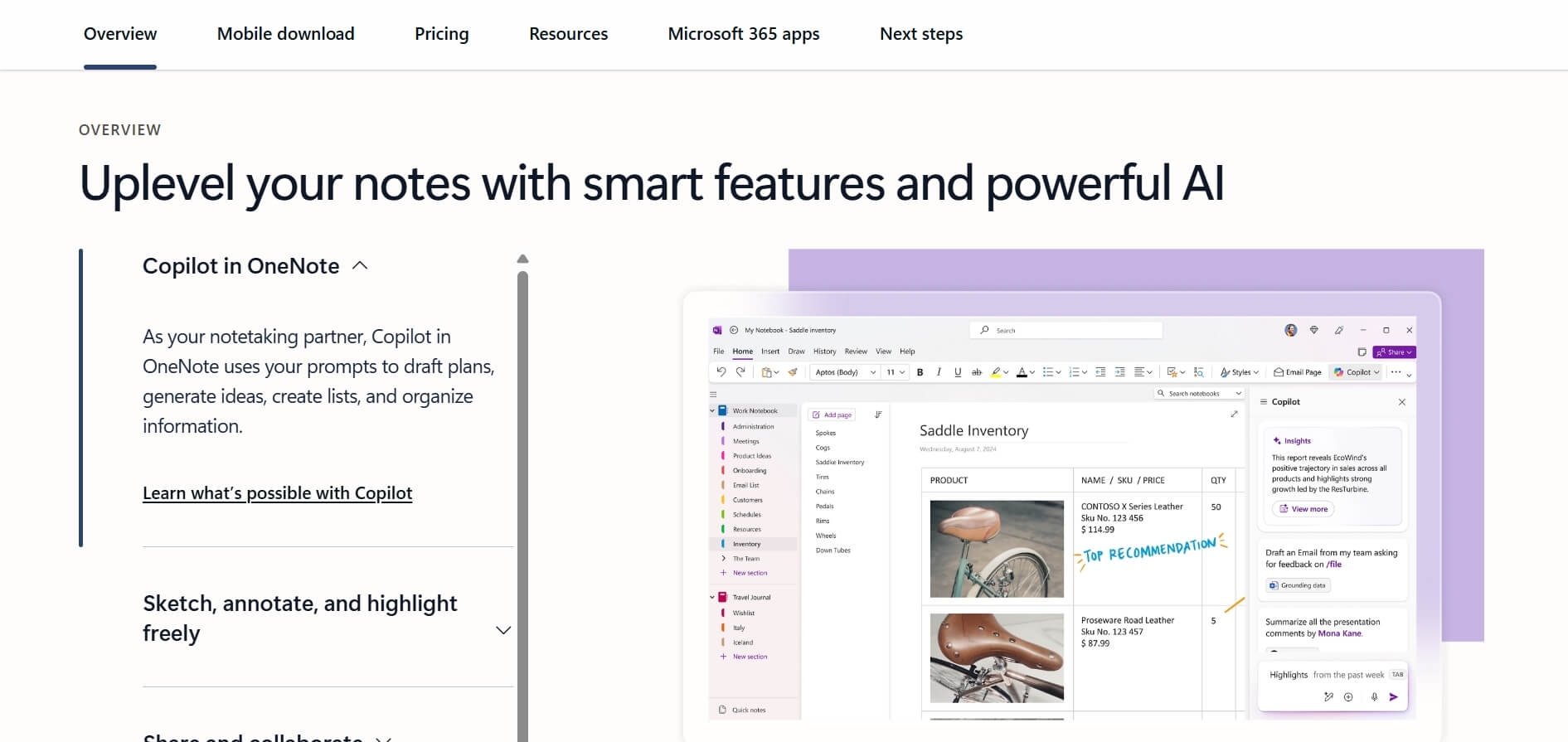
Best For: Students, PhD researchers, and professors who have connected with the Microsoft ecosystem and need to link audio to their handwriting.
Why It's Worth: OneNote is a classic, but its recent AI updates make it a powerhouse for Education. As a student, there is nothing better than the "Audio Recording" feature that syncs with your typing.
When you are in a lecture, you can click on a specific sentence you typed, and OneNote would play the exact audio from the moment you wrote that sentence. It creates a multimedia knowledge base. For researchers, the ability to throw in PDFs, web clips, and meeting recordings into one "infinite canvas" is unparalleled. It's about building a long-term "Second Brain."
Standout Features:
- Audio-to-Note Syncing: Plays audio based on when you typed a note.
- Ink-to-Text: Handwrite on your tablet and convert it to digital text.
- Copilot Integration: Use AI to summarize your entire notebook.
Integrations: Entire Microsoft 365 suite (Outlook, Word, OneDrive).
Pros | Cons |
Completely free with MS Office. Best for handwriting and sketching. Total integration with Outlook. | No built-in AI summaries. Can feel cluttered if not organized. |
8. Minutes AI: Best for agency owners delivering polished, visual meeting summaries
Best For: Marketing agencies, creative studios, and consultants who need to send visual summaries that look professional and beautiful.
Why It's Worth: Minutes AI is for the person who cares about presentation. If you are an agency owner, you don't want to send a raw, messy transcript to a high-paying client. You want a visually polished report.
Minutes AI creates summaries that are categorized into "Key Decisions," "Next Steps," and "Project Updates" with a layout that looks like a professionally designed PDF. It makes your agency look incredibly organized and high-end without you doing any extra work.
Standout Features:
- Visual Summaries: Beautifully formatted reports for clients.
- Smart Categorization: Automatically separates "Small Talk" from "Business."
- One-Click Sharing: Send a professional link or PDF instantly.
Integrations: Slack, Trello, Google Workspace.
Pros | Cons |
Most readable summaries on this list. Great for client-facing roles. Very user-friendly interface. | Limited task automation. New product with fewer integrations. |
9. Fathom: Best for freelancers seeking unlimited free online meeting summaries
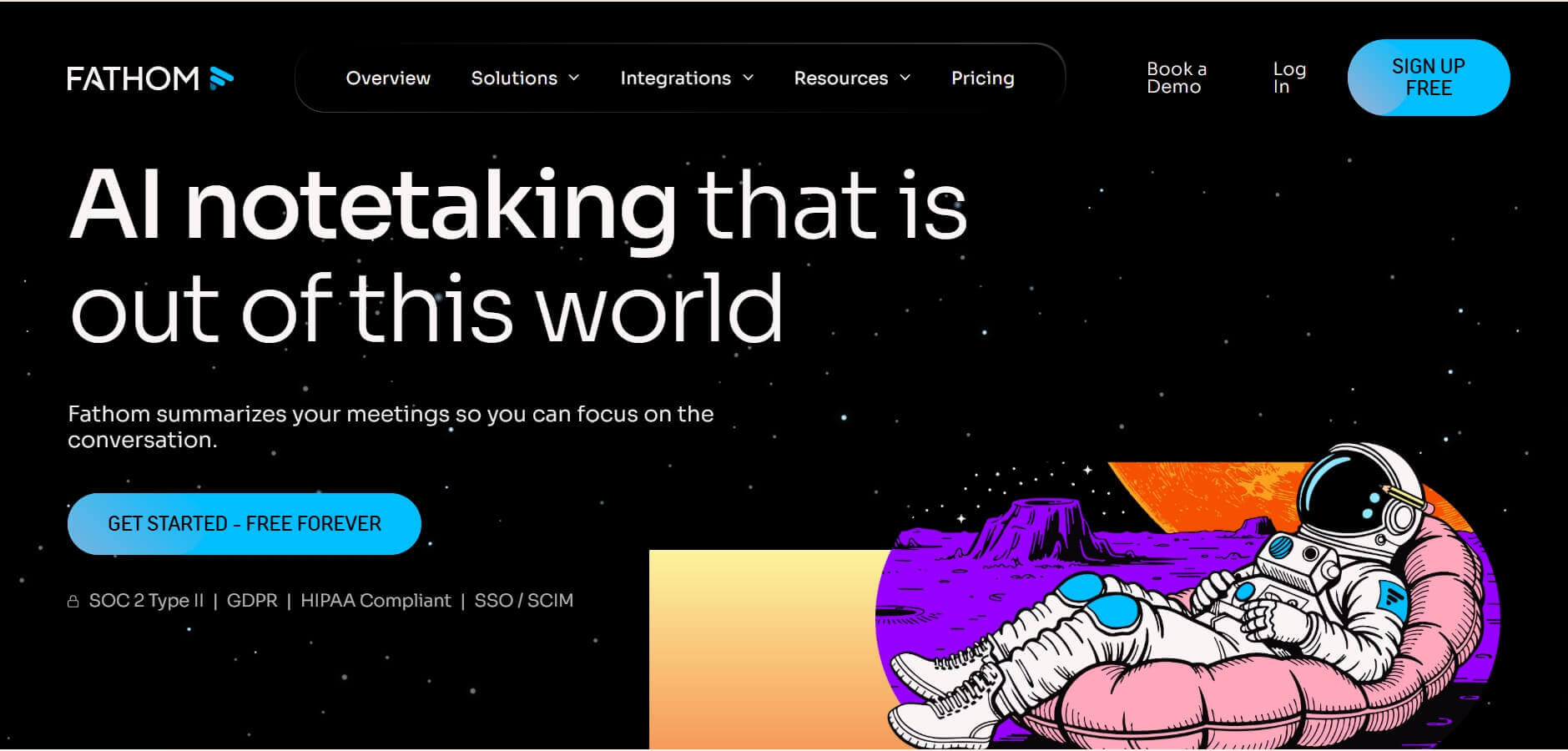
Best For: Freelance designers, writers, and solo consultants who have 20+ Zoom calls a week but don't want to pay a monthly subscription.
Why It's Worth: Fathom is the "Hero of Freelancers." Most AI tools hide their best features behind a paywall, but Fathom gives you unlimited recording and summarizing for free.
I've used it for hundreds of client discovery calls. My favorite part is the "Highlight" button. During a Zoom call, if the client says something crucial, Fathom will mark that exact clip. After the meeting, it generates a summary that includes those video clips. It's fast, it's 100% free for individuals, and it's honestly one of the most reliable tools I've ever used.
Standout Features:
- 100% Free for Individuals: No limits on meeting length or count.
- Video Snippets: Share actual video clips of key meeting moments.
- Automatic CRM Sync: Even the free version talks to some CRMs.
Integrations: Zoom, Google Meet, Microsoft Teams, HubSpot, Slack.
Pros | Cons |
Excellent free plan. Zero learning curve。 Excellent video clip sharing. | Only works for online meetings. Limited advanced automation. |
10. Google Keep: Best for personal users capturing quick, simple voice-to-text reminders
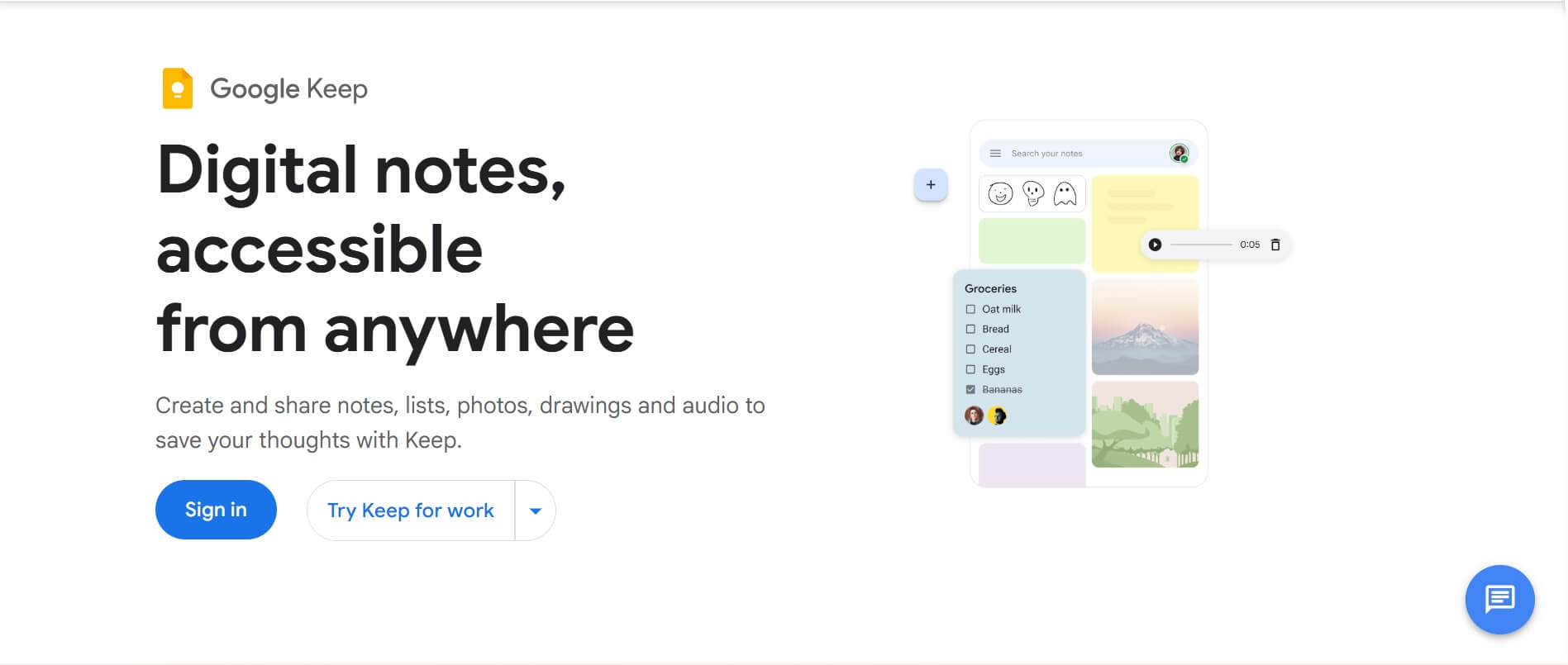
Best For: Individuals who just need to capture a "Shower Thought" or a quick 30-second summary after a brief chat without any fuss.
Why It's Worth: Google Keep is a lightweight meeting notes app. Because it integrates natively with Calendar, Docs, and Meet, it functions as a seamless sidecar for your primary work. When testing the app during rapid-fire syncs, I found it perfect for jotting down inspirations or final decisions without ever interrupting the conversation's flow.
If you're walking out of a meeting and need to record a quick post-game analysis, you can speak into the mobile app, and it will instantly transcribe your voice while attaching the original audio file. It doesn't offer the deep AI analysis of a tool like Otter, but for pure speed and simplicity, it is unmatched.
Standout Features:
- Native Workspace Integration: Open Keep in a sidebar directly inside Google Docs or Gmail.
- Audio-to-Text Transcription: Records your voice and provides a text version of your notes simultaneously.
- Location-Based Reminders: Set a note to pop up when you arrive at a specific office or client site.
Integrations: Google Docs, Google Calendar, Gmail, and the full Google Workspace suite.
Pros | Cons |
Built-in on most phones. Completely free. Extremely fast to use. | Not for long meetings. No AI summarization features. |
How to choose the best meeting Minutes App
Choosing the right meeting minutes app depends on your workflow and industry needs. There is no "perfect" tool for everyone, but there is a perfect tool for your specific pain points. Here's how we evaluated these platforms based on real-world use cases:
- Ease of use: We look for apps that connect to your calendar and video conferencing software (Zoom, Google Meet, Teams) in under minutes and work smoothly across devices with minimal setup.
- Reliability of Automation: Measure how consistently each tool captures tasks and decisions without manual "double-checking.
- Integration Depth: A great tool must talk to your existing stack—sending lead data to a CRM, action items to a task app, or summaries to Slack.
- Contextual Accuracy: Test how well the AI understands industry-specific needs, multiple accents, and complex discussion threads.
Your AI Receptionist, Live in Minutes.
Scale your front desk with an AI that never sleeps. Solvea handles unlimited multi-channel inquiries, books appointments into your calendar automatically, and ensures zero missed opportunities around the clock.
FAQs
1. What is a meeting minutes app?
A meeting minutes app is a software tool designed to record, transcribe, and summarize conversations. Unlike a simple voice recorder, these apps can identify different speakers and pull out key action items. They help teams stay focused on the discussion instead of taking notes.
2. What features should a meeting minutes app have?
A great meeting note app must have high transcription accuracy and the ability to distinguish between different voices. You should also look for "AI Summarization" to save time and "Integrations," so your notes can easily flow into tools like Slack. Security features, like encryption, are also essential for business.
3. What are the benefits of using a meeting minutes app?
The biggest benefit is staying present. When you aren't typing, you can actually listen and contribute to the meeting. It also creates a "Single Source of Truth," meaning everyone agrees on what was decided. Plus, it saves hours of manual work by generating summaries and task lists instantly.
4. Are there free meeting minutes apps?
Yes! Fathom is the best free option for individuals, offering unlimited recordings for online meetings. Google Keep is a great free choice for simple voice notes. Many other tools, like Otter.ai or Fellow, offer free versions with monthly limits, which is perfect for light users.
5. How to record meeting minutes effectively?
You can start by setting a clear agenda so the AI can categorize topics better. During the meeting, try to state decisions clearly, such as "We have decided to move the deadline to Friday." This helps the AI identify it as an action item. Finally, always review the AI summary for a quick "sanity check" before sharing.