Google Drive was built to store files — not to help people find answers. Most teams discover this the hard way: you build out a folder structure, fill it with docs, share it with the team, and two months later nobody can find anything. Folders nest inside folders, file names drift apart, and the person who created the original structure has since left the company.
The problem gets worse the moment you try to use that Drive folder as a knowledge source for an AI tool. Most AI systems — including AI receptionists — need clean, structured content to generate accurate responses. Google Drive doesn't provide that structure. According to McKinsey Global Institute, knowledge workers already spend roughly 19% of their workweek just searching for information. Tools that make that search harder aren't knowledge bases — they're storage bins.
This article covers eight alternatives that work better as knowledge bases, whether your goal is a structured internal wiki, a customer-facing help center, or a knowledge source for an AI receptionist. Each tool is evaluated on search quality, content structure, team collaboration, AI integration, and pricing — all verified before publication.
TL;DR – Google Drive Alternatives for Knowledge Base at a Glance
Tool | Best For | Free Plan | Starting Price | Who It's For |
Notion | Flexible team wikis | ✓ | $10/user/mo | SMBs building their first internal KB |
Confluence | Structured enterprise documentation | ✓ (≤10 users) | $5.16/user/mo | Software teams already on Jira |
Guru | CS and sales knowledge management | ✓ (≤3 users) | $10/user/mo | Customer-facing teams needing verified answers |
Nuclino | Simple, fast internal wikis | ✓ (≤50 items) | $5/user/mo | Small teams that want simplicity over features |
Tettra | Slack-integrated small team KB | ✗ | $4/user/mo | Remote teams living in Slack |
Document360 | Customer-facing help centers | ✗ | $149/project/mo | Mid-size teams building public knowledge portals |
Slab | Multi-platform unified search | ✓ (≤10 users) | $6.67/user/mo | Teams whose knowledge is spread across tools |
Why Look for Google Drive Alternatives for Your Knowledge Base?
Google Drive has over 3 billion users — but most of them use it for file storage, not knowledge management. Using it as a team knowledge base runs into a set of structural problems that don't go away no matter how carefully you organize your folders.
Search that works against you
Google Drive search is keyword-based and surface-level. Unless you know the exact file name or a phrase that appears verbatim in a document, you're sifting through unrelated results pulled from image metadata, old slide decks, and renamed files. Specialized knowledge base tools use contextual or semantic search that understands intent — not just string matching.
Structure collapses under team use
A folder system that makes sense to one person rarely makes sense to the whole team. The more contributors, the faster the organization degrades. Wiki-style tools enforce hierarchy through nested pages and linked content — structure that survives actual use by multiple people over time.
AI systems can't reliably parse unstructured Drive content
If you're feeding your AI receptionist or chatbot from Google Drive, you're working against yourself. AI tools perform best when content is organized into clear Q&A pairs, policies, and procedures — not buried inside long Google Docs or scattered across slide decks. Drive lacks the content organization layer that makes AI responses accurate and consistent.
No content verification or freshness signals
Google Drive has no concept of "this content might be outdated." Files sit in folders indefinitely with no signal to the reader about what's current. Dedicated knowledge base tools flag stale content, surface version history in context, and some require explicit review cycles before content gets published.
The 7 Best Google Drive Alternatives for Knowledge Base in 2026
1. Notion: Best for Flexible Team Wikis
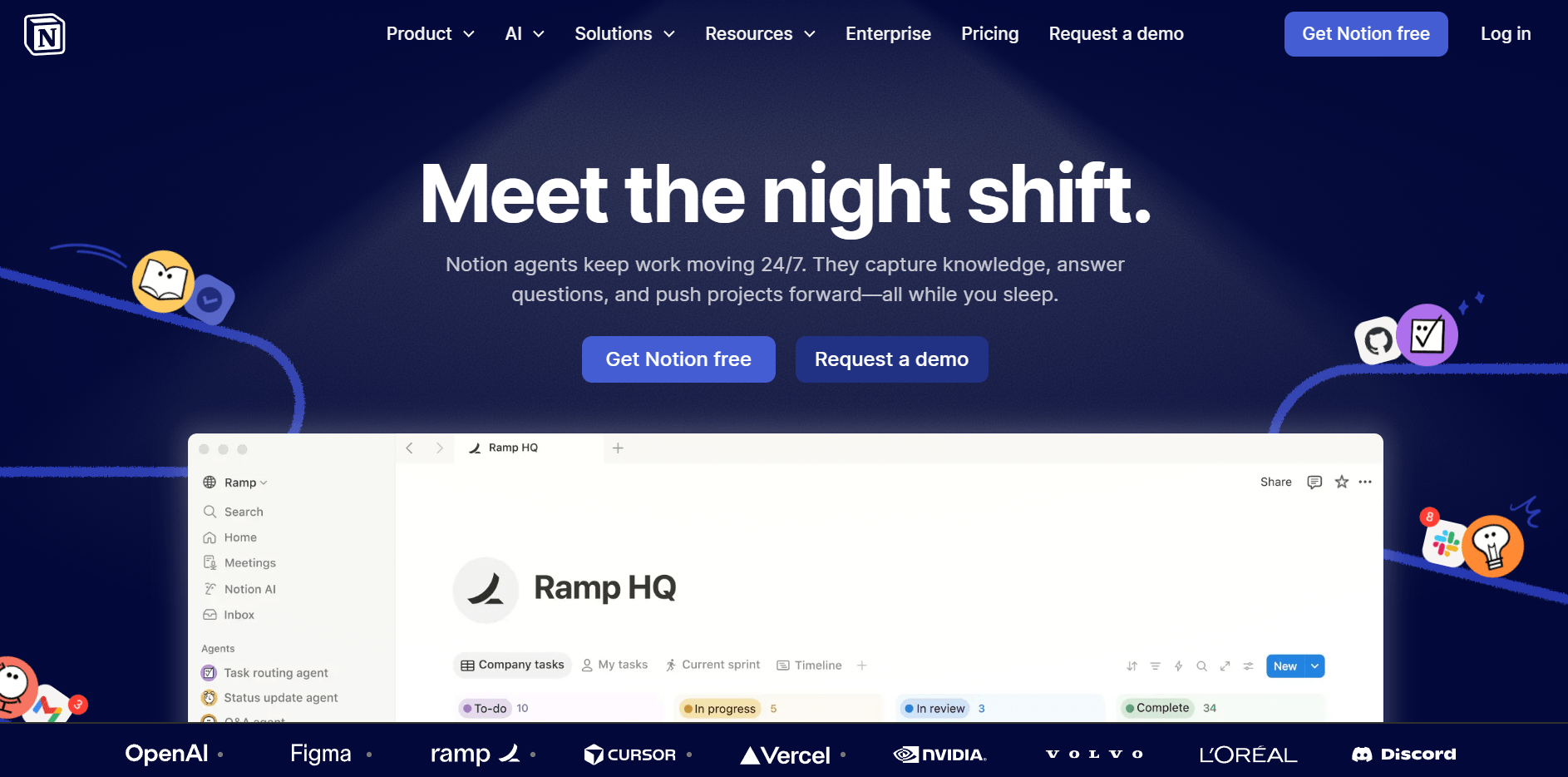
Notion lets you build a knowledge base out of interconnected pages, databases, and linked documents. The block-based editor means content can take any shape — from a structured FAQ to a visual policy hub — without requiring a developer. Most small teams can get a functional knowledge base running in a weekend.
Knowledge base strengths:
- Page hierarchy with unlimited nesting — clean structure without Drive's folder chaos
- Database views (table, gallery, list) to organize content by category, owner, or status
- Internal linking between pages keeps related content connected across the workspace
- Notion AI can draft, summarize, and rewrite knowledge base content from inside the editor
Limitations:
- No built-in content verification system — outdated pages sit alongside current ones with no visual indicator
- Search can slow down on large workspaces with many nested databases
- Free plan has limited collaboration features for teams larger than 2–3 people
Pricing: Free plan available / Plus at $10/user/month
Who it's for: SMBs and startups building their first internal wiki — especially teams already using Notion for project management who want to consolidate tools rather than add a new one.
2. Confluence: Best for Structured Enterprise Documentation
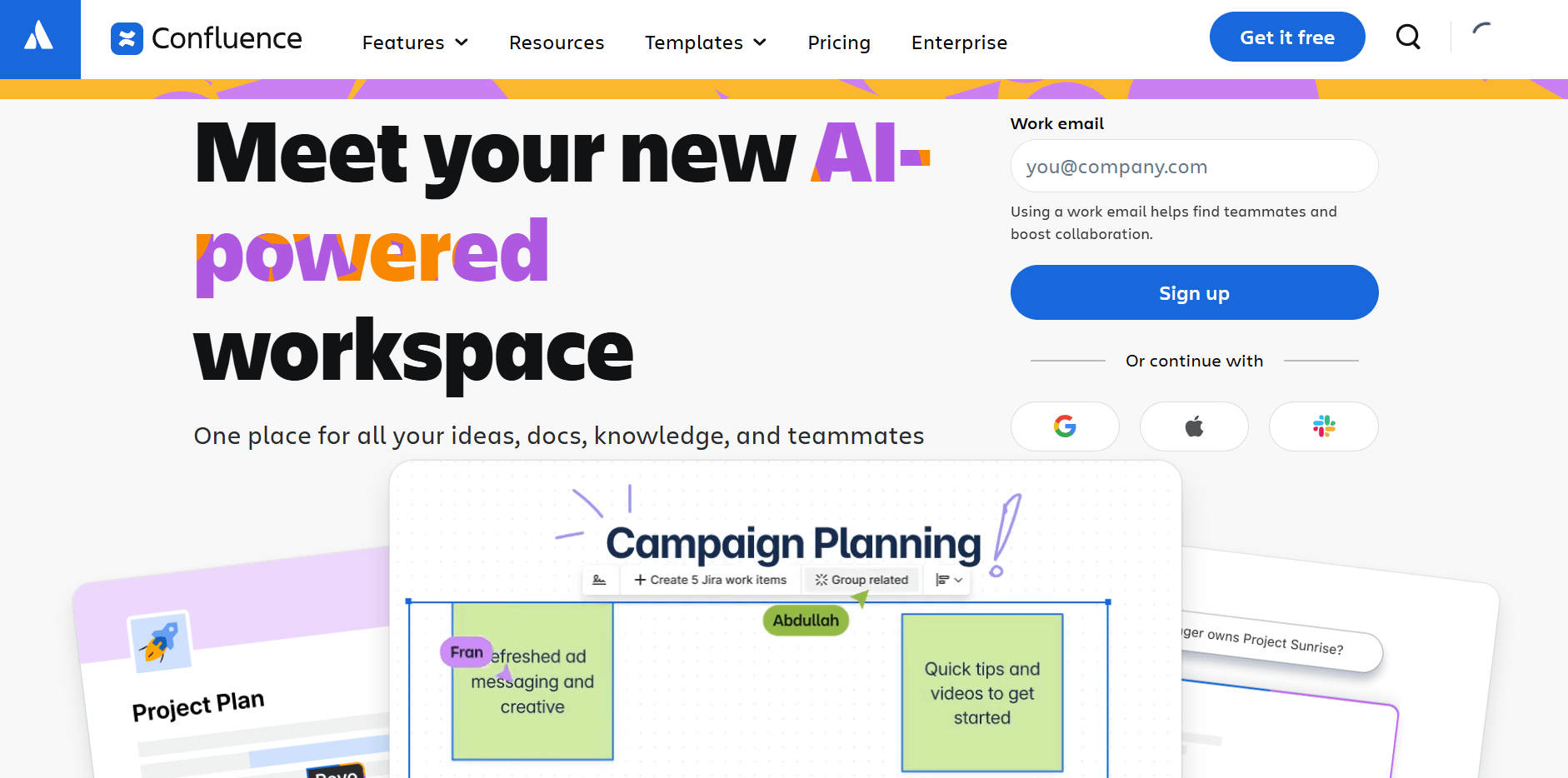
Confluence is Atlassian's wiki tool, built around Spaces and Pages with a structured hierarchy, permission controls, and native Jira integration. It's the established choice for software and product teams that need documentation to live alongside their project tracking.
Knowledge base strengths:
- Spaces allow separate, permission-controlled knowledge bases for different departments
- Native Jira integration means support docs and product specs stay next to the work itself
- Extensive template library for SOPs, runbooks, meeting notes, and knowledge articles
- Advanced permission controls suitable for sensitive internal content
Limitations:
- Steeper learning curve than Notion or Nuclino — expect real onboarding time for non-technical users
- Can feel heavy for teams that don't use the broader Atlassian ecosystem
- Free plan is limited to 10 users; team plans require a paid subscription for larger groups
Pricing: Free plan (up to 10 users) / Standard at $5.16/user/month
Who it's for: Software, product, and DevOps teams already using Jira — or larger organizations that need department-level knowledge bases with strict access controls and audit trails.
3. Guru: Best for CS and Sales Knowledge Management

Guru takes a different approach to knowledge management: instead of a folder of documents, it organizes knowledge into Cards — short, focused content units that each have an assigned subject matter expert and a built-in verification schedule. Every card expires and prompts its owner to confirm or update the content, so what's published stays accurate.
Knowledge base strengths:
- Card-based format keeps content concise and scannable — better for AI ingestion than long docs
- Built-in verification system: every card has an owner and an expiration date
- Browser extension lets team members access knowledge without switching apps mid-conversation
- Native integrations with Slack, Zendesk, Salesforce, and most major support tools
Limitations:
- Card-based structure isn't ideal for long-form documentation or complex technical content
- Paid plans require a minimum of 10 users, making it expensive for very small teams
- Free tier limited to 3 users, which most teams will outgrow before they're ready to commit to paid
Pricing: Free plan (up to 3 users) / Paid plans from $10/user/month
Who it's for: Customer service and sales teams where knowledge accuracy matters — the verification system prevents agents from citing outdated policies or incorrect pricing in customer conversations.
4. Nuclino: Best for Simple, Fast Internal Wikis
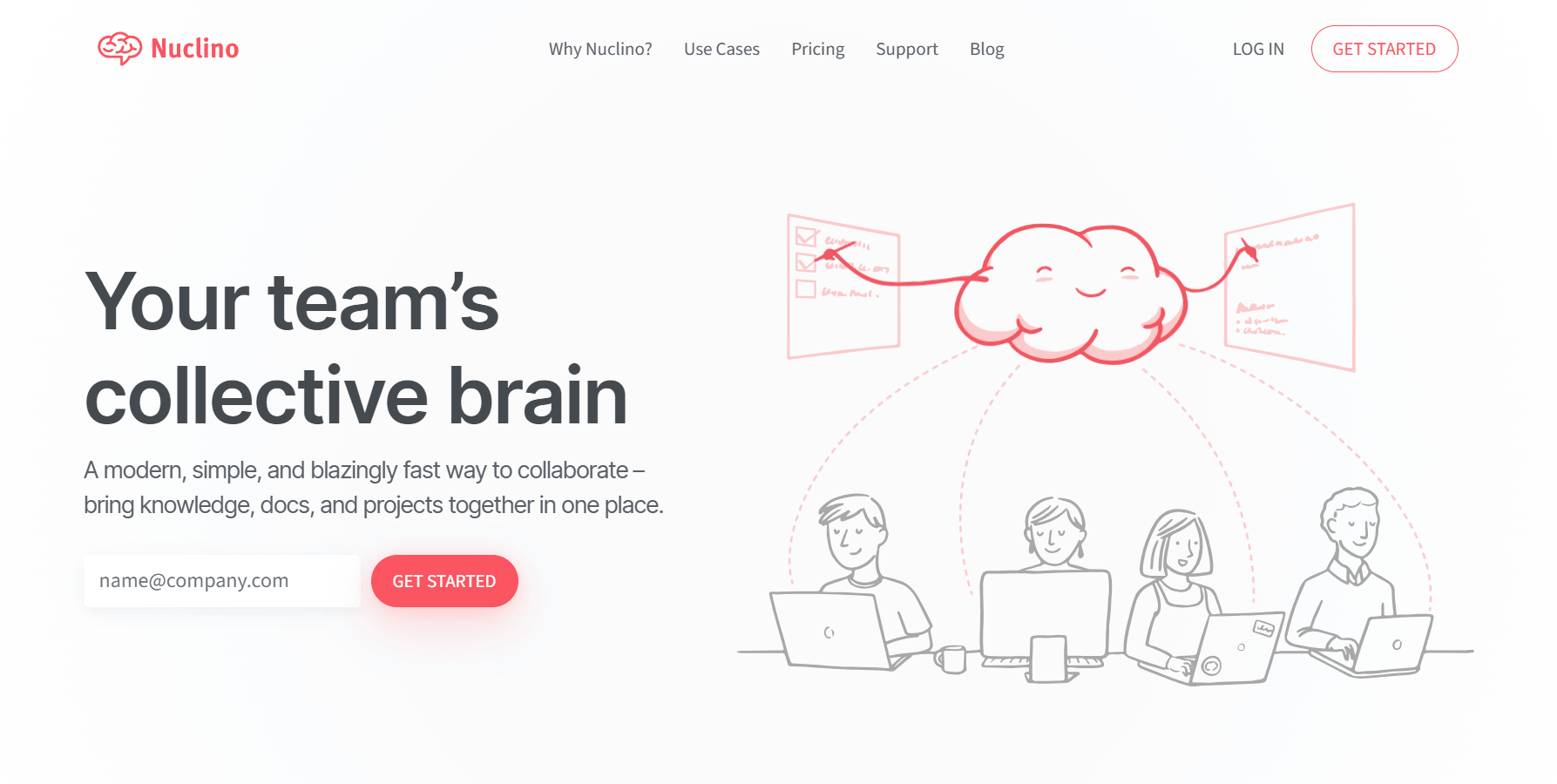
Nuclino is a minimalist team workspace that loads fast, searches instantly, and stays out of your way. Think of it as a lighter alternative to Confluence: the same wiki structure without the enterprise overhead, the Atlassian login, or the feature bloat most small teams never use.
Knowledge base strengths:
- Real-time collaboration with no lag — multiple editors in the same document without conflicts
- Graph view shows how articles link to each other, which is useful for spotting knowledge gaps
- Search is genuinely fast even across large workspaces with many articles
- Clean sidebar navigation with drag-and-drop reorganization that stays intuitive over time
Limitations:
- No built-in content verification or review cycle system — content can quietly become outdated
- More limited formatting options than Notion or Confluence
- Free plan capped at 50 items, which small teams will hit faster than expected once they get going
Pricing: Free plan (up to 50 items) / Starter at $5/user/month
Who it's for: Startups and small teams that want a clean, fast wiki without enterprise complexity — especially teams that tried Confluence and found it took longer to configure than to actually write content.
5. Tettra: Best for Slack-First Small Teams
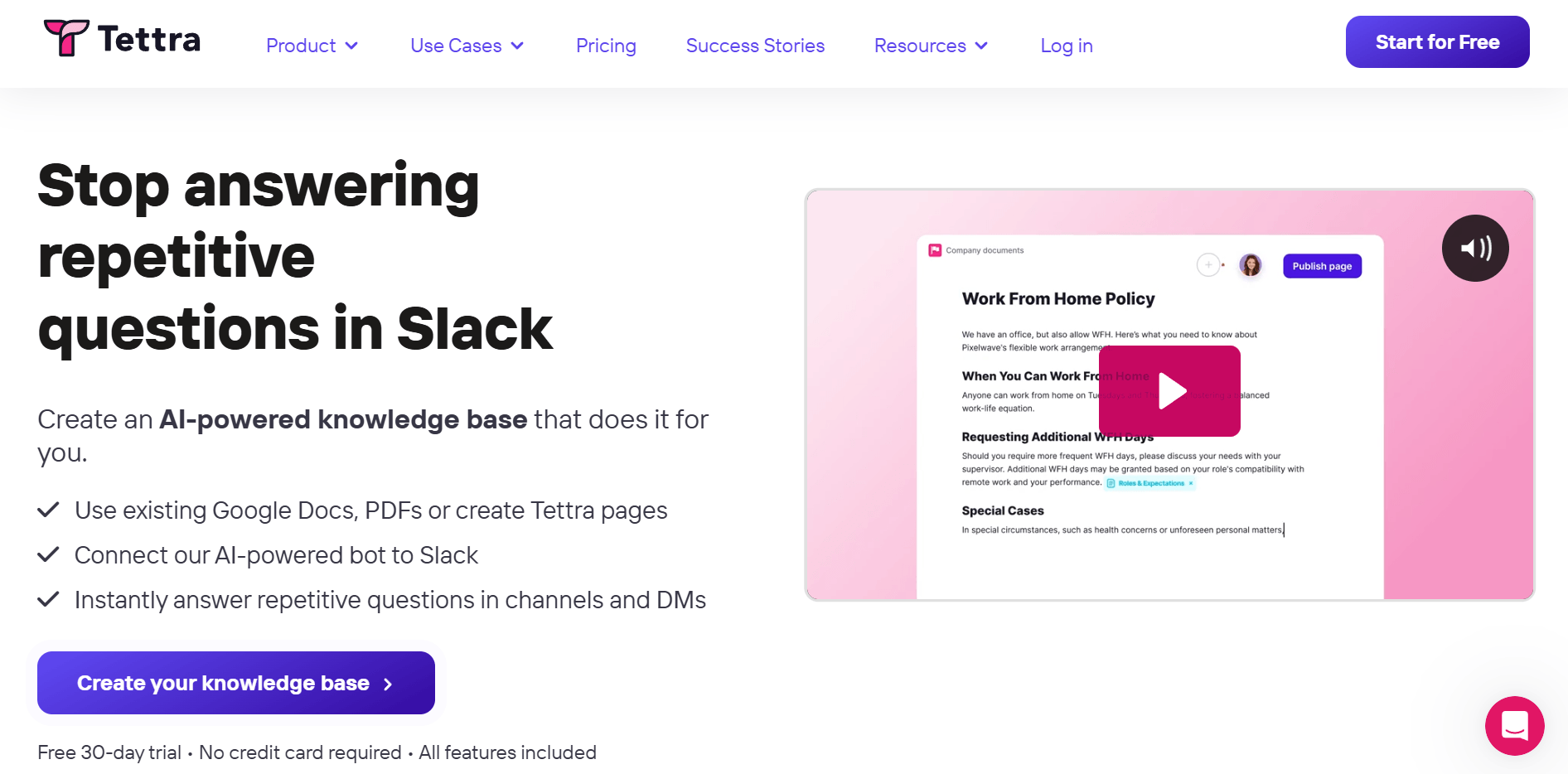
Tettra was built specifically for internal knowledge bases at small companies, and its signature feature reflects that: Slack integration. Team members can ask questions directly in Slack, and Tettra either pulls the answer from the knowledge base or flags an expert to respond and save the answer as a new article — turning everyday Slack conversations into documentation.
Knowledge base strengths:
- Slack-native Q&A loop automatically grows the knowledge base from real team questions
- Simple, clean editor with no feature bloat — new contributors can add content without training
- Google Workspace sync lets you import existing Google Docs content without starting from scratch
- Content verification workflow flags stale articles and notifies owners for review
Limitations:
- No free plan — starts at $4/user/month with a minimum team size, so the real floor is higher
- Search is functional but less powerful than Guru or Slab for large knowledge bases
- Interface is clean but offers less visual flexibility than Notion for teams that care about presentation
Pricing: Starts at $4/user/month
Who it's for: Remote teams where most communication happens in Slack — the Q&A loop makes knowledge base creation feel like a natural extension of existing workflows rather than a separate system to maintain.
6. Document360: Best for Customer-Facing Knowledge Bases
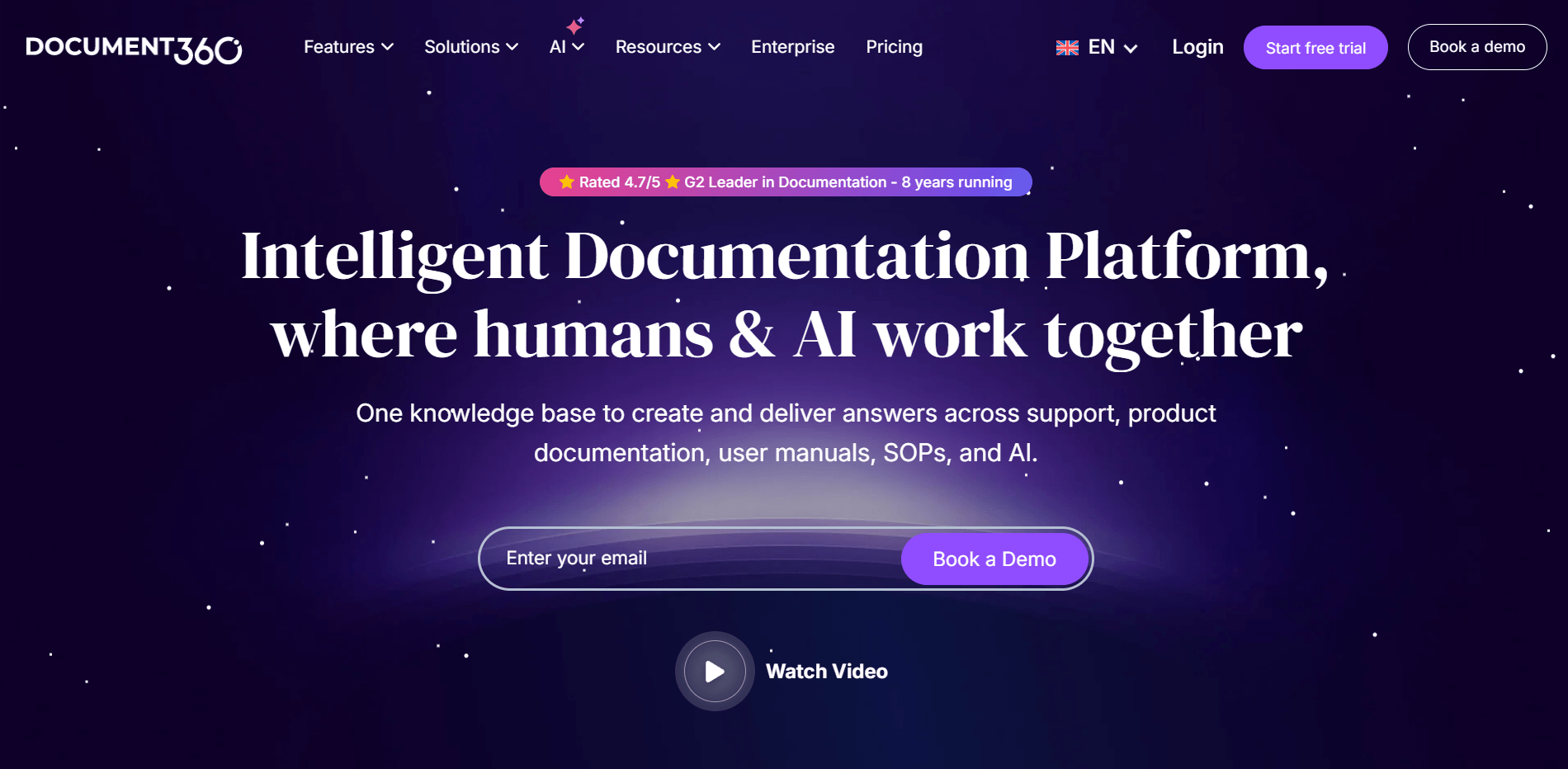
Document360 is purpose-built for creating both internal and customer-facing knowledge bases from a single platform. The difference from the tools above is in the polish of the external output: public-facing portals come with clean UI customization, SEO metadata fields, custom domain support, and a full article analytics suite.
Knowledge base strengths:
- Separate portals for internal and customer-facing content within the same workspace
- Article analytics show traffic, scroll depth, and which articles generate support tickets
- SEO-ready article structure with meta fields, canonical URLs, and automatic sitemap generation
- AI-powered search with answer snippets for readers — reduces support volume directly
Limitations:
- Project-based pricing at $149/month makes it too expensive for very small teams with simple needs
- Steeper initial setup compared to Notion or Nuclino — better suited when a CS manager owns the process
- Overkill if you only need an internal wiki with no public-facing component
Pricing: Starts at $149/project/month
Who it's for: Mid-size businesses building a customer-facing self-service help center alongside an internal KB — particularly SaaS companies, e-commerce brands, or any business where customers are expected to find their own answers before contacting support.
7. Slab: Best for Teams Whose Knowledge Is Spread Across Multiple Tools
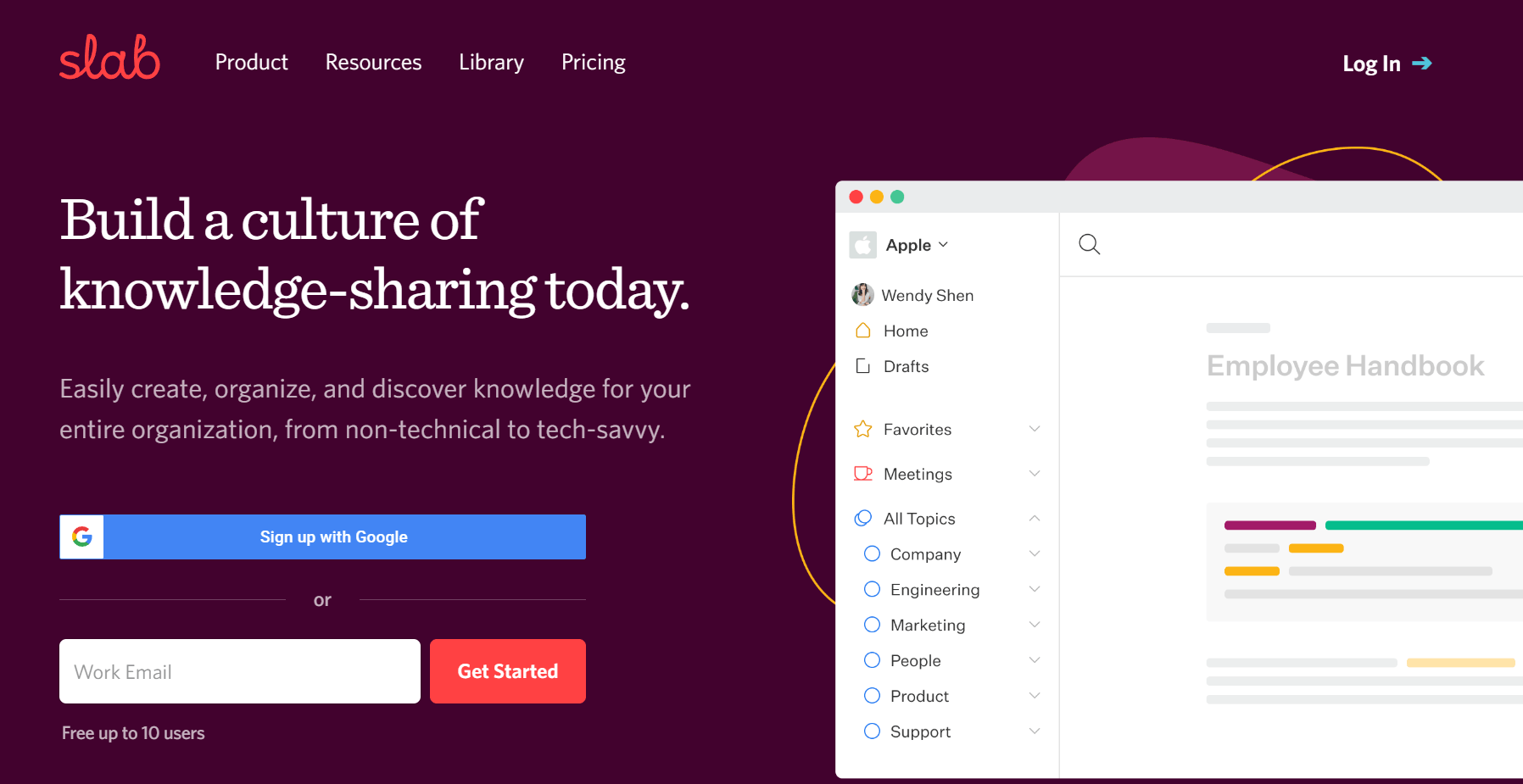
Slab's defining feature is unified search: it queries Slab content, Google Drive, Notion, Confluence, GitHub, and Slack simultaneously. If your team's knowledge is scattered across multiple platforms and the idea of migrating everything feels impossible, Slab gives you one place to search all of it without moving a single file.
Knowledge base strengths:
- Unified search across Google Drive, Notion, Confluence, GitHub, Slack, and Slab itself
- Clean, distraction-free editor with solid formatting support and inline commenting
- Topics feature organizes articles into browsable categories alongside free-text search
- Analytics surface most-viewed content and search queries that returned no results
Limitations:
- Unified search pulls titles and summaries from external tools — not always full-content indexing
- No built-in content verification system; proactive maintenance required to keep articles current
- Free plan limited to 10 users with fewer integration options than paid tiers
Pricing: Free plan (up to 10 users) / Startup at $6.67/user/month
Who it's for: Teams whose knowledge already lives in Google Drive, Slack, Notion, and GitHub, and who want unified search across all of it without committing to a full platform migration first.
Beyond Storage: Turn Your Knowledge Base into Automatic Customer Answers with Solvea

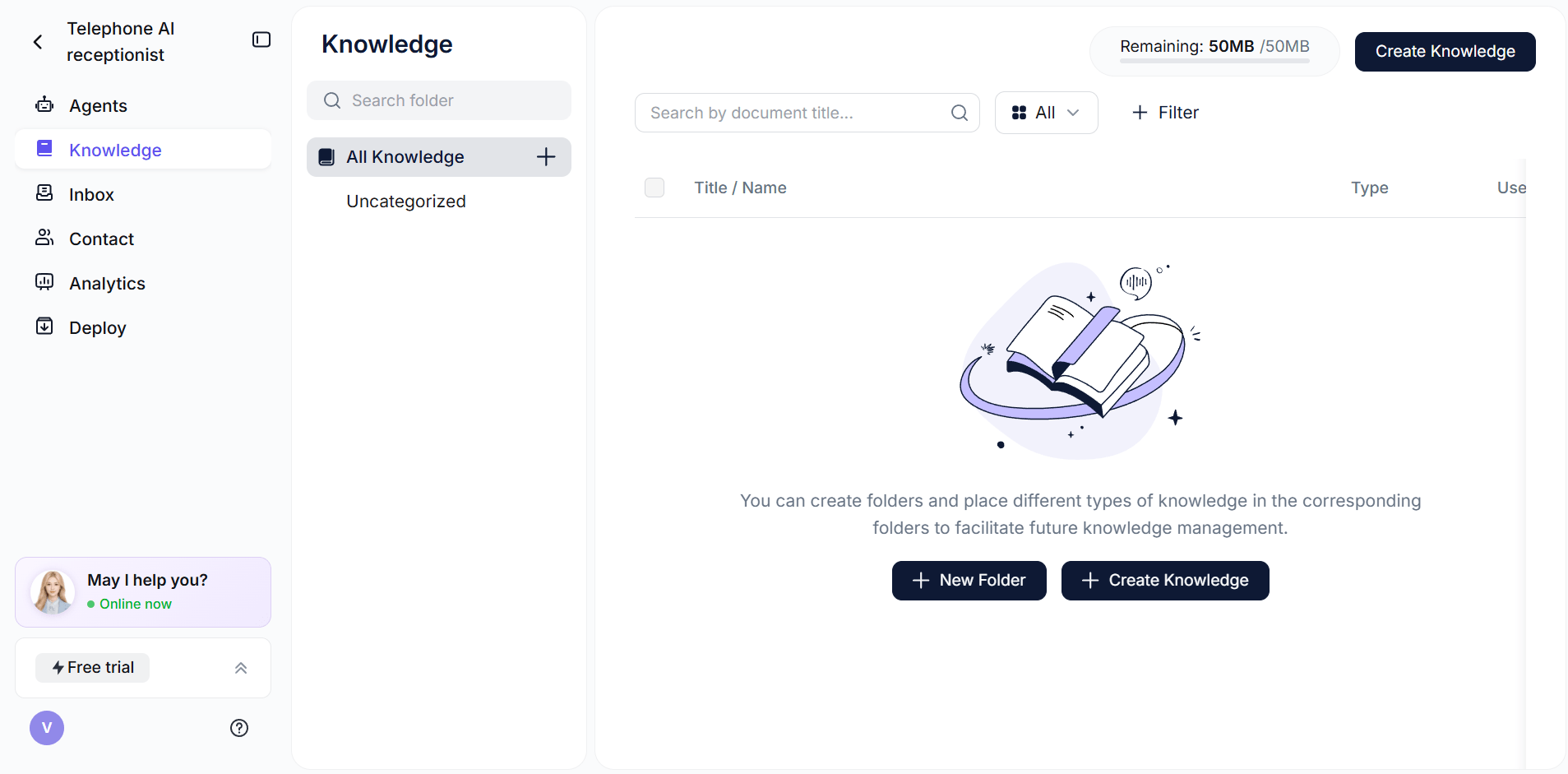
Solvea is not a document storage tool — it's an AI receptionist that connects to your existing knowledge base and uses it to answer customer questions via phone, live chat, and email, around the clock. Think of it as the response layer that sits on top of any of the tools listed above.
Upload your knowledge base content — documents, URLs, or a connected Notion or Google Drive — and Solvea handles customer inquiries automatically. A customer asks about your return policy at 11pm. Solvea pulls the answer from your knowledge base and responds immediately, without a human agent involved. When a question falls outside the knowledge base, it escalates to a human agent with full conversation context. Speed this up with Solvea's AI-powered FAQ generator, which converts any URL or doc into a structured FAQ block.
What Solvea does:
- Reads your knowledge base (documents, URLs, Notion, Google Drive) and turns content into AI responses
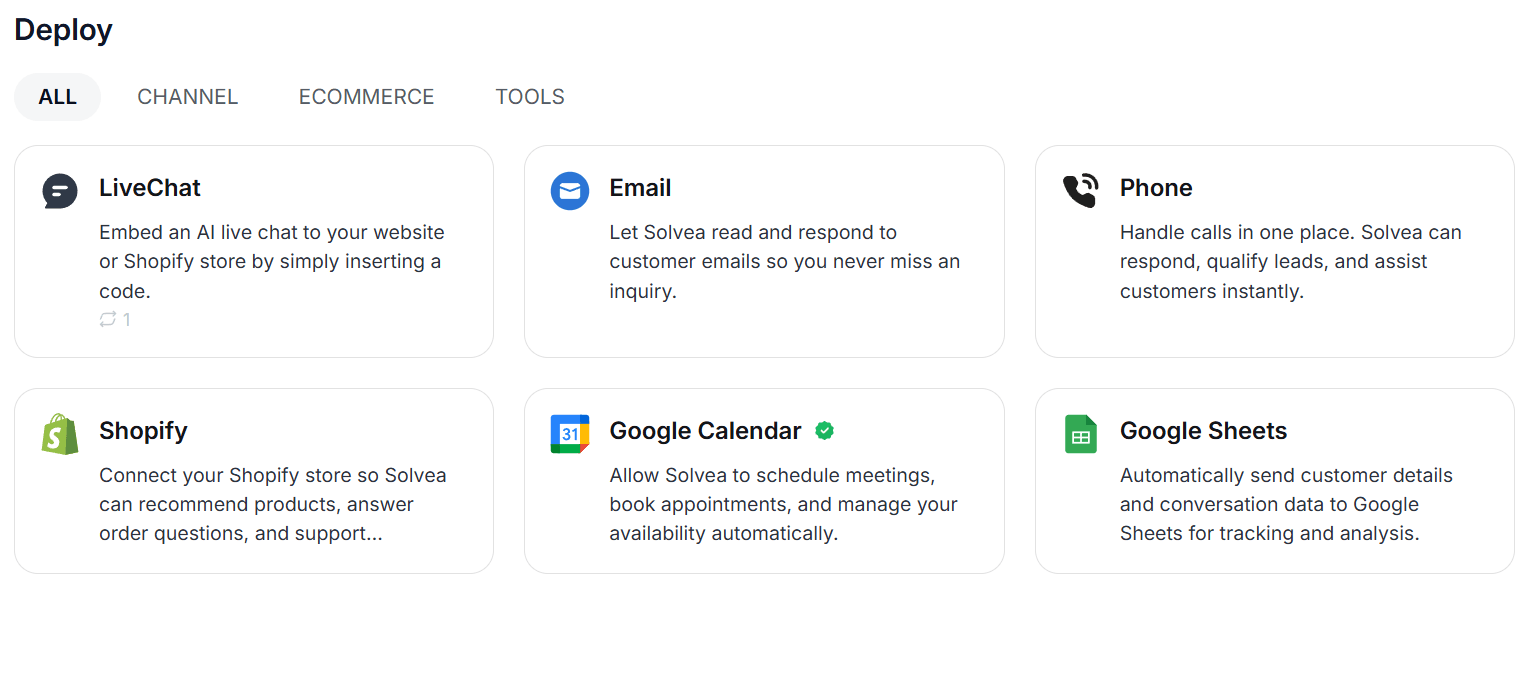
- Handles phone calls, live chat, and email — not just a chat widget that works on one channel
- Setup in under 3 minutes; no code required, 10+ industry templates included
- Escalates to a human agent in the Inbox when the question goes beyond the knowledge base
Solvea isn't a replacement for the tools above — it's what you add once your knowledge base is ready, to make it available to customers automatically. Free plan available ($0/month, 1K credits, 3 agents); Basic at $30/month (Solvea pricing).
How to Choose the Right Google Drive Alternative for Your Knowledge Base
The right tool depends on who creates the knowledge base, who reads it, and what happens after someone finds the answer they need.
- If you're a team of fewer than 10 and just getting started → Notion or Nuclino. Both have free plans, minimal setup, and will grow with you without requiring IT involvement.
- If you're already on the Atlassian ecosystem → Confluence. The Jira integration alone makes the switching costs high enough to stay.
- If your CS or sales team needs to answer customers accurately → Guru. The verification system is worth the cost when wrong answers have real business consequences.
- If most of your team communicates in Slack → Tettra. The Q&A loop turns Slack questions into KB articles automatically.
- If you need a public help center alongside an internal KB → Document360. Purpose-built for that exact combination.
- If your knowledge is already spread across Drive, Notion, and Slack → Slab. Unified search without migrating everything first.
If you need... | Best pick |
Free plan, quick setup | Notion, Nuclino, or Slab |
Jira / Atlassian integration | Confluence |
Content that stays accurate over time | Guru |
Slack-native knowledge workflow | Tettra |
Public + internal KB in one place | Document360 |
Unified search across multiple tools | Slab |
Your AI Receptionist, Live in Minutes.
Scale your front desk with an AI that never sleeps. Solvea handles unlimited multi-channel inquiries, books appointments into your calendar automatically, and ensures zero missed opportunities around the clock.
Frequently Asked Questions
1. What is the best free alternative to Google Drive for a knowledge base?
Notion and Nuclino both offer meaningful free plans for small teams. Notion's free plan supports unlimited pages in a single workspace; Nuclino's free plan covers up to 50 items, enough for a small team's core FAQ content. Slab also has a free plan for up to 10 users with solid search and editor features. For teams already paying for Microsoft 365, SharePoint and OneNote provide wiki-style knowledge base functionality at no additional cost.
2. Which Google Drive alternative is best for small businesses?
For most small businesses under 20 employees, Notion or Tettra is the practical choice. Notion is more flexible and has a free tier; Tettra is better if your team runs on Slack and you want knowledge base articles to grow from real questions your team is already asking. If you also want to automate customer responses from your knowledge base, Solvea connects to either tool and handles the incoming questions across phone, chat, and email.
3. Can I use any of these tools as a knowledge base for my AI chatbot or receptionist?
Yes — most of these tools support document exports or API connections that AI tools can read. Notion, Google Drive, and direct document uploads work with platforms like Solvea. The key variable is content quality: your AI will only answer as well as your knowledge base is written. Clear, specific answers with real numbers, hours, and policies outperform long, vague paragraphs every time. If your KB says "contact us for pricing," your AI will say the same thing — which isn't useful.
4. Is Google Drive really that bad as a knowledge base?
Google Drive works well for archiving old files and sharing large documents between individuals. The problems appear when teams try to use it as a living knowledge base — where content needs to be searchable by people who didn't create it, current without manual discipline, and organized enough for an AI system to use accurately. For that use case, every tool on this list does the job better than an unstructured shared folder.
5. Does Solvea replace these knowledge base tools, or work alongside them?
Solvea works alongside them, not instead of them. You still need one of the tools above — Notion, Confluence, Guru, or any other — to write and maintain your knowledge content. Solvea's role is to read that content and use it to automatically answer customer questions via phone, chat, and email, 24/7. Think of it as the response layer on top of your existing knowledge base: your content stays where it is, and Solvea handles the customer-facing half.