





Smart hardware & robotics · AI customer service solution

Smart home and roboticsStart with why a device will not connect

Setup and connectivity questions often depend on the model, network and app version. AI can guide approved checks and hand unresolved cases to support.

Troubleshooting by model and error codeStep-by-step network setup and bindingFirst responses in seconds, even at peakContinuous retention of investigation records
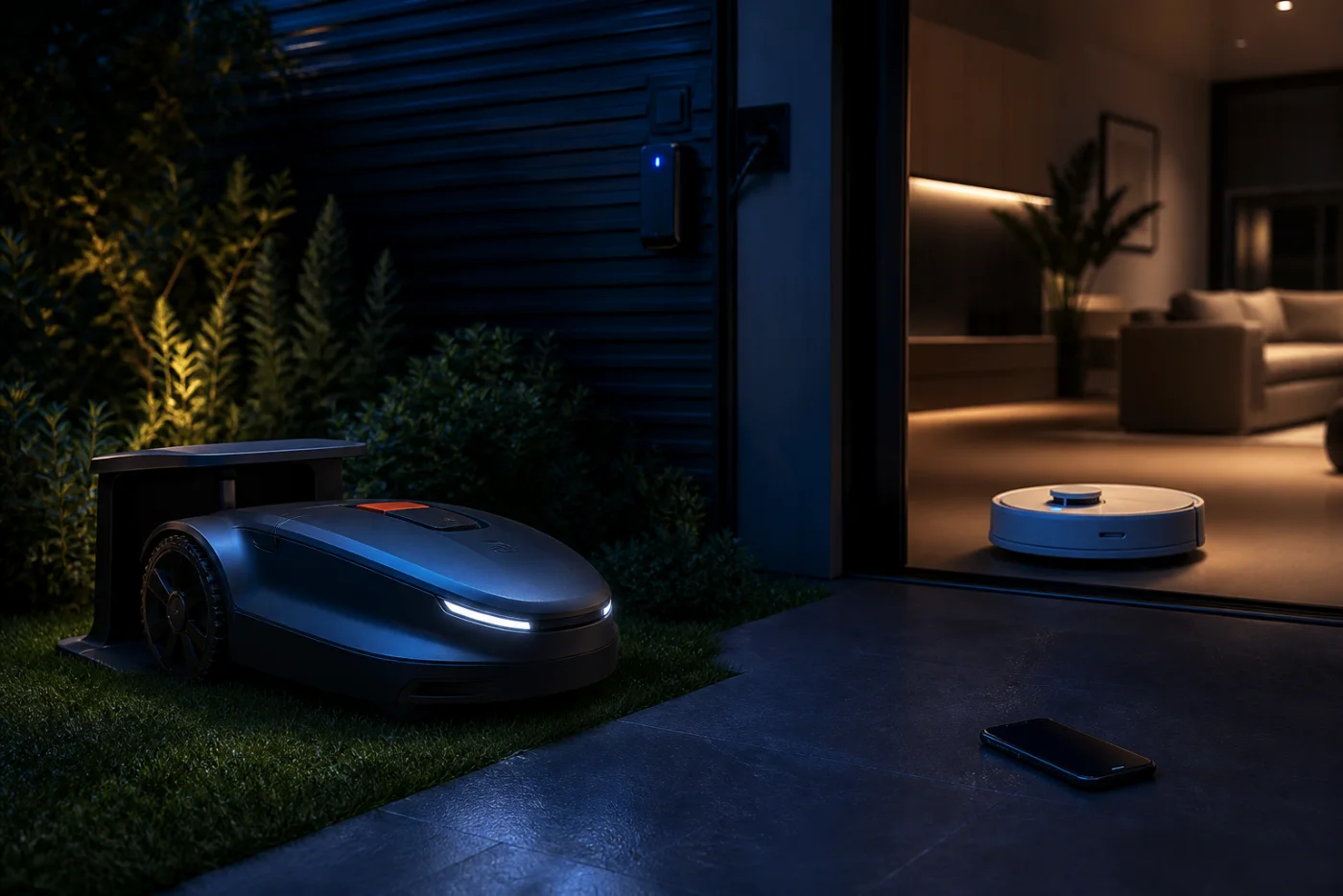
Smart hardware & robotics: robotic lawn mower and robot vacuum
Serving customers worldwide with these smart hardware and robotics brands
OUPESECO-WORTHYYARBOFAIRLANDSegway NavimowROWANMAMMOTIONAIPERZendureHOOMEOceania
8 sec first response80%+ reply accuracy90%CSAT70%+ of common faults handled automatically90%+ troubleshooting content match rate24/7 response to device issues8 sec first response80%+ reply accuracy90%CSAT70%+ of common faults handled automatically90%+ troubleshooting content match rate24/7 response to device issues

Common AI support scenarios for smart devices and robotics

First-time network setup and binding

Wi-Fi bands, accounts, QR codes, multi-device binding

Error codes and troubleshooting

Explains error codes by model and gives steps customers can follow themselves

Firmware updates and feature settings

Failed updates, map rebuilding, cleaning schedules, boundary settings

Warranty and repairs

Determines whether a repair is needed, registers warranty inspections and keeps progress in sync

More smart hardware & robotics use cases

Map rebuilding and zoning · Cleaning schedule setup · Portable power station charging and discharging · Consumable replacement reminders · Failed firmware updates · Warranty repair registration

Bring your real business questions and see the complete smart hardware & robotics solution in 30 minutes.

Technical inquiries
routed to the right flow by model and status

Behind the sentence "can't connect" may be network, account, firmware or distance problems. Solvea allows AI Customer Service Agents to first read the device model, error code and current status, and then guide them through the troubleshooting process for the corresponding model. Each step is recorded, and subsequent processing continues from the current progress.

Solvea SupportAI Customer Service Agent online

I scanned the code, but the robot vacuum just keeps spinning and won’t pair.

Binding failure identified · Model X30 · 2.4G Wi-Fi only

The X30 only supports 2.4G Wi-Fi. First, check that your phone isn’t on a 5G network (on many routers the 5G network name includes “5G” or “_5”), then try again with the steps below.

Pairing checklist · Attempt 1 / 3
  1. Check that the indicator light on the unit is flashing blue
  2. Switch the phone to 2.4 GHz Wi-Fi
  3. Scan the QR code on the device again
Let me know how it goes once done.

Switched to 2.4G and it’s paired now!

Great! I’ve saved this network setup to your device profile, so you’ll get a reminder if you change routers later.

Type a message…↑

Network setup and binding
Step-by-step guidance by model

  • Model first, then the stepsNetwork requirements and pairing methods differ by model, so AI confirms the model first, then gives the matching flow.
  • Just the current step, one at a timeCustomers get the next step as they finish each one, instead of hunting through a full tutorial for where they got stuck.
  • Results saved to the device profileResolved configurations are saved to the profile, so the next related issue picks up where the last one left off.
Error code
Pool robot P2 · Email
Customer email: the robot stops 5 minutes after entering the water, and the screen shows E12AI matched troubleshooting content
Error codeMeaningCustomer can fix
E12Clogged filter or insufficient water flowYes · Clean the filter
E15Motor overloadYes · Remove tangled debris
E30Battery faultNo · Enter warranty testing
Reply: clean the filter and check the water inletIllustrated steps attached · If E12 appears again after 2 attempts, a warranty inspection starts automatically
AI replied

Faults and error codes
The cause, explained, and a fix

  • Error codes mapped to specific actionsThe customer sees a code; AI replies with what to do on that specific device, with illustrated steps.
  • DIY fixes separated from repairsCustomers can handle filters and tangled debris themselves; battery and mainboard issues go straight to a warranty inspection instead of trial and error.
  • Seasonal issues covered in advanceCommon spring and summer faults are added to the knowledge base ahead of the season, so AI still responds in seconds at peak times.
Upgrade equipment ticketTicket #SH-0917

I’ve done all three steps and it’s still offline. Is it broken?

AI judgment · Needs in-depth diagnosisIf the basic troubleshooting is completed but it is still offline, it may be that the base station communication module is faulty. You need to enter the hardware detection process to determine whether to replace it.
E204Checks 3 / 3 completedUnder warranty

The basic checks are done, and this now needs a closer look from device support. I’ve passed the device status and the steps you just tried to our engineer Leo, who will reply here within 30 minutes.

Complex issues continue to escalate
handover with troubleshooting records

  • The upgrade process has clear thresholdsIf the basic troubleshooting is completed but has not yet been restored, and hardware replacement or safety issues are involved, the equipment ticket will be upgraded according to the rules.
  • Completed steps are handed over tooThe engineer sees the device status, error codes and everything the customer has already tried, so nothing needs to be asked again.
  • The customer gets the answer in the same conversationNo switching channels, no repeating the issue, and progress stays visible to the customer.

Smart hardware & roboticsFAQ

Every model has its own troubleshooting flow. Can AI tell them apart?

The dedicated knowledge base stores troubleshooting flows, firmware notes and service policies by model. AI confirms the device model and symptoms first, then walks the customer through the matching flow step by step. Gaps and conflicts are found up front as the knowledge base is built and audited.

Inquiry volume surges in spring and summer. Can AI keep up?

AI Customer Service Agents are online 24/7 across time zones and languages, with first responses in seconds even at peak times. A dedicated knowledge base and product troubleshooting capabilities help absorb the spring and summer surge in inquiries.

What if AI cannot handle a complex technical issue?

Rules identify complex or high-risk issues and retain the full conversation and troubleshooting history, so the next team member can continue without asking the customer to repeat everything.

Which business systems need to be connected?

Connect Shopify, CRM, ERP, order systems, logistics systems, device status APIs and the knowledge base as needed. AI reads information and takes actions within permission boundaries, and key actions are logged for audit.

Bring a real device fault
and watch how AI troubleshoots it, live

Using your device models, manuals and troubleshooting flows, we show how AI handles connectivity, firmware, fault and after-sales inquiries.

Book a smart hardware demo