






AI quality assurance

AI Customer Service Quality AssuranceCatch Amazon policy risks before replies go out

Check replies against Amazon communication rules for review manipulation and off-platform contact before sending. Pause high-risk replies for an agent to review.

Amazon policy checks before sendingPause high-risk repliesContinue after agent reviewReviewable quality records
AI quality assurancePre-send check · Amazon buyer message

The product has a problem. I left a one-star review. Can you help?

SReply draftBlocked · Not sent

We can refund you. Please delete the one-star review first.

Amazon policy risk · BlockedThe reply asks the buyer to remove a review. Address the support issue directly instead.
Review communicationPause sendingHandoff
Transfer to manual processingResolve the product issue without asking the customer to change or remove the review.Awaiting review

Check Amazon communication risks before sending

Set up checks for review communication, off-platform contact and privacy risks, then choose which reply sources to inspect.

Common quality checksConfigured for your business
Review communicationRequest to change or remove a reviewPause and route to an agent when matched
Off-platform contactExternal contact details or linksCheck risky language in Amazon buyer messages
Privacy risksHandling sensitive informationRoute cases that need human judgment
Check scopeAI replies · Agent replies · Selected AI agents

Bring platform rules into quality checks
Catch risks before sending

  • Built for Amazon supportConfigure separate checks for reviews and buyer messages.
  • Choose actions by riskRecord routine issues; pause high-risk replies and route them to an agent.
  • Your team chooses the scopeSelect AI replies, human replies and specific AI agents.
Risky reply handlingAmazon buyer message
Review communication check matchedPause the risky replyRecord the matched content and action taken
Agent reviewAddress the customer’s support issue firstThe team continues after revising the reply
Review resultsView risks by quality checkRefine rules and knowledge using actual matches

Block risky replies first
Route judgment calls to your team

  • Pause before sendingBlock AI drafts when a rule matches so risky content does not go straight to the buyer.
  • Agent takes overAn agent reviews the reason, checks the customer issue and revises the reply.
  • Review every matchReview recurring risks by check, reply source and outcome.

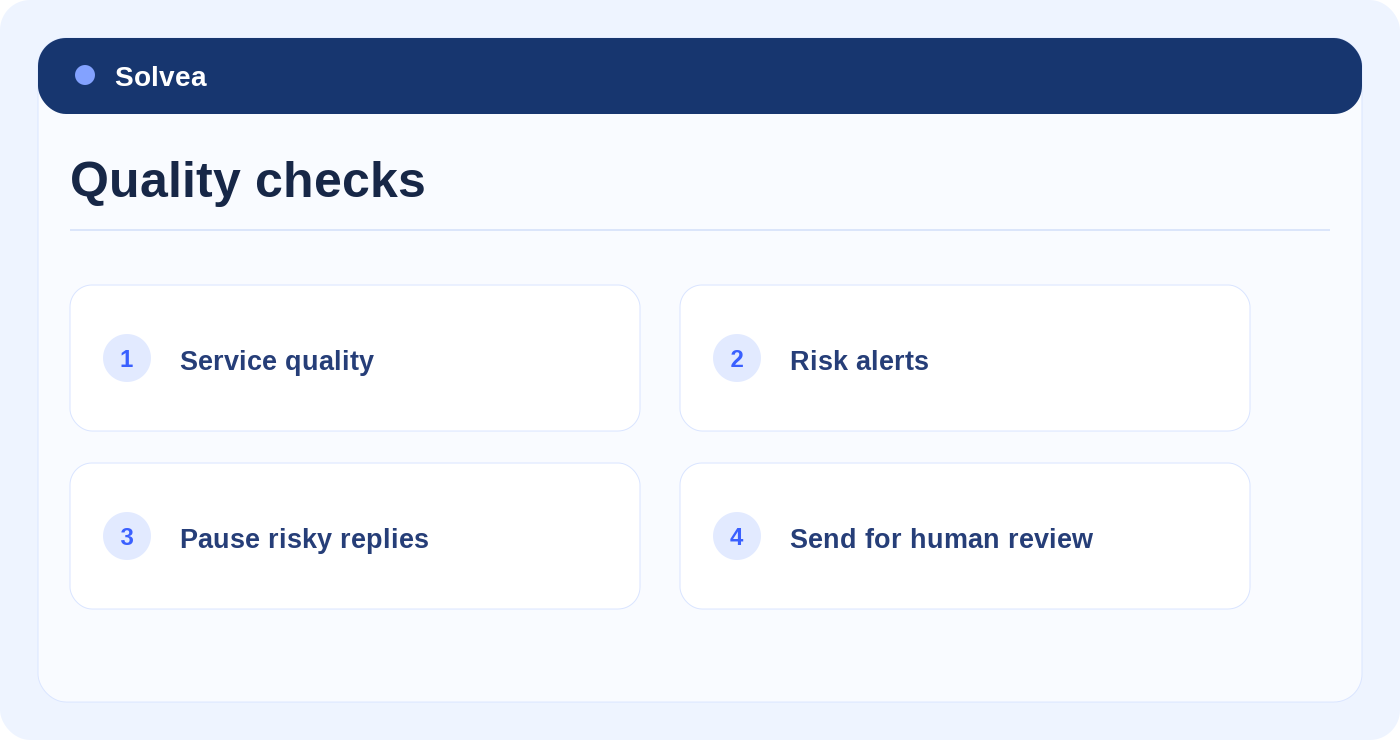
See every quality check and its action

View service-quality and risk-alert checks in one place, and set actions for replies that need attention.

Illustration: Quality checks

Block risky replies first
Keep service consistent

Common customer service challenges

  1. Replies asking buyers to change or remove reviews can violate Amazon communication rules
  2. Off-platform contact details or unverified promises are found only after sending
  3. Manual spot checks cannot cover every reply before it goes out

What changes with Solvea

  1. Configure Amazon support red lines as pre-send checks
  2. Pause high-risk content and route it to an agent
  3. Review issues by match type and outcome to refine the rules

About AI quality assuranceFAQ

Which Amazon replies can be checked?

Set checks for review communication, off-platform contact and privacy risks. Your team chooses the scope and action for each check.

Will a reply be sent if it matches a red-line rule?

If a check is set to “pause and route to an agent,” the reply is held for an agent to review and handle.

Can human replies be checked too?

Yes. Select AI or human replies and specify which AI agents the checks apply to.

How can the quality records be used?

Review matches by check, reply source and outcome. Use recurring patterns to improve rules and knowledge.

Which products include AI quality assurance?

AI quality assurance is available in AI Customer Service Agents, Live Chat, Email and Smart Helpdesk, and often works alongside the Knowledge base, Reports and Human–AI collaboration.

See AI quality assurance in your workflow

Bring a recent customer question. We’ll show how this works in your process.

Book a feature demo