











 SOLVEA APP
Sign-in status, membership tier, orders and devices flow straight into the conversation.
SOLVEA APP
Customers ask in the appAI already knows who they are and what they use
Use the context customers already shared in your app, from orders to connected devices, to answer questions without making them repeat it.
Identity and device context from the startSetup, Wi-Fi, pairing and troubleshootingAfter-sales requests and evidence collectionComplex issues handed off with full context
JK
James KimGold member · South Korea
Signed inCurrent deviceCam Pro 2 · Not paired
Recent order#AP-7731 · Delivered
I scanned the code but it just keeps spinning and won't pair.
Pairing failed · Device: Cam Pro 2 · Firmware 1.4.2
I can see your Cam Pro 2 hasn't finished pairing yet. This model only supports 2.4 GHz Wi-Fi, so please make sure your phone isn't connected to a 5 GHz network, then try the steps below.
Pairing checklist · Attempt 1 / 3
- Confirm the device indicator is flashing blue
- Switch the phone to 2.4 GHz Wi-Fi
- Scan the QR code on the device again
Support that follows customers
as they use your app
Customers in your app aren't anonymous visitors. With Solvea, AI Customer Service Agents serve them based on identity, orders, devices and past interactions, resolving setup, usage and after-sales issues right on the screen they're using.
JK
James KimGold member · 2 devices · 3 orders
Signed inRecent order#AP-7731 · Delivered
Warranty11 months left
I bought this camera last month and the night vision is really blurry. Is it broken?
Order #AP-7731 linked · Cam Pro 2 · Under warranty
Your Cam Pro 2, purchased on April 26, is still under warranty. Blurry night vision is usually caused by the lens protective film blocking the infrared light, so please first check that the clear film on the lens has been removed. If it's still blurry after that, I can register a warranty inspection for you right away.
Peeled it off and it's much better, thanks.
Great! I've saved this conversation to your device record, so you can pick up right here if anything else comes up.
Customers arrive identified
No need to verify again
- Recognized at sign-inMembership tier, orders, devices and warranty status flow straight into the conversation, so customers don't have to give their order number or purchase date.
- Answers based on the customer's own dataWarranty status, which model they bought, what they asked last time: the AI works from this customer's actual records.
- Service history stays with the deviceEach resolution carries into the next inquiry, so even with a new device or order, customers don't have to explain the background again.
DeviceRobot Mower M1
StatusOffline for 26 min · E204
My mower shows as offline in the app, and restarting didn't help.
Device status retrieved · Error code E204 · Weak base station signal
E204 means the mower has lost its connection to the base station. It's usually not a hardware fault. Please try the two steps below, and I'll wait here for your results.
Troubleshooting · Attempt 2 / 3
- Restart the mower
- Check that the base station light is solid
- Move the base station within 10 m of the mower and wait 1 minute
Your mower is back online. Would you like me to save the base station position to your device record so I can remind you next time?
Setup, Wi-Fi and pairing
Troubleshooting based on device status
- Check device status first, then adviseError codes, firmware version, network and online status come straight from the app, so the AI suggests only the checks that fit the current situation.
- Guidance at every stepCustomers get the next step as soon as they finish one, instead of switching back and forth between tutorials and chat.
- History travels with the issueSteps tried and their results stay in the conversation, so customers do not have to start over when transferred to device support.
AL
Ava LopezOrder #AP-8102 · Delivered 5 days ago
Signed inThe charging dock has a loose connection and won't charge. I'd like a replacement.
Exchange request detected · Within 30-day exchange window
Your order is within the exchange period. Please provide the two items below and I'll submit the exchange request for you right away.
Exchange request · #AP-8102
- Issue descriptionCompleted
- Photos or video of the issue1 file uploaded
- Shipping addressUse address on file
Request submitted (ticket #RT-2291). Daniel from our after-sales team will reply here within 2 hours with your exchange details.
After-sales requests
with everything collected in the chat
- Checks policy eligibilityReturn, exchange, repair, reshipment and refund requests are checked against order dates and policy first, and eligible requests go straight into the workflow.
- Asks only for what's missingIssue description, photos and address are collected one by one, so customers don't have to leave the chat to hunt for a form.
- Everything ready when a human takes overTickets reach after-sales specialists with the order, evidence and AI assessment attached, and replies go straight back to the customer's in-app chat.
Use cases

Product setup and usage
Setup, Wi-Fi, pairing, firmware updates and how-to questions, with steps matched to the device model and status

Membership and benefits
Points, tiers, coupons and promotion rules answered from one rulebook, consistent across every entry point

Orders & shipping
Signed-in customers ask about orders, shipping, invoices and after-sales status right where they are, and the AI answers from real data

After-sales requests and evidence collection
Returns, repairs, reshipments and complaints are documented and categorized in the chat first, so human agents can pick them up faster
More in-app service scenarios
Push and notification settings · Account and permission issues · Device sharing and unpairing · Consumables and accessories · Membership points · After-sales status
Bring your real in-app scenarios and see the full in-app solution in 30 minutes.
About APPFAQ
How is APP different from Live Chat?
Live Chat serves website visitors, mostly pre-sales and anonymous inquiries. APP serves signed-in customers who have already bought, so service centers on orders, membership, devices and ongoing use.
Do we need to rebuild our existing app?
No. It connects through the SDK or your existing support entry point. Your screens and messaging channels stay as they are; only the conversations are handed to AI Customer Service Agents.
What customer information can the AI access?
It depends on the integration scope. Typically this includes sign-in identity, membership tier, orders, device pairing and status, and service history. Brands choose which fields the AI can access during setup.
How much can the AI diagnose when a device is offline or faulty?
Once the device status API is connected, the AI can read online status, error codes and firmware version and suggest matching troubleshooting steps. If a replacement or repair is needed, it hands off to device support along with the troubleshooting history.
When does the AI hand off to a human agent?
Complaints, compensation, repair decisions, high-value customers and anything the AI is unsure about go to a human agent, along with a conversation summary, the evidence collected and the steps already tried.
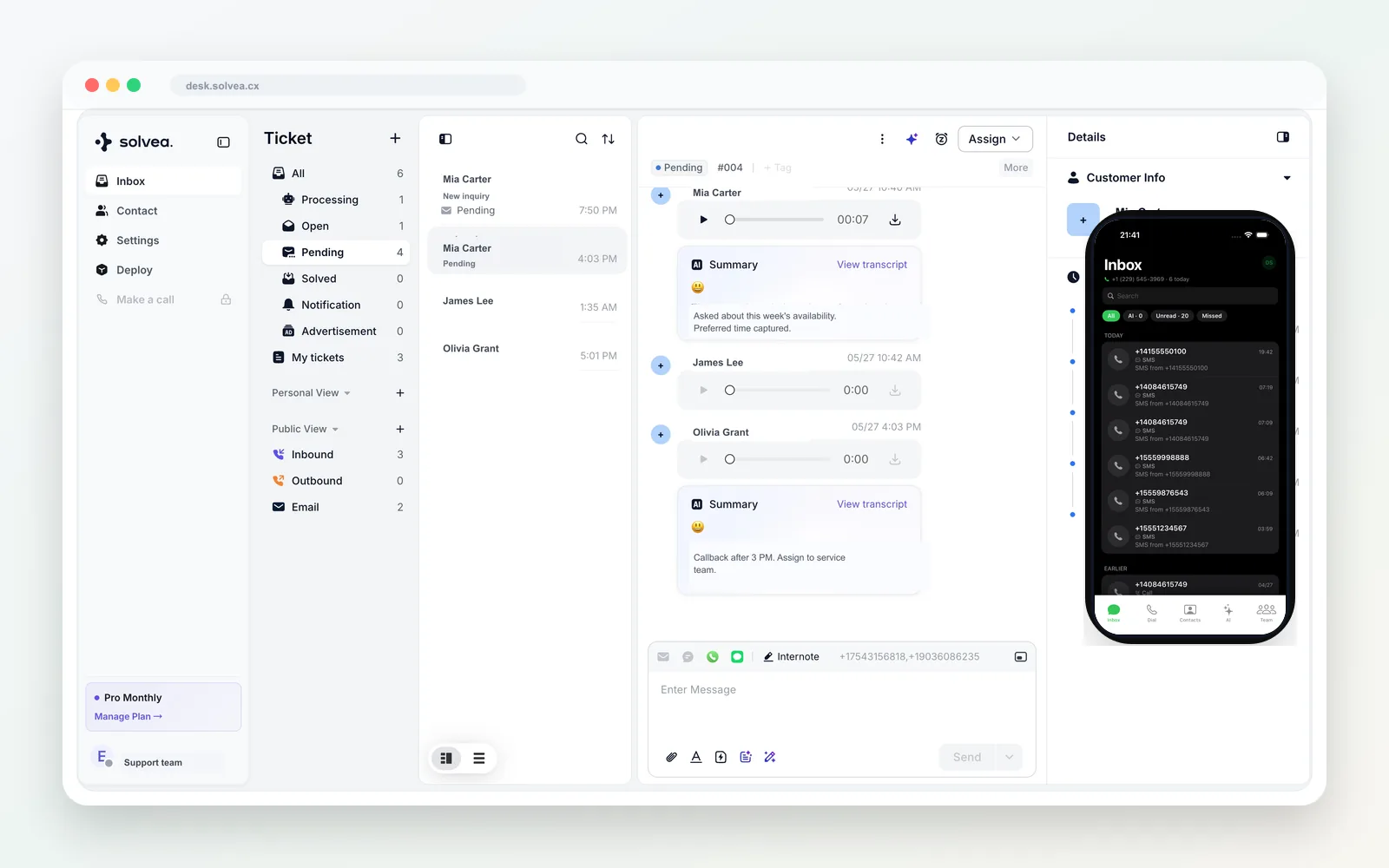
Desktop and mobile share one set of tickets
The same ticket pool syncs across computer and phone, so work continues away from the desk.