












 Voice AI Agent
Order and shipping lookups
Use available business data to answer order and delivery questions, and record change requests that need human review.
Solvea connects enterprise knowledge, voice agents, human teams, and tickets. AI handles high-volume calls under your service rules, checks business information, and resolves common issues. Complex cases move to a human agent with the call context for continued follow-up.
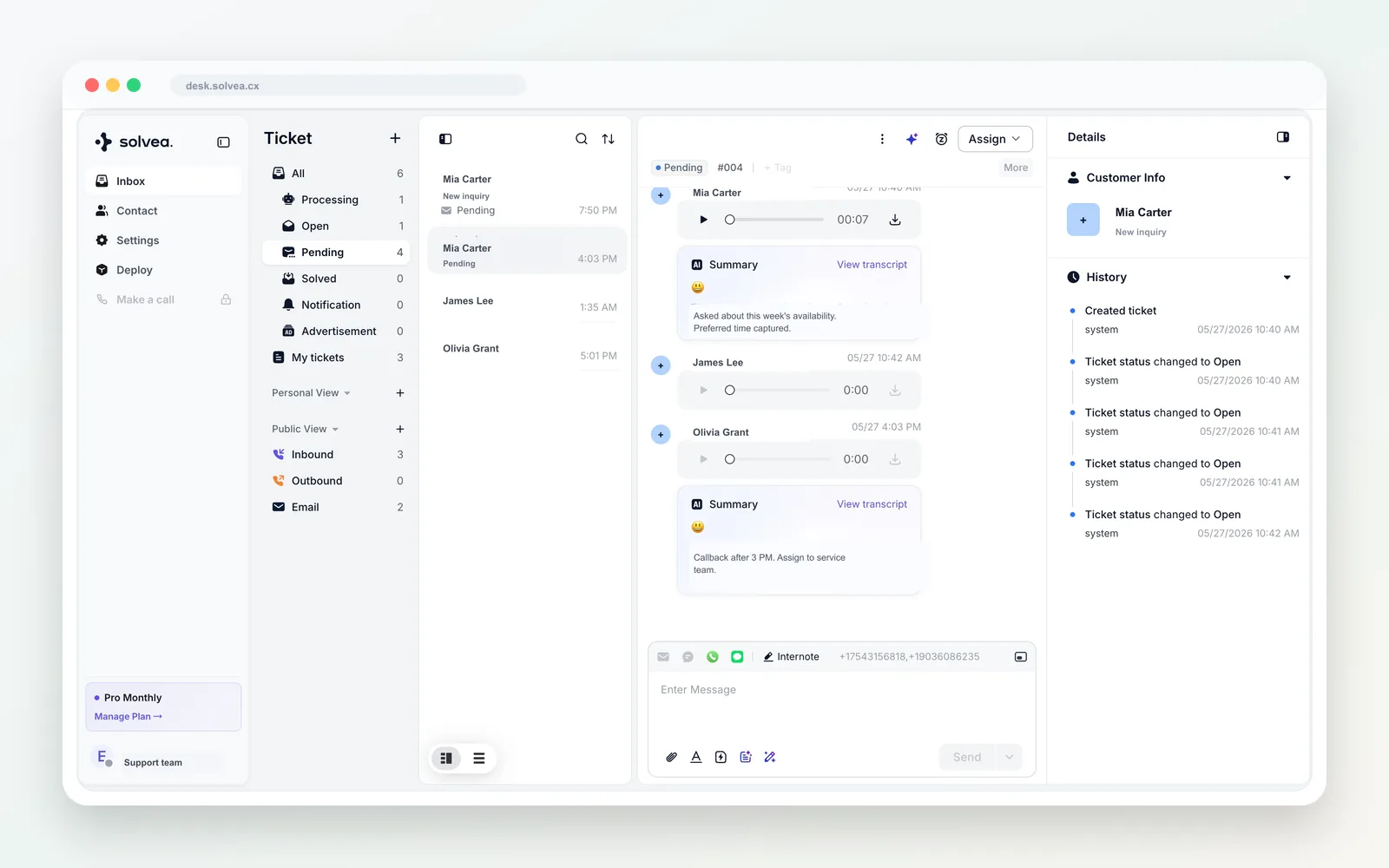
Set AI, IVR, and human answering paths by number, hours, team, and business rules.
AI uses enterprise knowledge and available business data to answer questions and gather the information needed to proceed.
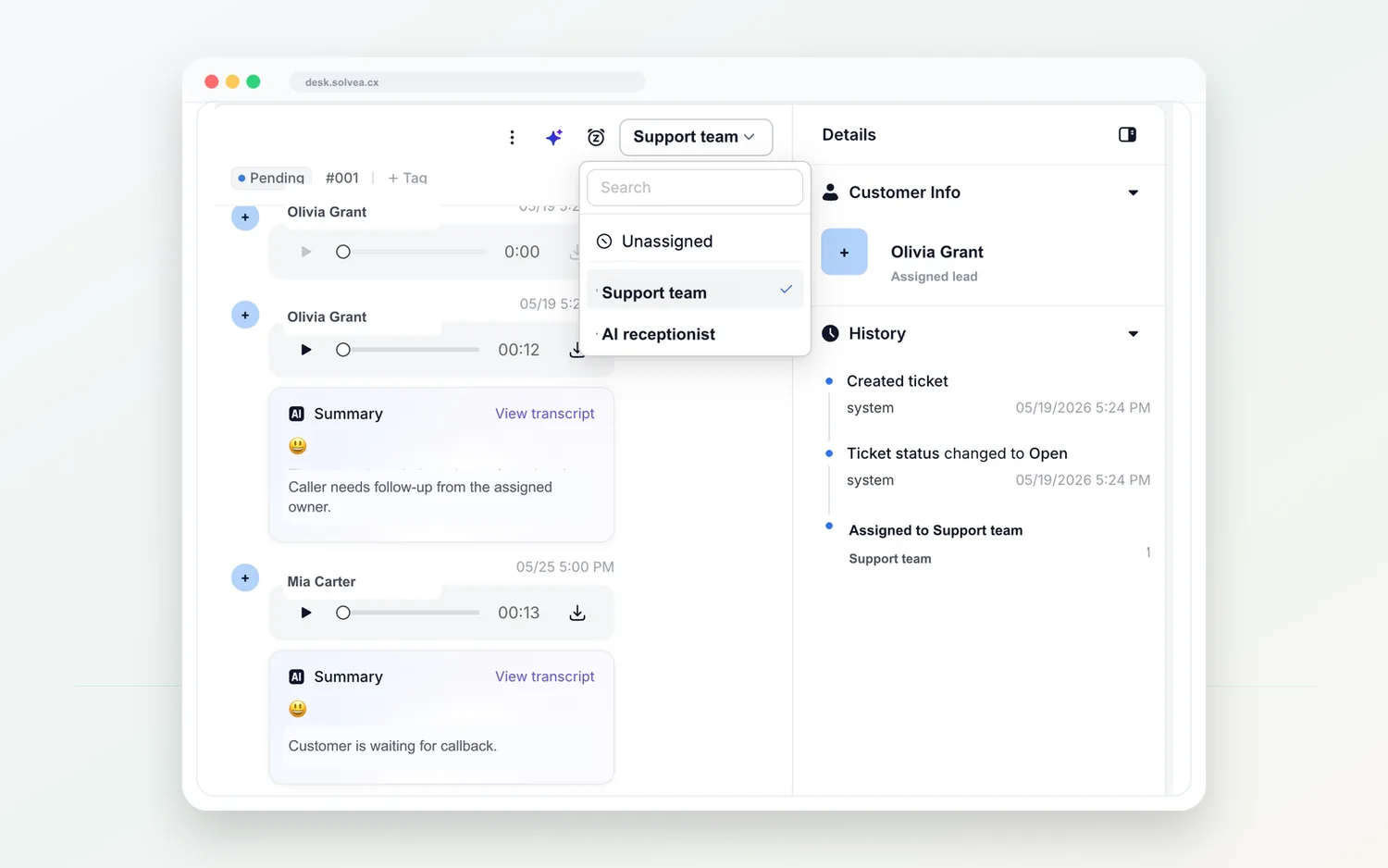
Complex cases go to a human team; recordings, transcripts, and summaries enter tickets for follow-up.
See how AI answers, gathers context and hands a call to your team.
See AI answer first, confirm the reason for the call, and preserve context for follow-up.
See how AI and the team continue handling a multilingual call together.
Assess connectivity against your existing numbers and contact center. Customer calls and messages enter one workspace, then route to AI, IVR, or human agents by time, team, and issue type.
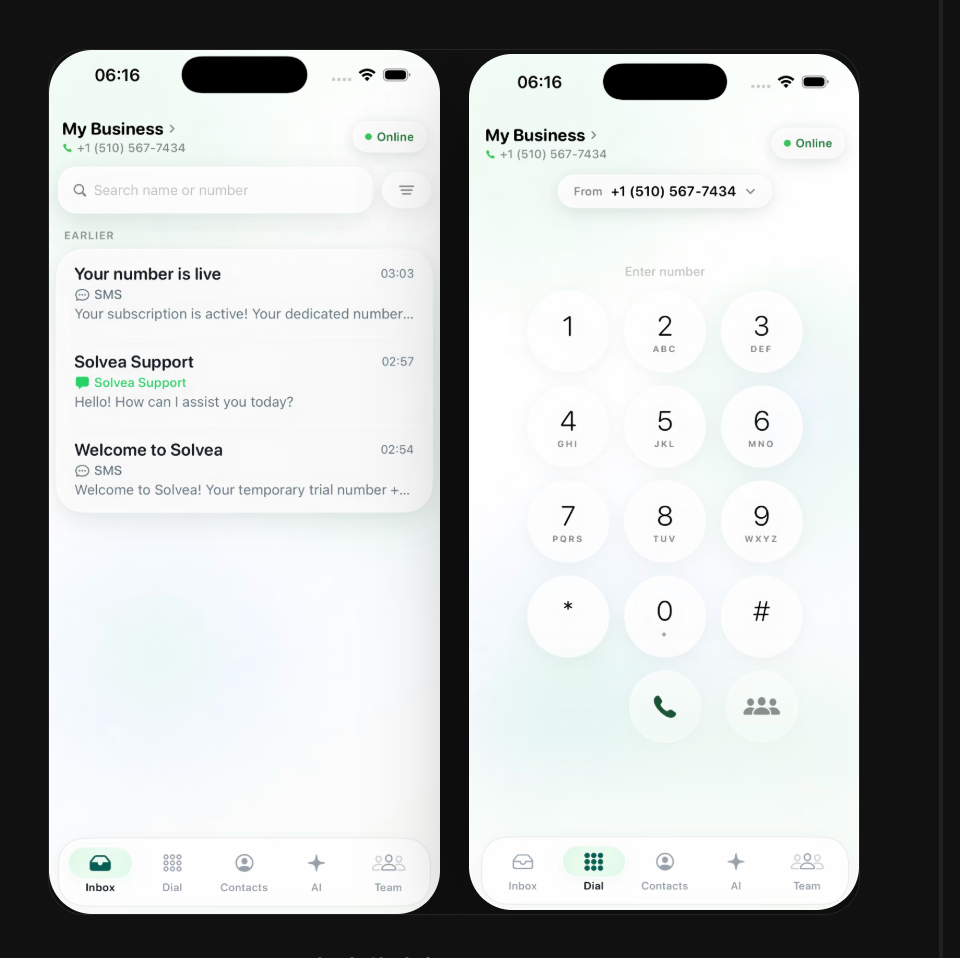
Configure the voice agent with enterprise knowledge, service policies, and human handoff rules. Use demo calls before launch to check responses, information gathering, and exception paths.
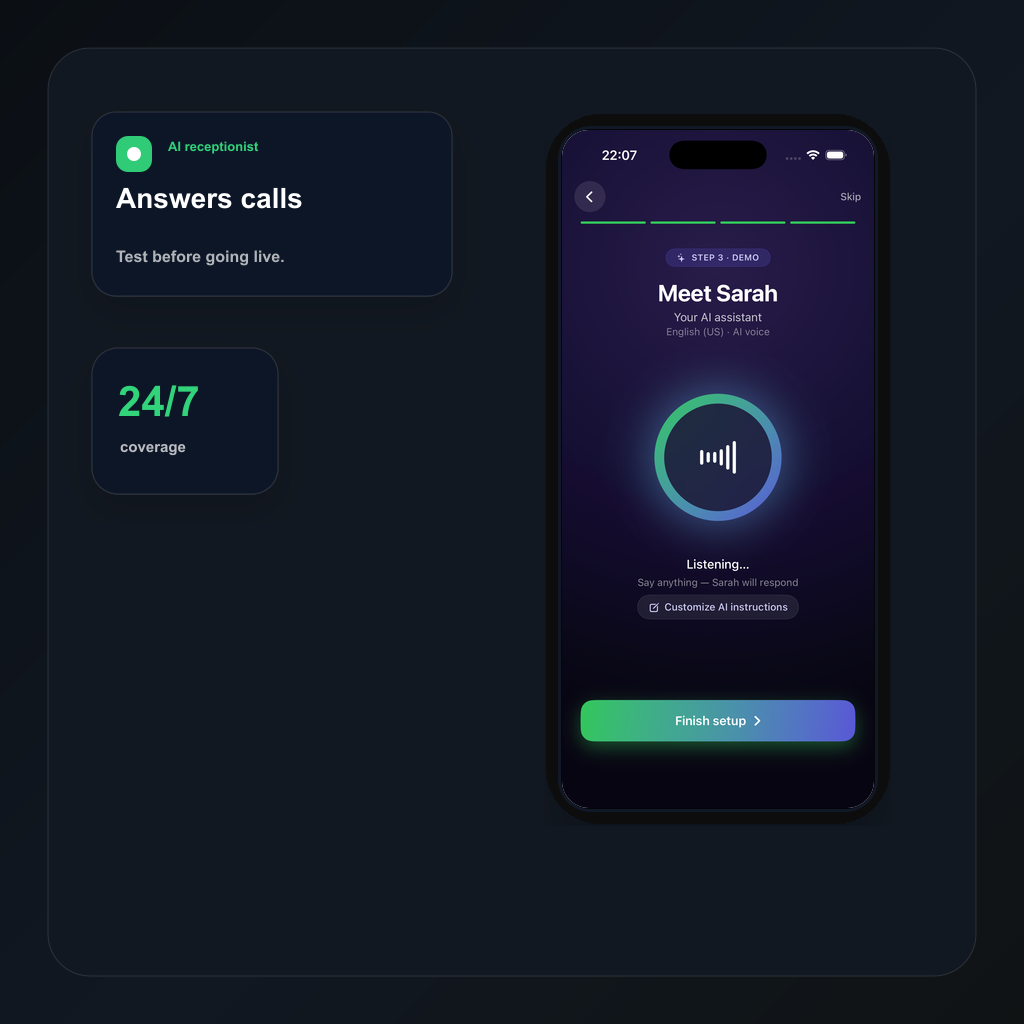
Store recordings, transcripts, summaries, and key information under applicable notice and privacy requirements. Managers can review service quality, while agents continue from the issue already identified.
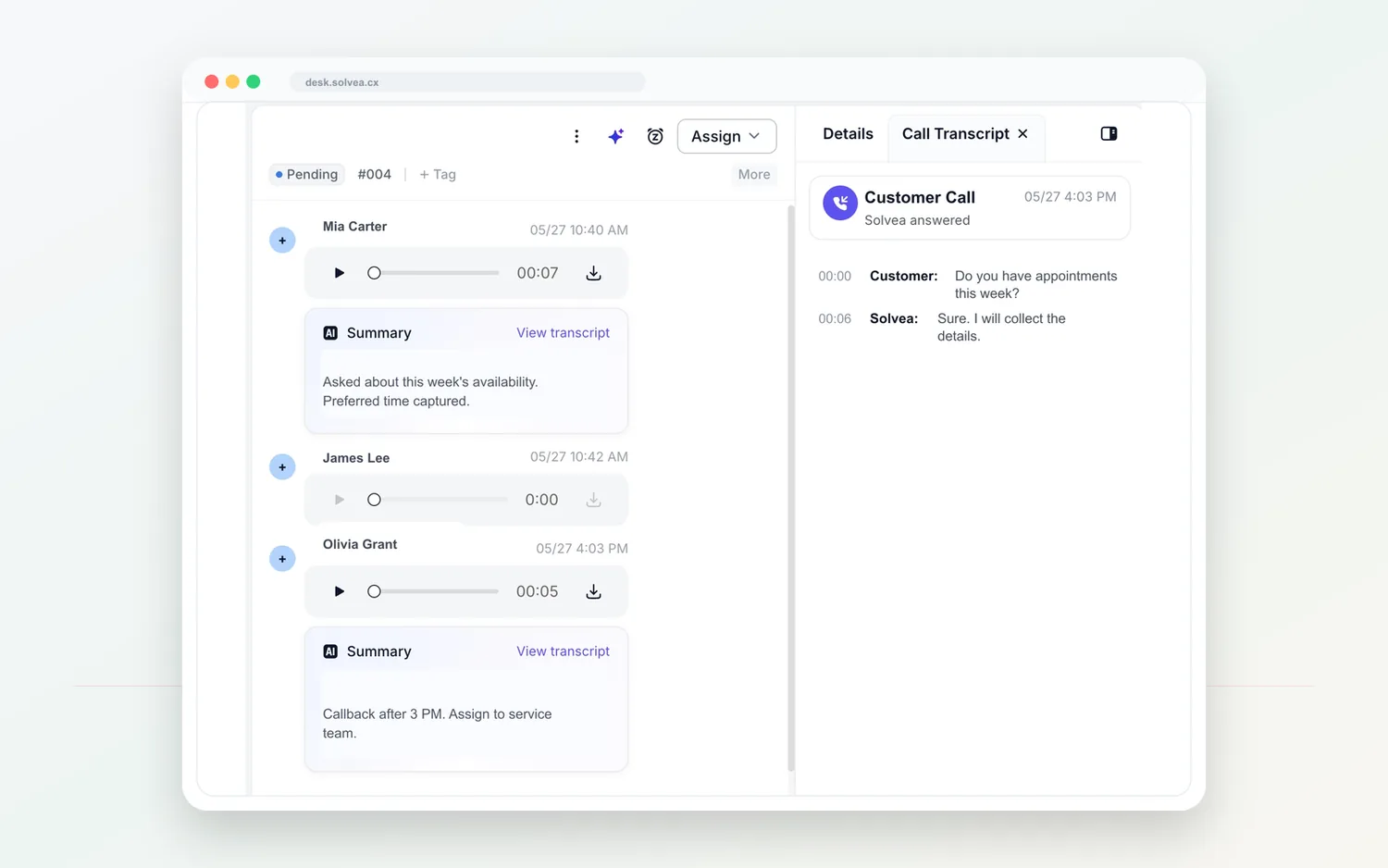
A call is more than a one-time conversation. AI outcomes, customer information, and next steps enter one workspace so teams can continue with the full context.
AI, IVR, or a human agent answers according to your rules.
Use enterprise knowledge and available tools to identify what AI can handle and what needs escalation.
Pass the summary, key details, and current status to the responsible team.
Continue in the customer timeline until the issue has a clear outcome.
When a case needs after-sales judgment, an exception to policy, or a human agent at the customer's request, route it to the right team. Preserve the call summary, completed steps, and customer history to avoid repeated questions.
Choose a pilot around your current service workflow, then expand as knowledge, system access, and human collaboration are ready.
Use available business data to answer order and delivery questions, and record change requests that need human review.
Use enterprise knowledge to confirm the product model, symptoms, and service policy, then gather initial details.
Handle common calls when agents are busy or offline, then route or schedule callbacks by rule.
Answer in configured languages and preserve the original, translation, and context for human follow-up.
Assess number porting, SIP, PSTN forwarding, or BYOC options. The right setup depends on the number type, carrier, country, and current architecture.
Start with high-volume calls that follow clear workflows, such as order status, delivery updates, and basic product troubleshooting.
Configure handoff by issue type, team availability, and business hours. Human agents can review the call summary, steps already taken, and customer history.
View recordings, summaries, transcripts, and follow-up tasks in the workspace, then continue in the customer timeline.
It can answer in configured languages. For cross-language handoff, agents can review line-by-line translations alongside the original text.
Show us a common question or workflow. We’ll walk through how AI can help.