












 SOLVEA SMART HELPDESK
Identifies the customer's issue and organizes the details on hand, keeping full context when a human agent takes over.
SOLVEA SMART HELPDESK
One place for every customer issueAI and your team work from the same context
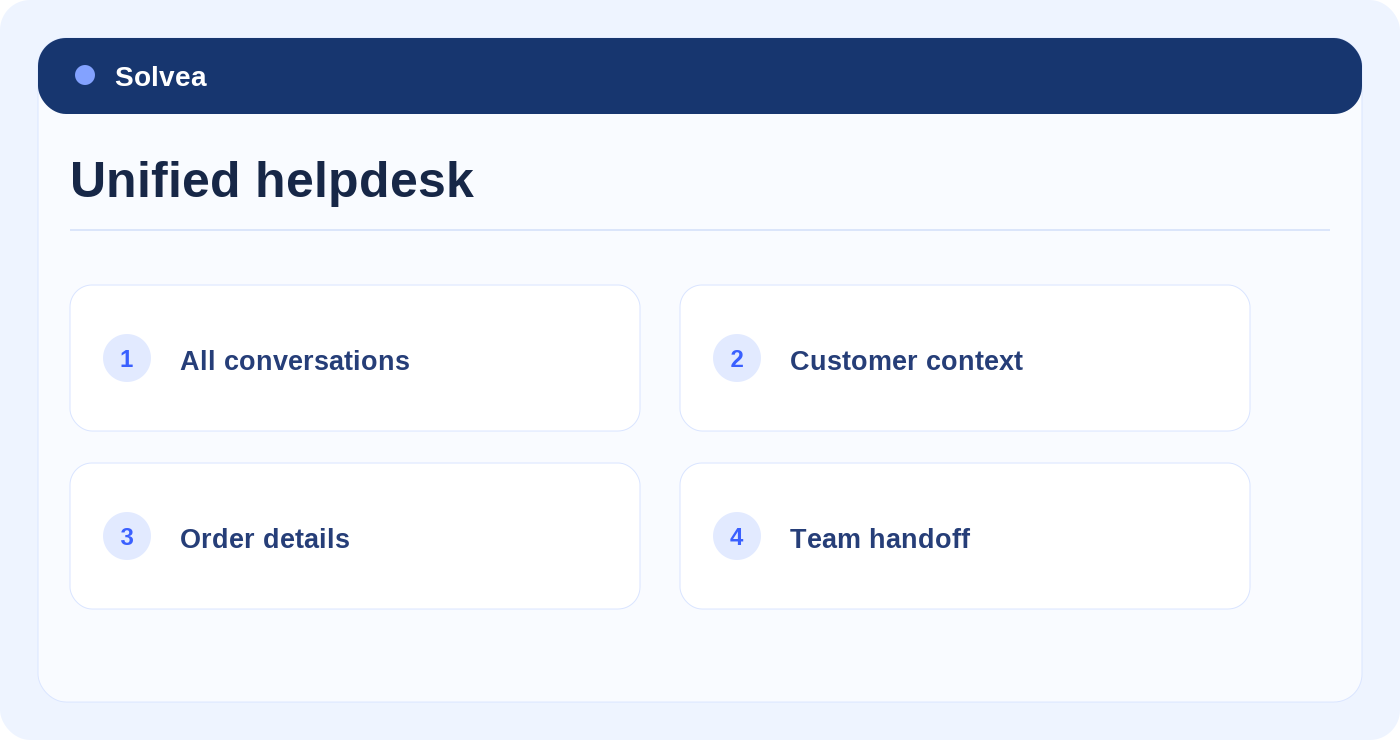
Email, live chat, marketplace messages and social inquiries arrive in one workspace. AI identifies each issue, links order and shipping details and assigns it automatically. When a human agent takes over, the full context comes along, and every issue has an owner, a status and an outcome.
Every channel in one inboxOrder and shipping context attachedAI triage and auto-assignmentTrack every ticket end to end
- Customer
- Monbeauparfum
- Order
- 11–1234567
- Shipping
- Shipped
A ticketing system for customer service
built for global support teams
Traditional ticketing systems only log and route issues. Solvea brings AI, long-term customer memory and global business data such as orders, products and shipping into every interaction, so AI and human agents solve problems together with the full picture.
SolveaTickets
Smart workspaceMia WilsonAI replied
Shipment status inquiry
Replied in 12 secDaniel LeeWith human agent
Shipping address change request
Details organized by AIEmma StoneResolved by AI
Return status inquiry
Resolved in 8 secCommunication with Mia#TK-1048 · AI handling
Where is my package?
AI identified · Long-term memory recalledLinked to the current order, UPS tracking and this customer's purchase history
The charging dock for your Speaker S1 is in transit and should arrive tomorrow.
Supported channels Email
 Amazon
 Shopify
 WhatsApp
 Instagram
 Messenger
EmailAmazonShopifyWhatsAppInstagramMessengerEvery channel in one workspace
Customer, order and shipping details on one screen
- Every inquiry in one placeEmail, Live Chat, marketplace and social inquiries from connected channels land in the same workspace.
- A complete record of every issueOwner, priority, current status and conversation history stay together.
- Customer context across markets, attachedCustomer, store, order, delivery, amount, SKU and ASIN appear right beside the ticket.
- Long-term memory keeps service continuousRemembers the products, models, orders and after-sales outcomes from each customer's past purchases, so customers don't have to explain the background again.
SolveaAutomation rules · Assignment
Rule enabledAuto-assignment rule
RunningPrioritize shipping exceptions
When a ticket matches
→Issue typeShipping exception
ChannelAmazon / Email
LanguageEnglish
StoreOOVV:US
Actions
Assign to teamShipping & after-sales
PriorityHigh
SLA30 min
AI working#TK-1048
Auto-assigned
Shipping & after-sales
- Owner
- Emma
- Current status
- Human follow-up
- SLA remaining
- 24 min
- AI identifies and tags10:02
- Routed to Shipping & after-sales by rule10:02
- Emma takes over10:04
AI triage and auto-assignment
Clear ownership, visible progress
- AI identifies customer issuesRecognizes shipping, order, refund, exchange and product fault cases and categorizes them automatically.
- Auto-assigned to the right teamAssigns flexibly by channel, store, language, issue type and agent workload.
- Context preserved across teamsAI, human agents and business teams work on the same ticket.
SolveaReports · Agent and queue monitoring
Live updatesService operations overview
Updated today at 18:43Today's ticketsBy status
- AI handling48
- Pending14
- In progress11
- Resolved126
Agent and queue monitoringLive view of waiting tickets and remaining capacity
All teamsQueued tickets6
Overdue tickets1
Longest wait8 min
Available agents4
Remaining capacityMessages 9Emails 28
| Queue | Waiting | Longest wait | Status |
|---|---|---|---|
| Shipping & after-sales | 4 | 8 min | Active |
| Product support | 2 | 3 min | Active |
Track service as it happens
and manage with operational data
- Ticket status and SLA risk at a glanceSee open, in-progress and completed issues in one view to stay on top of backlog and progress.
- Key service metrics in one placeTrack ticket volume, first response, resolution time, SLA and reopened issues.
- Customer issues show where to improveAnalyze trends by channel, market, issue type and product to keep improving knowledge, processes and training.
Use cases

Omnichannel inquiries
Email, live chat, marketplace messages and social DMs in one workspace

Orders, shipping and after-sales
Look up orders, track shipments and process returns without switching between support and business systems

Cross-team after-sales and logistics
Move issues forward with owners, statuses and SLAs instead of chasing people in group chats and DMs

Global support operations
See ticket backlog, response efficiency and service quality by market, channel and team
More ways to use Smart Helpdesk
Tags and auto-categorization · Internal notes and collaboration · AI-assisted replies · Translated multilingual replies · Service QA · Data analysis and reviews
Bring your current support processes and ticket data and see the full Smart Helpdesk solution in 30 minutes.
About Smart HelpdeskFAQ
What's the difference between a message and a ticket?
A message is one thing a customer says. A ticket records the whole journey from when the issue is raised to its final resolution, including owner, status, collaboration, follow-up and outcome.
What does AI-first ticketing mean?
AI does more than answer questions. It also handles intent recognition, categorization, routing, summaries, translation and data analysis. Complex, sensitive or uncertain issues still go to human agents.
Which support channels can we connect?
Live Chat, Email, marketplace messages and social media channels can be connected through current integrations. Each platform has its own conversation and data policies, so how each channel is connected can differ.
Can it connect to our existing order, ERP and logistics systems?
Yes. It integrates with Shopify, CRM, ERP, order systems, logistics systems and knowledge bases. The exact setup is scoped against your existing systems.
How do we manage support teams across time zones and languages?
Set up queues, assignment rules and SLAs by market, language, channel, issue type and working hours, and track workload and service performance on shared dashboards.