In 2026, small businesses face a vast and often overwhelming array of software choices designed to streamline operations. According to Business Research Insights, The global small and medium-sized business (SMB) software market is projected to be about $79.82 billion in 2026 and grow to $151.74 billion by 2035, at a CAGR of ~7.4%. This reflects the ongoing digital transformation and software adoption trend among smaller companies.
To thrive, these businesses must strategically adopt technology that addresses core operational challenges while maximizing limited staff and budget. In many cases, software automation is becoming a cost-effective alternative to traditional BPO (Business Process Outsourcing) for handling routine operational workflows. Also, SMBs can choose software outsourcing and contact center to help manage their business and improve customer service.
The right software stack is no longer a luxury but a necessity, enabling small enterprises to automate time-consuming, repetitive tasks such as payroll processing, customer inquiry handling, and cross-system data transfer. By implementing these tools, businesses can significantly reduce manual errors, free up valuable human capital for strategic, growth-focused work, and ultimately achieve sustainable scaling without a proportional increase in overhead costs. This article reviews several widely used software tools for small businesses, outlining their specific strengths, limitations, and ideal use cases to help guide your technology investment.
Choosing the right technology requires a clear understanding of what each tool is designed to solve. Here is an objective analysis of key software solutions available today, presented with focused pros and cons.
Solvea — AI-Driven Customer Support Automation
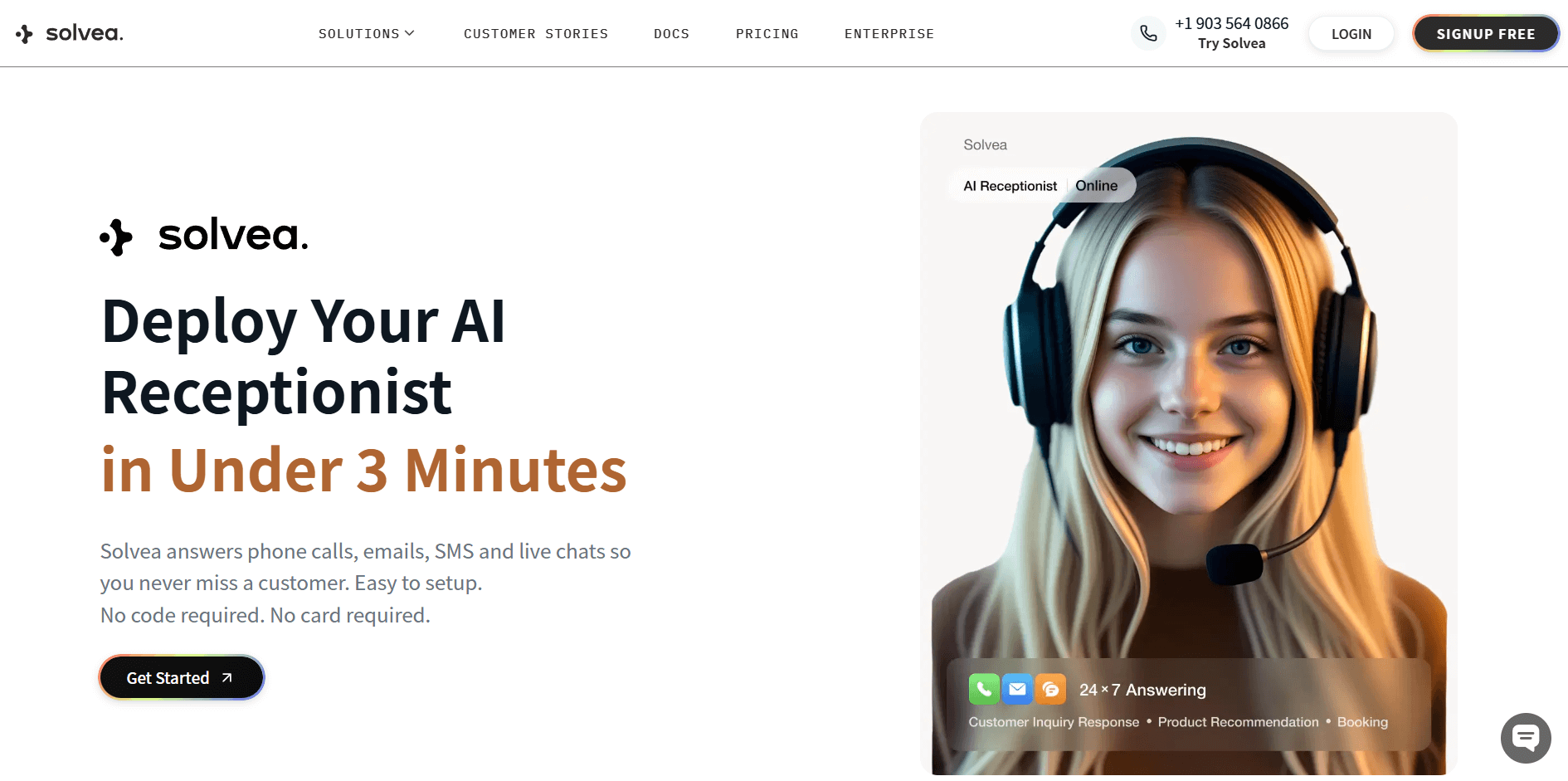
Solvea is an AI agent platform designed to handle complex customer inquiries and resolve issues autonomously, transforming customer support from a cost center into a driver of efficiency and customer satisfaction. Solvea is particularly relevant for businesses with high volumes of repetitive customer service requests, offering a "pay-for-results" model that ensures value.
Pros
- Automated Workflows: Enables small teams to build automated support workflows that handle high volumes of inquiries without additional hiring. This significantly reduces the manual workload and labor costs while ensuring consistent 24/7 service.
- Resolution-Driven AI: Automates repetitive support tasks by integrating your own knowledge base, making it suitable for a wide range of industries. This allows the system to move beyond simple chat and resolve complex issues like logistics or claims without human help.
- Proactive and Predictive Support: Improves response speed and maintains consistency across all customer channels while proactively identifying risks like churn. It uses sentiment detection and predictive routing to fast-track urgent issues into priority workflows.
- Seamless Integration: Specifically engineered for modern, automation-first support workflows, Solvea integrates deeply with essential business tools like Google Sheets and Google Calendar, as well as various CRM platforms.
Cons
- Setup and Testing: Users can build AI Agents simply by entering prompts, but achieving the best results requires repeated testing and refinement. This iterative process is necessary to ensure the AI handles every scenario correctly.
- Human Oversight Needed: The system cannot operate entirely without human supervision, as complex or sensitive issues still need to be transferred to a human agent. Human intervention remains necessary for handling edge cases.
ADP — Payroll and HR Software
ADP offers a reliable, long-standing solution for core administrative needs. It excels at managing employee data, payroll, and tax compliance, making it a top choice for businesses focused on structured and compliant HR management.
Pros
- Guaranteed Compliance: ADP expertly handles payroll processing and tax filing with high reliability, which minimizes legal risks for your business. This is particularly valuable for companies that operate across multiple state or international jurisdictions.
- Comprehensive HR Support: The platform supports all essential HR functions, including employee onboarding, benefits administration, and time tracking. It provides a structured and scalable system for managing a growing workforce from a single source.
- Data-Powered Insights: ADP leverages its vast dataset to offer valuable analytics and industry benchmarks that are unique to its platform. This empowers businesses to make more informed, strategic decisions regarding their workforce.
Cons
- Integration Complexity: While ADP connects with many systems, configuring deep integrations with specialized third-party software can be a complex undertaking. Teams may find it requires significant technical resources to create a seamless, customized workflow.
- Limited Scope: Functionality is strictly limited to payroll and HR, as it does not offer CRM, marketing, or project management tools. It serves a very specific administrative function rather than being an all-in-one business operations platform.
HubSpot — The All-in-One Customer Platform
HubSpot provides an integrated customer platform designed to ensure marketing, sales, and service teams are all working from the same, up-to-date customer data. It is renowned for its inbound marketing philosophy and offers a tiered suite of tools to help businesses manage the entire customer lifecycle.
 Pros
Pros
- Accessible Starting Point: HubSpot offers a foundational free CRM, allowing businesses to begin managing contacts and tracking deals without an initial investment. This makes it a practical option for startups testing out a structured sales process.
- Unified Customer View: The platform is effective at creating a single view of the customer journey, from the first marketing touchpoint to post-sale support. This helps reduce data silos between sales, marketing, and service departments.
- Broad Integration Marketplace: It features a large marketplace with numerous third-party integrations, allowing it to connect with many existing business tools. This flexibility helps it fit into a variety of technology environments.
Cons
- Rigidity Within the Ecosystem: The platform is designed as a tightly integrated, all-in-one solution, which can lead to rigidity for some users. Businesses that require highly customized processes outside of HubSpot's standard workflows may find it less flexible than best-of-breed, standalone tools.
- Feature Overload for Simple Needs: The sheer breadth of features across its different "Hubs" can be overwhelming for small teams with straightforward needs. This can lead to companies paying for a wide range of tools and capabilities that they do not fully utilize.
Zoho — The Operating System for Business
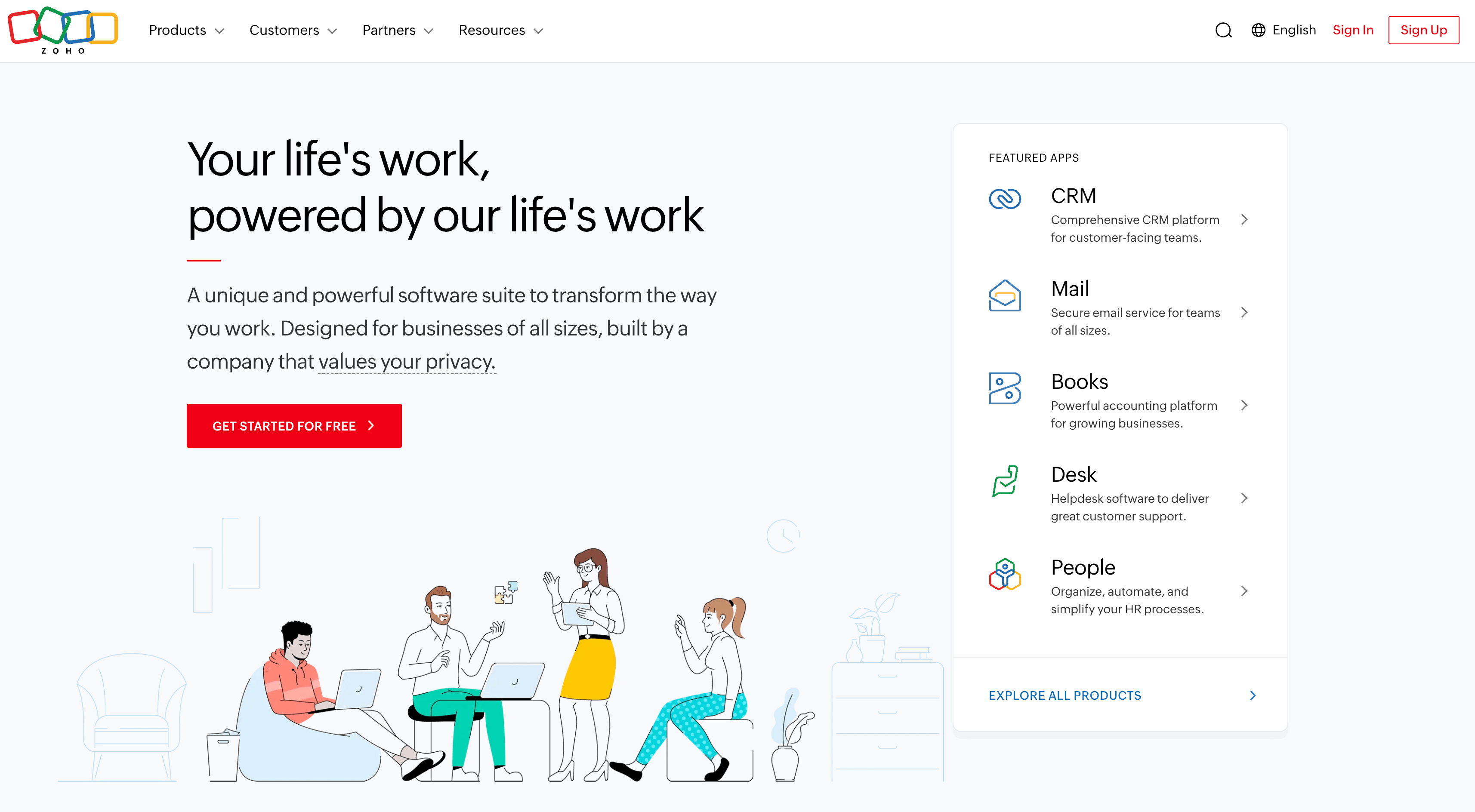
Zoho positions itself as a comprehensive operating system for business, offering an extensive suite of integrated applications that span nearly every business function. Its core value is providing a single, interconnected platform to run an entire organization, from sales and marketing to finance and HR.
Pros
- Unparalleled Application Breadth: With over 55 applications in its ecosystem, Zoho offers an unmatched range of tools under a single vendor. This allows businesses to consolidate their software stack and streamline data flow across departments.
- Deeply Integrated Platform: The entire suite is built on a single technology stack, enabling seamless data sharing and workflows between its applications (e.g., CRM, Books, and Projects). This native integration creates a truly unified operational environment.
- Extensive Customization: Zoho's platform is highly customizable, allowing businesses to tailor applications and workflows to their unique operational needs. This flexibility is consistent across its product line, from simple field adjustments to complex process automation.
Cons
- Inconsistent User Experience: Due to the vast number of applications developed over time, the user interface and overall experience can feel inconsistent across the ecosystem. Users may need to adapt to different design philosophies when moving between a newer app and an older one.
- Steep Learning Curve for Full Adoption: While individual apps can be straightforward, mastering the entire ecosystem and leveraging its deep integration capabilities is a significant undertaking. Fully implementing and customizing the "all-in-one" vision requires considerable time and dedicated expertise.
Zapier — No-Code Workflow Automation
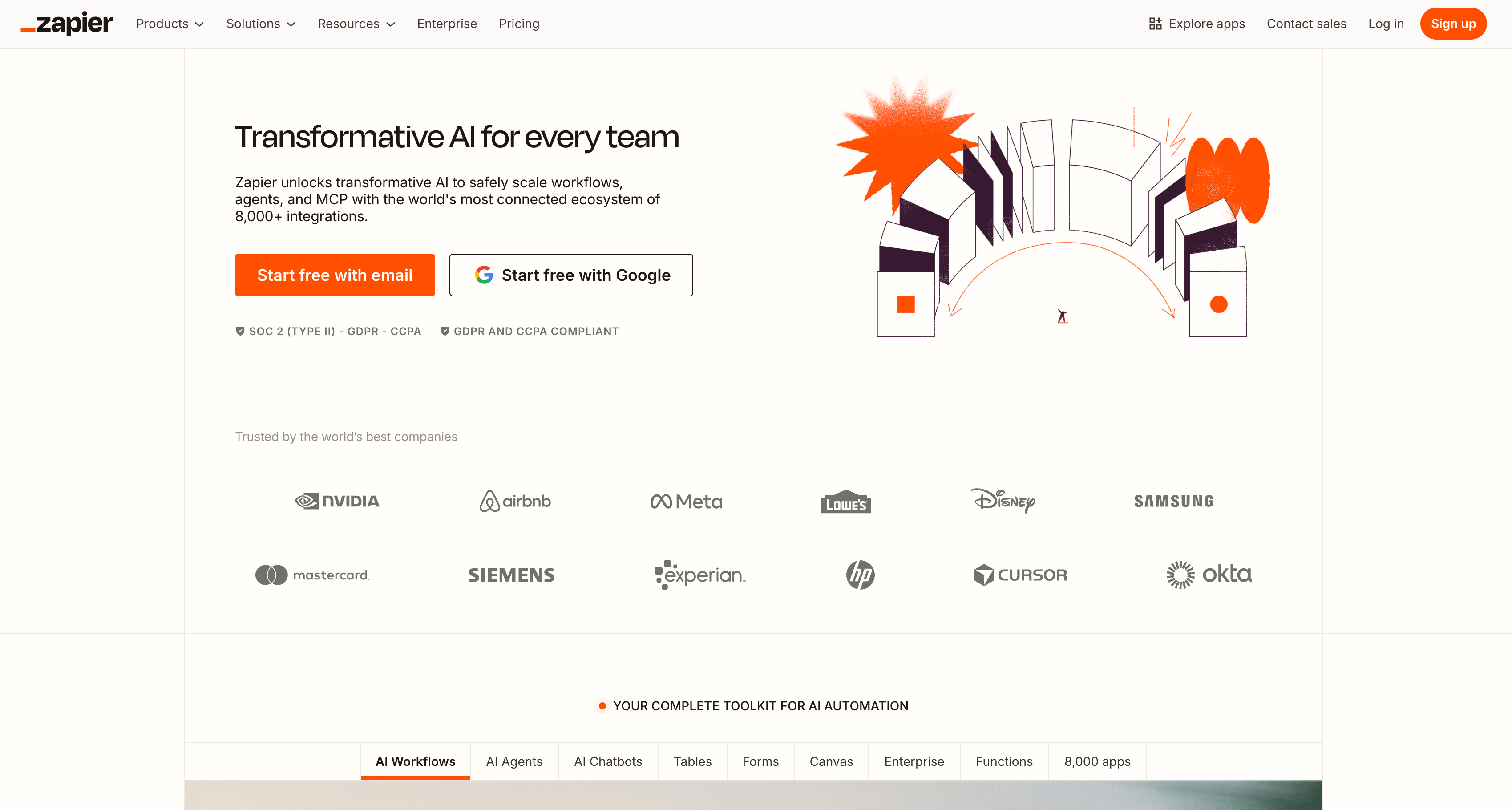
Zapier is an automation platform that connects web applications and automates workflows without needing to write code. It acts as an integration layer, allowing users to create processes ("Zaps") that move information between thousands of apps.
Pros
- Unrivaled App Connectivity: With support for over 5,000 applications, Zapier offers an unparalleled level of connectivity in the no-code space. This empowers non-technical users to build powerful, custom workflows linking virtually their entire tech stack.
- Reduces Manual Work & Errors: By automating repetitive data entry and cross-app tasks, Zapier significantly reduces the risk of human error. This ensures data consistency and frees up valuable employee time for more strategic work.
- Simple and Scalable Workflows: The platform makes it easy to start with simple, two-step Zaps and scale up to complex, multi-step workflows with conditional logic. This flexibility allows businesses to automate processes of varying complexity as their needs evolve.
Cons
- Dependent on Other Tools: Zapier is purely an integration fabric and not a standalone business application; its value is entirely dependent on the other software you use. To leverage it effectively, a business must already have a well-defined set of core applications to connect.
- Troubleshooting Can Be Opaque: When a Zap fails, diagnosing the root cause can be challenging, especially in multi-step workflows. Pinpointing whether the issue lies with Zapier, an app's API, or the data itself often requires a trial-and-error approach.
Who Is Solvea Best Suited For?
While the other tools address specific operational needs like payroll or sales, Solvea is uniquely positioned to solve the critical scalability challenge of customer experience. Solvea is best suited for small businesses that view customer support as a growth lever rather than a cost center.Solvea is specifically engineered for small and medium-sized businesses (SMBs) that need to deliver enterprise-grade customer experiences with limited resources. It is the ideal choice for:
- Resource-Constrained SMBs: Small teams that need to automate high-volume support tasks to stay lean while maintaining the responsiveness of a much larger organization.
- E-commerce & Online Retailers: SMBs operating 24/7 that require an autonomous system to resolve repetitive inquiries like order tracking and logistics without manual intervention.
- Agile Startups: Early-stage companies looking to build a scalable support foundation from day one, allowing them to focus on growth rather than hiring for administrative roles.
- Customer-Centric Service Providers: Small businesses that view superior, proactive support as a competitive advantage to drive customer loyalty and long-term retention in a crowded market
Your AI Receptionist, Live in Minutes.
Scale your front desk with an AI that never sleeps. Solvea handles unlimited multi-channel inquiries, books appointments into your calendar automatically, and ensures zero missed opportunities around the clock.
Conclusion
Selecting the ideal software stack in 2026 depends entirely on your business's specific operational focus. ADP remains the definitive choice for organizations prioritizing rigorous payroll compliance and structured HR management, while HubSpot is best suited for teams looking to unify their sales and marketing efforts within a single CRM. For those seeking a comprehensive, all-in-one "operating system" to run every department, Zoho offers unmatched breadth, whereas Zapier serves as the essential connective tissue for businesses needing to bridge gaps between disparate, specialized tools.
While these platforms provide a solid foundation for general operations, Solvea represents the next frontier in efficiency for businesses struggling with the overhead of customer experience. By moving beyond simple connectivity to autonomous issue resolution, Solvea allows small teams to handle high inquiry volumes with the precision of a much larger enterprise. For businesses aiming to scale without a proportional increase in headcount, Solvea is the recommended choice to transform customer support into a streamlined, high-performance asset.