The recent rise of Moltbot has sparked significant interest in the potential of autonomous AI agents, leading many to compare it with established tools like Claude Code. While both represent a shift from simple chat interfaces to task-oriented systems, their surface-level similarities often mask fundamentally different operational philosophies. This growing curiosity has created a need to clarify where these tools overlap and where they diverge.
This article provides a focused comparison between Moltbot’s execution-heavy model and Claude Code’s analytical approach. By examining their core roles and deployment strategies, we will uncover why they are frequently mentioned together and, more importantly, how they can be integrated into a single, powerful workflow.
What Is Moltbot?
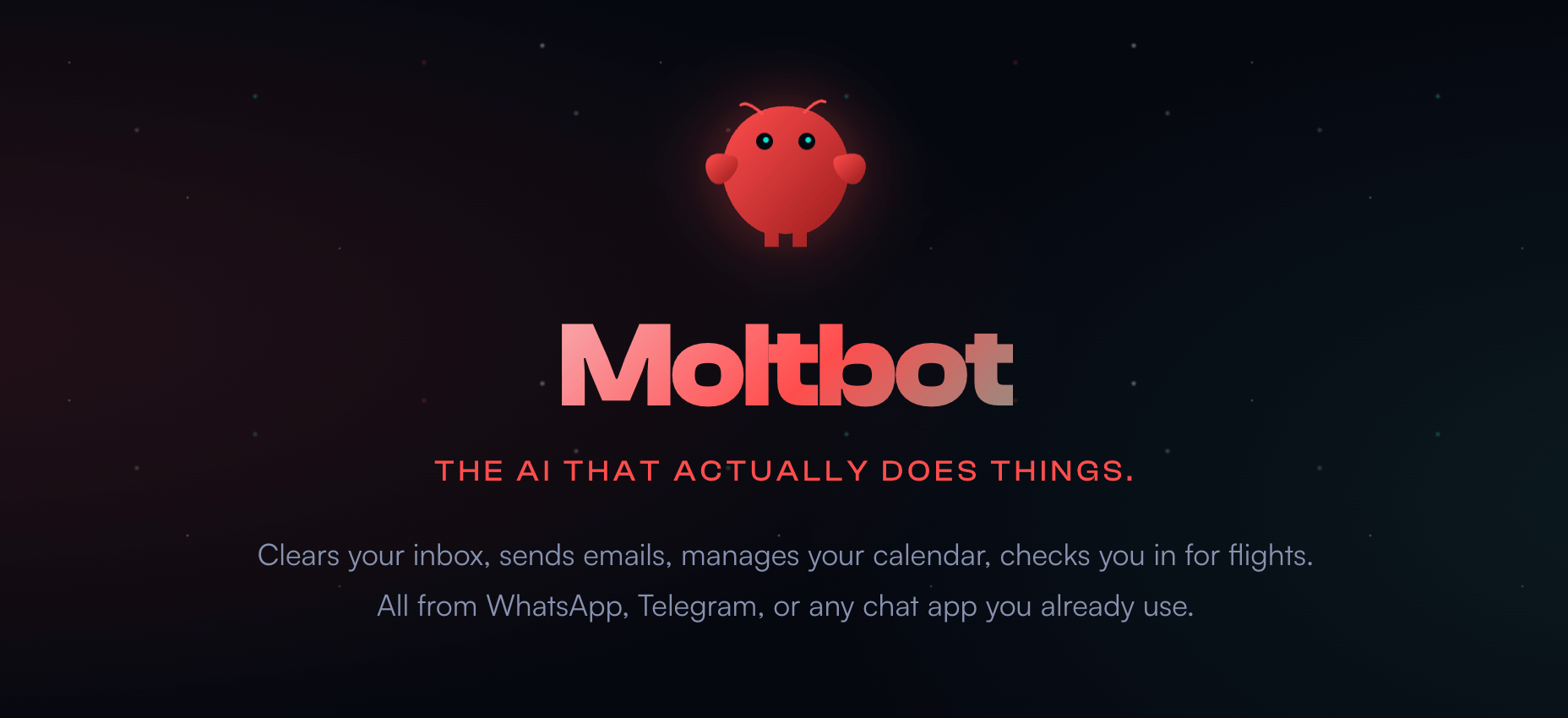
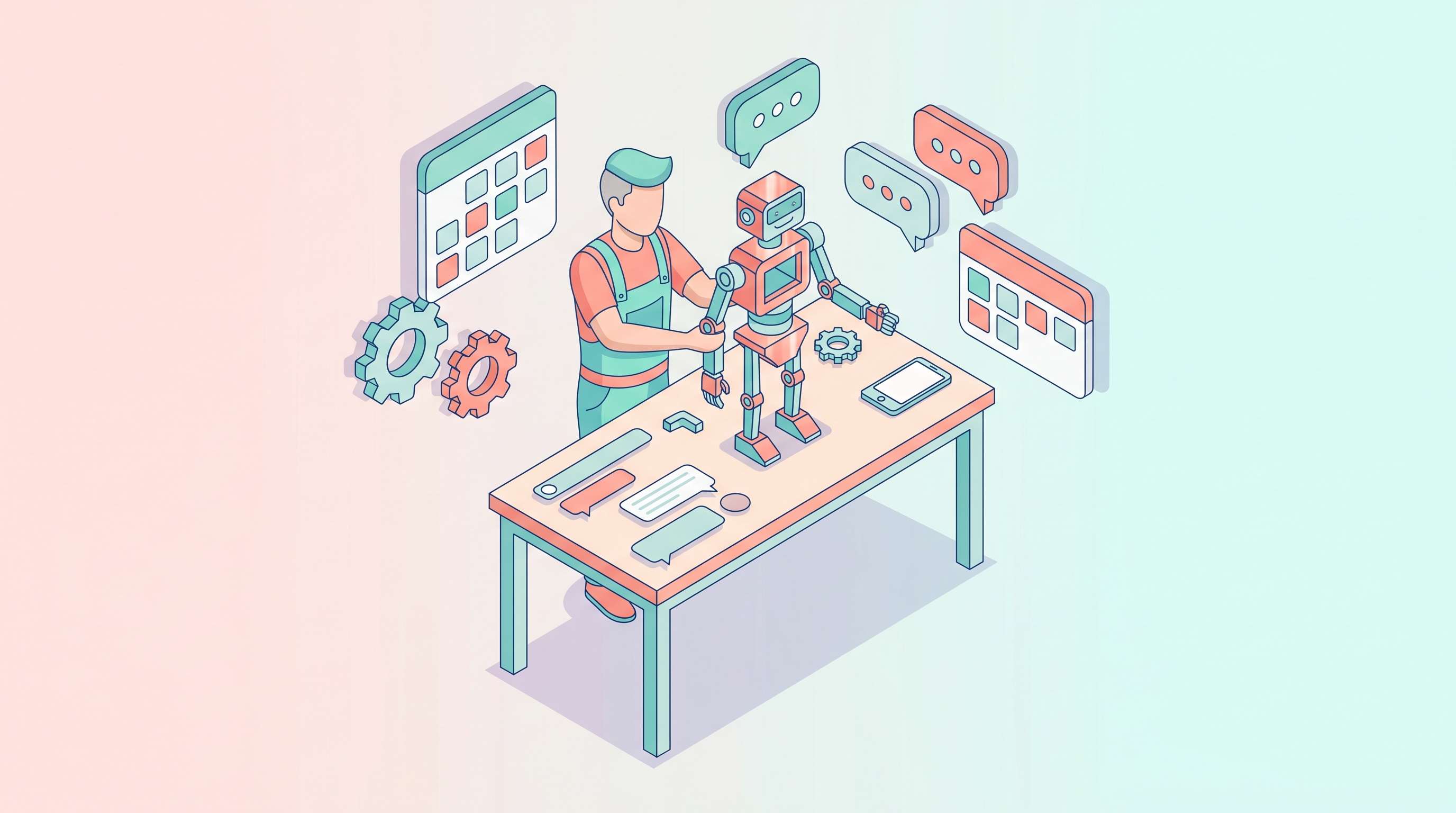
Moltbot is an open-source, self-hosted AI agent that acts as a Personal AI Assistant. Its core function is to execute real, multi-step actions across a user's local system and connected applications, moving beyond text generation to perform system-level tasks.
Core Capabilities
- Local Deployment: It is designed to run on the user's own machine or a private server, giving the user complete control over its environment and data.
- Action Execution: Moltbot is equipped with tools to execute shell commands, manage files, and control a browser, allowing it to perform tasks like clearing an inbox, sending emails, or filling out web forms.
- Cross-Platform Integration: Moltbot works seamlessly with WhatsApp, Telegram, and any chat app you already use, acting as a gateway to your system.
- Persistent Memory: A key feature is its ability to maintain persistent memory. It saves context, files, and "breadcrumbs" of past actions, allowing it to resume complex workflows and "memory moves across agents," learning from previous interactions indefinitely.
How Moltbot Is Used
Moltbot is primarily used for long-running autonomous workflows and system-level automation. This includes cross-application task execution, such as managing emails and calendars, and controlling the host machine through conversational input for tasks like installing software or managing system configurations.
What Is Claude Code?
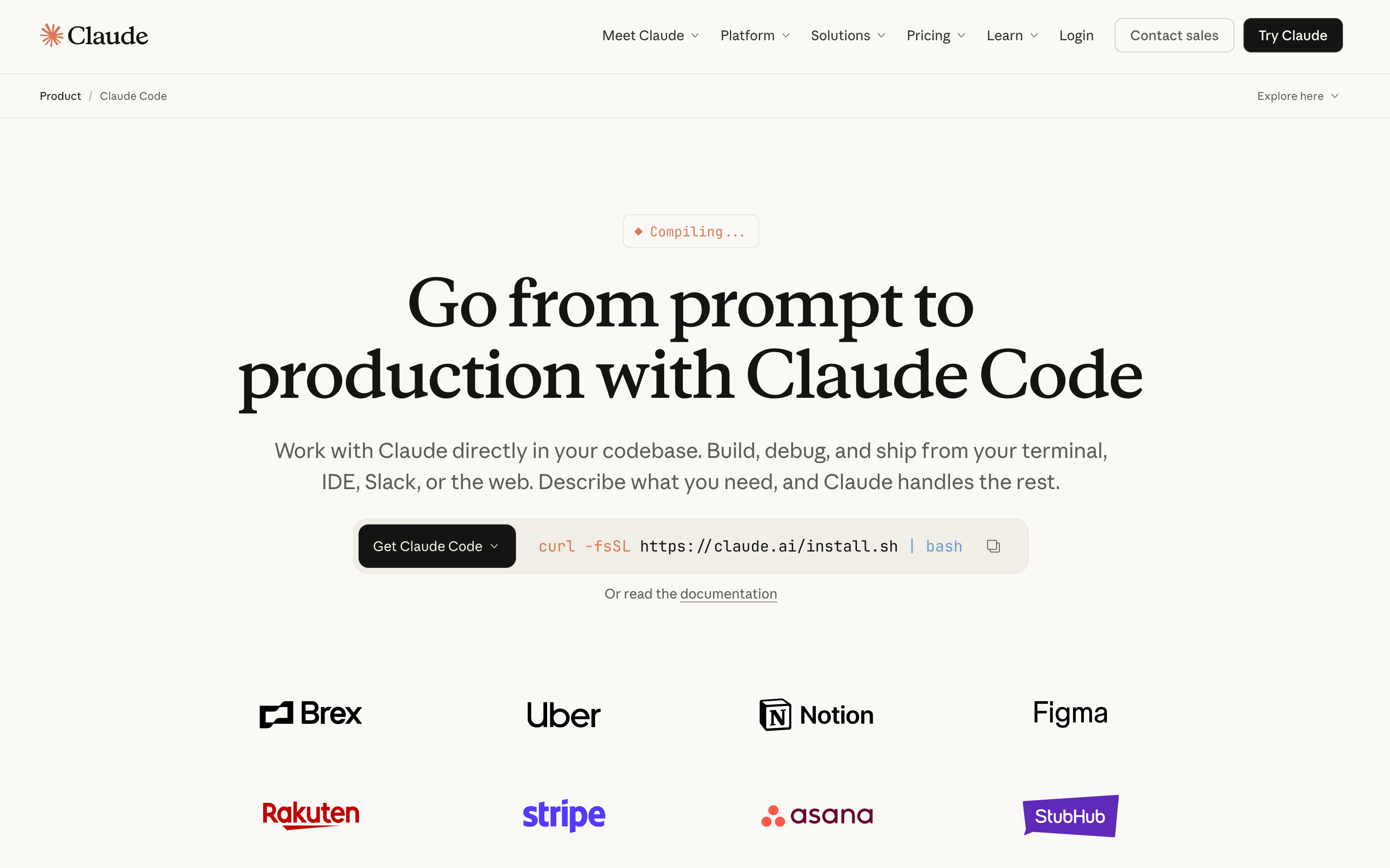
Claude Code is an agentic coding tool from Anthropic, built on the Claude family of models. It is engineered for deep code understanding, generation, and reasoning, serving as an assistant within the developer’s terminal, IDE, or web browser.
Core Capabilities
- Action-Oriented Coding: Claude Code is designed to "Build features from descriptions," "Debug and fix issues," and "Navigate any codebase." It excels at analyzing large codebases, understanding complex logic, and proposing coordinated edits across multiple files.
- Strong Reasoning and Long Context: Built on Anthropic’s models, it benefits from industry-leading reasoning capabilities and long context windows, allowing it to maintain state and context over large projects.
- Permission-Based Architecture: To ensure security, Claude Code employs a Permission-based architecture. It uses strict read-only permissions by default, and when additional actions (editing files, running tests, executing commands) are needed, it requests explicit user approval. This is reinforced by a Sandboxed bash tool for command execution.
How Claude Code Is Used
Claude Code is an indispensable tool for developers and engineers. It is used for interactive coding assistance, reviewing and understanding existing code, and supporting development workflows by automating tasks like running tests and managing git state. It is available across the Terminal (CLI), Claude Code on the web, Desktop app, VS Code, and JetBrains IDEs.
Moltbot vs Claude Code: Key Differences and Comparative Analysis
The fundamental distinction between Moltbot and Claude Code lies in their design goals: autonomy and persistence versus specialization and security. This section combines the core differences with a comparative analysis of their operational models.
Aspect | Moltbot (Autonomous Agent) | Claude Code (Agentic Coding Tool) |
Core Role | General-purpose, autonomous Personal AI Assistant. | Specialized, agentic coding tool. |
Deployment | Self-hosted (local or private server). | Cloud-based, accessible via Terminal (CLI), Web, Desktop app, and IDEs. |
Action Execution | Fully Autonomous: Executes commands and browser actions without constant supervision. Strength: High flexibility and true automation. Limitation: User is fully responsible for security. | Permission-Based Architecture: Agentic execution with explicit user approval for commands with side effects. Strength: Minimizes risk of unintended or harmful actions. Limitation: Cannot run completely unsupervised long-term workflows. |
Memory | Persistent: Maintains local memory and context indefinitely, with memory moving across agents. Strength: Learns and adapts over time, leading to efficient long-term automation. Limitation: Requires user to manage storage and context. | Session-Based: Context is primarily limited to the current session, though project context can be maintained via a dedicated CLAUDE.md file. Strength: Clean slate for new tasks, leveraging superior reasoning for each session. Limitation: Limited persistence and long-term learning. |
System Access | Full Control: User-controlled access to the entire host machine and connected applications. Strength: Unmatched scope for cross-application automation. Limitation: Higher setup complexity. | Project-Scoped: Controlled access to project files and terminal commands within the development environment. Write operations are strictly confined to the project scope. Strength: Seamless integration into developer workflows. Limitation: Limited to the scope of the project and development environment. |
Why They Are Often Compared
Both tools rely on advanced large language models and offer conversational interfaces, leading to confusion between "agents" and "assistants." While they may feel similar to use, their underlying capabilities and execution models are fundamentally different. The comparison highlights the growing divergence between AI tools designed for doing (Moltbot) and those designed for analyzing and assisting (Claude Code). Understanding this core difference—execution versus analysis—is the critical first step to effectively combining their power.
How to Combine Moltbot and Claude Code for Maximum Effect
Rather than viewing Moltbot and Claude Code as competitors, the most powerful approach is to use them in tandem, leveraging the strengths of each:
1 Code Creation and Refinement (Claude Code): Use Claude Code for its core competency: building features from descriptions, debugging and fixing issues, and navigating any codebase. Its superior reasoning and security mechanisms make it the ideal tool for the creative and analytical aspects of software development.
2 System Automation and Personal Workflow (Moltbot): Once Claude Code has finalized the code, use Moltbot to handle the system-level tasks that follow and integrate the work into your personal life. For example, Moltbot can be instructed to:
◦ Run the build and deployment scripts.
◦ Monitor the production server logs for errors after deployment.
◦ Automate the creation of documentation or release notes based on the code changes.
◦ Manage personal tasks related to the project, such as submitting health reimbursements or finding flights after a successful launch.
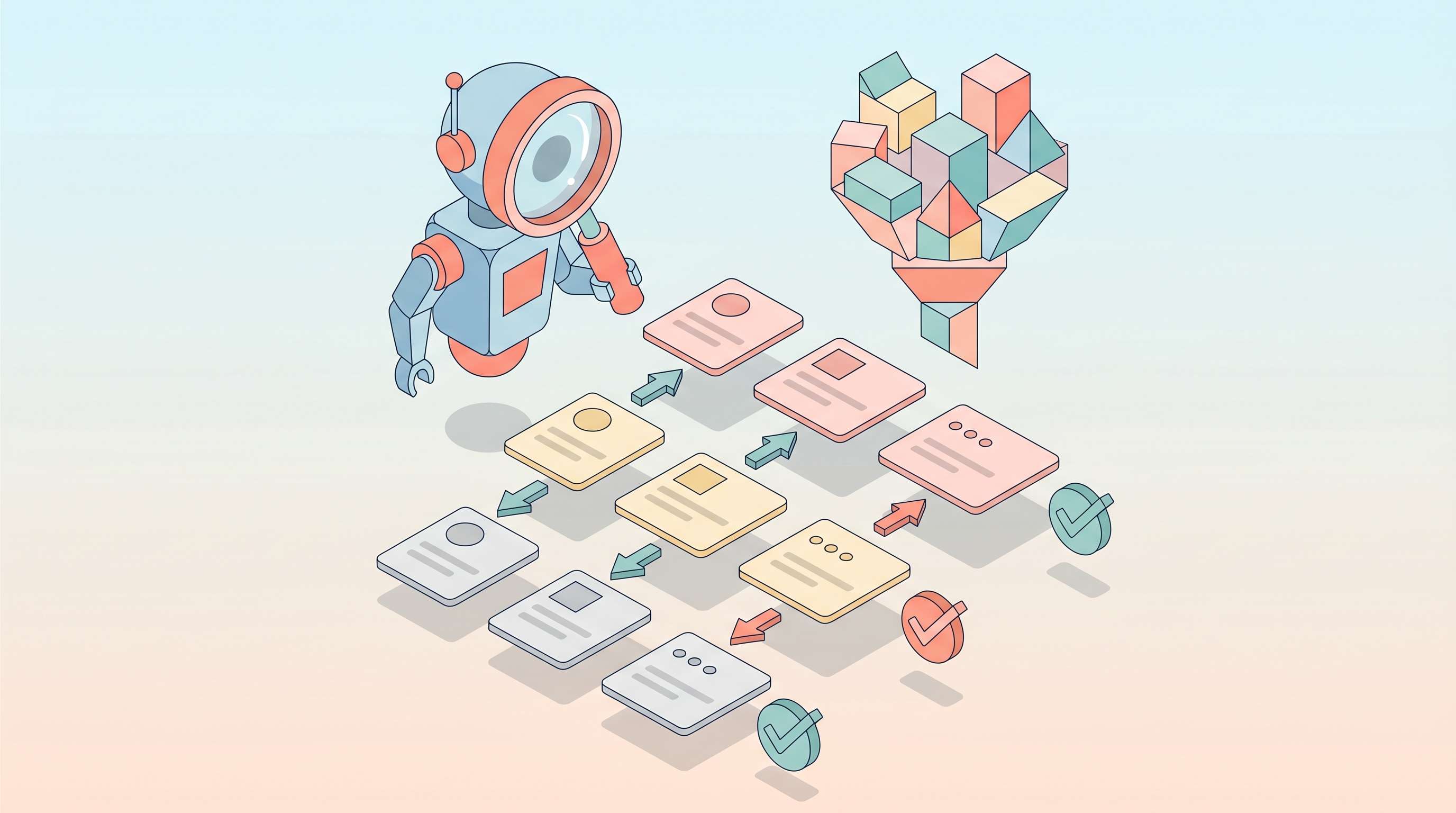
3 Autonomous Development Loop: A user could instruct Moltbot to manage a development task that involves Claude Code. For instance, Moltbot could monitor a project's issue tracker, wake up Claude Code to fix a bug, wait for Claude Code to commit the fix, and then automatically run the full end-to-end testing suite and report the results.
In this combined workflow, Claude Code acts as the highly intelligent, specialized brain, while Moltbot acts as the persistent, autonomous hands and feet that manage the surrounding system and personal workflow. This integration allows the user to benefit from both the security and analytical depth of a cloud-based assistant and the persistent, system-level automation of a self-hosted agent.
Your AI Receptionist, Live in Minutes.
Scale your front desk with an AI that never sleeps. Solvea handles unlimited multi-channel inquiries, books appointments into your calendar automatically, and ensures zero missed opportunities around the clock.
Conclusion
Moltbot and Claude Code represent two distinct, yet equally important, AI tool models. Moltbot is the autonomous executor, designed for the user who prioritizes system-level control, persistent memory, and general-purpose automation. Claude Code is the specialized analyst, designed for the developer who prioritizes deep reasoning, security, and seamless integration into their coding workflow. By understanding their unique strengths, users can move beyond choosing a "winner" and instead integrate them into a powerful, hybrid workflow that maximizes both analytical depth and autonomous execution.