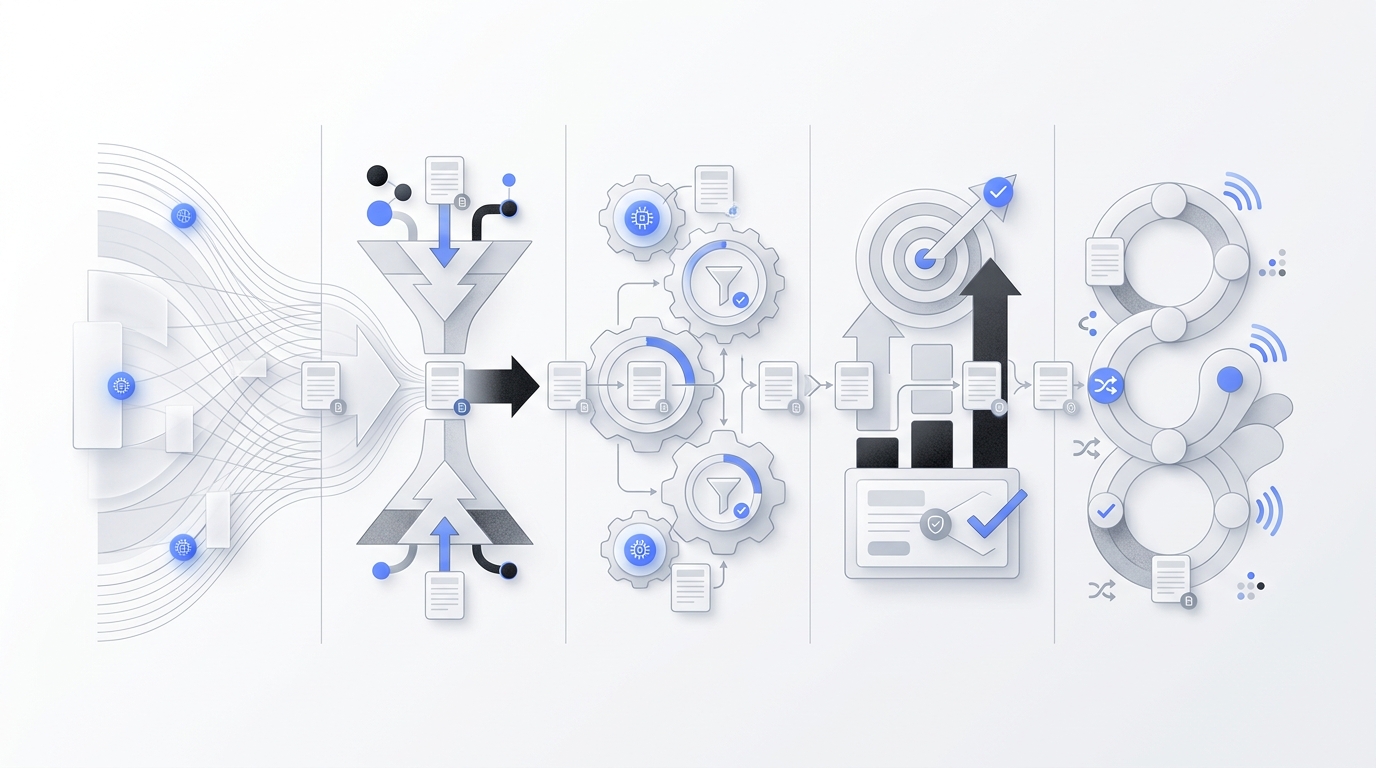
When you actually calculate how much your business spends on handling calls and customer inquiries, the total is often higher than expected. Salaries, missed calls, and after-hours gaps add up quickly. In the U.S., receptionist salaries typically range from $35,000 to $50,000 per year, with averages around $40,000 depending on experience and industry, based on data from Salary.com and Glassdoor.
That’s usually when AI receptionists come into consideration — but the next question is simple: how much do they really cost?
In practice, cost depends on what is actually included — automation depth, scheduling, CRM sync, or human backup — and what work the system is replacing. If you compare only the sticker price, you can end up picking the wrong system for your business.
This guide breaks down what businesses are really paying for an AI receptionist in 2026, what affects the final bill, and when AI is cheaper than a virtual or in-house receptionist.
TL;DR
AI receptionist cost depends on your workload, not just vendor pricing.
- Most businesses fall into lean, growth, or hybrid setups, based on volume and complexity
- The key inputs are interaction volume, repetition rate, human involvement, and after-hours demand
- AI delivers value by handling repetitive front-desk work and capturing missed opportunities
- The best setup is usually AI for first response + human for exceptions, not full replacement
What Is Included in AI Receptionist Cost?
An AI receptionist is far more than a simple voice bot; it acts as the comprehensive frontline of your communication stack. A useful way to understand the pricing is to view it as paying for three integrated layers at once:
- The Conversation Layer: Includes the core infrastructure for voice, chat, or message handling across different platforms.
- The Workflow Layer: Covers the "brain" of the system, including scheduling, routing, tagging, and automated follow-up actions.
- The Reliability Layer: Ensures service continuity through guaranteed uptime, escalation rules, human fallback, and detailed reporting.
The more of these layers you activate, the higher the real-world value—and the cost—will be. Specifically, your total investment typically covers these five functional areas:
- Multi-Channel Communication: Phone, SMS, and Web Chat. This foundational layer ensures customers can reach you on any platform 24/7, with automated phone answering and instant SMS/chat follow-ups.
- Inbound Management: Email Triage and Lead Capture. Beyond voice, the system sorts incoming inquiries and identifies potential customers, ensuring no opportunity is missed in your inbox.
- Workflow Automation: Appointment Scheduling and CRM Sync. The AI performs tasks like a human assistant—booking appointments directly into your calendar and automatically updating customer records in your CRM.
- Intelligent Handling: Call Routing and FAQ Support. This includes the logic to answer repetitive questions (FAQs) and intelligently route complex or urgent cases to the right team member.
- The Reliability & Support Layer: Uptime and Human Escalation. You are paying for peace of mind, including multilingual support and the critical ability to escalate cases to a live person when AI reaches its limit.
The final cost of an AI receptionist is mainly determined by a few key factors: conversation volume, channels, workflow depth, human backup, and setup complexity. Higher usage and overages increase costs, while adding more channels (phone, SMS, chat) and deeper automation (booking, CRM sync) also raises pricing. Hybrid models with human support and more customized setups further expand the total cost. In short, pricing differences mostly come down to usage × features × level of service.
AI Receptionist vs Virtual Receptionist vs In-house Receptionist
Feature | AI Receptionist | In-house Receptionist | Virtual Receptionist (Human/Hybrid) |
Pricing Standard | Subscription-based (monthly/annual) | Annual salary (fixed cost) | Usage-based (per-minute/per-call packages) |
Billing Units/Method | Flat fee, per-conversation, or tiered features | Salary + benefits + taxes + overheads | Minute bundles, per-call fees, overage charges |
Key Cost Drivers | Features, call volume, integration complexity | Salary, benefits, payroll taxes, recruitment, workspace, management | Call volume, minute usage, service complexity, human labor costs |
Return on Investment (ROI) | High, through cost reduction, 24/7 availability, and efficiency gains | Dependent on unique human value (e.g., complex problem-solving, personalized client relations), but with high fixed costs | Variable, dependent on call volume and efficiency of human agents; can be high for specific human-touch needs |
Scalability of Cost | Highly scalable; cost per interaction decreases with volume | Fixed cost per employee; scales linearly with additional hires | Lower, due to potential overage charges and variable minute usage |
A traditional in-house receptionist gives you the most control, but also the highest fixed cost. You are paying salary, taxes, training time, management overhead, and coverage gaps when that person is out sick or off the clock. That model still makes sense for high-touch environments, but it is expensive if most calls are repetitive.
A virtual receptionist service usually lowers the burden of in-house because you do not need to hire internally. The tradeoff is that you often pay for minutes, packages, or service tiers. In a pricing guide published by Intelligent Office, basic virtual receptionist plans were listed at $95 to $250 per month, mid-tier plans at $250 to $500 per month, and premium plans at $500 to $1,200+ per month, with AI or hybrid options listed at $30 to $100 per month. That does not settle the market by itself, but it shows how wide pricing can be depending o
An AI receptionist usually becomes attractive when your inbound work is repetitive enough to automate. Think appointment reminders, basic intake, lead qualification, hours and location questions, after-hours call capture, or first-response handling across phone and chat. In those cases, AI can flatten labor costs and extend coverage without forcing you to staff every hour manually.
The catch is that AI is not a perfect replacement for every front-desk interaction. If your business depends on empathy-heavy calls, complex exception handling, or white-glove VIP treatment, you may still want a hybrid model.
When Does an AI Receptionist Save Money?
An AI receptionist saves money when it reduces missed revenue, avoids unnecessary staffing, or improves response speed enough to capture more opportunities.
The savings are usually clearest in businesses that have one of these patterns:
- A lot of repetitive inbound questions
- Calls coming in outside business hours
- Small teams that cannot keep a front desk staffed all day
- Lead-driven workflows where speed-to-answer matters
- Multiple channels that currently live in separate inboxes
Gartner said in a 2025 press release that by 2029, agentic AI could autonomously resolve 80% of common customer service issues without human intervention, leading to a 30% reduction in operational costs. That forecast is broader than reception work alone, but it supports the bigger direction: front-line service work is becoming more automatable.
Even without using that forecast as a budgeting shortcut, the business logic is straightforward. If your staff spends hours every week answering the same questions, confirming appointments, or routing simple requests, those are tasks AI can often handle at a lower marginal cost.
There is also an opportunity-cost angle. A business owner or office manager who keeps jumping in to answer calls is not doing higher-value work. If AI removes that interruption pattern, the savings are not only payroll savings. They also show up in focus, consistency, and lead response speed.
Where AI receptionist pricing gets misunderstood
The biggest mistake is assuming the lowest monthly number equals the best value.
A cheap plan may not include call transfers, CRM updates, scheduling, or multilingual support. It may cap minutes so tightly that your actual invoice looks nothing like the advertised entry price. On the other end, an expensive plan may still be worth it if it replaces several disconnected tools and removes enough admin work from your team.
Another common mistake is comparing AI only to salary. That comparison is incomplete. The real comparison is total front-desk operating cost: coverage hours, missed calls, overflow handling, appointment leakage, training overhead, and management time.
This is also where the phrase virtual receptionist cost matters. Many buyers start with that older category, then discover that modern AI tools overlap with it heavily. But the operating models are different. Virtual receptionist services often charge for people time. AI systems usually charge for software usage, automation scope, or communication volume. The result is that the cheaper option depends on your demand pattern.
If your call flow is high-emotion and unpredictable, people may still win. If your front desk work is structured and repetitive, AI often wins on cost.
How to estimate your own AI receptionist cost
If you want a practical estimate, do not start with vendor pricing pages. Start with your workload.
Pull two to four weeks of inbound data and answer these questions:
- How many phone calls, chats, emails, and texts do you handle each week?
- How many of those interactions are repetitive?
- How many require a real human because of judgment, empathy, or exception handling?
- What percentage happens after hours or when your team is busy?
- What systems need to be updated after each conversation?
Once you have those answers, map them to three budget scenarios.
Lean automation
Best for solo operators or small teams with limited call volume. You want missed-call capture, basic FAQs, and simple lead intake. This is where lower-cost AI plans can make sense.
Growth-stage front desk automation
Best for service businesses that need scheduling, lead qualification, follow-up messages, and channel coverage beyond phone. This is where mid-tier plans often land.
Hybrid front-desk orchestration
Best for multi-location businesses or teams that need AI first response plus human escalation. This is usually the most expensive tier, but it can still be cheaper than building full internal coverage.
When you compare vendors, ask them to model your actual workflow, not a generic use case. A pricing page is only the start. The real number depends on your traffic and the actions the system takes after the conversation begins.
What Do AI Receptionist Solutions Actually Cost Across the Stack?
When evaluating AI receptionist solutions, businesses face 2 main types: Open-source platforms and Agent platforms.
Each type has a different cost structure, depending on factors like infrastructure, orchestration, automation, and intelligence. Understanding these differences makes it easier to choose the right solution for your business.
Category | Open-source | Agent platforms |
Pricing Model | Usage-based | Subscription |
Cost Predictability | Low | Medium–High |
Engineering Required | High | Low |
Primary Cost Component | Infrastructure (API, hosting) | Convenience & automation |
1. Open-source Agent Frameworks
Open-source frameworks like OpenClaw are often perceived as the lowest-cost option because the software itself is free. However, the actual cost lies in the infrastructure required to run them. This includes large model API usage, voice processing services, cloud hosting, and engineering time for setup and maintenance. As usage increases—especially with real-time voice interactions or multi-step workflows—costs tend to scale non-linearly and become difficult to predict.
Representative pricing:
- Open-source frameworks (software): Free
- LLM APIs (e.g., OpenAI / Anthropic): usage-based (token pricing)
- Voice infrastructure (e.g., Twilio): per-minute billing
- Cloud hosting: typically $20–$200+/month depending on scale
2. AI Agent Platforms
AI agent platforms abstract away infrastructure complexity by packaging models, workflows, and integrations into a subscription product. The primary cost here is not raw computation, but convenience and reduced operational overhead. Pricing is typically tiered, with limits based on usage volume, number of workflows, or automation capacity.
Representative product:
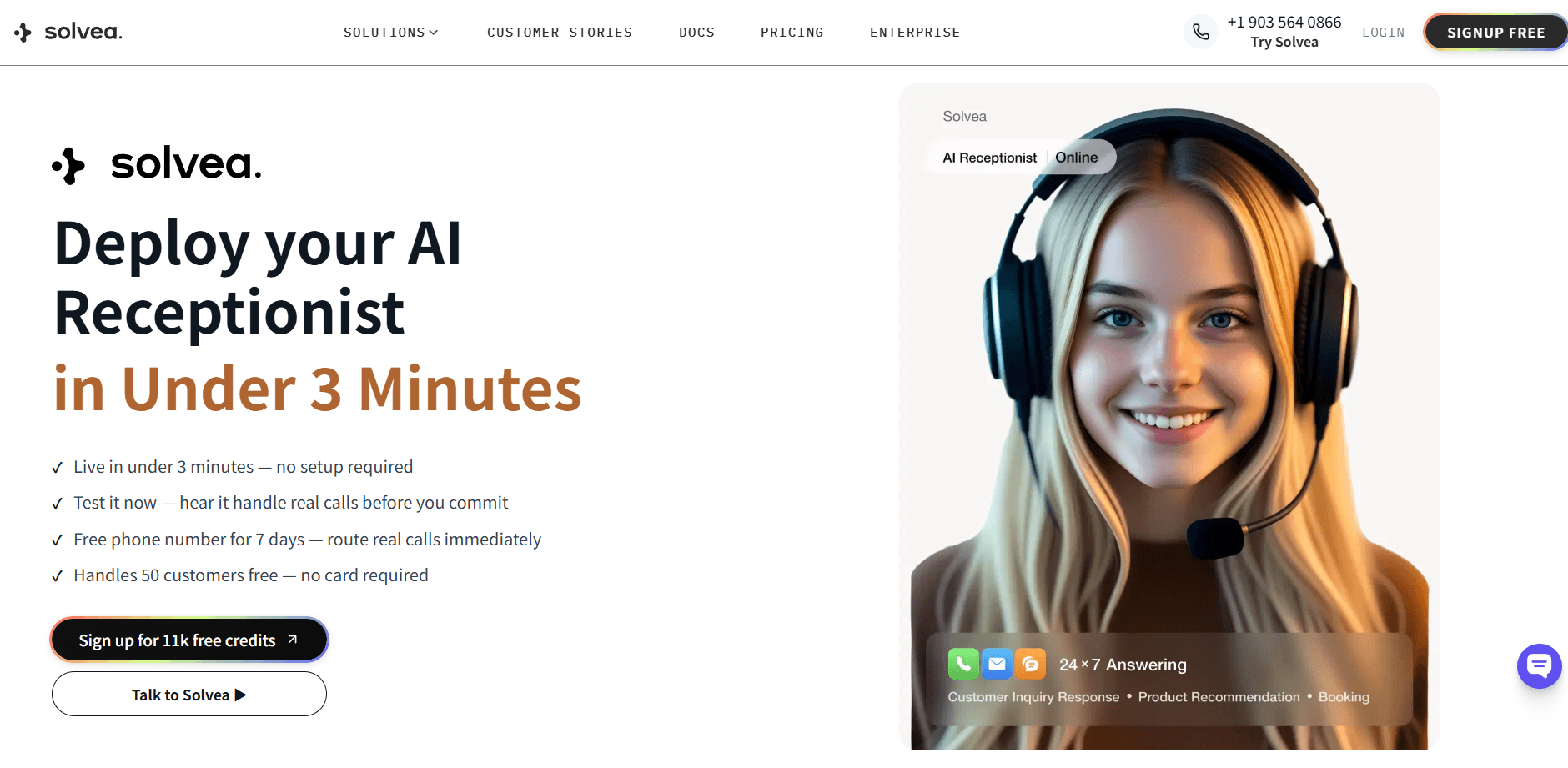
Solvea is a no-code AI agent platform designed for small business, which enables business owners to create their own AI receptionists by prompt or industry-sepecific templates (e.g. retail, real estate, medspa, software, and restaurant).
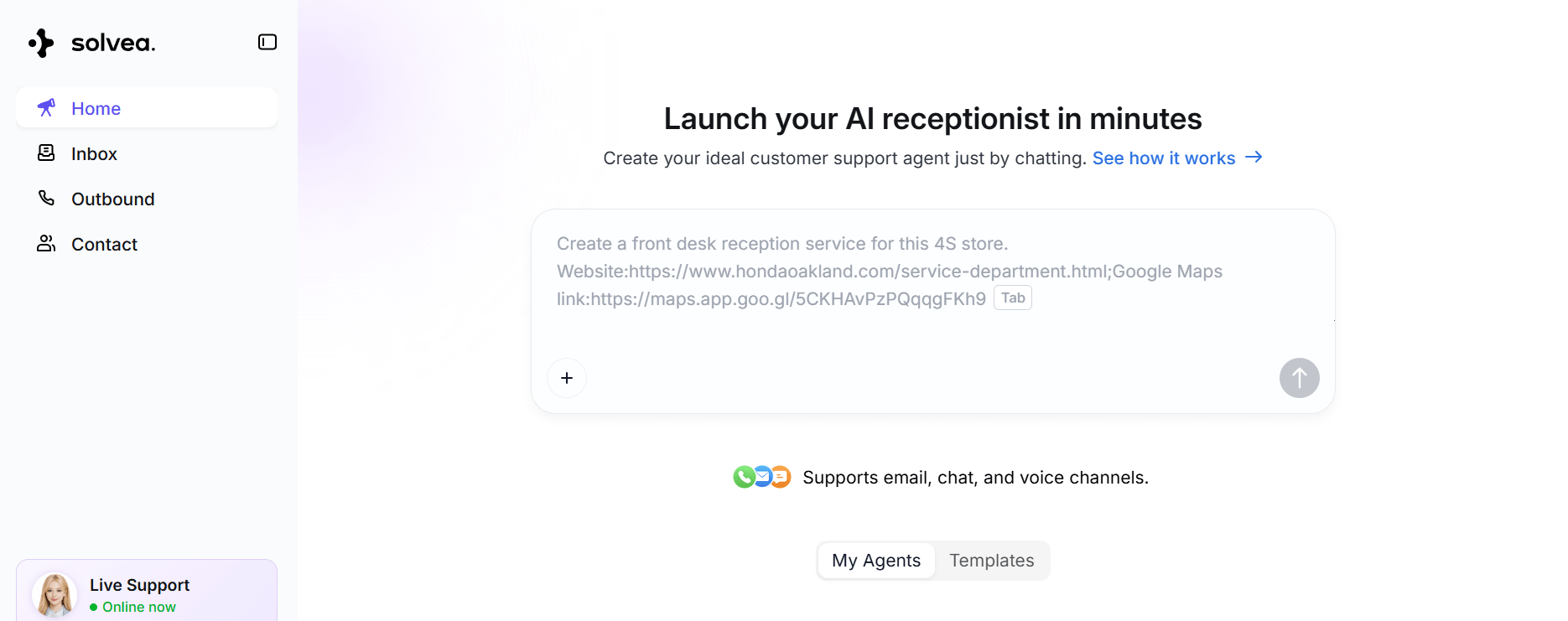
Compared to open-source setups (which distribute costs across APIs, infrastructure, and engineering), Solvea consolidates these into a single system where businesses primarily pay for handled interactions and completed tasks. This shifts the cost structure from fragmented, usage-based billing to a more predictable operational expense tied to real business outcomes such as lead capture, booking, and customer routing.
- Free plan: 1k credits/month
- Paid plans: 30k credits/month - $30/month or $300/year; Enterprise - custom pricing
What is included in the cost:
- Multi-channel communication (phone, chat, email)
- Structured data extraction from conversations
- Workflow execution (booking, routing, CRM updates)
- Integration with external systems
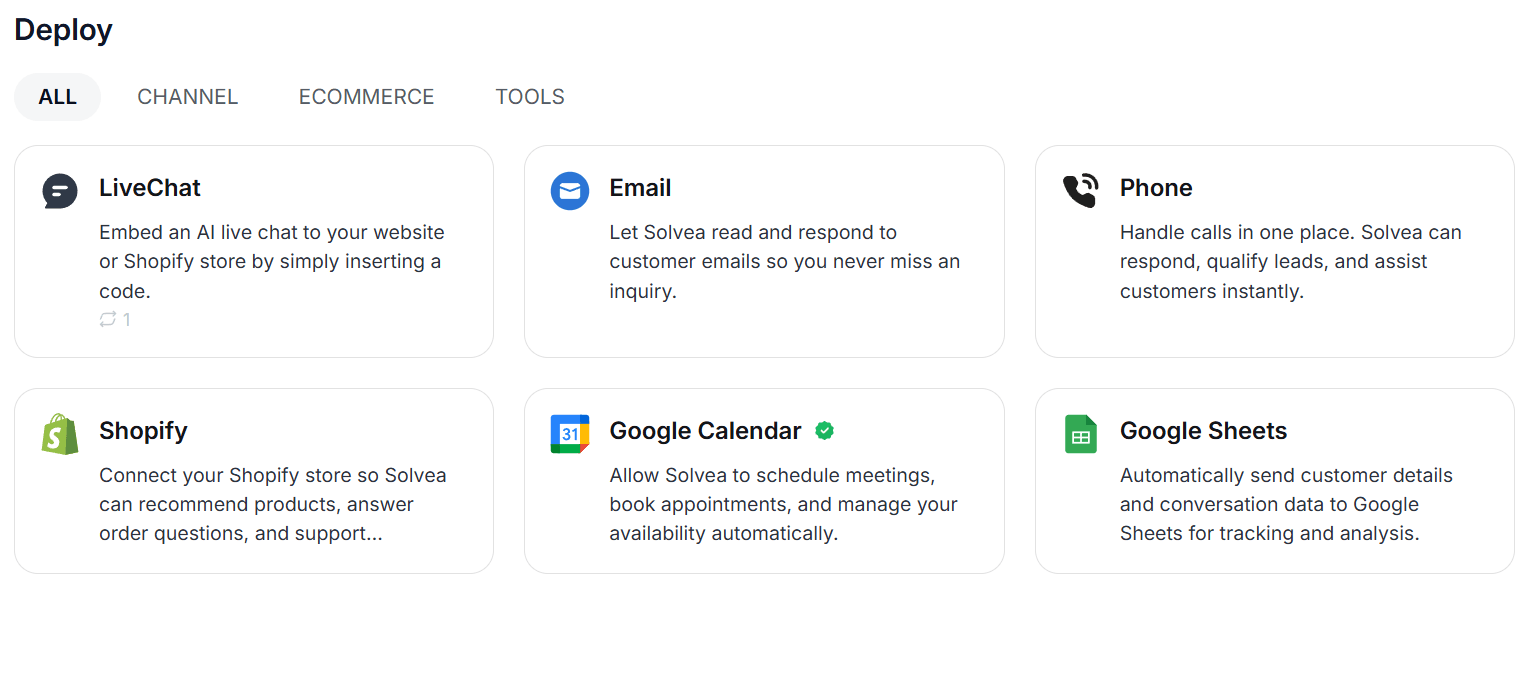
Ultimately, the value of Solvea is realized progressively as usage scales. As more inbound interactions are automated, the reduction in manual effort and missed opportunities becomes increasingly noticeable. Over time, this leads to a higher cost-performance ratio, especially for businesses with steady and repeatable communication demands.
You can see how Solvea works here:
Real-world Examples of Where the Math Works
Ecommerce business: AI can handle order status questions, basic support inquiries, and after-hours messages, allowing most repetitive requests to be resolved instantly while only complex cases like refunds or complaints are escalated to humans.
Home services business: AI can cover missed and after-hours calls, capture leads, and book estimates, where the main impact comes from recovering lost opportunities—sometimes just one additional booked job per month can offset a meaningful part of the cost.
Law office or Accounting firm: a hybrid setup allows AI to screen calls, collect basic details, and schedule consultations, while sensitive or high-value conversations are handled by a person, improving both efficiency and client experience.
These examples show that pricing is ultimately a workflow question: the real value comes from how much front-desk work can be automated and what business outcomes that automation unlocks.
Conclusion
Understanding AI receptionist cost is less about finding one average market number and more about matching price to workflow. The right system can be far cheaper than staffing every call manually, but only if it fits your volume, channels, and exception handling needs.
If you want something practical, compare tools based on what they automate, not just what they charge. A receptionist that answers across calls, chats, and emails can remove a surprising amount of front-desk load when it is set up well.
Your AI Receptionist, Live in Minutes.
Scale your front desk with an AI that never sleeps. Solvea handles unlimited multi-channel inquiries, books appointments into your calendar automatically, and ensures zero missed opportunities around the clock.
FAQ
How much does an AI receptionist cost per month?
It depends on usage and features. Entry-level AI tools may start low, while more capable systems cost more once you add phone coverage, scheduling, integrations, and multi-channel workflows. Take Solvea as an example, it costs $30/month for 30k credits (with 1k credits/month for free). The best way to estimate cost is to match pricing to your real call and message volume.
Is an AI receptionist cheaper than a virtual receptionist?
Often yes, especially when your business has repeatable front-desk tasks and predictable workflows. A virtual receptionist service may still be better when you need more human judgment, but AI usually becomes more cost-efficient as volume increases.
When is the ROI for an AI receptionist highest?
ROI is highest for businesses with high volumes of repetitive inquiries, significant after-hours traffic, or lead-driven workflows where instant response times are critical for conversion and preventing revenue leakage.