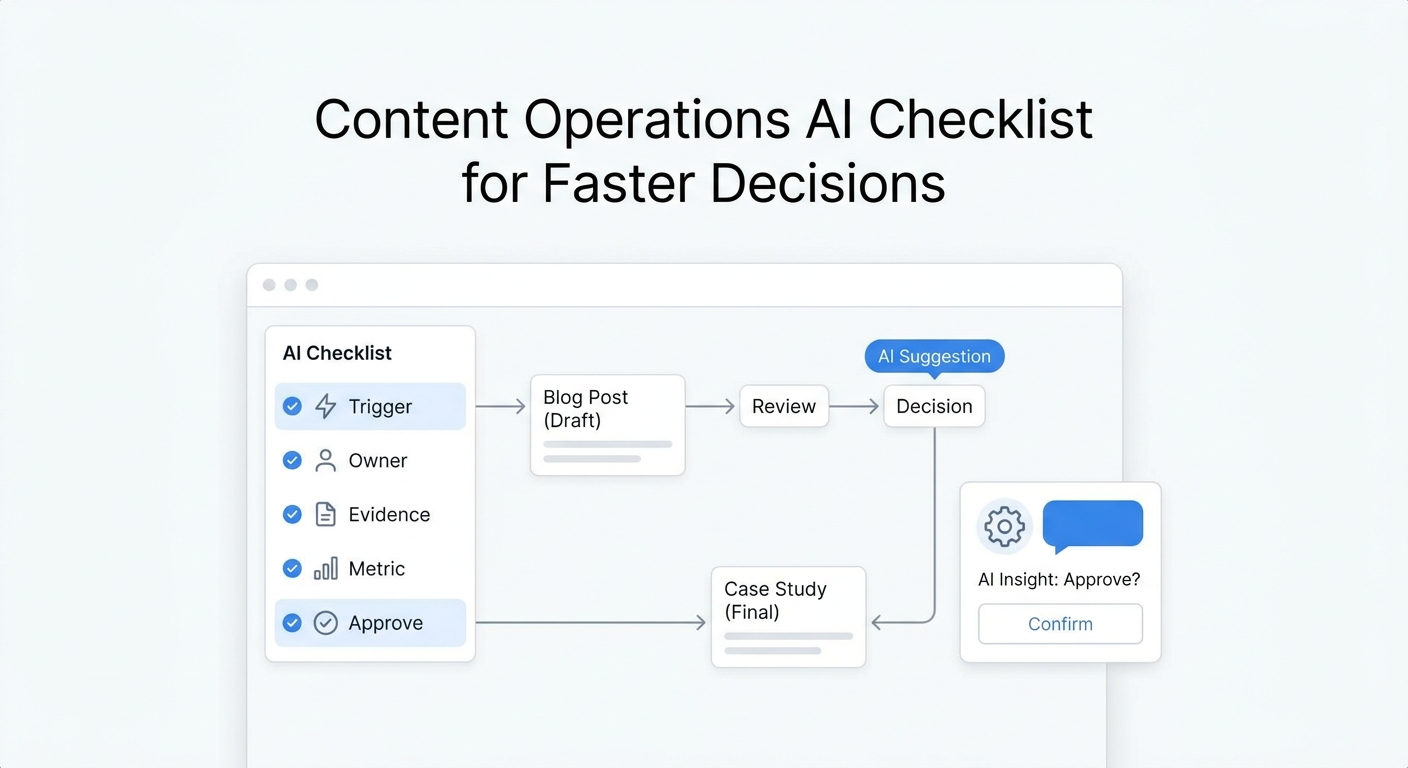
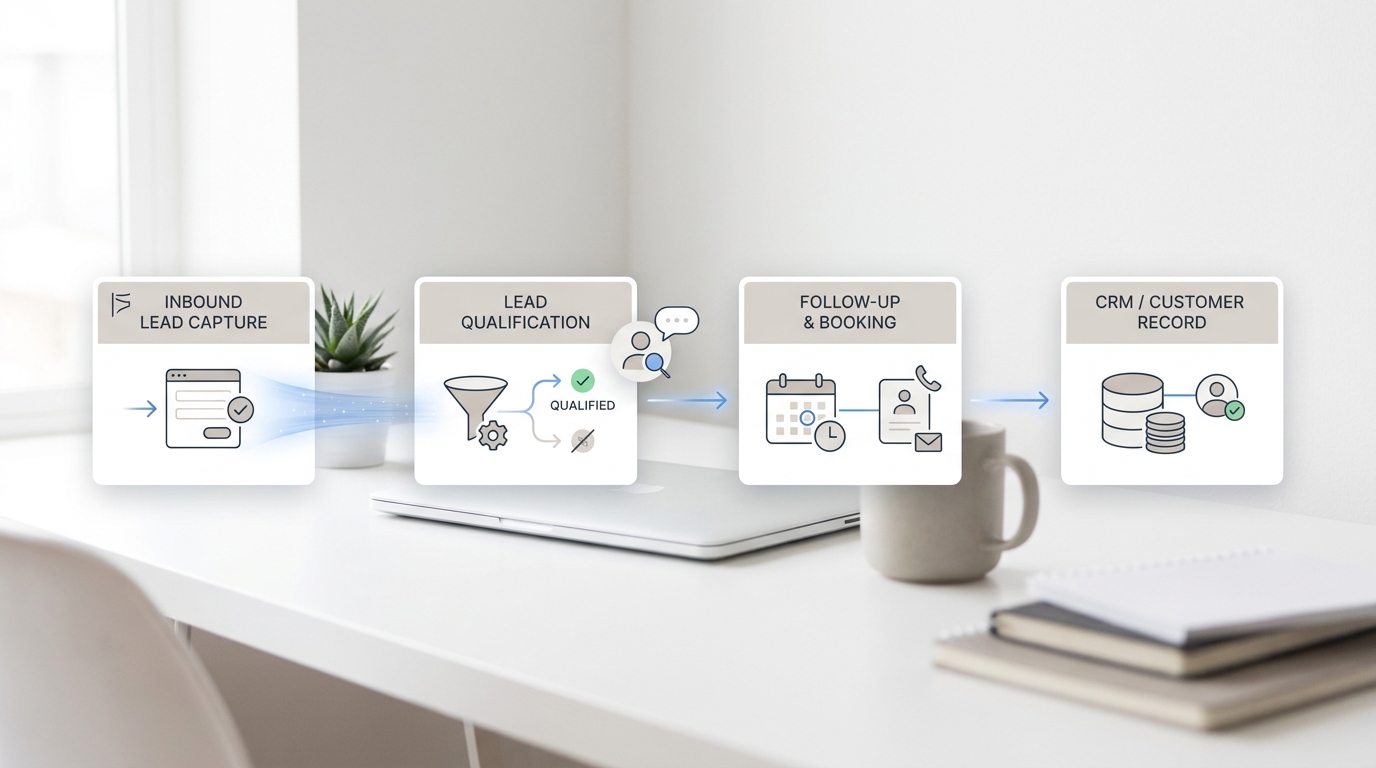
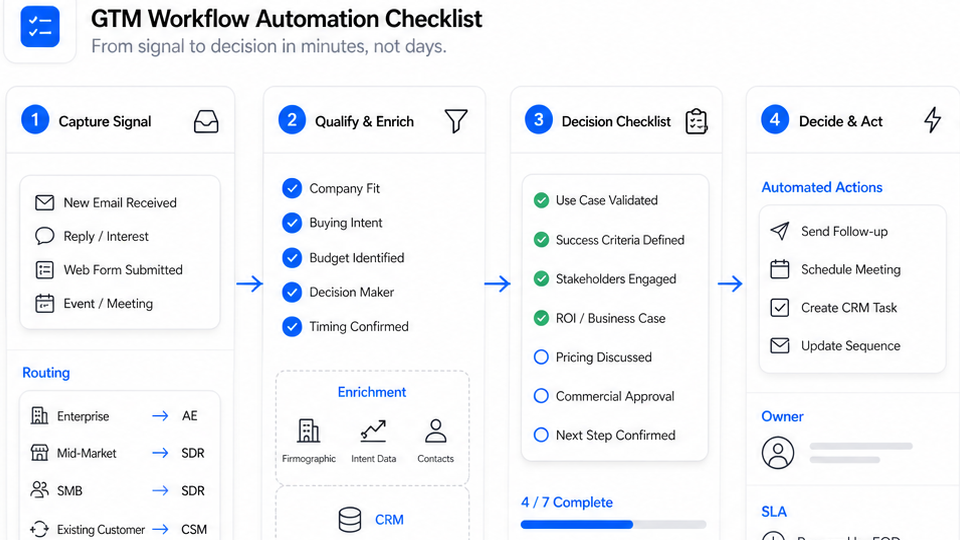
If your team is choosing between Notion and Google Drive as a knowledge base, the honest answer is that they're not really competing on the same axis. Google Drive is a file system with a writing app bolted on; Notion is a document database with files bolted on. The choice usually comes down to how your team thinks: in folders or in pages, in files or in linked content. Get that decision wrong and you spend a year fighting your tooling.
This comparison is specifically about using each tool as a knowledge base — the place a team or a customer goes for the canonical answer to a recurring question. We're not weighing in on which is better for spreadsheets or photo storage. The five things that matter for a KB use case: how content is structured, how findable it is, how it handles team collaboration, how it integrates with downstream tools (especially AI), and what it actually costs at the scale you're operating.
Read the TL;DR if you want the answer in 30 seconds; read the full comparison if you're making a decision worth more than a few thousand dollars over the next two years.
TL;DR
Feature | Notion | Google Drive (Workspace) |
Best for | Teams that want a structured, linked knowledge base with database views | Teams already on Gmail and Docs who want simple file storage and shared docs |
Free plan | Free for individuals; paid plans for shared workspaces (Notion Pricing) | Free 15 GB consumer Drive; no free Workspace tier (Google Workspace Pricing) |
Starting price (annual) | $10/user/month (Plus) (Notion Pricing) | $7/user/month (Business Starter, 30 GB) (Google Workspace Pricing) |
Knowledge base structure | Pages, sub-pages, linked databases, properties, filters | Folders and files; no native page-linking model |
Search capability | Page-level + content search, filterable databases, semantic AI search | Drive-level full-text search across Docs, Sheets, Slides, PDFs |
AI integration | Notion AI (Trial on Free/Plus, full access on Business) | Gemini built into Workspace (gradually included on Standard+) |
Who it's for | Startups, product/engineering teams, content teams, founders building wikis | Established SMBs and enterprises already on Google Workspace |
The short version: if you already pay for Google Workspace, Drive is the path of least resistance for a basic KB. If your team is starting fresh, working asynchronously, or wants to build interconnected docs (linked databases, embedded views, project pages), Notion is the better foundation.
A few caveats worth keeping in mind as you read the detailed comparison below: pricing changes (everything below was verified against the official pricing pages on the publication date of this article — re-check both before signing a contract), and "best for" depends on your team's working style more than on a feature checkbox.
What Is Notion?
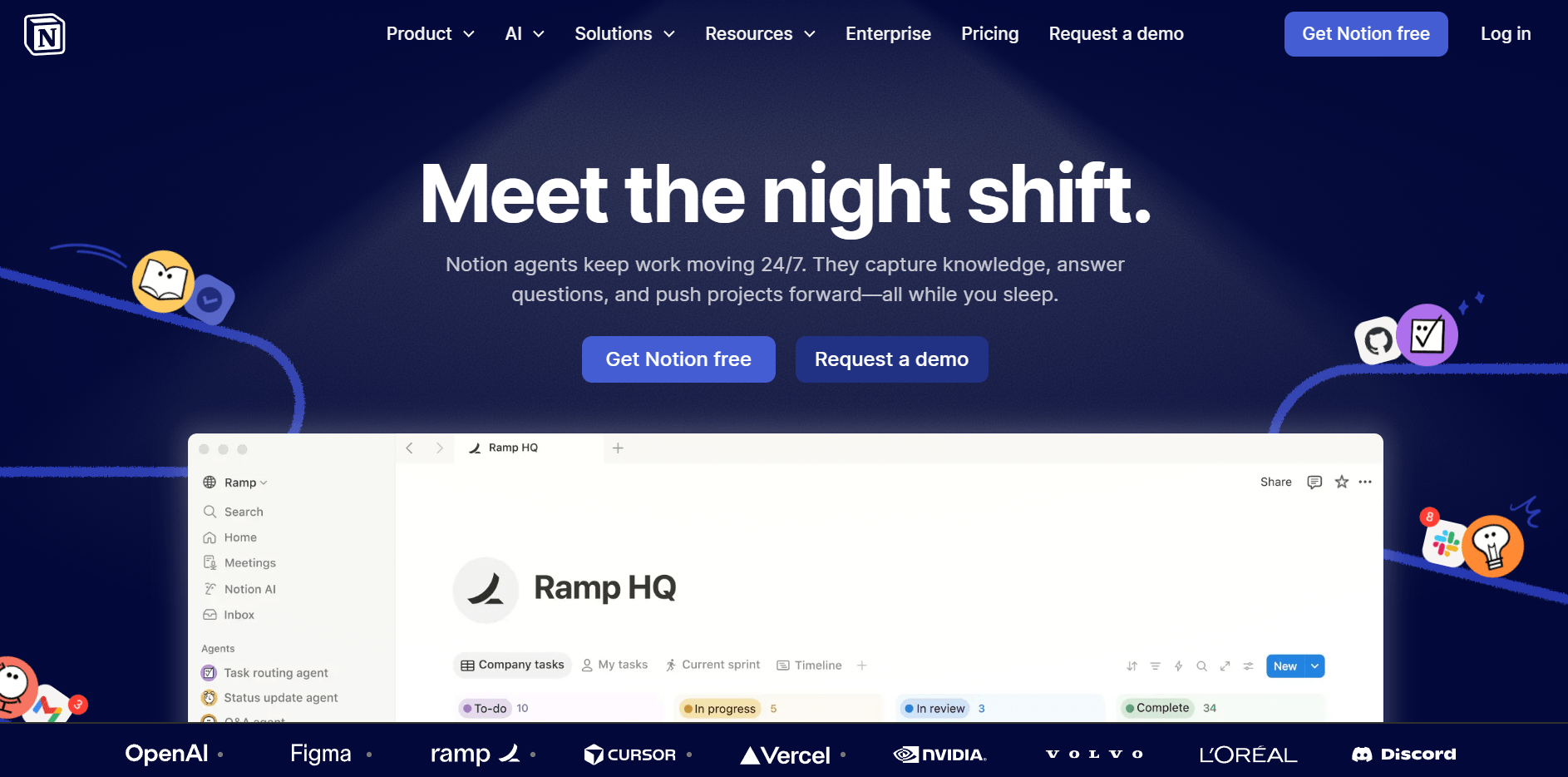
Notion is a block-based collaborative workspace that combines documents, databases, and project management in one tool. Each page is built from blocks (text, headings, tables, embeds, databases) that can be nested, linked, and queried. The core idea: a knowledge base shouldn't be a folder of static documents but a network of pages that reference each other, with database views that let the same content surface in multiple contexts.
For knowledge base purposes, Notion's strengths are concrete. Page hierarchy is unlimited and intuitive — sub-pages, sub-sub-pages, parent links — so a customer support KB can mirror your team's mental model rather than a flat folder structure. Linked databases let one page (e.g. a customer FAQ) reference rows in another database (e.g. product specs) without duplication. Templates accelerate repeated work — onboarding docs, RFC pages, runbooks — without copy-paste drift. And Notion AI (now bundled deeper into paid plans) can search the workspace, summarize pages, and answer questions in natural language.
The trade-offs are real too. The block model has a learning curve; teams used to Word or Docs sometimes find Notion's structure overwhelming for the first month. Performance can lag on very large workspaces (10,000+ pages with heavy media). And while Notion's permission model has matured, it's still less granular than enterprise document systems. If your KB needs strict role-based access controls — say for a regulated industry — Notion's standard sharing model may not be enough.
What Is Google Drive?
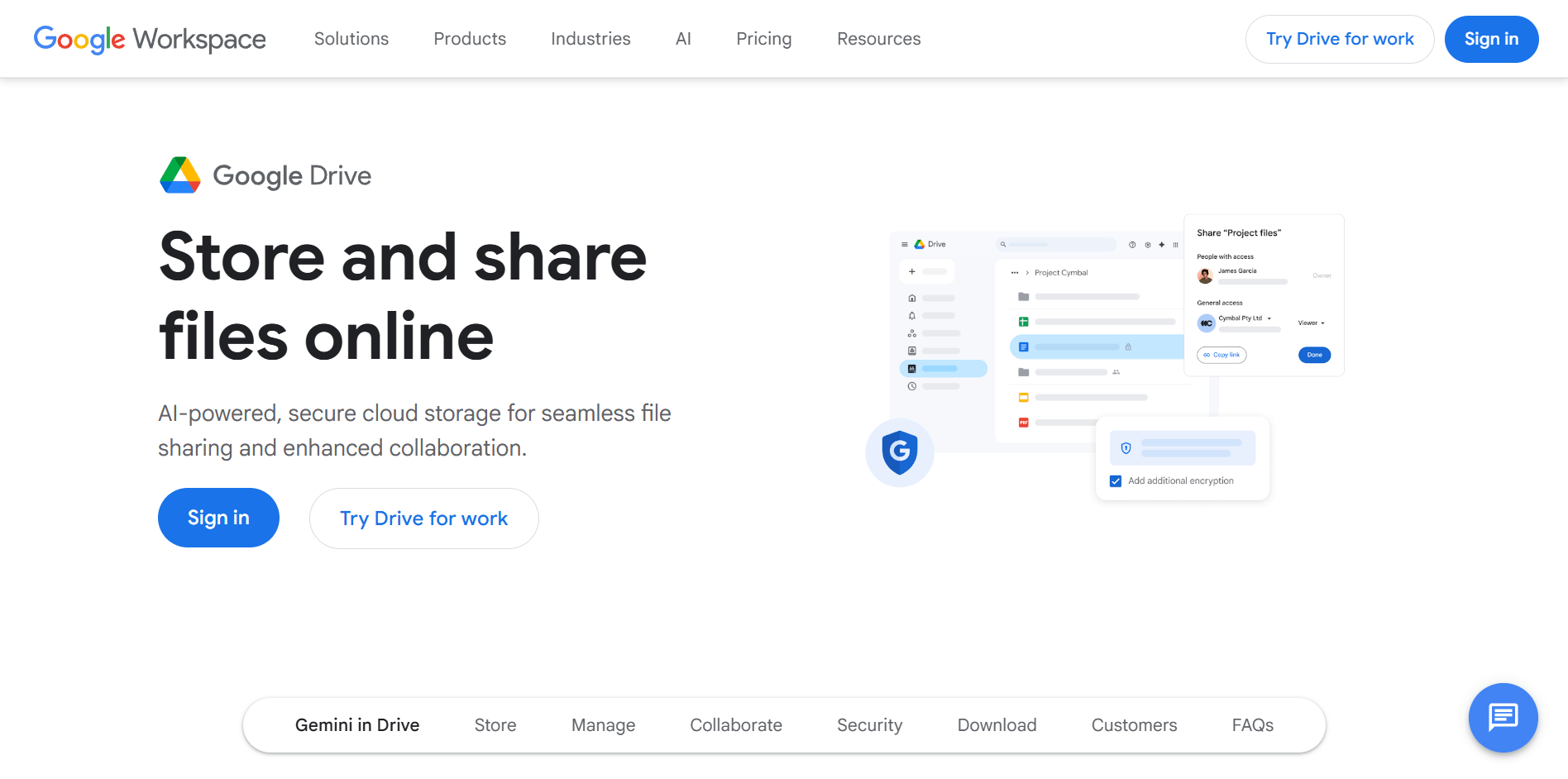
Google Drive is the file storage backbone of Google Workspace. Files live in folders, with the editing experience handled by Google Docs, Sheets, and Slides. As a knowledge base, Drive is conventional: you create a top-level folder ("Company Wiki"), nest sub-folders by team or topic, and put documents inside. Search works across content (not just file names), and access can be controlled at folder, file, or domain level.
For knowledge base use, Drive's appeal is its ubiquity. If your team is already on Gmail and Calendar, the marginal effort to set up a Drive KB is essentially zero — there's no new app to install, no new login, no new permission model to learn. Storage is generous (2 TB pooled per user on Business Standard), and the Docs editing experience is the most familiar collaborative editor on the market. Gemini AI is gradually being integrated across Workspace plans, with broader access on Business Standard and above; the AI can summarize Docs, draft replies, and answer questions about content in your Drive.
Once you have the source content, an AI FAQ generator handles the structuring and rewriting so you don't have to.
The structural limitations show up once a KB grows past a few dozen documents. Drive treats every file as an island — there's no native concept of linked content or database views. Cross-referencing is done through hyperlinks that break when files are moved. Templates exist but aren't versioned. And while search is good, navigating a deep folder tree often beats searching when you're not sure what to look for. For teams that want the KB to feel like a wiki rather than a shared drive, Drive often hits a ceiling.
Notion vs Google Drive for Knowledge Base: Detailed Comparison
Structure & Organization
Dimension | Notion | Google Drive |
Primary unit | Page (with nested blocks) | File (in folder) |
Hierarchy | Unlimited sub-pages with sidebar nav | Folder tree |
Cross-linking | Native page mentions and synced blocks | Hyperlinks (break if files move) |
Database/structured content | Built-in databases with views, filters, properties | Sheets only; not native to Docs |
Notion's page-based model shines for a knowledge base that grows over time. A customer support KB can have a parent page ("Customer FAQ") with sub-pages per category, sub-sub-pages per question, and synced blocks that surface the same answer in two different places (the public FAQ page and the internal training page) without copy-paste drift. When an answer changes, you change it once.
Google Drive's folder model is the inverse: simple, familiar, and scales linearly until it doesn't. A 500-document Drive KB is navigable; a 5,000-document Drive KB usually requires a separate index doc just to find anything. Drive is best when each piece of content is a self-contained document that gets shared and signed (proposals, contracts, reports), not when content references other content frequently.
Search & Retrieval
Both platforms search content, not just titles, and both have improved meaningfully in the last two years. Notion's search is faster on the workspace level but slower as the workspace gets bigger; Drive's search benefits from Google's underlying infrastructure and stays consistent at scale. Notion's AI search can answer questions in natural language; Gemini in Workspace can do the same across Drive but is rolled out unevenly across plans.
The real difference: Notion lets you build navigable structure (linked sidebar, database filters, dashboards), so users often don't need to search at all — they navigate. Drive users search more often because the folder tree is harder to scan visually.
Team Collaboration
Both tools are built for collaboration; neither is a meaningful weakness here. Real-time co-editing, comments, version history, and granular sharing are table stakes on both.
Two practical differences:
- Permission granularity. Drive's per-file and per-folder sharing is well-trodden — finance can see one folder, marketing another, without anyone editing across boundaries. Notion's workspace-level sharing has caught up but still feels less scalable for multi-team enterprises.
- Comment workflows. Google Docs comments resolve to email threads cleanly, which most teams find familiar. Notion comments live inside the page, which suits async product teams but feels orphaned to teams whose work flows through email.
AI Integration
This is where the gap is widening fastest. Notion AI is built directly into the editor — summarize this page, draft this reply, search the workspace, generate a database. On the Business plan, Notion AI is included; on Free and Plus, it's a trial; on Enterprise, it adds zero data retention with the underlying LLM provider (Notion Pricing). Custom Agents (paid by Notion credit) extend the AI to multi-step workflows.
Google's Gemini AI is being woven into Workspace progressively — Gemini in Docs, Sheets, Gmail. Functionality varies by plan tier, and pricing is bundled into the Workspace plan rather than as an explicit AI add-on (Google Workspace Pricing). For teams whose work happens primarily in email and Docs, having Gemini there is convenient. For teams whose KB lives in Notion, Notion AI is more deeply integrated than Gemini is in Drive.
For external AI tools (chatbot platforms, knowledge agents, custom RAG pipelines), both Notion and Google Drive have well-supported APIs and are first-class sources for most modern AI tooling.
Pricing
Plan | Notion | Google Workspace |
Free | Free for individuals; limited block count for shared workspaces | 15 GB consumer Drive (not Workspace); no free Workspace tier |
Entry-level | Plus: $10/user/month annual (Notion Pricing) | Business Starter: $7/user/month annual, 30 GB pooled storage (Google Workspace Pricing) |
Mid-tier | Business: $20/user/month annual; Notion AI included (Notion Pricing) | Business Standard: $14/user/month annual, 2 TB pooled storage (Google Workspace Pricing) |
Top tier | Enterprise: custom pricing (Notion Pricing) | Business Plus: $22/user/month annual, 5 TB pooled storage; Enterprise: custom (Google Workspace Pricing) |
AI add-on | Included on Business+; Custom Agents at $10 per 1,000 monthly Notion credits (Notion Pricing) | Gemini bundled into Workspace plans (rollout varies) (Google Workspace Pricing) |
For a knowledge base specifically, total cost depends on how many people write (vs read) the KB. Notion's pricing scales with editors; Google Workspace pricing scales with mailboxes. A customer support KB with 5 editors and 50 read-only viewers costs less in Notion than the equivalent Google Workspace seat count if those 50 viewers aren't already Workspace users.
Always check pricing before signing — both vendors run promotional discounts (Google Workspace currently shows 50% off the first 3 months on the public pricing page) and the headline numbers above can shift.
Which Should You Choose?
Use this decision matrix:
- Already on Google Workspace, KB is a side concern: Stick with Drive. The marginal cost is zero, the editing experience is familiar, and "find the doc in the Marketing folder" works fine for most teams.
- Building a KB from scratch, asynchronous team, want linked content: Notion. The page-and-database model handles a wiki much better than a folder tree, and the long-term content velocity is higher.
- Solo founder or 2–5 person startup: Either works, but Notion's free tier is more generous for individuals. If you're already paying for Workspace anyway, just use Drive.
- Customer-facing knowledge base for external users: Neither is ideal as the published surface — both are better as the source of truth that you publish from (to a help center, public site, or AI receptionist).
- Compliance-sensitive (HIPAA, financial services, government): Lean Workspace. Google's enterprise compliance posture is better-trodden than Notion's, though Notion has caught up at the Enterprise tier.
- Engineering team writing technical docs: Notion edges out Drive for runbooks, RFCs, and architecture pages because of the linking model. GitBook or a docs-as-code tool may beat both.
Beyond Notion vs Google Drive: Connecting Your KB to an AI Receptionist
Once you've picked a knowledge base tool, the next question is what your team does with the KB. For internal use, both Notion and Drive work fine on their own — your team writes, reads, and updates pages directly. For customer-facing use cases — answering inbound calls, replying to chat widgets, drafting email responses — the KB is the source of truth, but a separate layer is what actually talks to customers.
If you're evaluating either tool as the knowledge base behind customer-facing AI, worth knowing: a service like Solvea connects to whichever platform you choose and uses it as the source for an AI receptionist that handles questions across phone, chat, and email.
 Solvea ingests Notion exports (Markdown) or Google Drive documents (PDF, Word, Excel, CSV, TXT up to 20 MB per file) directly through Create Knowledge → Upload Document, so the choice of Notion vs Drive doesn't lock you into one downstream AI tool. The shorter walkthrough video below covers the upload-and-test flow end-to-end:
Your AI Receptionist, Live in Minutes.
Scale your front desk with an AI that never sleeps. Solvea handles unlimited multi-channel inquiries, books appointments into your calendar automatically, and ensures zero missed opportunities around the clock.
FAQ
Q: Is Notion better than Google Drive for small teams?
A: For a 2–10 person team building an internal wiki or knowledge base from scratch, Notion is usually the stronger fit — page-based structure, linked databases, and Notion AI included on the Business tier. For a 2–10 person team already paying for Google Workspace, Drive is good enough and avoids adding a new tool. The decision is less about size and more about whether the KB is your primary tool or a side concern.
Q: Can I use Notion or Google Drive as a knowledge base for my chatbot?
A: Yes for both. Notion content can flow into a chatbot via export to Markdown, public-page website sync, or API integration. Google Drive content can flow via document export (PDF or Word) and direct upload, or via Drive-connector integrations on chatbot platforms. Solvea, for example, accepts both paths through its document upload feature. The choice of KB tool doesn't constrain your chatbot platform.
Q: How do I migrate from Google Drive to Notion (or the other way)?
A: From Drive to Notion: open Notion, use the import feature (Notion Help — Import) and select Google Docs, then authorize Drive access. Notion converts each Doc into a Notion page, preserving most formatting. From Notion to Drive: export Notion as Markdown & CSV, then upload the files into a Drive folder; you'll lose page-linking and database views in the conversion. For teams already on Notion or Confluence, the knowledge base chatbot syncs automatically and stays in lockstep with every edit.
Q: Is Notion or Google Drive free?
A: Notion offers a free plan for individuals with limited features for shared workspaces. Google Drive is free for personal use (15 GB consumer storage), but Google Workspace (the business version with shared organizational features) starts at $7/user/month on annual billing. Always confirm pricing on the official pricing pages before committing — both vendors run promotional discounts that change.
Q: Does Notion have better search than Google Drive?
A: They're comparable for basic full-text search. Notion has a faster within-workspace experience and built-in AI search on paid plans; Drive has more consistent performance at very large scales and Gemini AI rollout across Workspace plans. The bigger difference is structure: Notion lets you navigate without searching as often because the sidebar reflects content hierarchy.
Q: Which is better for an AI agent or chatbot knowledge source — Notion or Google Drive?
A: Both work well. The deciding factor is usually how your team already works. If your source-of-truth content lives in Notion pages with structured databases, an AI agent benefits from that structure during retrieval. If your content lives in Google Docs and PDFs, an AI agent ingesting Drive exports works just as well. Most modern AI receptionist platforms support both paths — Solvea, for example, accepts uploads from either tool through its Create Knowledge interface.