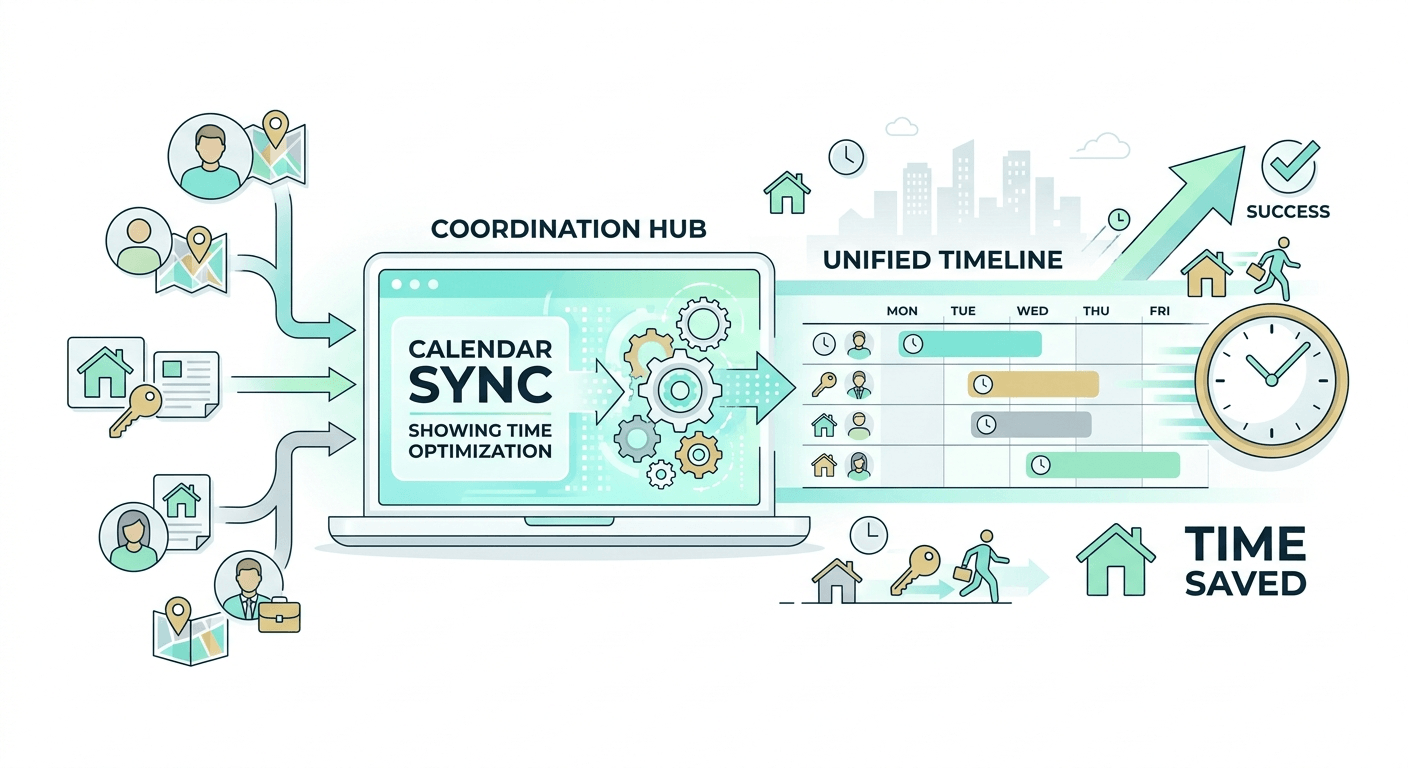
An AI FAQ generator — specifically one that answers customer questions rather than just writing SEO content — turns your existing FAQ documents, policies, and knowledge base into a live automated responder. Customers ask their questions; the AI answers using what you've already written, instantly, across phone, chat, and email.
Below, we compare 8 tools that do exactly this: free and paid, from lightweight chatbots to full AI receptionist platforms, with pricing, real strengths, and honest limitations.
Your AI Receptionist, Live in Minutes.
Scale your front desk with an AI that never sleeps. Solvea handles unlimited multi-channel inquiries, books appointments into your calendar automatically, and ensures zero missed opportunities around the clock.
TL;DR — AI FAQ Generators at a Glance
Tool | Best For | Free Plan | Starting Price | Who It's For |
Phone + chat + email AI receptionist | ✓ | $30/mo | Med spas, clinics, service SMBs | |
High-volume SaaS support | ✓ (limited) | $0.99per Fin outcome+$29 per seat/mo | SaaS, tech, e-commerce | |
Small business live chat + AI | ✓ (limited) | $39/mo | Small e-commerce, retail | |
Simple doc-trained chatbot | ✓ (limited) | $40/mo | SMBs, agencies, startups | |
Enterprise support teams | ✓ (limited) | $19/mo | Mid-market, enterprise | |
Growing support teams | ✓ (limited) | $19/mo | Growing SMBs, startups | |
Docs-to-chatbot in minutes | ✓ (limited) | $49/mo | Developers, documentation teams | |
Small, human-focused support teams | ✓ (limited) | $30 per user/mo | Small customer-centric teams |
What Makes a Good AI FAQ Tool?
The purpose of an AI FAQ generator — in the customer-facing sense — is deceptively simple: read what you know, and answer what customers ask, without requiring a human to be available. The tools that do this well share three qualities.
First, they train on your content, not generic AI knowledge. An AI that answers using your actual cancellation policy, your actual pricing, and your actual service descriptions produces answers clients can act on. One that guesses or halluccinates produces answers that create support tickets.
Second, they handle the channels your customers actually use. Live chat is popular for digital-first businesses, but phone remains the primary channel for service businesses like clinics and med spas. A tool that only handles one channel leaves gaps.
Third, they know when to escalate. The best AI FAQ tools have clear handoff logic: if the customer's question falls outside the knowledge base, they route to a human rather than hallucinating an answer or leaving the customer in a loop.
The 8 Best AI FAQ Generators in 2026
1. Solvea: Best AI FAQ Responder for Service Businesses
Official site: solvea.cx
Solvea is an AI receptionist built specifically for service businesses — med spas, dental clinics, veterinary practices, and similar appointment-based SMBs. It answers customer questions across phone, chat, and email using the FAQ documents, cancellation policies, and service menus you upload. When a client calls at 10pm asking about your Botox pricing or cancellation window, Solvea answers from your content — not from generic AI knowledge.
The key differentiator is the phone channel. Most AI FAQ tools are web chat or email only. Solvea handles inbound calls: answering, routing based on your rules, booking appointments, and collecting deposit information — all while maintaining a log that your front desk reviews the next morning. For service businesses where the phone is still the primary new-client channel, this matters.
AI FAQ strengths: - Answers questions across phone, chat, and email from a single knowledge base upload - Trains on your exact documents: service menus, policies, intake forms, FAQ sheets - Books and reschedules appointments according to your cancellation policy - After-hours coverage with full interaction logs for morning review - Escalates to your team for anything outside the uploaded knowledge base.
Limitations: - Designed for service SMBs — not built for high-volume SaaS or e-commerce support at scale - Doesn't generate FAQ content (write your FAQs once, then it answers from them) - Phone channel setup requires a forwarding configuration with your existing line
Pricing: Free plan available. Paid plans from approximately $30/mo. (Solvea Pricing)
Who it's for: Med spas, dental offices, clinics, salons, and service businesses that receive customer questions by phone and want those answered automatically from their own content.
2. Intercom Fin: Best for High-Volume SaaS Support
Official site: intercom.com/fin
 Intercom Fin is a purpose-built AI support agent that sits on top of your Intercom help center and support content. It reads your articles, resolves common questions conversationally, and hands off to human agents when it can't. Fin's resolution accuracy on structured support content is consistently high — third-party benchmarks from Fast Coding's 2026 AI Chatbot Platform comparison ranked it at 9.2/10 for overall support quality.
The tradeoff is cost. Fin charges per resolved conversation — $0.99 per resolution. At 1,000 resolutions per month, that's $990/month just for AI. For high-volume support teams at SaaS companies where Fin's resolution rate means fewer human agent hours, this math works. For small businesses with lower volume, the per-resolution model gets expensive fast.
AI FAQ strengths: - Trains on Intercom Articles and custom knowledge sources - Conversational, multi-turn answers — not just one-line FAQ lookup - Native integration with the full Intercom workspace (ticketing, CRM, analytics) - Strong resolution rates on structured product documentation
Limitations: - Per-resolution pricing scales poorly for high-volume or price-sensitive teams - Requires existing Intercom subscription — not a standalone tool - Weaker performance on unstructured or informal FAQ content
Pricing: Fin and Intercom(Includes Fin and Intercom working together):From$0.99 per outcome +$29 per helpdesk seat per month (Intercom Pricing)
Who it's for: SaaS companies and technology businesses already using Intercom that want AI to handle Tier 1 support conversations automatically.
3. Tidio: Best Free AI FAQ Option for Small Business
Official site: tidio.com
Tidio combines live chat, chatbot automation, and AI (via its Lyro AI agent) in one platform. The Lyro AI answers customer questions using your FAQ content and support articles, handles order status inquiries, and escalates to live agents when needed. The free plan includes live chat and basic automation — enough for many small businesses to get started without a credit card.
Lyro AI specifically trains on your FAQ content: you connect it to your existing help articles or paste in your Q&A pairs, and it starts answering from that content immediately. For small e-commerce or retail businesses handling repetitive questions (shipping, returns, hours), this is one of the most accessible entry points in the category.
AI FAQ strengths: - Free plan available with meaningful functionality for small businesses - Lyro AI trains on FAQ content you provide — not generic knowledge - Handles live chat and AI in one platform (no separate tools needed) - Instagram, Messenger, and website chat integration - Clear human escalation when Lyro can't resolve
Limitations: - Lyro AI message limits on lower paid plans ($29/mo includes 50 Lyro conversations/mo) - No phone channel — web chat and messaging only - Less depth for complex multi-step support scenarios
Pricing: Free plan (live chat + 50 Lyro conversations/mo). Tidio+ from $39/mo. (Tidio Pricing)
Who it's for: Small e-commerce stores, service businesses, and retail businesses that want a free starting point for AI-powered FAQ answering via web chat.
4. Chatbase: Best Simple Doc-Trained Chatbot
Official site: chatbase.co
Chatbase is the fastest path from "I have a FAQ document" to "I have an AI that answers from it." You upload a PDF, paste a URL, or connect a knowledge base — Chatbase trains an AI chatbot on that content in minutes and gives you an embeddable chat widget. No coding required. The result is a chatbot that answers questions using exactly what you uploaded, cited with sources.
It's not the most powerful tool in this list for complex support workflows, but for businesses that need a document-trained FAQ bot embedded on their website with minimal setup, Chatbase is the most direct route. The free plan allows limited messages and one chatbot — enough to test whether AI FAQ answering works for your content before committing.
AI FAQ strengths: - Upload PDF/URL/Notion/text → trained chatbot in under 5 minutes - Source citations: each answer references the section it came from - Embeddable on any website with a script tag - API access for developers who want to integrate elsewhere - Clean interface for non-technical users
Limitations: - No phone or email channel — website chat only - Message limits on all plans; usage can get expensive for high-traffic sites - Less sophisticated for complex support workflows vs. enterprise tools.
Pricing: Free plan (limited messages). Paid plans from $19/mo. (Chatbase Pricing)
Who it's for: SMBs, agencies, and startups that want a fast-to-deploy AI chatbot trained on existing FAQ documents with minimal technical setup.
5. Zendesk AI: Best for Enterprise Customer Support Teams
Official site: zendesk.com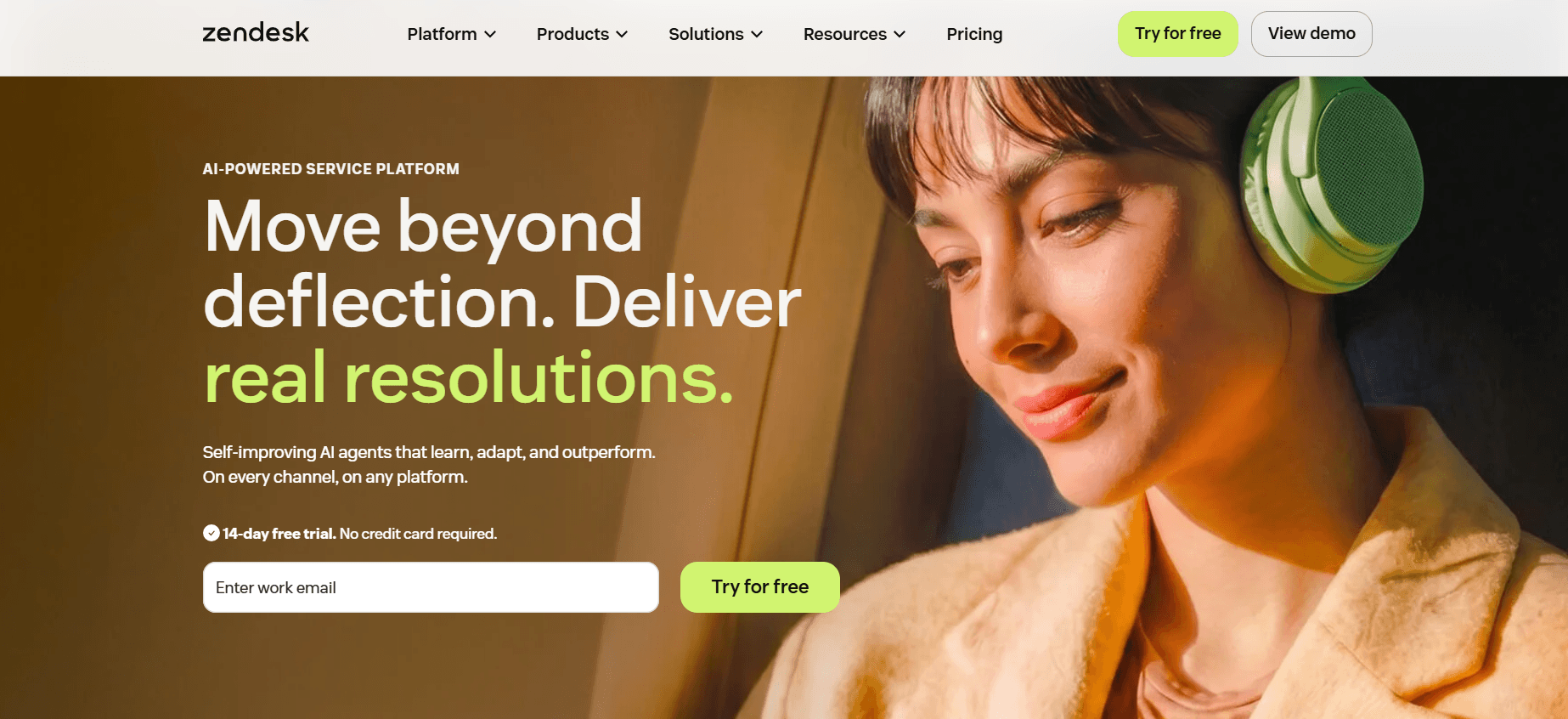
Zendesk's AI — built into its Suite plans — includes an Answer Bot that handles FAQ resolution, an AI-assisted agent workspace, and intelligent routing. The Answer Bot deflects common questions using your Help Center articles before tickets ever reach a human agent. For organizations already running Zendesk as their support platform, enabling AI FAQ answering requires no migration — it layers onto existing content and ticket flows.
The enterprise positioning means Zendesk AI is more capable in complex multi-channel environments (email, web, social, voice via Zendesk Talk) but also more expensive and more complex to configure than simpler tools like Chatbase.
AI FAQ strengths: - Integrates natively with Zendesk Help Center (no separate knowledge base to build) - Multi-channel: email, web widget, messaging, voice (via Zendesk Talk) - Intelligent triage: AI identifies intent, routes tickets, surfaces relevant articles - Advanced analytics on AI resolution rates, deflection, and CSAT.
Limitations: - No standalone product — requires Zendesk Suite subscription - Higher per-seat cost makes it expensive for small teams - Setup complexity is significant for non-enterprise use cases.
Pricing: Support Team(For teams that have outgrown a shared inbox and need core support essentials)$19agent/month paid yearly. (Zendesk Pricing)
Who it's for: Mid-market and enterprise support teams already on Zendesk that want AI to deflect FAQ volume before it hits human agents.
6. Freshdesk Freddy AI: Best Value for Growing Support Teams
Official site: freshworks.com/freshdesk
Freshdesk includes Freddy AI as part of its paid tiers — Freddy Answer Bot handles FAQ deflection, Freddy Copilot assists agents in real time, and Freddy Insights surfaces support analytics. On the Growth plan ($15/agent/mo), you get enough Freddy functionality to automate common FAQ responses via email and web chat at a price point that's accessible for teams that can't afford Zendesk.
Freddy's self-service bot can be trained on your existing Freshdesk solution articles, which means if you've already populated a knowledge base inside Freshdesk, the AI starts working from day one.
AI FAQ strengths: - Included in Freshdesk plans — no separate AI license required - Freddy Answer Bot trains on your Freshdesk solution articles automatically - Email + web chat + portal channels covered - Good price-to-functionality ratio for growing teams - Agent assist features (suggested responses, auto-summarization) at higher tiers.
Limitations: - Freddy's answer quality is tightly tied to how well your solution articles are written - No standalone product — requires Freshdesk subscription - Phone support requires Freshdesk Contact Center (separate add-on)
Pricing: 14-day free trial.Growth plan $19/agent/month, billed annually.(Freshdesk Pricing)
Who it's for: Growing support teams that want AI FAQ automation included in their helpdesk without paying for a separate AI tool.
7. DocsBot AI: Best for Turning Documentation Into a FAQ Chatbot
Official site: docsbot.ai
DocsBot AI is specifically designed for the "I have a lot of documentation, I want AI to answer questions from it" use case. You ingest URLs, PDFs, Word docs, Notion pages, or plain text; DocsBot indexes everything and creates a chatbot that answers questions from that content with source citations. It's popular with software companies that have large docs sites, and with any organization that has structured FAQ content they want to make conversational.
The developer-friendly API and widget embeds make it straightforward to deploy on websites, documentation portals, or inside other applications. The free tier allows one bot with limited documents — useful for testing before committing.
AI FAQ strengths: - Ingests any content type: URLs, PDFs, Notion, sitemaps, plain text - Source citations with every answer — clients can verify - API access for custom integrations (Slack, internal tools, websites) - Embeddable widget requires minimal technical setup - Decent free tier for initial testing
Limitations: - Web chat / widget only — no phone or email answering - Monthly message limits on all plans; heavy usage requires higher tiers - Less polished UI compared to full-service support platforms
Pricing: Free plan (1 bot, limited documents). Paid plans from $49/mo. (DocsBot Pricing)
Who it's for: Developers, SaaS companies, and documentation-heavy organizations that want to turn existing content into a searchable, conversational AI FAQ chatbot.
8. Help Scout AI: Best for Human-First Small Support Teams
Official site: helpscout.com
Help Scout's AI features — AI Summarize, AI Assist, and AI Answers in its self-service Beacon widget — are designed for teams that want AI to support human agents, not replace them. The Beacon widget uses your Help Scout Docs (knowledge base) to suggest answers to customers before they submit a ticket. If the customer doesn't find what they need, they submit a ticket and a human responds.
This is the least aggressive AI FAQ tool on this list — it's genuinely human-first, using AI to deflect simple lookups while keeping humans in the loop for anything complex. For small teams that prioritize relationship quality over resolution velocity, this positioning is a feature, not a bug.
AI FAQ strengths: - Beacon widget surfaces knowledge base answers before tickets are submitted - AI Assist helps agents draft replies faster using existing content - Clean, simple interface — low training overhead for small teams - HIPAA compliant (useful for healthcare-adjacent businesses) - Transparent, per-seat pricing with no per-resolution fees
Limitations: - AI FAQ answering is limited to the Beacon self-service widget — not proactive AI chat - No phone channel - Less automated than Fin or Solvea — humans remain in the loop for most queries
Pricing: Free plan. Standard plan $30 per user/mo. (Help Scout Pricing)
Who it's for: Small, customer-focused support teams that want AI to reduce simple FAQ lookups while keeping humans central to the support experience.
From Static FAQs to Automated Answers
The problem with a traditional FAQ page is that customers have to find it, navigate it, and parse it themselves — at the moment they have a question, which is usually when they're already frustrated. An AI FAQ tool flips this: the customer asks their question wherever they are (the website, the phone, a chat widget), and the AI retrieves the right answer from your content in seconds.
The jump from "FAQ page" to "AI FAQ responder" doesn't require rebuilding anything. With Solvea, you upload the documents you already have — your cancellation policy, your service menu, your intake FAQ — and the AI reads them, answers from them, and flags anything it can't find for your team to handle. Your FAQ stays in Google Docs or a PDF; the AI just makes it conversational and available 24/7.
How to Choose the Right AI FAQ Tool
If you're a service business (med spa, clinic, salon) that receives questions by phone → Solvea. It's the only tool on this list that handles phone calls with AI using your own content.
If you're a SaaS company already on Intercom with high support volume → Intercom Fin. Per-resolution pricing works when resolution rates are high and human agent time is expensive.
If you're a small business that needs a free starting point → Tidio. The free plan is genuinely functional for web chat FAQ answering.
If you have FAQ documents and just want a chatbot trained on them, fast → Chatbase. Fastest setup in this list; deploy in under 10 minutes.
If you're an enterprise team already on Zendesk → Zendesk AI. Native integration beats migrating to a separate tool.
If you want AI included in your helpdesk without a separate line item → Freshdesk Freddy AI. Best price-to-functionality ratio for teams that want all-in-one.
If you have extensive documentation and a development team → DocsBot AI. API access and content ingestion depth make it the best tool for doc-heavy organizations.
If your team is small and human relationships matter more than automation → Help Scout AI. AI as an assist layer, not a replacement.
FAQ
What is an AI FAQ generator for customer support?
An AI FAQ generator for customer support is a tool that trains on your existing FAQ documents, knowledge base, or policy content and uses that training to automatically answer customer questions — by chat, email, or phone — without requiring a human to respond to each query. It's distinct from SEO FAQ generators, which write FAQ content for search optimization rather than answering live customer questions.
Do AI FAQ tools use my own content or general AI knowledge?
The tools on this list train on your content specifically — your FAQ documents, help articles, product descriptions, and policies. This is the critical difference between a customer support AI FAQ tool and a general-purpose AI like ChatGPT. General AI answers from training data; these tools answer from what you've explicitly uploaded, which means the answers are accurate to your specific business.
Which AI FAQ tool works for phone calls?
While most AI FAQ tools are strictly limited to text-based web chat, Solvea and Chatbase are the major exceptions on this list that support native voice automation over the phone. Solvea stands out for service SMBs by offering a fully integrated, zero-code omnichannel setup (combining SMS, WhatsApp, and Phone lines). Meanwhile, Chatbase recently launched Chatbase Voice, allowing teams to instantly route inbound phone calls into the exact same AI knowledge base and escalation logic that powers their web chat.
Can I use these tools without any technical setup?
Chatbase, Tidio, and Solvea all have no-code setup paths — upload content, configure basics, embed or connect. DocsBot AI and Intercom Fin require slightly more configuration. Zendesk AI assumes existing Zendesk infrastructure. For the fastest no-technical-setup path, Chatbase is the most direct.
What happens when the AI can't answer a customer's question?
All eight tools on this list have escalation logic — when a question falls outside the uploaded content, the AI routes to a human agent, creates a ticket, or prompts the customer to contact support directly. The quality of escalation handling (how gracefully the AI hands off, whether context is preserved) varies significantly. Intercom Fin and Solvea have the most sophisticated escalation paths; Chatbase's escalation is simpler.
","post_date":"2026-05-11T01:17:50.000Z","twitter_image":"https://cdn.shulex-voc.com/shulex/upload/2026-05-11/386d4798-e347-4e3e-b66b-f2d6aa0d81ee.jpg","author_id":1,"author_name":"Big Y","taxonomy":"category","taxonomyDesc":"","taxonomyType":"glossary","menu_order":0,"ID":34039,"type":"blog","post_name":"best-ai-faq-generator","post_title":"8 Best AI FAQ Generators in 2026 (Free & Paid)","post_excerpt":"An AI FAQ generator — specifically one that answers customer questions rather than just writing SEO content — turns your existing FAQ documents, policies, and knowledge base into a live automated responder. Customers ask their questions; the AI answers using what you've already written, instantly, a","schemaJsonTrimmed":"{"@context":"https://schema.org","@graph":[{"@type":"Organization","@id":"https://solvea.cx/#organization","name":"Solvea","url":"https://solvea.cx","logo":{"@type":"ImageObject","url":"https://cdn.shulex-voc.com/shulex/upload/2026-03-09/79ecdff6-c845-4697-9d9d-192cae5f6a9c.png"}},{"@type":"WebSite","@id":"https://solvea.cx/#website","url":"https://solvea.cx/","name":"Solvea","publisher":{"@id":"https://solvea.cx/#organization"}},{"@type":"BlogPosting","@id":"https://solvea.cx/glossary/best-ai-faq-generators#blogposting","headline":"8 Best AI FAQ Generators in 2026 (Free & Paid)","description":"Compare the 8 best AI FAQ generators that answer customer questions automatically. Honest comparison of pricing, strengths, and limitations.","mainEntityOfPage":{"@type":"WebPage","@id":"https://solvea.cx/glossary/best-ai-faq-generators"},"url":"https://solvea.cx/glossary/best-ai-faq-generators","image":{"@type":"ImageObject","url":"https://cdn.shulex-voc.com/shulex/upload/2026-05-20/46835510-d882-40d8-946b-3c388edaca13.jpg"},"author":{"@type":"Person","name":"Ivy Chen","url":"https://solvea.cx/author/ivychen"},"publisher":{"@id":"https://solvea.cx/#organization"},"datePublished":"2026-05-20","dateModified":"2026-05-20","wordCount":3400,"articleSection":"AI & Automation","about":{"@type":"DefinedTerm","@id":"https://solvea.cx/glossary/best-ai-faq-generators#term","name":"AI FAQ Generators","url":"https://solvea.cx/glossary/best-ai-faq-generators"},"inLanguage":"en"},{"@type":"BreadcrumbList","@id":"https://solvea.cx/glossary/best-ai-faq-generators#breadcrumb","itemListElement":[{"@type":"ListItem","position":1,"name":"Home","item":"https://solvea.cx/"},{"@type":"ListItem","position":2,"name":"Glossary","item":"https://solvea.cx/glossary"},{"@type":"ListItem","position":3,"name":"8 Best AI FAQ Generators in 2026","item":"https://solvea.cx/glossary/best-ai-faq-generators"}]},{"@type":"ItemList","@id":"https://solvea.cx/glossary/best-ai-faq-generators#list","name":"Best AI FAQ Generators in 2026","itemListElement":[{"@type":"ListItem","position":1,"name":"Solvea","url":"https://solvea.cx","description":"AI receptionist that answers customer questions via phone, chat, and email using your own content."},{"@type":"ListItem","position":2,"name":"Intercom Fin","url":"https://www.intercom.com/fin","description":"AI support agent for high-volume SaaS teams, charging per resolved conversation."},{"@type":"ListItem","position":3,"name":"Tidio","url":"https://www.tidio.com","description":"Live chat + AI chatbot combo with a free plan, best for small e-commerce and retail."},{"@type":"ListItem","position":4,"name":"Chatbase","url":"https://www.chatbase.co","description":"Upload documents, get a trained chatbot in minutes \u2014 fastest no-code deployment."},{"@type":"ListItem","position":5,"name":"Zendesk AI","url":"https://www.zendesk.com","description":"Native AI answer bot for enterprise teams already on Zendesk."},{"@type":"ListItem","position":6,"name":"Freshdesk Freddy AI","url":"https://www.freshworks.com/freshdesk/","description":"AI FAQ answering included in Freshdesk plans, best value for growing teams."},{"@type":"ListItem","position":7,"name":"DocsBot AI","url":"https://docsbot.ai","description":"Turns any documentation into a conversational AI chatbot with source citations."},{"@type":"ListItem","position":8,"name":"Help Scout AI","url":"https://www.helpscout.com","description":"Human-first support AI that surfaces knowledge base answers before tickets are submitted."}]},{"@type":"FAQPage","@id":"https://solvea.cx/glossary/best-ai-faq-generators#faq","mainEntity":[{"@type":"Question","name":"What is an AI FAQ generator for customer support?","acceptedAnswer":{"@type":"Answer","text":"An AI FAQ generator for customer support trains on your existing FAQ documents and knowledge base and uses that training to automatically answer customer questions by chat, email, or phone. It's distinct from SEO FAQ generators, which write FAQ content for search optimization rather than answering live customer questions."}},{"@type":"Question","name":"Do AI FAQ tools use my own content or general AI knowledge?","acceptedAnswer":{"@type":"Answer","text":"The tools on this list train on your content specifically \u2014 your FAQ documents, help articles, product descriptions, and policies. This is the key difference from general-purpose AI like ChatGPT. These tools answer from what you've explicitly uploaded, which means answers are accurate to your specific business."}},{"@type":"Question","name":"Which AI FAQ tool works for phone calls?","acceptedAnswer":{"@type":"Answer","text":"While most AI FAQ tools are strictly limited to text-based web chat, Solvea and Chatbase are the major exceptions on this list that support native voice automation over the phone. Solvea stands out for service SMBs by offering a fully integrated, zero-code omnichannel setup (combining SMS, WhatsApp, and Phone lines). Meanwhile, Chatbase recently launched Chatbase Voice, allowing teams to instantly route inbound phone calls into the exact same AI knowledge base and escalation logic that powers their web chat."}},{"@type":"Question","name":"Can I use these tools without any technical setup?","acceptedAnswer":{"@type":"Answer","text":"Chatbase, Tidio, and Solvea all have no-code setup paths \u2014 upload content, configure basics, embed or connect. DocsBot AI requires slightly more configuration. For the fastest no-technical-setup path, Chatbase is the most direct: upload a PDF and get an embeddable chatbot in under 10 minutes."}},{"@type":"Question","name":"What happens when the AI can't answer a customer's question?","acceptedAnswer":{"@type":"Answer","text":"All eight tools have escalation logic \u2014 when a question falls outside the uploaded content, the AI routes to a human agent, creates a ticket, or prompts the customer to contact support directly. Intercom Fin and Solvea have the most sophisticated escalation paths; Chatbase's escalation is simpler."}}]}]}","editTime":"2026-05-21T02:38:17.981Z","writerName":"Ivy Chen","writerAvatar":"https://cdn.shulex-voc.com/shulex/upload/2026-01-20/8c8e3f1a-135e-4192-8fe7-e7f9f24f3a82.png","category":{"slug":"ai-knowledge-base","name":"AI Knowledge Base","ID":349},"site":"solvea.cx","meta":{"title":"8 Best AI FAQ Generators in 2026 (Free & Paid)","desc":"Compare the best AI FAQ generators in 2026 — free and paid tools for websites, chatbots, and customer support. Find the right one for your needs."},"beforeAfter":{"before":{"ID":34041,"post_date":"2026-05-11T01:44:35.000Z","post_title":"定档6月!Prime Day 提档打乱备战节奏?别慌,您的 AI 客服员工已就位