As business leaders increasingly prioritize customer experience today, cloud unified communications enable faster response, stronger customer relationships, and scalable growth. They help small, medium, and growing businesses meet rising customer expectations without high operational costs and complex infrastructure requirements.
These cloud-based platforms, also known as UCaaS (Unified Communications as a Service) providers combines messaging, video calls, phone systems, and team collaboration tools into a single platform so that businesses can reduce information silos and focus on what truly matters.
In this blog post, we'll delve into the practical value of unified communications software for businesses and highlight top 8 UCaaS providers on the market to help you make the best choice.
What is Cloud Unified Communications (UCaaS)
Cloud based unified communications (UCaaS) integrates a set of business communication and collaboration tools, like voice, video, messaging, team chat. and file sharing, into a single platform. Unlike traditional UC systems, which require physical hardware and in-house maintenance, UCaaS platforms delivers all these capabilities through the internet.
A typical UCaaS platform usually includes the following tools, and they are accessible from desktop and mobile devices. Since its infrastructure is hosted in the cloud, businesses will benefit from lower upfront costs, easier scalability, and enhanced flexibility.
- VoIP telephony
- Video Conferencing
- Instant messaging
- Call recording
- Voicemail
- Chat
Top 8 Cloud Unified Communications Providers
What's the best cloud-based unified communications service? After analyzing extensive user comments from Gartner and G2, we've curated 8 top-rated providers to help you choose what aligns with your business needs.
Here's an overall comparison of the 8 UCaaS providers:
Provider | Best Use Case | G2 Rating (2025) | Integrations | Security & Compliance |
Video-first teams and startups | 4.6/5 | 2,500+ (Zoom App Marketplace, Slack, MS) | AES-256 encryption, GDPR, SOC 2 | |
Reliability-focused businesses, CX teams | 4.5/5 | Salesforce, HubSpot, Outlook | PCI, HIPAA, ISO 27001, SOC 2 | |
Global enterprises, remote teams | 4.3/5 | 300+ (Salesforce, Google Workspace) | SOC 2, GDPR, PCI DSS, HIPAA, | |
Microsoft 365 users, internal file sharing | 4.4/5 | Microsoft 365 suite, Slack, Trello | Enterprise-grade (E5) | |
Regulated industries, in-person meetings | 4.5/5 | Cisco devices, Microsoft 365 | HIPAA, FedRAMP, GDPR | |
Small teams needing customization | 4.3/5 | Salesforce, HubSpot | SOC 2, GDPR | |
Growing businesses, contact center analytics | 4.2/5 | Salesforce, Microsoft 365, NetSuite | FISMA, HIPAA, CMMC, SOC 2 | |
Sales/support teams, call insights | 4.4/5 | Google Workspace, Salesforce, Hubspot | SOC 2, GDPR, HIPAA |
1. Zoom
Zoom is an ideal choice for video-first teams from startups to enterprises. Transitioning from a virtual meeting app to a full UCaaS provider, Zoom now is a leading video conferencing platform integrated with VoIP, calling, messaging, and other basic contact center offerings. It's also powered by advanced AI capabilities so that you can get real-time assistance when needing to take notes, draft messages, or brainstorm ideas.
Key features: Zoom utilizes its "AI Companion" to automate meeting notes, real-time summaries, follow-up action, and task management across the platform.
- Cloud VoIP calling system
- Digital whiteboarding and team chat
- Unified communications video conferencing
- 2,500+ integrations via Zoom App Marketplace
Starting price: $13.33/user/month (billed annually)
Pros | Cons |
Advanced AI assistance reduces manual tasks Scales from 10 to 10,000+ users seamlessly User-friendly interface cuts training time | Advanced video analytics require higher-tier plans Beginners may face a learning curve for AI features |
2. Nextiva

Nextive stands out as it combines a full UCaaS with powerful AI customer experience (CX) tools. With 99.999% uptime (industry-leading reliability), it boasts 8 points of presence and carrier-grade data centers to ensure no downtime. It's best for service-focused businesses wanting to track every customer touchpoint across multiple channels in a single view.
Key features: Nextiva focuses on "Connected Communications" to give your teams a 360-degree view of interactions.
- Unified cloud suite (VoIP, video, chat, call recording)
- 24/7 support with 99.999% uptime
- Voicemail transcription and real-time sentiment analysis
- Built-in CRM and customer survey tools
Starting price: $18.95 per user/month.
Pros | Cons |
99.999% uptime minimizes communication downtime Intuitive, easy-to-use interface AI tools boost customer satisfaction | Limited free trial Video conferencing is capped at 45 minutes on basic plans |
3. RingCentral

RingCentral is a well-known global cloud unified communications platform that boasts robust, enterprise-grade reliability. With local phone numbers in 100+ countries and multilingual support, it's perfectly suitable for remote, distributed teams needing consistent cloud-based phones, video, and messaging systems.
Key features: RingCentral is an all-in-one cloud-based unified communications solution that prioritizes mobility and global reach.
- Unified app for SMS, voice, and video.
- Global cloud PBX (VoIP) and video conferencing.
- Unlimited SMS and call recording.
- Mobile app with "commuter mode".
Starting price: $20/user/month (Essentials plan)
Pros | Cons |
Global reach (local numbers, multi-language support) Best-in-class mobile app experience Scalable for 10 to 100,000+ users | Advanced setup needs IT help Limited features for low-tier plans |
4. Microsoft Teams
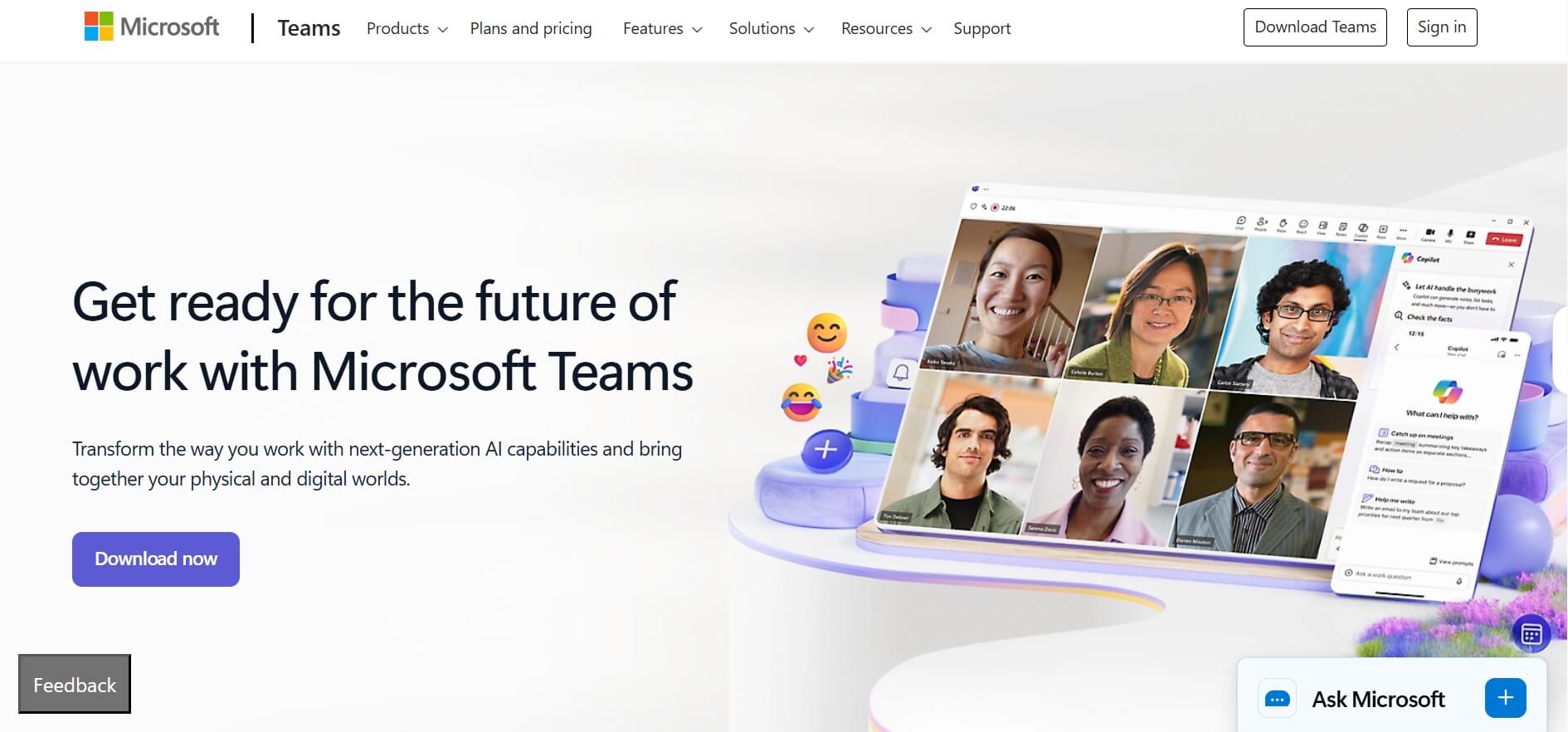
Microsoft Teams is a great UCaaS solution for businesses that have already used Microsoft 365. In addition to chat, meeting, and video features, it provides plenty of internal communication and team collaboration tools, such as file sharing, SharePoint, and Outlook. It also supports a wide range of external app integrations with both Microsoft and non-Microsoft products.
Key Features: Microsoft Teams acts as a hub that brings together file sharing, chats, video, and calling within the Microsoft 365 suite.
- Cloud-based Team chat and video meetings
- Native integration with Microsoft 365 apps
- Copilot AI for real-time meeting coaching
- Azure AD security
Starting Price: $4.00 per user/month (as an add-on).
Pros | Cons |
Built-in integration with Microsoft 365 Strong security (GDPR, HIPAA compliance) Highly cost-effective for small teams | VoIP requires a paid add-on Limited scheduling and time tracking features |
5. Cisco Webex
Cisco Webex is a leader in enterprise-grade security and in-room collaboration. Its cloud communication platform offers secure video meetings, voice calls, messaging, and whiteboarding, ideal for large businesses or regulated industries with complex implementation needs and significant budgets.
Key features: Cisco Webex provides AI-powered video conferencing features for smarter collaboration and enhanced productivity.
- AI-powered video meeting
- Secure cloud calling
- Integration with Cisco devices (Webex Room Kit, Desk Pro)
- Compliance tools
Starting price: $12/user/month (Webex Calling)
Pros | Cons |
Top-tier security Excellent in-person meeting support Reliable for large webinars | Complex setup for in-room devices Enterprise plans are costly |
6. Vonage
Vonage offers customizable cloud VoIP services, making it a favorite for small teams and startups needing to meet specific communication needs, like sales teams with specific call routing rules. It also integrates with CRM tools and other business tools, keeping customer data connected to calls.
Key Features: Vonage offers a flexible, customizable unified communications solution that scales as business grows.
- Customizable cloud VoIP
- Integrations with Salesforce, HubSpot, and Zendesk
- Conversation APIs for custom SMS
- Mobile app
Starting price: $19.99/user/month (Mobile plan)
Pros | Cons |
Highly customizable for small businesses and startups Strong customer support Affordable | Less intuitive interface Advanced features require add-ons |
7.8x8
8x8 is renowned for its scalable UCaaS solution that can meet the needs of small teams and large enterprises. Its cloud platform features VoIP calling, video conferencing, and team messaging, and provides real-time analytics/reporting to help managers track call volumes, employee performance, and customer satisfaction.
Key Features: 8x8 provides a single platform for both internal growing businesses and external contact centers.
- Scalable VoIP and video meetings
- Real-time analytics dashboard
- Call recording and transcription
- 24/7 global support
Starting price: Contact for custom pricing (typical plans start at $18/user/month)
Pros | Cons |
Excellent scalability for growing businesses Strong customer support Real-time analytics | Mobile app performance varies by region Call quality depends on internet speed |
8. Dialpad

With AI-drive call analytics, Dialpad is perfect for sales and customer support teams that need real-time coaching and call transcription. The platform uses speech analytics technology to transcribe calls, analyze sentiment, and highlight key customer feedback. It also provides a mobile app so that users can easily communicate on the go.
Key Features: Dialpad's AI-driven features make it easy for users to get live call transcriptions and sentiment analysis.
- AI-powered analytics
- Cloud VoIP with speech recognition
- Mobile app
- Post-call sentiment and keyword tracking
Starting price: $15/user/month (Standard plan)
Pros | Cons |
Easy-to-use interface Robust AI-driven analytics Reliable mobile app | Limited video conferencing features Advanced analytics require Entean rprise plan |
How Does UCaaS work
A cloud based unified communications platform works by hosting communication infrastructure on secure cloud servers instead of on-premises hardware. On the platform, all communications and collaborations are achieved over the internet using VoIP and cloud protocols.
To access the platform, users need to visit its official website or install desktop/mobile applications. It also allows administrators to manage users, permissions, numbers, and integrations from a centralized dashboard. Since everything runs in the cloud, all updates, scaling, and security patches are handled by the provider.
Why Switch to Cloud Based Unified Communications
Traditional communication systems are fragmented, costly to maintain, and difficult to scale, especially in the age of remote and hybrid work. However, cloud based unified communications services address these challenges.
They have become an indispensable pillar for modern businesses. According to Fortune Business Insights' research, “The global UCaaS market was valued at USD 56.75 billion in 2024 and is projected to grow to USD 215.53 billion by 2032.”
- Remote Work Support: It enables users to work from anywhere using the same voice, video, and messaging tools. With the tool, remote teams stay connected without relying on phone systems or complex VPN setups.
- Streamlined Communication: It consolidates calls, meetings, messaging, and collaboration into a single, intuitive interface, streamlining all the workflows. This reduces context switching and ensures seamless conversations across channels.
- Enhanced Productivity: Since all communication channels are integrated into a single app, users spend less time switching between different tools and focus on high-priority tasks.
- Better Customer Experience: With faster response and enhanced productivity, the cloud solution can improve some key CX-related metrics, such as first resolution rate, customer satisfaction rate, average handle time, and customer retention rate.
How to Choose the Right UCaaS Provider
With so many cloud-based unified communications solutions on the market, which is best for your business? Choosing a UCaaS provider isn't about picking the "best" option—it's about finding the one that fits your business's unique needs. Here are some key factors you should consider:
Integration Capabilities: Check whether it seamlessly integrates with your existing tools, like CRM, customer service agents, and sales tools.
Reliability and Scalability: Look for a platform with a proven uptime and performance track record and ensure it scales with your business growth.
AI capabilities: AI-powered solutions can automate routine tasks and boost the overall efficiency and productivity of your team.
Security Standards: Ensure the provider complies with your industry's specific regulations, such as HIPAA for healthcare or SOC 2 for financial services.
Customer support: Choose a platform that offers responsive, helpful customer support so that your problems can be solved quickly.
User Experience: Seek a solution that delivers an intuitive, user-friendly interface for your team.
Your AI Receptionist, Live in Minutes.
Scale your front desk with an AI that never sleeps. Solvea handles unlimited multi-channel inquiries, books appointments into your calendar automatically, and ensures zero missed opportunities around the clock.
FAQ
1.What's the difference between UCaaS and CCaaS?
UCaaS platforms is primarily designed for internal team communication and collaboration (video, SMS, VoIP), while CCaaS (Contact Center as a Service) is specialized for external customer interactions (IVR solutions, call routing, chatbots). For example, Zoom Workplace is UCaaS, while Zendesk provides CCaaS solution. Well, many businesses use both—UCaaS for internal teams and CCaaS for customer support.
2.What is an example of a unified communication solution?
Microsoft Teams is a real-world example of unified communication solution, which combines chat, video meeting, file sharing (OneDrive), and VoIP into a single interface. It enables your team to chat about a campaign, share a presentation, and launch an HD video call without switching apps.
3.Who are the market leaders in UCaaS?
According to the latest industry reports from Gartner, the market leaders in UCaaS are Zoom, RingCentral, and Microsoft Teams. Among them, Zoom stands out as its user satisfaction and ease of use, RingCentral excels in omnichannel support and global reach, and Microsoft dominates the enterprise space through its M365 bundle
4.What are the 4 types of communication systems?
Below are the 4 main types of communication systems, and UCaaS unifies all four into one platform, allowing for a seamless workflow across the organization.
- Voice (VoIP): Cloud-based phone systems.
- Video Conferencing: Real-time facetime digital meetings.
- Messaging: Instant team chat and SMS.
- Collaboration Tools: File sharing and project management.