Confluence and Guru are both widely used knowledge management tools, but they're solving different problems for different teams. Confluence is a wiki-style workspace built around documents, pages, and hierarchies — designed to be a central repository where teams write, store, and navigate knowledge. Guru is built around a different premise: knowledge should come to you, at the moment you need it, without leaving your current workflow.
That distinction shapes everything — the content format, the way search works, the pricing model, and which teams get the most out of each product. Choosing between them isn't really about which tool is "better." It's about which one matches how your team actually works.
This comparison covers both tools across the criteria that matter most for knowledge base use: search quality, content structure, verification and freshness, AI features, integrations, and pricing. It ends with a practical decision guide and covers one scenario neither tool addresses: automatically delivering your knowledge to customers.
TL;DR — Confluence vs Guru at a Glance
Confluence | Guru | |
Best for | Software and product teams with Jira | CS and sales teams needing real-time knowledge delivery |
Content format | Long-form pages and nested wikis | Short, focused knowledge cards |
Search | Keyword-based; struggles with complex queries | Semantic search; browser extension delivers results in context |
Verification | Manual; no built-in expiration system | Built-in: every card has an owner and expiration date |
Free plan | Yes, up to 10 users | Yes, up to 3 users |
Starting price | $5.16/user/month | $10/user/month (10-user minimum) |
AI features | Rovo AI (add-on) | AI Knowledge Agents (included on paid plans) |
Best avoided when | You don't use Jira or other Atlassian tools | You need long-form documentation or have fewer than 10 users |
Confluence: What It Does Well and Where It Falls Short
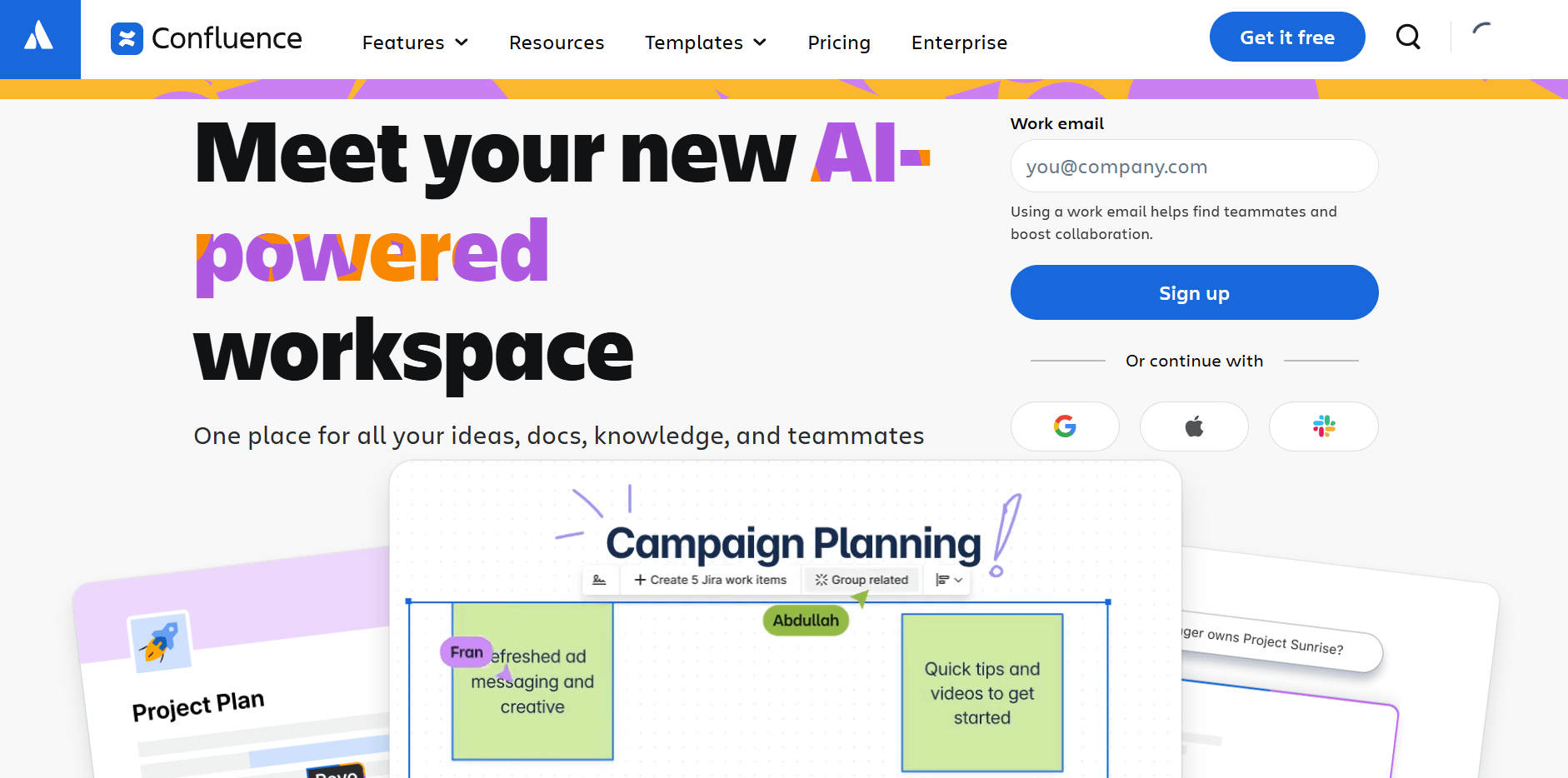
Confluence is Atlassian's team wiki, built around a Spaces-and-Pages hierarchy. Each Space can function as a standalone knowledge base for a team, department, or project — with nested pages, permissions controls, and a template library covering SOPs, runbooks, meeting notes, and product specs.
For software teams already using Jira, Confluence is difficult to displace. The bidirectional integration means support documentation, release notes, and product specs can live next to the Jira issues they relate to. That connection is genuine — not just a link between tools, but a shared data model that makes it practical to navigate between code decisions and their documentation.
What Confluence does well
- Page hierarchy for large knowledge bases: Spaces with nested pages support the organizational depth that growing wikis need. A 500-page internal knowledge base is manageable in Confluence in ways that simpler tools can't match.
- Atlassian ecosystem integration: Native Jira connection means product and engineering documentation stays contextually linked to the work itself.
- Template library: 100+ templates for meeting notes, product requirements, runbooks, retrospectives, and more — reducing the blank-page friction for new contributors.
- Permissions control: Space-level and page-level permissions support sensitive content with team-specific access, auditable at the admin level.
- Free plan for small teams: Up to 10 users for free — more generous than most alternatives in this range.
Where Confluence falls short
- Search is inconsistent. Out-of-the-box full-text search works across pages but struggles with partial matches, cross-space queries, and buried content. Enterprise employees spend significant time on tasks that could be eliminated with better information access. A knowledge base with unreliable search compounds that problem rather than solving it.
- No content verification system. Pages can sit unchanged for years with no signal to readers about whether the content is current. For teams where outdated information causes real problems — wrong pricing quoted, incorrect policies cited — this is a meaningful gap.
- Steep learning curve. New contributors face a non-trivial onboarding process: understanding Spaces, configuring permissions, learning page templates. Teams without a dedicated knowledge manager often find Confluence gradually drifting toward disorganization.
- Costly without Jira. The integration benefits that justify Confluence's complexity mostly disappear if your team isn't also using Jira or other Atlassian products.
Pricing: Free (up to 10 users). Standard: $5.16/user/month. Premium: $10.44/user/month (Confluence Pricing).
Who it's for: Software, product, and DevOps teams already on the Atlassian stack — or larger organizations that need department-level knowledge bases with strict access controls and structured page hierarchies.
Guru: What It Does Well and Where It Falls Short

Guru takes a fundamentally different approach to knowledge management. Instead of asking people to search a repository, Guru surfaces relevant knowledge in the tools where work is already happening — via a browser extension that overlays your CRM, helpdesk, or email with relevant cards, and a Slack bot that answers questions directly in channels.
The structural unit in Guru is the Card, not the page. Each card contains a short, focused piece of knowledge — a pricing point, a policy detail, a product specification — with an assigned owner and an expiration date. When a card expires, the owner gets notified to review and re-verify the content. This keeps the knowledge base honest in a way that Confluence's page structure doesn't.
What Guru does well
- Verification by default: Every card has an owner and an expiration date. Content can't silently go stale — someone is accountable for keeping each card current. For CS and sales teams where wrong information has real consequences, this is a structural advantage.
- In-context knowledge delivery: The browser extension surfaces relevant cards while agents are working in Zendesk, Salesforce, or email — without switching tabs. For support teams handling dozens of tickets per day, this is a material efficiency gain.
- AI Knowledge Agents: On paid plans, Guru's AI answers questions from the knowledge base in natural language, with citations. Agents can ask "what's our return policy for international orders?" and get a direct, sourced answer instead of searching manually.
- Slack integration: Guru's bot answers questions asked directly in Slack channels, reducing the "ask a colleague" bottleneck that fills Slack with repetitive questions.
- 100+ integrations: Native connections to Salesforce, Zendesk, HubSpot, and most major support and sales tools.
Where Guru falls short
- Card format isn't suited to long-form content. Technical documentation, onboarding guides, and process runbooks work better as pages than cards. Forcing long content into the card format produces chunky, awkward knowledge entries.
- Pricing requires scale. The free plan only covers 3 users, and paid plans require a minimum of 10 users — making Guru impractical for small teams not yet at that size.
- No public pricing on higher tiers. Enterprise plans require a sales conversation, which creates friction for evaluation and budgeting.
- Less effective for teams not in Slack or a supported CRM. Guru's in-context delivery relies on the browser extension and integrations. Teams that don't use those surfaces lose most of the differentiated value.
Pricing: Free plan (up to 3 users). Paid plans from $10/user/month, 10-user minimum (Guru Pricing).
Who it's for: Mid-size to enterprise CS, support, and sales teams (10–500 people) where knowledge accuracy matters in customer-facing conversations, and where Slack, Zendesk, or Salesforce is the primary work surface.
Confluence vs Guru: Head-to-Head Comparison
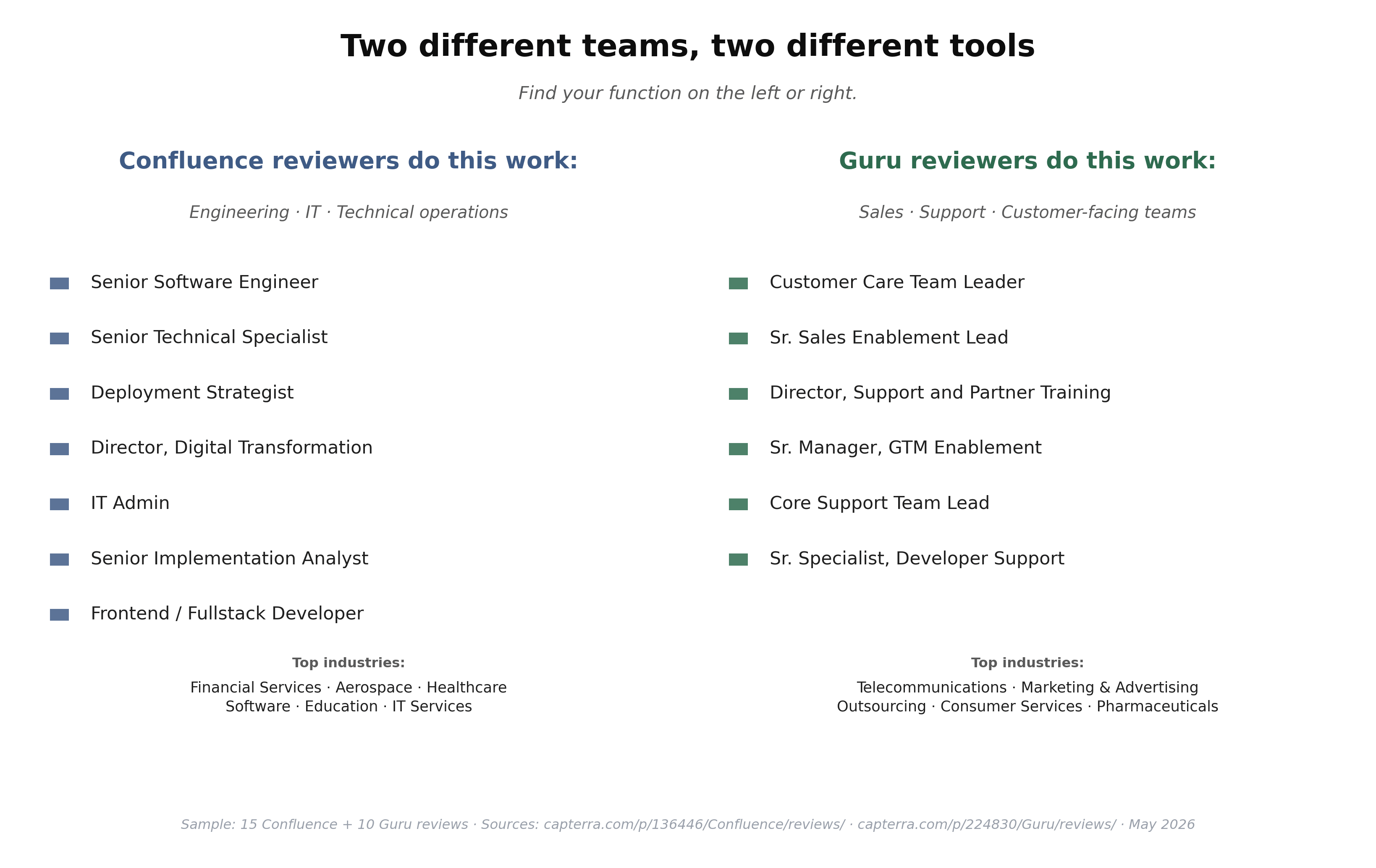
One quick way to cut through the comparison: look at who's reviewing each tool by job function. In our sample of 15 Confluence reviewers, roles cluster around engineering, IT, and technical operations — Senior Software Engineer (Entertainment), Senior Technical Specialist (Financial Services, 10,001+ employees), Deployment Strategist (IT Services), IT Admin, Senior Implementation Analyst. In our sample of 10 Guru reviewers, roles cluster around sales, support, and customer-facing teams — Customer Care Team Leader (Telecommunications), Senior Sales Enablement Lead (Marketing), Director of Support (Aerospace), Senior Manager GTM Enablement, Core Support Team Lead. The tools are competing for different functional buyers; the right pick mostly tracks the team that will own it, not the feature list.
Feature | Confluence | Guru |
Content structure | Nested pages, hierarchical | Short cards with owners |
Search approach | Keyword-based, space-scoped | Semantic, browser extension overlay |
Content verification | Manual, no expiration | Built-in expiration + owner review |
Long-form documentation | Strong | Limited — cards aren't suited for it |
In-context delivery | No | Yes — browser extension + Slack bot |
AI features | Rovo AI (add-on cost) | AI Knowledge Agents on paid plans |
Jira integration | Native, bidirectional | Third-party only |
Slack integration | Basic | Native bot with Q&A |
Free plan | Up to 10 users | Up to 3 users |
Min. paid team size | 1 user | 10 users |
Price entry point | $5.16/user/month | $10/user/month |
Best content type | Wikis, runbooks, specs, SOPs | Policies, pricing, FAQs, product details |
Who gets the most value | Engineering and product teams | CS, support, and sales teams |
When to Choose Confluence
Your team already uses Jira. The Jira–Confluence connection is the single strongest reason to choose Confluence over alternatives. Engineering tickets linked to their specs, product decisions attached to the epics that motivated them, support articles tied to known bugs — this is genuinely useful and genuinely hard to replicate with third-party integrations.
You need deep hierarchical organization. Large knowledge bases with hundreds of articles across multiple departments are easier to navigate in Confluence's Spaces-and-Pages model than in card-based tools. If your KB is growing toward enterprise scale, Confluence's structure holds up better.
You need strong permissions controls. Space-level access controls and page-level restrictions support complex organizational structures where different teams need different levels of access to the same knowledge base.
You don't need real-time knowledge delivery. If your team's knowledge consumption pattern is "search when needed" rather than "delivered to me mid-workflow," Confluence's search-based model is sufficient and costs significantly less than Guru at scale.
See also the Confluence alternatives comparison if you're evaluating a broader range of tools beyond Guru.
When to Choose Guru
Your CS or sales team is citing wrong information. If agents quote incorrect pricing, apply outdated policies, or reference discontinued products, Guru's verification system is the structural fix. Confluence has no equivalent — pages go stale with no notification.
Your team lives in Slack, Zendesk, or Salesforce. Guru's value proposition depends heavily on in-context delivery. If your team already works in these surfaces, Guru surfaces relevant knowledge at the exact moment of need. If they don't, you're paying for an overlay that doesn't get used.
You want AI that answers from your KB. Guru's AI Knowledge Agents provide cited, permission-aware answers to natural language questions. Confluence's Rovo AI is an add-on with separate pricing. For teams that want AI-powered Q&A across their knowledge base, Guru includes it without extra licensing.
You can commit to 10+ users. Guru's minimum team size makes it impractical for very small teams. At 15–20 users in a CS or sales function, the per-card ROI on reduced search time and fewer escalations from outdated information starts to justify the cost.
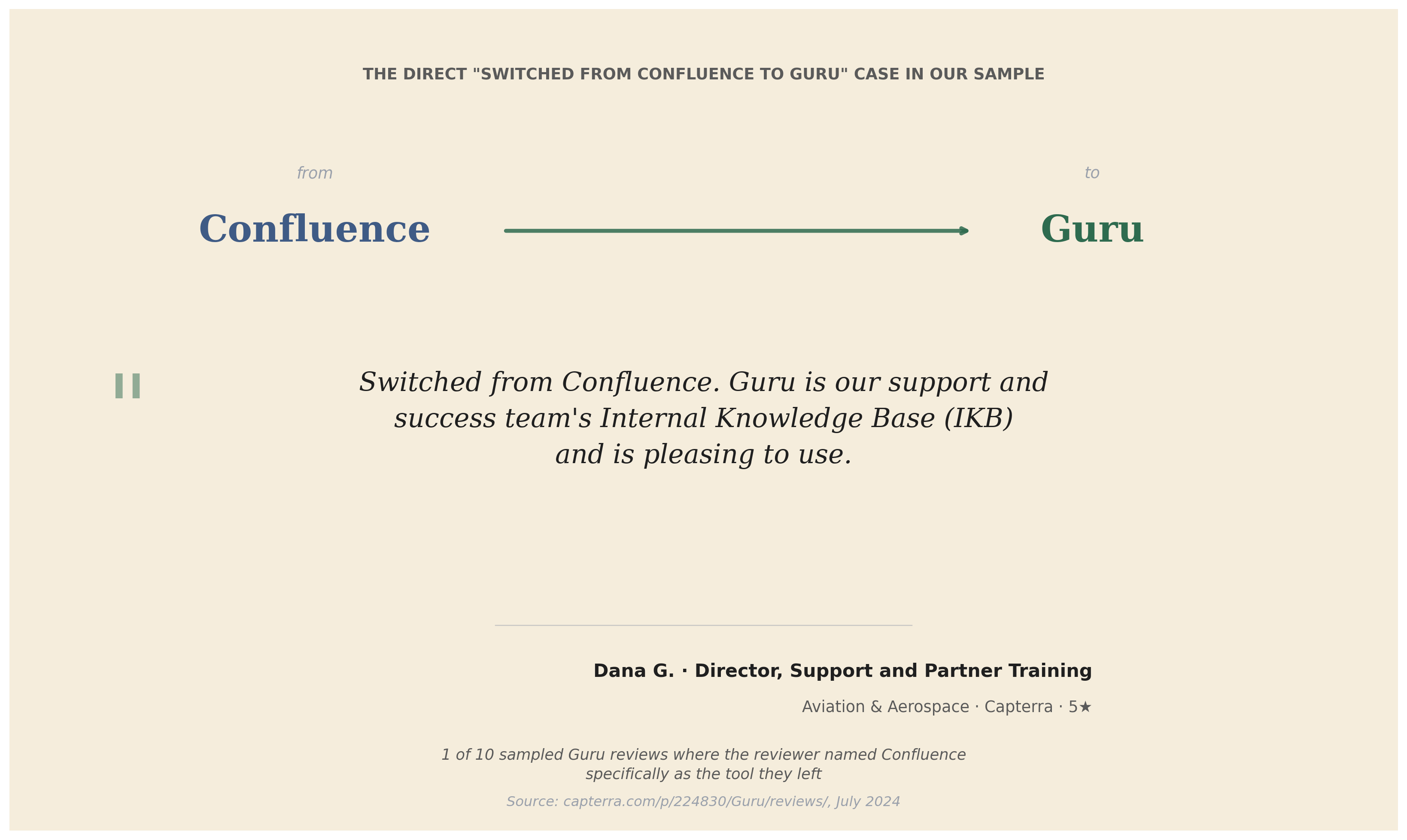
One concrete migration in our research is worth quoting directly. Dana G., a Director of Support and Partner Training at an Aviation & Aerospace company, writes on Capterra that her team switched from Confluence to Guru specifically because they needed an "Internal Knowledge Base (IKB)" for support and customer-success use — and Confluence's general-purpose wiki structure didn't fit that function as cleanly. This is the only direct Confluence-to-Guru migration in our 10-review Guru sample — directional, not statistical, but the reasoning maps exactly to the pattern this article describes.
Beyond Internal Knowledge: Deliver Your KB to Customers Automatically with Solvea
Confluence and Guru are both built to help your internal team find the right information. Neither is built to take that same knowledge and use it to answer customer questions automatically — across phone, email, and live chat — without a human agent involved for each interaction.
That's what Solvea is built for. Solvea is a no-code AI agent platform designed for SMBs, which can automate your workflow and create better customer experience.

Think of it as the customer-facing layer on top of whichever knowledge base you choose. Upload your FAQs, policies, and product information — or connect Guru, Notion, or Google Drive directly — and Solvea's AI receptionist handles inbound customer inquiries around the clock. A customer calls about their order status at 10pm. Solvea pulls the answer from your knowledge base and responds immediately, without anyone on your team involved.
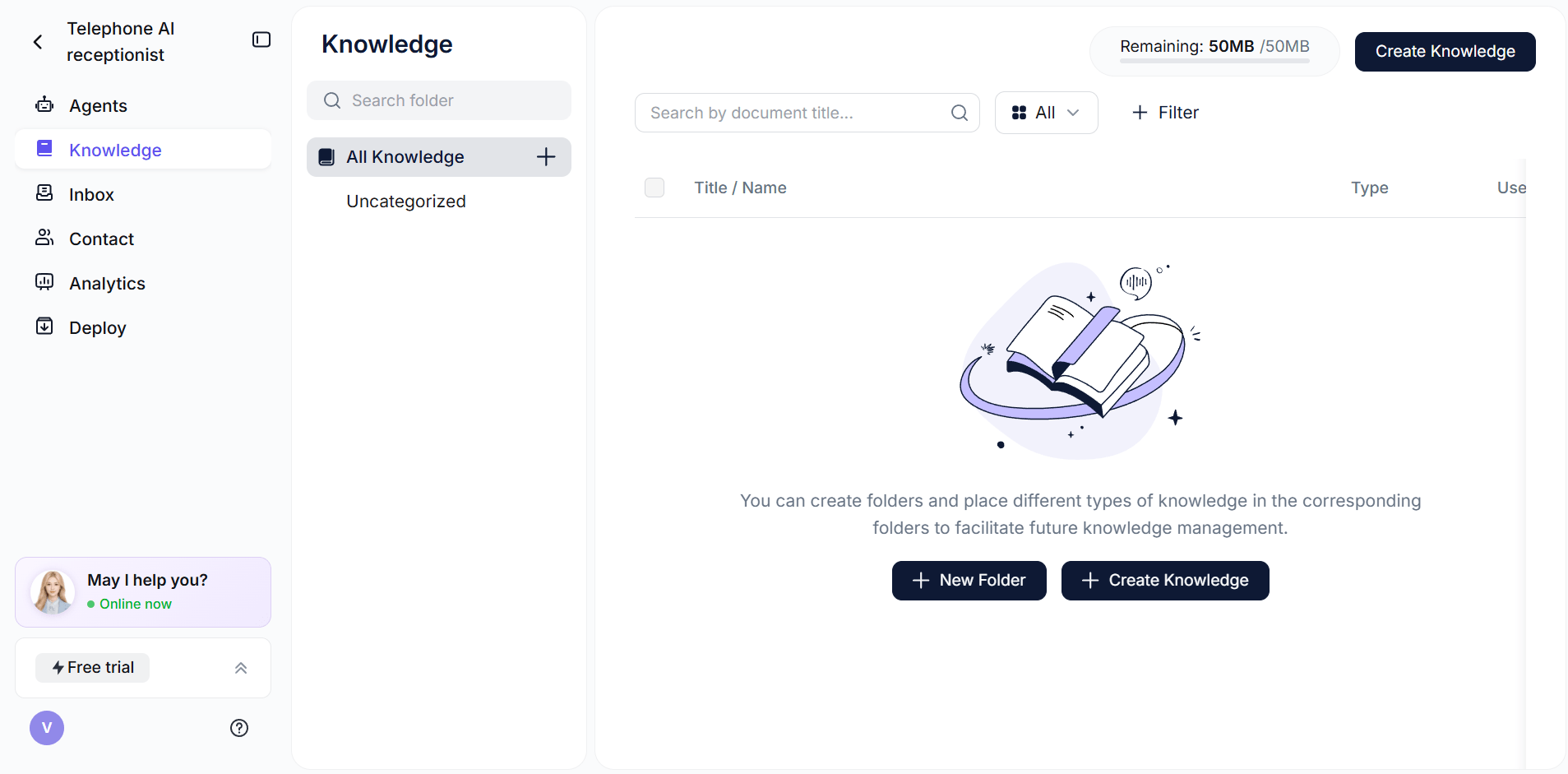
What Solvea does differently:
- Connects to your existing knowledge base — documents, URLs, Google Drive, Notion, Shopify, Zendesk
- Handles customer questions via phone, live chat, and email from a single platform
- 80% resolution rate — most inquiries resolved without escalation
- Escalates to a human agent in the Inbox with full conversation context when needed
- Setup under 3 minutes; 10+ industry-specific agent templates included
Solvea works alongside Confluence or Guru, not instead of them. Your team keeps using whichever internal knowledge tool fits your workflow. Solvea handles the customer-facing half. Free plan available; paid plans from $30/month (Solvea pricing).
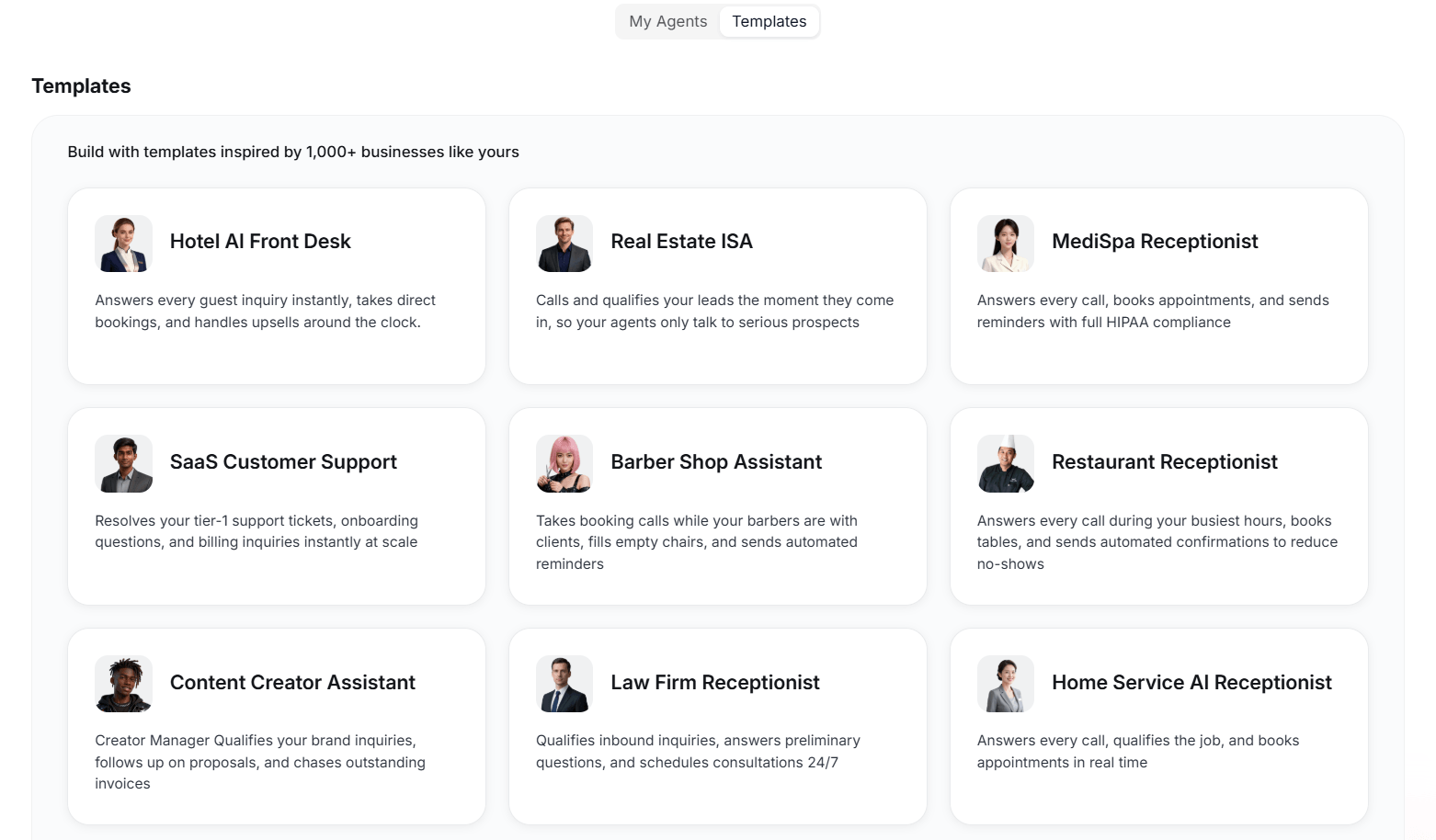
Your AI Receptionist, Live in Minutes.
Scale your front desk with an AI that never sleeps. Solvea handles unlimited multi-channel inquiries, books appointments into your calendar automatically, and ensures zero missed opportunities around the clock.
Frequently Asked Questions
Is Confluence or Guru better for a small team?
For small teams under 10 people, Confluence is the more practical choice — the free plan supports up to 10 users, and the per-user cost is lower when you do move to paid. Guru's 10-user minimum on paid plans and 3-user free plan make it impractical for small teams unless you're specifically in CS or sales and need the verification system.
Can Confluence and Guru be used together?
Yes. Some teams use Confluence for long-form internal documentation — engineering specs, onboarding guides, process runbooks — and Guru for the knowledge that CS and sales teams need in real time. Guru can import content from Confluence, though the card-format constraint means long pages need to be broken up. The combination works well when the two tools serve genuinely different use cases within the same organization.
Which tool has better AI features?
Guru's AI Knowledge Agents are included on paid plans and provide cited, permission-aware answers to natural language queries. Confluence's AI (Rovo) is an add-on with separate pricing beyond the base plan. For teams whose primary need is AI-powered Q&A from their knowledge base, Guru currently offers a more integrated solution at lower total cost.
Does Guru replace the need for Confluence?
Not for most teams. Guru is optimized for short, card-format knowledge that CS and sales teams need to act on quickly. It's not well-suited for the long-form documentation — architecture diagrams, product specs, engineering runbooks — that Confluence handles well. If your team only needs customer-facing or policy knowledge and doesn't have documentation needs, Guru alone may be sufficient. Most teams with both documentation and a CS/sales function will find the tools complementary.
How does Confluence's pricing compare to Guru at scale?
Confluence is meaningfully cheaper per user as teams grow. At 50 users, Confluence Standard costs ~$258/month; Guru's paid plans at the same size are approximately $500/month before any volume discounts. The pricing gap widens at enterprise scale. Guru's higher cost is justified for CS and sales teams where knowledge accuracy and in-context delivery directly affect revenue — for general-purpose team wikis, Confluence wins on price. After your KB is structured, plug it into a knowledge base chatbot so customers don't have to dig through articles to find answers.
What if I need my knowledge base to answer customer inquiries automatically?
Neither Confluence nor Guru is built for customer-facing, automated response. For that use case, a tool like Solvea connects to your existing knowledge base and uses it to answer customer questions via phone, chat, and email, 24/7. It works alongside either tool — your team's knowledge stays in Confluence or Guru, and Solvea handles the customer-facing half automatically.