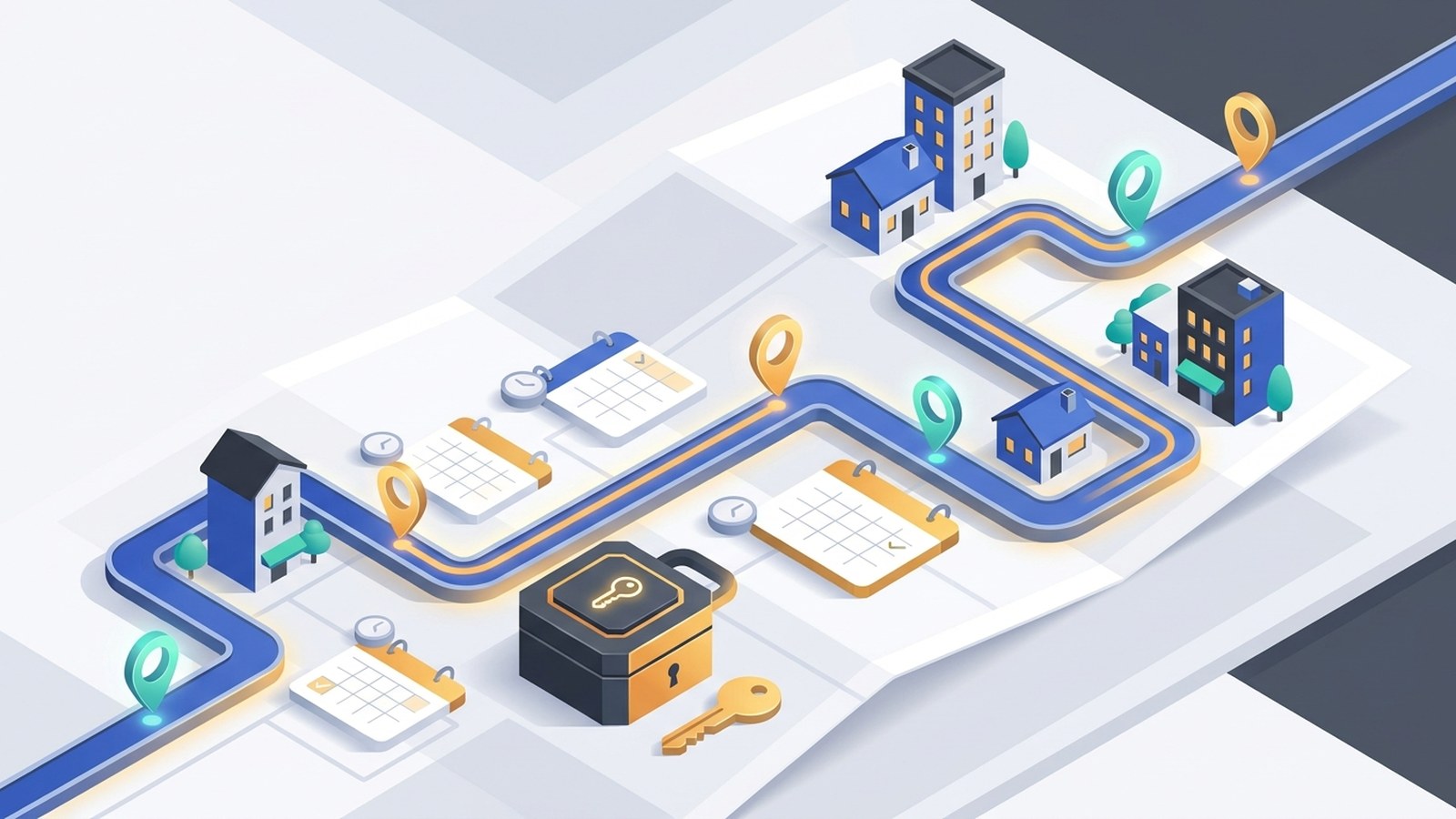
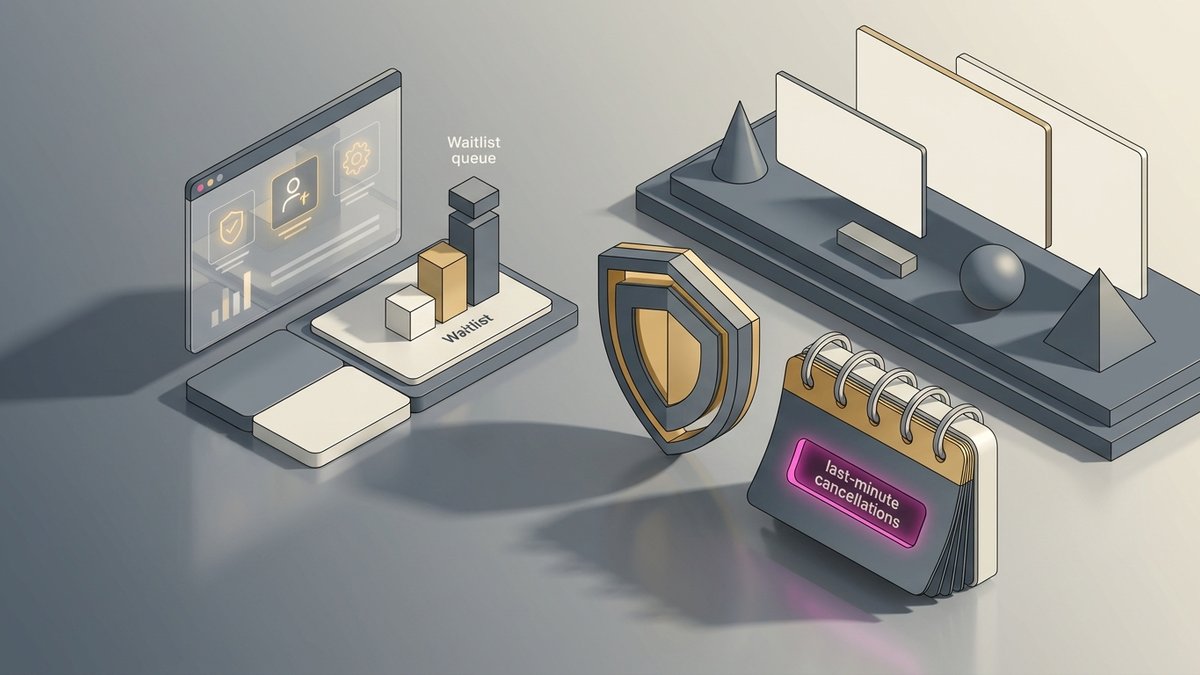
To a regular smartphone user, an outgoing call is simple: you pick up your device, dial a number, and wait for someone to answer. It works the opposite way of an incoming call, where someone else reaches out to you first.
Getting this basic difference right helps with everyday communication. For personal use, it lets you keep track of how much you use your phone and make sense of your bill. In business, outgoing calls matter for staying competitive. They’re how sales teams, customer service staff, and market researchers connect with people.
However, running manual outbound campaigns in modern business is notoriously inefficient. While a human calling team is stuck dialing numbers one by one, your hard-earned leads are losing interest and going cold.
This comprehensive guide walks through everything there is to know about outgoing calls—starting with the absolute basics, breaking down technical mechanics, and exploring how Solvea transforms a simple call into real business wins at scale, automatically.
What Does Outgoing Call Mean?
An outgoing call is a call you or your device start to connect with another person or service. Think of it this way: if you pick up the phone and dial, that’s outgoing. It’s the opposite of an incoming call, which someone else sends to you.
This works across all types of phones:
- Landlines: Traditional copper-wire home or office phones.
- Mobiles: Standard cellular smartphones operating on 4G/5G networks.
- VoIP (Voice over Internet Protocol): Internet-based services like Skype, Zoom, or professional virtual phone networks.
For an outgoing call to work, your device needs a network connection to send the call signal to the person you’re trying to reach. Service providers keep track of these calls for billing, with costs depending on factors like how long the call lasts, where you’re calling, or your plan’s terms.
Everyday Examples of Outgoing Calls
- Personal Use: Dialing a friend’s cell number or calling a local restaurant to order food.
- Emergency Situations: Calls to numbers like 911 (in the U.S.) or 112 (globally) are outgoing because you’re the one starting the call for help.
- Business Operations: A business calling a client on a landline, or using a VoIP app to reach a coworker abroad.
- Automated Triggers: Automated calls—like appointment reminders from a doctor’s office or delivery alerts—count as outgoing. These are triggered by backend systems to contact recipients.
Understanding Cancelled Calls
You might frequently see "Cancelled Call" in your device or company call history. This is a specific type of outgoing call that often causes confusion.
Definition of Cancelled Calls
A cancelled call is an outgoing call that you ended before it fully connected. You hung up during the dialing phase. This happens before the recipient's phone starts ringing, and before the call reaches a voicemail system.
Common Causes
There are several everyday situations that lead to a cancelled call being in your records:
- Realizing you dialed the wrong number and hanging up immediately.
- Changing your mind about making the call right after you press the dial button.
- Accidental "pocket dials" that you end before they connect.
- A poor network signal that prevents your phone from successfully starting the call.
💡 The Solvea Operational Advantage: While a cancelled outbound call for a human agent usually means a minor mistake, a cancelled inbound call (a prospect hanging up because your front desk lines are busy) means lost revenue. Solvea tracks these connection statuses on a real-time dashboard, allowing your system to capture and re-engage missed opportunities instantly.
Types of Outgoing Calls
Outgoing calls are categorized by their destination, cost structure, and purpose. This distinction becomes incredibly strategic in commercial contexts.
Types for Personal and General Use
For most individuals, outgoing calls fall into four main categories:
- Local Calls: Calls made to numbers within your specific geographic area. Most modern phone plans include unlimited local calls.
- Long-Distance Calls: Calls reaching numbers outside your local calling area but still within the same country.
- International Calls: Calls made to a different country. They require using a specific country code before the main phone number and usually incur higher fees.
- Toll-Free Calls: Special numbers like 800, 888, or 877 in the US. The business that owns the number pays for the call, making it completely free for you.
Types of Outgoing Calls for Businesses
In commercial situations, outbound calls are classified according to the way they are made:
- Manual Outgoing Calls: Calls made when an employee looks up a number and dials it to talk with a user. Sales or support agents frequently do this, though it severely limits daily volume.
- Automated Outgoing Calls: Historically referred to as robocalls. They work by calling a list of numbers via an automatic-dialing system. Such calls might have a pre-recorded message or connect a live agent after someone picks up.
- International Outbound Calls: Business calls made to suppliers, clients, and partners in other countries, usually overseen using special VoIP services to run them on a low budget.
How Do Outgoing Calls Work Behind the Scenes?
Making a call feels instant, but several key technical steps happen behind the scenes to connect you:
- Dial the Number: It starts when you enter the digits on your keypad, or select a contact from your address book and press the call button.
- Set Up the Connection: Your phone sends a digital request to the nearest cell tower (or through your internet router for VoIP). The network accepts this request, finds the recipient's number, and builds a routing path.
- Wait for the Recipient to Answer: You hear a ringing tone. This isn't just a placeholder sound; it's an audible signal from the network confirming that the recipient's phone is being actively alerted.
- Begin the Conversation: When the person answers, the network opens a two-way audio channel, and the connection goes live.
- End the Call When Done: You or the receiver press the "end" button. This signals the network to terminate the connection and free up the network resources.
🤖 How Solvea Optimizes This Sequence: When Solvea's AI voice agent initiates an outgoing call, it listens to step 3 using advanced Answering Machine Detection (AMD). If a human answers, it flows seamlessly into natural conversation. If it hits a voicemail, it handles the outcome automatically based on your preset rules—without wasting a second of human time.
Outgoing Call vs. Incoming Call
Understanding the difference between an outgoing and an incoming call is fundamental to managing your phone bill and your front-desk workflows.
Feature | Outgoing Call | Incoming Call |
Initiator | You start the call. | Someone else starts the call to you. |
Cost | You (the caller) typically pay, based on your plan. | Generally free to receive (exceptions for roaming). |
Phone Display | Your screen shows "Calling [Name]" or the number being dialed. | Your screen shows "Incoming Call" or "[Name] is calling." |
Business Context | Proactive outreach: Sales, marketing, appointment reminders, win-backs. | Reactive response: Customer support inquiries, inbound sales leads. |
Solvea Automation | AI calls leads, confirms appointments, and scales outreach automatically. | AI answers instantly, handles routing, and qualifies intent 24/7. |
What Determines Call Costs?
The cost of an outgoing call is not a fixed value. It is determined by a complex combination of your specific plan, destination, and network type.
Costs by Call Type
- Local Calls: Usually the most economical. They are included in most postpaid plans as complimentary services, offering unlimited usage.
- Long-Distance Calls: Historically costly, but in most US and Canada plans today, they are effectively the same as local calls with no extra cost.
- International Calls: Regarded as the most costly. They tend to be billed per minute, with rates varying widely by country. Industry reports suggest rates can range from a few cents to over a dollar per minute.
- Toll-Free Calls: Free for the caller. Instead, the business you are calling is charged as a customer service expense.
- VoIP Calls: Calls made over the internet are significantly cheaper. Calls between users of the same app (like WhatsApp to WhatsApp) are typically free, using your data or Wi-Fi instead of cellular minutes.
Costs by Call Plan
- Prepaid Plan Pricing: You pay for service upfront. Each outgoing call deducts credit from your balance based on a per-minute or per-call rate.
- Postpaid Plan Pricing: You pay a monthly fee for a set bundle of services. These plans often include unlimited nationwide calls but charge extra for international calls or premium-rate numbers.
Why Do Outgoing Calls Matter?
Beyond the simple definition, outgoing calls reflect assertiveness and proactivity.
- For Individuals: Outgoing calls are the engine of proactive interaction. You call the doctor to schedule an appointment, check on relatives, order food, or inquire about jobs. Each call simplifies your life.
- For Companies: Outgoing calls are tools for growth and relationship-building. They are strategic business actions:
- Relating well with clients: Following up shows you care beyond closing a sale.
- Selling more and prospecting: A large percentage of revenue is built through proactive customer outreach.
- Informing customers fully: Alerting a customer to a shipping delay before they discover it builds massive trust.
- Gathering feedback: Direct calls yield frank, honest operational details that digital surveys miss.
Managing Outgoing Calls on Devices vs. AI Platforms
Managing Outgoing Calls on iPhone
Making a call is simple: Tap a number in the Phone app, select someone from Contacts, or use Siri.
- Call History: Open the Phone app and tap “Recents” at the bottom. Outgoing calls are marked with a small phone icon with an arrow pointing away.
- Restrictions: Blocking specific outgoing numbers directly through iOS is not possible (this is a carrier service). However, you can restrict dialing via Screen Time: Go to Settings > Screen Time > Communication Limits, and restrict calls to Contacts Only.
Managing Outgoing Calls on Android
- Call Log: Go to the "Recents" or "History" tab of your Phone app. An outward-pointing arrow next to contact names indicates an outgoing call.
- Restrictions: Options depend on your phone manufacturer. Some offer parental controls; for specific outgoing blocks, you may need a third-party app or carrier assistance.
Managing Outgoing Calls on WhatsApp
WhatsApp uses an internet connection instead of phone minutes.
- The "Calls" tab keeps a record of all your calls, with an icon indicating whether it was outgoing, incoming, voice, or video.
- Privacy is addressed by design: If you block a contact on WhatsApp, they can’t call you, and you can’t call them.
🚀 The Enterprise Upgrade: Solvea's Campaign Task Board
While managing calls on smartphones is fine for individuals, a business cannot run scaling operations off an iPhone screen. Follow-ups are everyone's job, so they end up being no one's job.
Solvea replaces messy phone screens with a real-time dashboard and task board. You can bulk-import your contact list, set custom calling windows, and watch every outcome get captured—duration, connection status, and customer responses—all synced automatically to the contact profile.
Best Practices for Outbound Business Calls (And How AI Executes Them)
Making calls that make potential clients feel valued and in control is a science. Here is how modern businesses execute outbound communication perfectly, and how Solvea keeps the conversation flawless:
- Know Your Aim and Stick to It: Never make a call without a clear goal (e.g., confirming an appointment or re-engaging a lapsed customer).
- With Solvea: Describe your goal and business details, and the platform auto-generates a highly focused call script for you.
- Research Before You Call: Ensure the caller profile is loaded with data before launching. Solvea automatically parses and structures your imported contact list so the context is perfectly aligned.
- Create a Good Intro: The first ten seconds determine if you get more time. Clearly state your name, company, and reason for calling.
- Listen More Than You Talk: Top teams excel at listening. Solvea operates on a natural conversation flow—it handles questions, pauses, and customer interruptions smoothly.
- Perfect Your Tone and Pace: Confidence and empathy build trust. Solvea's AI voice sounds incredibly human, utilizing realistic pacing that completely removes the robotic barrier.
- Manage Objections Gracefully: Objections are requests for more information, not rejections. Solvea's advanced language model handles customer objections effortlessly without the script breaking down.
- Always Set Clear Next Steps: No call should end ambiguously. Solvea logs every outcome automatically, syncing next steps, statuses, and updates straight to your data profile with no manual data entry required.
Legal and Ethical Considerations
During outbound business calls, strict adherence to legal regulations is critical. Non-compliance can result in significant fines and permanent brand damage.
📋 Disclaimer: This information is for educational purposes only and is not a substitute for professional legal advice. Contact a legal professional for specific guidance regarding your business operations.
Key Regulations Governing Business Outgoing Calls
- TCPA (U.S.): The Telephone Consumer Protection Act restricts the use of automated dialers and pre-recorded messages. It also mandates compliance with the National Do Not Call Registry.
- GDPR (EU): Governs personal data handling, requiring clear opt-in consent before making marketing-driven outbound calls and respecting the right to be forgotten.
- Caller ID Transparency: Deceptive practices like hiding your outbound numbers under "No Caller ID" or using spoofed local numbers often fall under heavy regulatory scrutiny. Many regions restrict or prohibit hiding business identities because it undermines consumer trust.
Solvea prioritizes ethical outbound marketing by letting you run compliant, highly targeted, structured campaigns that honor user preferences and retry windows seamlessly.
Conclusion
The meaning of an outgoing call starts simply: a call you initiate. But in the corporate world, it evolves into an engine for growth—a strategic tool for driving sales, retaining customers, and maintaining high-value appointment rates.
You can now reach 500 customers today with zero sales team required. By deploying Solvea’s AI voice agent, your business eliminates the empty hours spent dialing manually, allowing technology to handle the heavy lifting while your human team stays focused on delivering top-tier service.
Your AI Receptionist, Live in Minutes.
Scale your front desk with an AI that never sleeps. Solvea handles unlimited multi-channel inquiries, books appointments into your calendar automatically, and ensures zero missed opportunities around the clock.
FAQ
What does "outgoing call" mean?
An outgoing call is a call you initiate to someone else. It is when you dial a number and attempt to connect with another person or device, unlike an incoming call (when someone calls you).
Does an outgoing call mean the recipient declined?
No. An outgoing call only indicates that you started the call attempt. The recipient could have answered, let it ring out, sent it to voicemail, or declined it—the call itself is still classified as outgoing regardless of the outcome.
Does an outgoing call mean you hung up?
No. An outgoing call simply refers to the direction of the call attempt. Whether you hung up early (a cancelled call), the other person answered, or it went to voicemail, it remains an outgoing call.
Can Solvea's AI handle unexpected questions during an outbound call?
Yes. Solvea's AI voice agent does not rely on a rigid soundboard. It uses natural conversation flow to actively process questions, pauses, and objections mid-call, adjusting its responses dynamically without breaking the conversation.