If you are searching for OpenClaw for social media management, you are probably trying to answer a practical question.
Can OpenClaw actually help with the messy day-to-day work of social media? Can it help a person or small team stay on top of messages, monitor activity, organize tasks, and keep content workflows moving without turning everything into manual overhead?
That is the right angle.
OpenClaw is not a traditional social media scheduling tool. It is not just a dashboard for queued posts. And it is not best understood as a simple social media bot either.
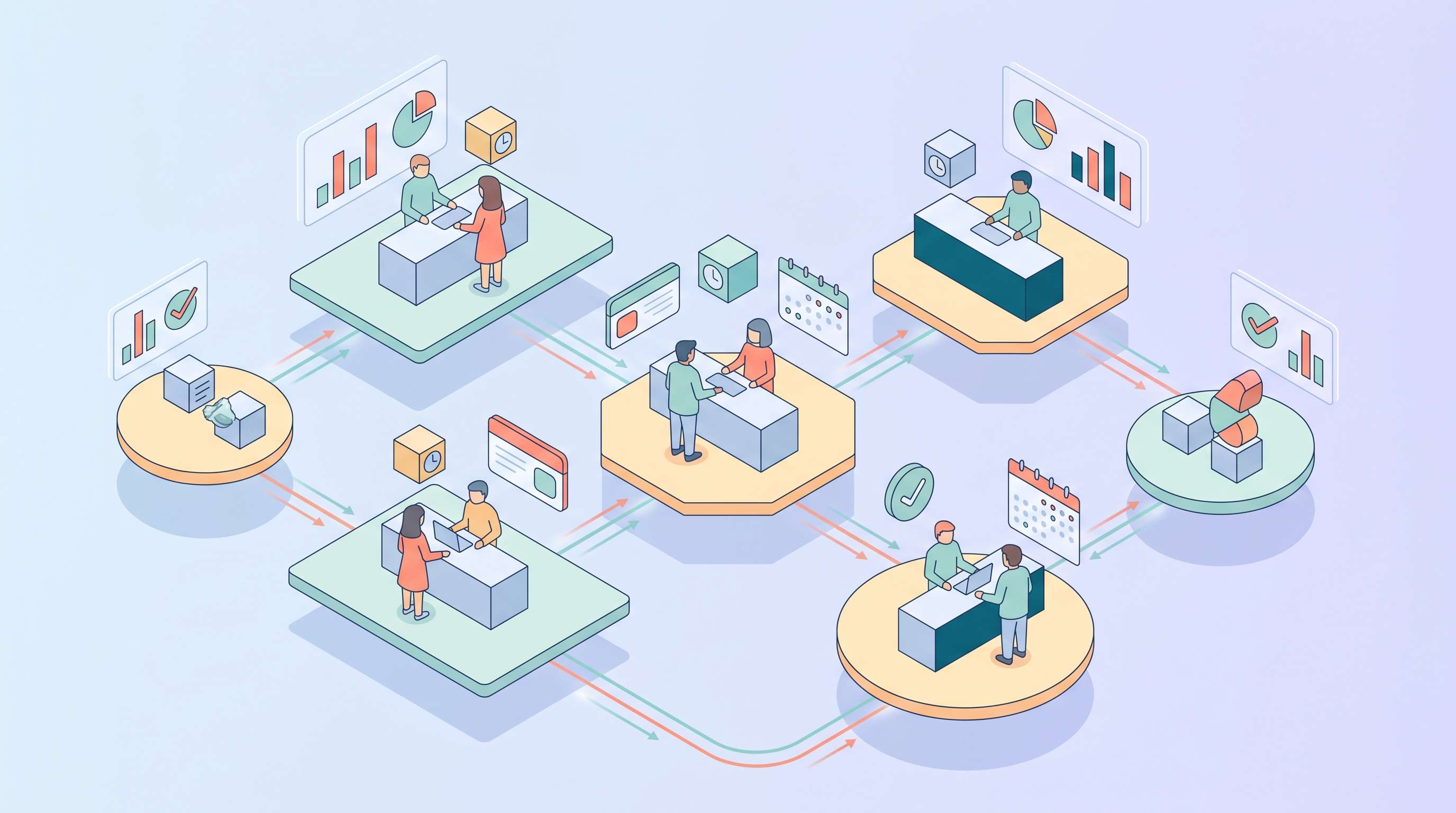
What OpenClaw can do well is sit between messages, channels, tools, sessions, and AI actions. That makes it useful for social media management workflows that involve monitoring, summarizing, routing, drafting, and staying responsive across ongoing communication surfaces.
One important truth up front: this article stays grounded in the officially verifiable OpenClaw documentation available from the product docs and local workspace context. It treats social media management as a workflow use case, not as a claim that OpenClaw is a native all-in-one social media suite.
TL;DR
Area | What OpenClaw can help with |
Monitoring | Watching channels, mentions, and message flows that need attention |
Summaries | Turning noisy activity into digestible updates for a human operator |
Drafting | Helping prepare replies, post ideas, or follow-up text |
Routing | Sending the right item to the right person or workflow |
After-hours coverage | Keeping an assistant layer active when the team is offline |
Best fit | Lean teams that need an AI workflow layer, not just a scheduling calendar |
Why OpenClaw Makes Sense for Social Media Management
A lot of social media work is not actually about publishing.
It is about staying on top of signals.
Messages, mentions, replies, inbound opportunities, repeated questions, customer frustration, creator outreach, partner requests, and internal follow-up all pile up quickly. For a small team, that can turn into a constant stream of context-switching.
This is where OpenClaw for social media management becomes interesting.
OpenClaw is useful when you need an AI-powered workflow layer that can help monitor activity, summarize what matters, assist with replies, and keep operational follow-up moving. That is also part of why recent product-direction explainers like OpenClaw 2026.3.28 matter when you are judging where the platform is going. That is a different job from a pure scheduling tool.
If your real problem is not “how do I queue posts for next Tuesday?” but “how do I handle social activity without missing important signals?”, OpenClaw is a more relevant tool to think about.
The official OpenClaw docs are the best starting point for understanding this workflow-oriented position.
What OpenClaw Can Actually Do in a Social Media Workflow
The most useful way to think about OpenClaw here is not as a “Twitter bot” or a “social media platform.”
It is better understood as the AI layer that helps you manage work around social communication. The broader OpenClaw GitHub repository is useful if you want to verify how the project positions itself in public.
Monitoring and surfacing important activity
One of the biggest problems in social media management is that not everything matters equally, but everything arrives mixed together.
OpenClaw is best understood as the workflow layer around these tasks. When the relevant channels, tools, and routing are configured, it can help surface what deserves attention. That could mean high-priority replies, unusual activity, messages that need escalation, or recurring question patterns.
For teams trying to stay lean, this can reduce the amount of time spent manually scanning noise.
Summarizing what happened
Another strong use case is summarization.
A social media operator does not always need a raw feed. They often need a compact understanding of what happened: what people are asking, what sentiment is recurring, what follow-up is needed, and what should be handled next.
OpenClaw can be used to turn noisy activity into something more actionable when the surrounding workflow is set up clearly. That makes it valuable not only for creators and community operators, but also for small teams where the same person is doing social, support, and growth work at once.
Drafting replies and content ideas
OpenClaw can also support drafting work as part of a supervised workflow.
That does not mean it should post everything automatically. In many real workflows, the more useful role is helping draft responses, suggest replies, structure follow-up messages, or outline content ideas based on what the audience is asking.
That can be especially useful when a team wants faster response support without fully removing human judgment. If your workflow overlaps with developer-led automation, articles like OpenClaw vs Claude Code help clarify where OpenClaw fits compared with coding-first tools.
Routing conversations to the right place
Sometimes the real value is not the reply itself.
It is recognizing that a conversation is actually a support issue, a lead, a partnership inquiry, a press request, or something that needs human review. OpenClaw can help route that context to the right person or workflow.
That is one reason it overlaps naturally with broader OpenClaw for small business workflows and customer-facing assistant use cases.
Where X Fits Into OpenClaw for Social Media Management
X is one of the clearest examples of this workflow. Recent product changes documented in the OpenClaw changelog also help explain why people increasingly frame OpenClaw as a workflow layer rather than a narrow chat tool.
People often think about X only in terms of posting. But for many brands, founders, creators, and small teams, the real operational challenge is everything around the posts: replies, mentions, inbound contact, sentiment shifts, repeat questions, and fast-moving attention.
This is where a workflow layer can matter more than a posting calendar.
In practice, OpenClaw for social media management can make the most sense around X when the goal is to:
- monitor attention that needs review
- summarize activity for a person or team
- draft responses or follow-ups
- route important signals into the next action
That is different from claiming a native all-in-one X control panel. It is a more realistic and more defensible framing.
If you are interested in customer-facing conversation flows specifically, this also connects to broader OpenClaw for small business workflows, where the communication layer matters just as much as the response itself.
Best Use Cases for OpenClaw in Social Media Management
Some use cases are especially strong.
Community and mention monitoring
This is one of the clearest ones.
If your team needs help keeping up with inbound activity without staring at feeds all day, OpenClaw can help summarize and surface what matters. For some teams, that question is closely tied to overall operating cost, which is why OpenClaw cost can also be relevant here.
Founder-led brand accounts
Founders and small operators often handle their own social presence while doing everything else too.
That means social media becomes just one more inbox competing for attention. OpenClaw can help reduce the scanning and sorting burden.
Customer-facing social support
For some businesses, social channels become informal support desks.
If customers ask the same questions, request help, or raise recurring issues through social media, OpenClaw can help a team stay more responsive and consistent.
Small team content coordination
OpenClaw can also help a small team stay organized around content-related follow-up, summaries, and message-driven task handling. If you are looking at it from the angle of a persistent assistant rather than a campaign calendar, the official OpenClaw personal assistant setup guide gives a more accurate product framing.
That is not the same as replacing a full content calendar platform, but it can make the surrounding workflow much easier to manage.
What OpenClaw Is Not in This Context
This is important if you want to keep the article honest.
OpenClaw is not best described as a dedicated social media scheduling suite.
It is not the same thing as a native publishing calendar, a full analytics dashboard, or a platform built only for social campaign management. That is why the strongest version of OpenClaw for social media management is workflow support, not exaggerated all-in-one positioning.
That distinction matters because it keeps expectations realistic.
The right question is not “can OpenClaw replace every social media tool?”
The right question is “can OpenClaw improve the communication, monitoring, and assistant layer around social media work?”
In many cases, the answer is yes.
Cost Thinking: Is It Worth Using OpenClaw for Social Media Work?
The cost conversation here is not just about software price.
It is about whether the workflow layer creates enough value to justify its setup and ongoing usage.
With OpenClaw, the main cost questions usually involve model usage, infrastructure, and any connected services or tools. If you want a broader look at that side, it connects directly to OpenClaw cost.
For a small team, the more useful question is often this:
How much time is being lost to manual scanning, repetitive replies, missed context, delayed follow-up, or poor handoff? That is also why the official OpenClaw updating guide matters operationally: a workflow layer only helps if it stays maintained and dependable.
If OpenClaw reduces that burden meaningfully, then the cost should be compared to workflow drag, not just to a monthly software line item.
Final Verdict
The best way to think about OpenClaw for social media management is not as a posting tool first.
It is as an assistant workflow layer.
If your team needs help monitoring communication, summarizing activity, drafting text, routing signals, and staying responsive across ongoing social surfaces, OpenClaw can be genuinely useful.
That is especially true for lean teams, founder-led brands, customer-facing operations, and businesses where social activity is tied to real conversations rather than just content output.
And if one of your biggest concerns is handling inbound communication consistently, it may also make sense alongside broader OpenClaw for small business workflows and customer-service-oriented setups.
Your AI Receptionist, Live in Minutes.
Scale your front desk with an AI that never sleeps. Solvea handles unlimited multi-channel inquiries, books appointments into your calendar automatically, and ensures zero missed opportunities around the clock.
FAQ
Can OpenClaw manage social media by itself?
Not in the sense of being a full native social media suite. It is better understood as an AI workflow layer that supports monitoring, summarizing, drafting, and routing around social activity.
Can OpenClaw help with X?
Yes, especially in workflows around monitoring, summarizing, drafting responses, and handling signal-heavy communication around X.
Is OpenClaw good for social media management for small teams?
Yes, especially when the team needs help staying responsive and organized without manually processing every signal alone.