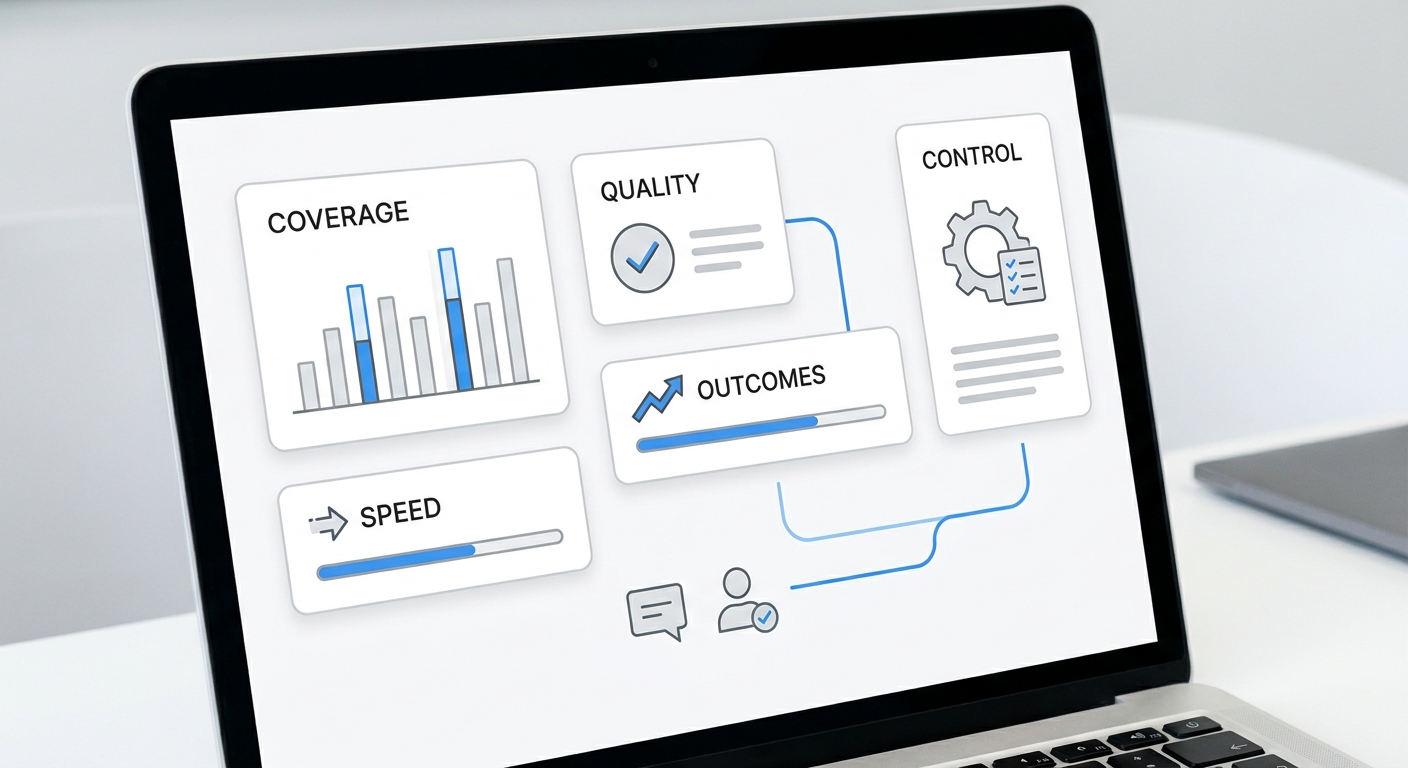
Every missed appointment drains your bottom line, but you can't fix what you don't measure. Beyond immediate revenue loss, operational data archived by INFORMS PubsOnLine demonstrates that unmitigated no-shows cause a hidden hemorrhage in capacity utilization—fundamentally disrupting scheduling workflows and inflating fixed overhead per realized slot.
To plug this leak, you need an accurate baseline. This guide breaks down the exact no-show rate formula, step-by-step calculation methods, industry benchmarks, and the fastest tactical ways to drive that number down.
TL;DR
Field | Detail |
Formula | No-Show Rate = (No-Shows ÷ Total Scheduled Appointments) × 100 |
Good benchmark | Under 5% for most service businesses; under 10% for healthcare |
Average range | 5–30% across industries |
Revenue impact | A 10% no-show rate on $500K in bookings = $50K lost annually |
Best fix | Automated reminders + confirmation requirement |
What Is a No-Show Rate?
Your no-show rate is the percentage of scheduled appointments where a client or patient does not show up and does not provide advance notice to cancel. It is distinct from:
- Late cancellations: clients who cancel, but with less than your required notice window
- Reschedules: clients who change their appointment time in advance
- Cancellations: clients who cancel with appropriate notice
The American College of Allergy, Asthma, and Immunology (ACAAI) defines the no-show rate as "the percentage of appointment time lost because patients did not show up for their scheduled appointments without prior notification."
The No-Show Rate Formula
This gives you a percentage that represents how often your booked slots go unfilled due to client absence.
Calculating the raw percentage is only the diagnostic phase; identifying the operational root causes is where the solution begins. If your numbers skew higher than acceptable thresholds, it is critical to cross-reference your data with the psychological and logistical triggers detailed in our analysis on why clients miss appointments.
Step-by-Step Calculation
Step 1: Define your timeframe Choose a consistent reporting period: weekly, monthly, or quarterly. Monthly is most practical for small businesses.
Step 2: Count total scheduled appointments Pull the total number of appointments that were booked and were due to occur within the reporting period. Include all appointment types.
Step 3: Count no-shows Count only appointments where the client: - Did not attend - Did not call or message to cancel beforehand - Did not cancel within your required notice window (typically 24–48 hours)
Do NOT count late cancellations or reschedules as no-shows unless your policy explicitly classifies them as such.
Step 4: Apply the formula
Example: You had 200 scheduled appointments last month. 18 clients were no-shows.
No-Show Rate = (18 ÷ 200) × 100 = 9%
Worked Examples
Example 1: Medical Practice
- Total appointments: 450 per month
- No-shows: 38
- No-Show Rate: (38 ÷ 450) × 100 = 8.4%
- Revenue impact: If average appointment value is $150, that's 38 × $150 = $5,700 lost per month ($68,400 per year)
Example 2: Salon
- Total appointments: 120 per month
- No-shows: 6
- No-Show Rate: (6 ÷ 120) × 100 = 5%
- Revenue impact: At $80/appointment, that's 6 × $80 = $480 per month ($5,760 per year)
Example 3: Medical Spa
- Total appointments: 80 per month
- No-shows: 12
- No-Show Rate: (12 ÷ 80) × 100 = 15%
- Revenue impact: At $250/session, that's 12 × $250 = $3,000 per month ($36,000 per year)
No-Show Rate Benchmarks by Industry
Industry benchmarks give you context for whether your no-show rate is a minor nuisance or a serious revenue problem.
Industry | Average No-Show Rate | Acceptable Threshold |
Primary care / family medicine | 18–25% | Under 15% |
Dental offices | 12–15% | Under 8% |
Mental health / therapy | 15–30% | Under 15% |
Medical spa / aesthetics | 10–20% | Under 8% |
Hair salon / barbershop | 5–12% | Under 7% |
Nail salon | 5–10% | Under 5% |
Chiropractic | 8–15% | Under 8% |
Personal training / fitness | 8–12% | Under 7% |
Veterinary | 5–8% | Under 5% |
Sources: ACAAI Patient No-Show Module; industry ranges compiled from published healthcare literature. Note: rates vary by practice setting, payer mix, and reminder system maturity. MGMA 2025 DataDive reports a 6.81% aggregate single-specialty no-show rate for US medical groups with active reminder programs.
Key insight: Mental health and non-urgent medical appointments have the highest no-show rates because the consequences of missing feel lower and the barrier to entry is often high (long wait times, stigma). For these specialties, reminder automation is especially critical.
How to Track Your No-Show Rate Over Time
A one-time calculation is informative. Tracking over time is actionable.
Setting Up a Simple Tracking Sheet
Create a monthly log with these columns:
Month | Scheduled | Completed | No-Shows | Cancellations | No-Show Rate |
Jan | 200 | 172 | 18 | 10 | 9.0% |
Feb | 215 | 191 | 14 | 10 | 6.5% |
Review monthly. Look for: - Seasonal spikes: holiday months often see higher no-shows - Day-of-week patterns: Monday and Friday appointments no-show more often than midweek - Provider patterns: is one provider's clients no-showing more than others? - Service type patterns: are longer/more expensive appointments more likely to no-show?
Using Your Scheduling Software
Most modern scheduling platforms (Acuity, Mindbody, Jane App, Kareo, etc.) generate no-show reports automatically. Go to Reports → Appointments → filter by "No-Show" status for any date range.
If your software doesn't have this report, export raw appointment data as a CSV and apply the formula in Excel or Google Sheets.
The Revenue Impact of Your No-Show Rate
To calculate how much your no-show rate is costing you:
No-Show Rate | 100 appts/mo | 250 appts/mo | 500 appts/mo |
5% | 5 no-shows | 12.5 no-shows | 25 no-shows |
10% | 10 no-shows | 25 no-shows | 50 no-shows |
15% | 15 no-shows | 37.5 no-shows | 75 no-shows |
20% | 20 no-shows | 50 no-shows | 100 no-shows |
At $150/appointment and 250 appointments/month with a 10% no-show rate: $37,500 lost per year.
This is the number to put in front of your team when justifying investment in reminder systems, deposit requirements, or an AI receptionist.
How to Reduce Your No-Show Rate
1. Send Automated Reminders (Biggest Impact)
The most effective intervention: send SMS reminders 48 hours and 24 hours before the appointment. A 2026 systematic review and meta-analysis of 10 hospital outpatient RCTs found that automated SMS reminders improved appointment attendance by approximately 11% compared to no reminders (Al-Turbag et al., J Hosp Manag Health Policy 2026).
2. Require Confirmation
Don't just remind — require clients to actively confirm. "Reply YES to confirm or call to reschedule." Unconfirmed slots can be proactively rebooked with waitlisted clients.
3. Implement a Deposit or Prepayment
For high no-show segments (first appointments, high-value services, history of no-shows), require a deposit at booking. A $25–50 deposit dramatically increases commitment. The psychology: money paid = appointment kept.
4. Use a Waitlist
Maintain an active waitlist and contact waitlisted clients immediately when a slot opens (including same-day cancellations). This limits revenue loss even when no-shows do happen.
5. Automate the Full Reminder Sequence
Manual reminders don't scale and are inconsistently applied. An AI receptionist like Solvea handles the full sequence automatically: confirmation at booking, 48-hour reminder, 24-hour reminder, and same-day nudge — plus rescheduling any no-shows immediately after they miss.
6. Analyze Your No-Show Patterns
Use your tracking data to identify high-risk appointments. Implement targeted interventions: stricter deposit requirements for first-time clients, extra reminder cadence for Monday/Friday slots, or proactive check-ins for clients with a no-show history.
Your AI Receptionist, Live in Minutes.
Scale your front desk with an AI that never sleeps. Solvea handles unlimited multi-channel inquiries, books appointments into your calendar automatically, and ensures zero missed opportunities around the clock.
Frequently Asked Questions
What is a good no-show rate? For most service businesses, under 5% is excellent. Healthcare practices typically aim for under 10–15%. If your rate is above your industry benchmark, it's a signal to improve your reminder and confirmation process.
What's the difference between a no-show and a late cancellation? A no-show is when a client doesn't attend and provides no notice. A late cancellation is when they notify you, but within your required cancellation window (typically 24–48 hours). Both cost you revenue, but are tracked separately. Some businesses charge fees for both; others only penalize true no-shows.
Should I include same-day cancellations in my no-show rate? This depends on your policy. Most businesses track them separately. A same-day cancellation that leaves the slot unfilled is nearly as damaging as a no-show but is typically handled with a cancellation fee rather than a no-show fee.
How often should I calculate my no-show rate? Monthly is ideal for small businesses — frequent enough to spot trends before they become expensive patterns, but not so frequent that individual variations create noise. Review quarterly numbers for strategic decisions like hiring or capacity planning.
Does sending reminders really reduce no-shows? Yes — significantly. A 2026 systematic review and meta-analysis of 10 hospital outpatient RCTs confirmed that SMS reminders significantly improve attendance — approximately 11% improvement compared to no reminders, with SMS and phone equally effective (Al-Turbag et al., J Hosp Manag Health Policy 2026). Reminder effects have been replicated across primary care and outpatient settings.
Can I track no-show rate by provider or service type? Yes, and you should. Pull this data from your scheduling software by filtering by provider or service type. If one provider has a 20% no-show rate while another has 5%, the problem may be booking patterns, communication style, or the type of service offered — all of which are fixable.