Automating call answering sounds simple until you think about what callers actually need. Picking up the phone is easy. Sending people to the right next step without wasting their time is harder. That is where many automation projects go wrong.
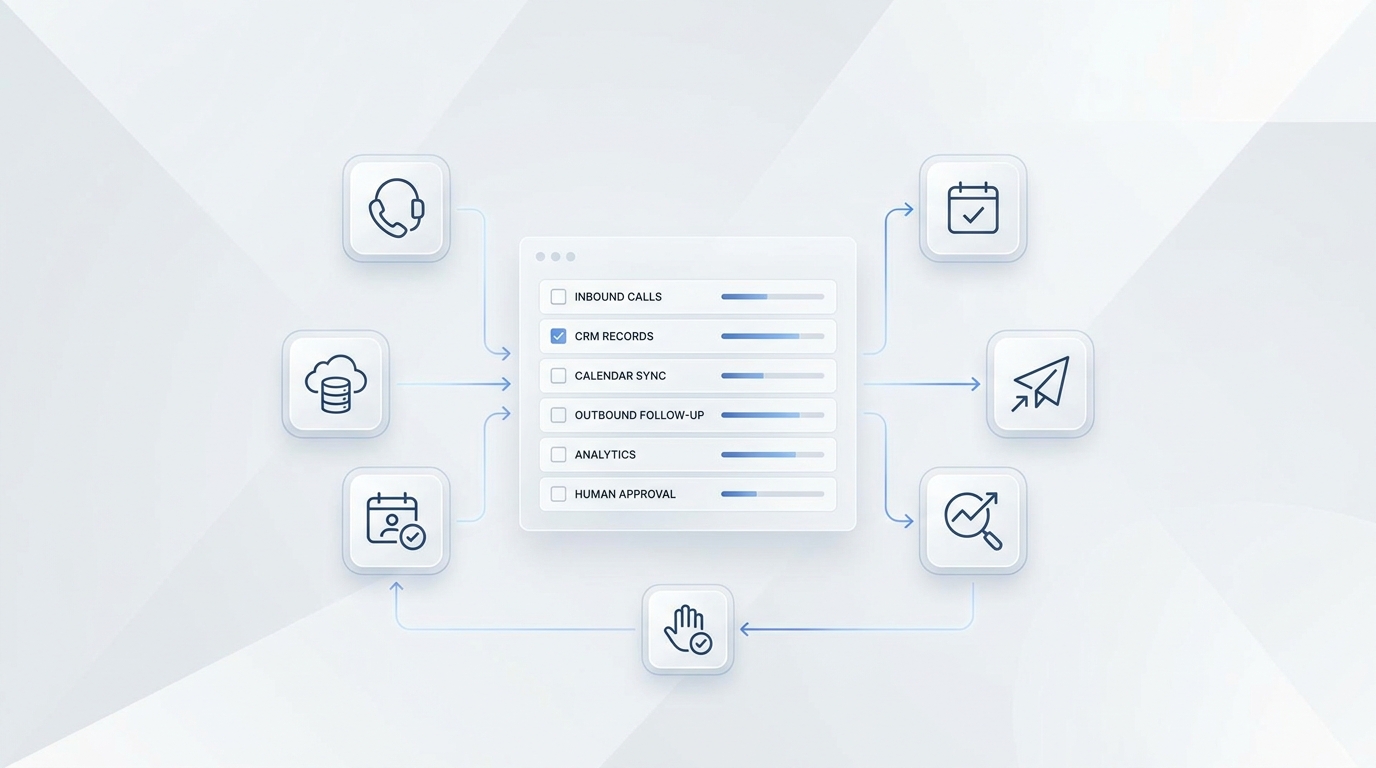
How to automate call answering is really a workflow question. The businesses that get value from it usually automate repetitive first-contact tasks, keep the routing logic clear, and make escalation easy when human judgment is needed.
By the end of this guide, you will know what to automate first, what needs to be in place before rollout, and how to avoid making the customer experience worse.
TL;DR
Good first automation targets | Usually poor first targets |
FAQs, lead capture, after-hours handling | complex complaints, legal issues, judgment-heavy calls |
basic routing and message intake | high-emotion conversations that need discretion |
simple scheduling flows | workflows with unclear next steps |
Call answering automation works best when businesses automate repetitive front-door tasks and keep a clear path to human support. Workflow clarity matters more than clever scripts.
Before You Start: What You Need
Before automating anything, it helps to define what callers are trying to get done. If the business itself cannot clearly describe the top call types, the automated layer will usually feel vague too. This is the stage where teams discover whether the problem is really phone answering or whether the workflow behind phone answering is still undefined.
That is also why it helps to understand how an AI receptionist works as a workflow layer rather than as just a voice interface. What matters is not only what the system says, but what it is able to do next.
Step 1 — Choose the Right First Workflow
The safest place to start is with a task that is frequent, repetitive, and easy to define. In most businesses, that means basic questions, simple routing, lead capture, after-hours handling, or appointment intake. These workflows are structured enough to automate without requiring too much judgment.
The mistake many teams make is starting with a workflow that feels valuable but is actually too messy for a first rollout. If the request types are highly variable and the correct next step is not obvious, automation usually adds friction instead of reducing it.
Step 2 — Define What the System Should Collect
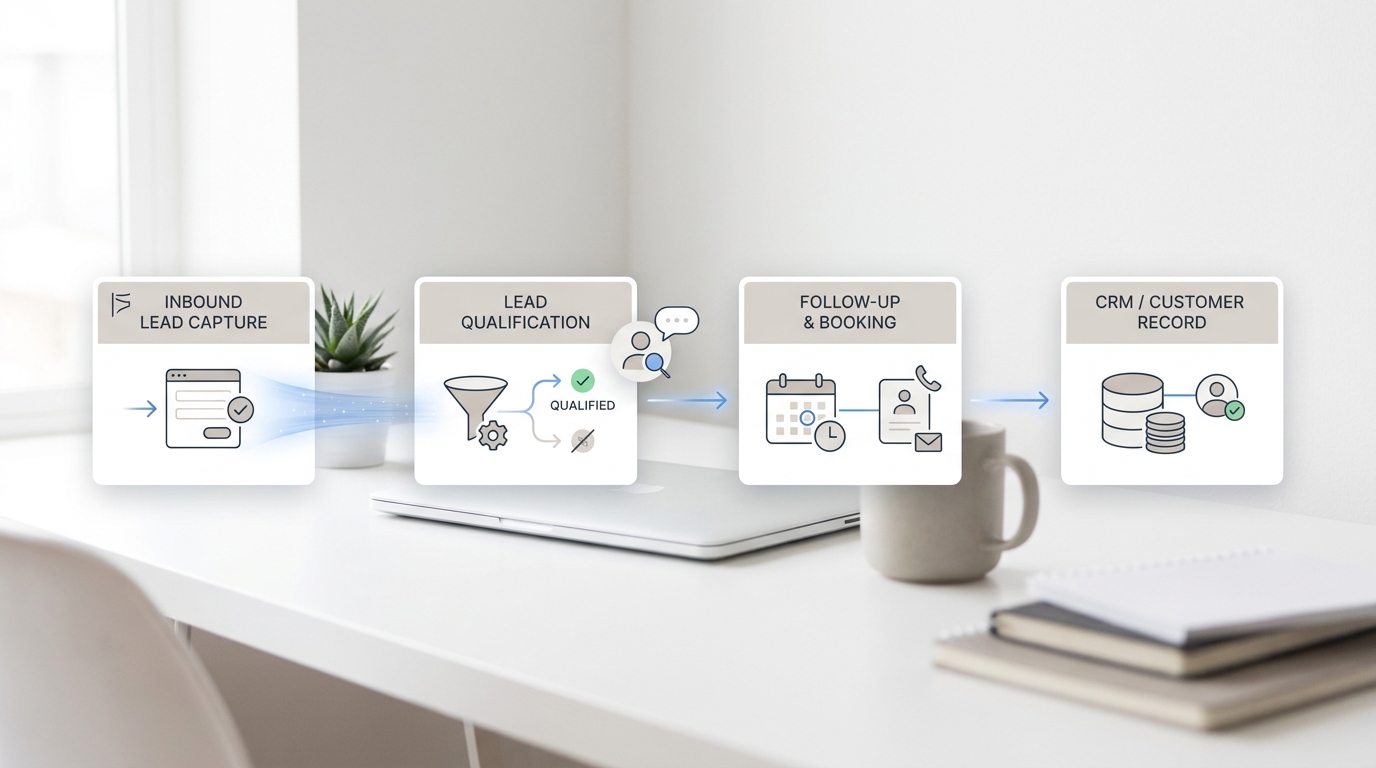
Once you know which workflow to automate first, the next question is what information the system should gather before taking action or handing off. In many cases, that means a name, a contact method, a short description of the issue, and one or two relevant qualifiers.
The goal is not to collect everything. It is to collect enough to make the next step easier. A good first-contact system reduces repetition later in the interaction.
Step 3 — Keep Routing and Escalation Clear
Routing logic is where automation often succeeds or fails. The system needs to know what to do when the caller wants sales, support, scheduling, billing, or a human. It also needs to know when not to continue. If the request becomes sensitive, unusual, or too uncertain, the best action is often escalation.
Even traditional phone systems rely on this kind of structure. Twilio’s IVR overview is a useful reminder that phone automation is only helpful when the routing path itself is sensible.
Step 4 — Test One Path Before Expanding
Many weak automation projects fail because the business tries to automate too many call types at once. A better rollout usually focuses on one narrow path first, watches how real calls behave, and expands only after the early workflow is working reliably.
That same logic applies to appointment handling. If your business takes bookings by phone, it often helps to study a structured workflow like how AI receptionists book appointments, because appointment requests are one of the clearest automation use cases.
Step 5 — Improve Based on Real Calls
The most useful improvements usually come from reviewing where callers got stuck, where the system asked for too much or too little information, and where human escalation should have happened sooner. Those observations are worth more than broad assumptions about “better AI.”
They also matter in the wider service context. Automation only helps if it leads to smoother outcomes, not just faster greetings.
Common Mistakes to Avoid
- automating a workflow before defining what success looks like
- asking for too much information at first contact
- failing to define escalation conditions
- trying to automate high-judgment workflows too early
- expanding before the first path works well
Want to skip the setup entirely? Solvea is ready in under 3 minutes. Get started for free →
Your AI Receptionist, Live in Minutes.
Scale your front desk with an AI that never sleeps. Solvea handles unlimited multi-channel inquiries, books appointments into your calendar automatically, and ensures zero missed opportunities around the clock.
Frequently Asked Questions
What should a business automate first?
Usually high-frequency, low-ambiguity tasks such as FAQs, lead capture, after-hours handling, simple routing, and basic scheduling intake.
Does call answering automation replace people?
Usually no. It works best as a first-contact layer that handles repetitive tasks and passes more complex situations to staff.
What makes call answering automation fail?
Most failures come from vague workflows, weak routing logic, poor escalation rules, or trying to automate too much too early.
Conclusion
Call answering automation works best when it reduces friction instead of just adding a voice layer. If the workflow is narrow, the routing is clear, and escalation is easy, the experience can become faster and more consistent for everyone involved.
The strongest rollouts usually start with one practical workflow and get better through review rather than through more complexity.