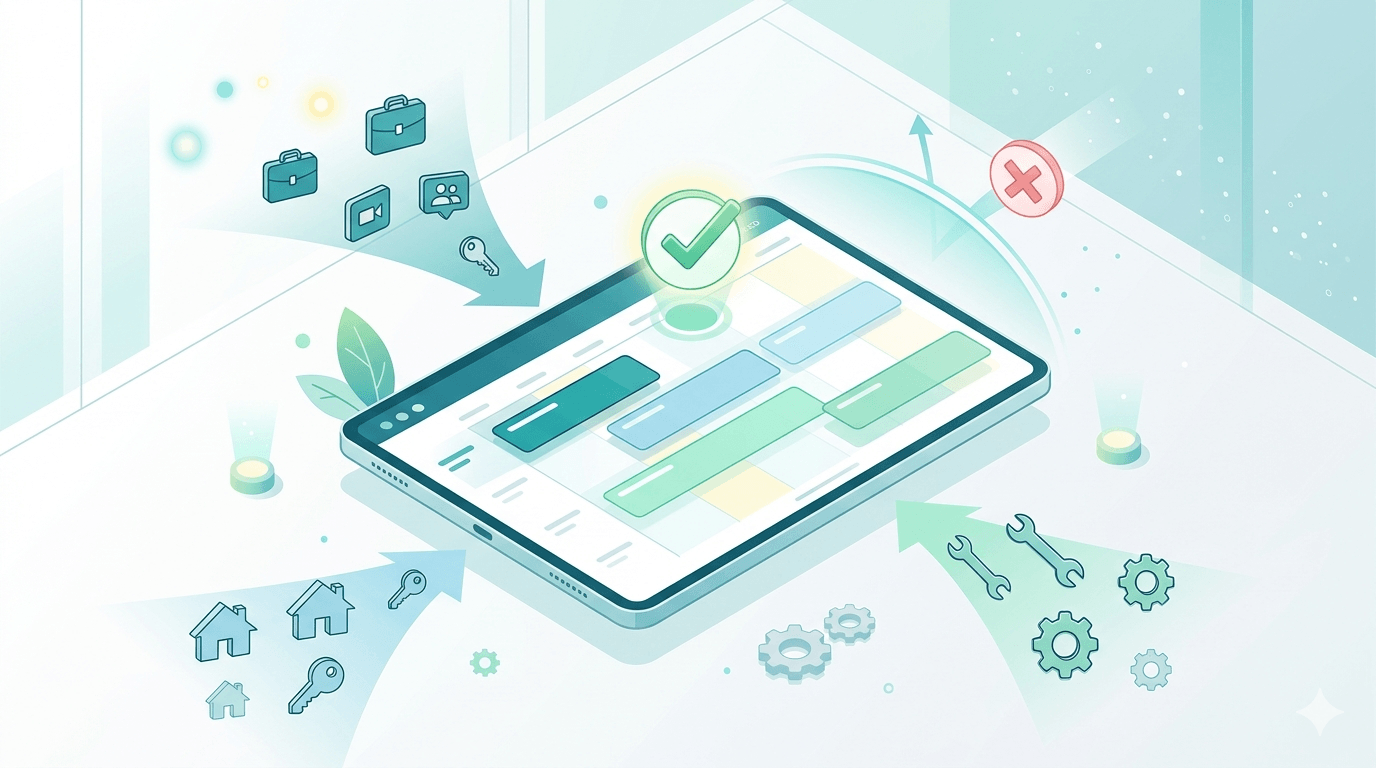
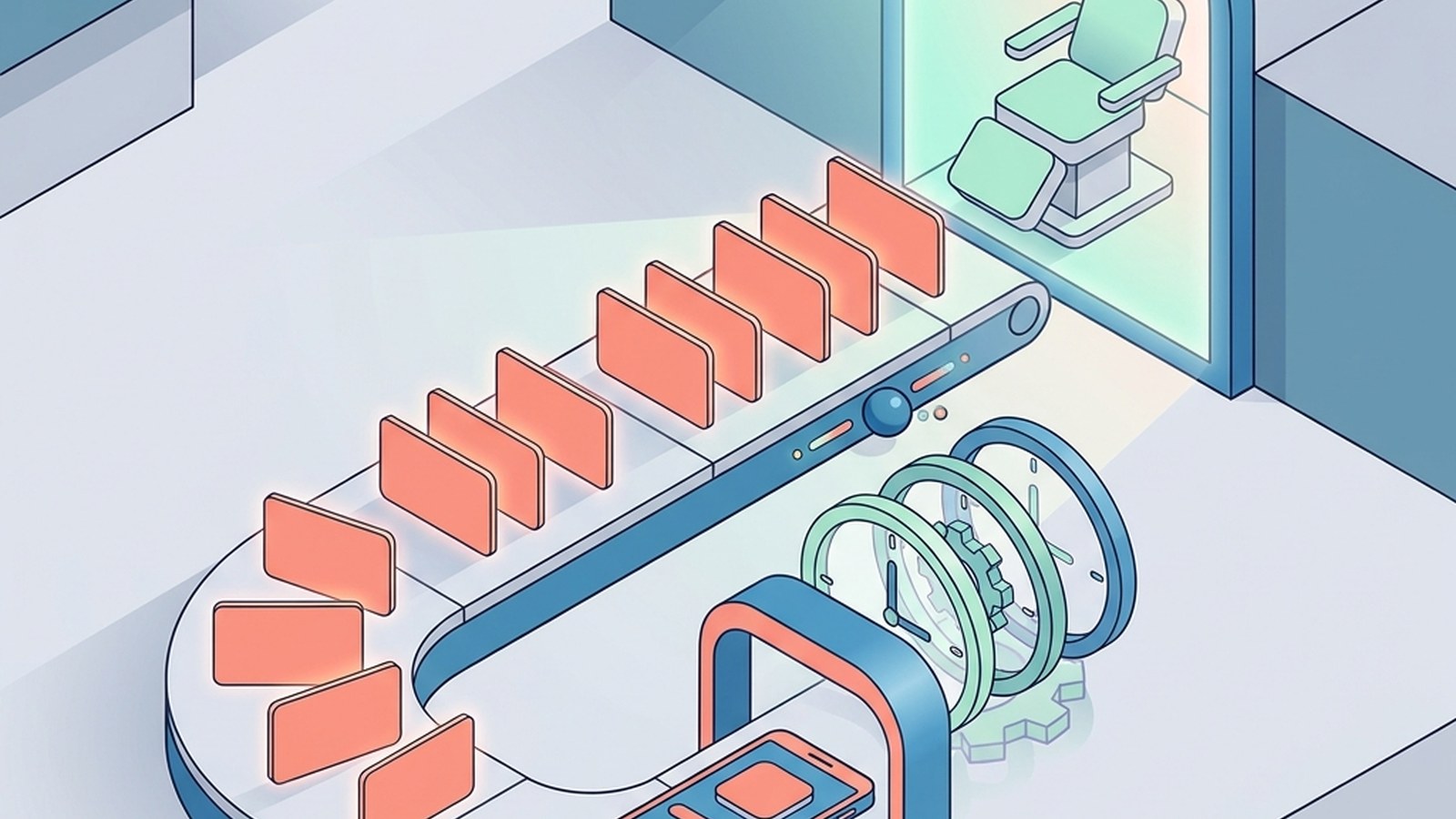
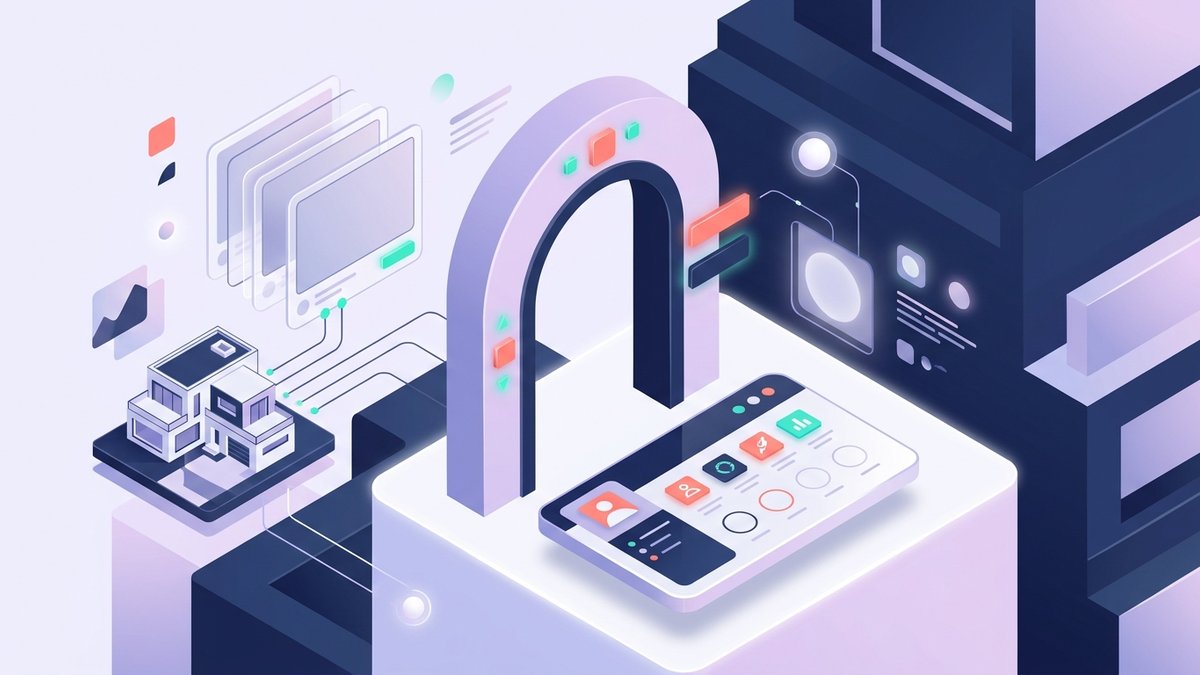
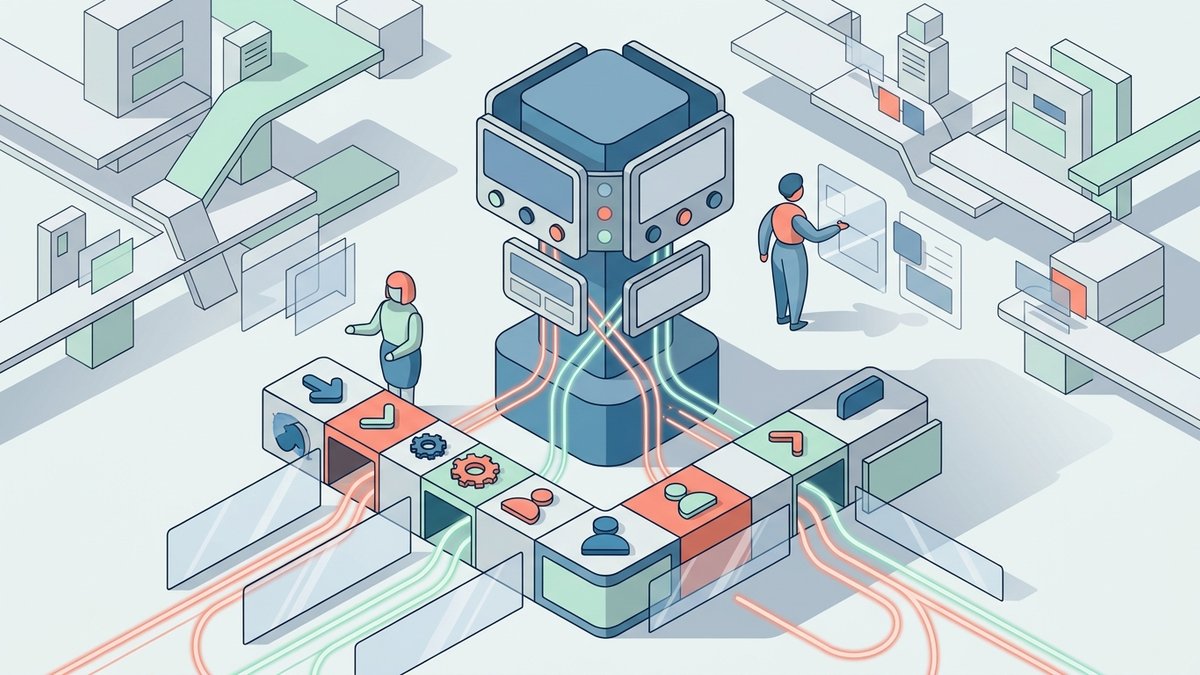
Automating appointment booking and client management for a medspa is not just about adding a booking page. A medspa front desk handles new inquiries, treatment consultations, repeat visits, packages, deposits, provider preferences, contraindication questions, aftercare calls, and no-show recovery. If automation ignores that context, it creates more cleanup work for staff.
The right approach is to automate the predictable parts of the client journey while keeping judgment-heavy moments visible to the team. Solvea can support the phone and front-desk side of that workflow by answering calls, identifying the client intent, collecting approved intake details, booking eligible appointments, and routing exceptions with a clean summary.
This article lays out a practical setup for medspas that want faster booking without losing the consultative feel that clients expect. The goal is not to remove the front desk. The goal is to give staff fewer repetitive tasks and better information when a human should take over.
Map the medspa client journey first
| Journey stage | Automation role |
|---|---|
| New inquiry | Capture service interest, timing, contact path, and whether a consult is needed. |
| Consultation | Book approved consult windows and collect preparation notes. |
| Treatment visit | Confirm time, provider, forms, deposits, and arrival expectations. |
| Treatment series | Prompt the next visit before the cadence breaks. |
| Follow-up | Route aftercare questions and rebooking requests to the right path. |
Start by writing down the real client journey. A Botox inquiry, laser hair removal consult, weight-loss program call, facial booking, and post-treatment concern should not all enter the same automation path. Each has different intake questions, timing rules, provider needs, and risk levels.
For each journey stage, decide whether the next step is direct booking, preferred-window collection, staff review, or clinical escalation. Direct booking works for predictable, low-risk appointments. Staff review is better for medical questions, complex packages, uncertain service fit, or high-value clients who need consultative handling.
Solvea can follow that map by phone. A caller can say, 'I want to book Botox,' 'I need to move my laser appointment,' or 'I have a question after my treatment.' The AI receptionist classifies the intent and asks the next approved question instead of dumping every caller into one generic contact form.
Turn the service menu into booking rules
A public service menu is usually written for marketing. A booking menu must be written for operations. It needs service length, provider eligibility, room or device requirements, deposit rules, consult requirements, prep instructions, and whether new clients can book directly.
For each service, create a booking rule. A basic facial may be direct-bookable with a provider preference. An injectable consult may require a consultation window and intake notes. A laser appointment may depend on treatment area, series stage, skin history, or device availability. A medical weight-loss visit may need staff review before scheduling.
These rules make automation safer because Solvea and the booking system do not have to guess. If the caller wants a service that is eligible for direct booking, the AI receptionist can move forward. If the caller mentions uncertainty, symptoms, medications, pregnancy, or a prior reaction, the workflow can route the request to staff.
Centralize client context before automating follow-up
Client management automation only works when staff can see the same context. The front desk needs contact preferences, service interest, appointment history, package or membership status, provider preference, forms or consent status, and any notes that affect scheduling. Without shared context, automation sends reminders but staff still have to rediscover the client story.
A practical client profile should answer: who is the client, what did they ask for, what was booked, what must happen before the visit, what should happen after the visit, and when should the team follow up? The profile does not need to be complicated, but it must be consistent.
Solvea can help populate that context from phone conversations. Instead of a missed-call note that says 'client asked about filler,' the team receives service interest, timing, whether the client is new or returning, preferred contact path, and any question that needs staff review. That is client management, not just call answering.
Use AI receptionist coverage for missed calls and peak hours
Medspa calls often arrive when staff are busy with check-in, checkout, provider support, or in-room coordination. A missed call from a high-intent client can become a lost consultation. A rushed answer can create the wrong appointment. AI receptionist coverage is valuable because it keeps intake consistent when the front desk is stretched.
Solvea should be configured with the medspa's approved service categories, appointment paths, escalation rules, and tone. It can answer after hours, during lunch, or when the team is already on another call. It should not improvise medical advice or pricing promises. It should collect the request and move it to the right next step.
The handoff should show the service interest, client status, preferred time, urgency, contact details, and any unresolved question. Staff should be able to decide the next action in seconds. If the team has to read a long transcript to understand the request, the automation is not yet doing enough front-desk work.
Automate confirmations, reminders, and reschedules
Confirmations and reminders are the easiest automation wins, but medspas need more than a generic message. The reminder should match the appointment type. A consultation reminder is different from a laser prep reminder, a package visit, or a follow-up check-in. It should include time, provider or location, preparation notes, deposit or cancellation policy when relevant, and the reschedule path.
Reschedule handling is where many systems break. A client replies that they cannot make it, calls after hours, or asks for a different provider. The workflow should capture new windows, release or hold the original slot according to policy, and alert staff when the request affects deposits, package cadence, or provider utilization.
Solvea can handle the phone side of those changes. It can identify whether the client is confirming, canceling, rescheduling, asking an aftercare question, or trying to book a new service. That keeps the client from repeating themselves and keeps the front desk from manually sorting every reply.
Protect provider calendars and treatment rooms
Medspa automation should protect capacity, not just fill open time. Provider skill, device availability, room type, treatment length, turnover time, and consult needs all affect the schedule. A calendar that looks efficient on paper can still fail if the wrong services land in the wrong rooms or providers get overbooked with low-value work.
Create rules for provider-specific services, device-dependent treatments, consultation-only windows, package visits, and high-value booking blocks. Use buffers where services commonly run long. Keep some flexibility for staff-reviewed appointments that should not be forced into public availability.
Solvea can enforce the front-desk version of those rules. If a request needs a particular provider or room, it should not offer generic availability. If the client wants the soonest possible appointment, it can collect acceptable windows and route the request to staff when the calendar logic is not enough.
Connect booking automation to rebooking and retention
A medspa appointment is often part of a longer relationship. Treatment series, maintenance visits, follow-up consults, and seasonal services all depend on timely rebooking. Automation should help staff protect that cadence without making clients feel spammed.
The workflow can prompt the next step after a visit, remind clients when a series interval is approaching, and route callers who want to change their plan. For returning clients, the AI receptionist should recognize that the request may relate to an existing package or prior treatment, not a brand-new inquiry.
This is where client management and appointment booking meet. The schedule captures the next visit, but the client profile explains why that visit matters. When Solvea captures calls and reschedules with that context, the front desk can protect revenue and client experience at the same time.
Roll out automation without overwhelming staff
Do not automate the whole medspa at once. Start with one or two flows: missed-call capture for new inquiries, direct booking for approved consultations, or reschedule intake for existing appointments. Review every handoff for the first week and let staff mark what was useful, missing, or incorrectly routed.
After the handoffs are reliable, expand to reminders, rebooking prompts, waitlist recovery, and after-hours coverage. Keep a visible escalation path for clinical questions, pricing exceptions, VIP clients, and unhappy clients. Automation should make the team more responsive, not hide sensitive situations behind a script.
Measure booked consultations, show rate, reschedules, no-shows, rebooking rate, provider utilization, missed-call recovery, and staff corrections. Those numbers show whether automation is improving the business or simply adding another tool to manage.
Keep staff review visible inside the workflow
The biggest risk in medspa automation is hiding important decisions in a smooth-looking flow. A client may sound routine at first and then mention a medication, pregnancy, prior reaction, budget concern, or unrealistic expectation. The workflow needs a visible staff-review lane so the AI receptionist can collect the detail without trying to resolve it.
Staff review should not feel like a failure of automation. It is part of the service model. The client gets a response, the question is captured, and the team receives a summary with the reason review is needed. This is much better than an online form that either blocks the client completely or lets them book a slot staff later has to unwind.
For implementation, tag every handoff with a route reason such as direct booking eligible, consultation review, treatment question, deposit issue, provider preference, or aftercare concern. Those tags make the queue easier to work and give the manager a clean way to improve rules over time.
The same tags help with staffing decisions. If most calls are simple reschedules, the medspa can safely automate more of that path. If many calls involve treatment fit or aftercare concerns, the workflow should keep stronger staff review and use Solvea mainly for fast capture and routing.
That feedback loop keeps automation aligned with the medspa's real service model instead of forcing every caller through the same generic booking path.
Your AI Receptionist, Live in Minutes.
Scale your front desk with an AI that never sleeps. Solvea handles unlimited multi-channel inquiries, books appointments into your calendar automatically, and ensures zero missed opportunities around the clock.
Frequently asked questions
What medspa tasks can be automated?
Medspas can automate intake routing, eligible appointment booking, confirmations, reminders, reschedule requests, waitlist offers, missed-call capture, and follow-up prompts.
Should medspa consultations be booked automatically?
Some can be, but only when the service, provider, consultation length, and intake requirements are clear. Medical or high-risk questions should go to staff.
How does Solvea help a medspa front desk?
Solvea answers calls, identifies service intent, asks approved intake questions, books eligible appointments, and sends staff structured handoffs for exceptions.
What client management details should be centralized?
Keep contact preferences, service interest, appointment history, intake notes, consent or form status, provider preference, rebooking timing, and special handling notes.
How do you avoid over-automating the client experience?
Start with repeatable scheduling tasks, keep clinical and pricing judgment with staff, review transcripts, and let the team adjust rules based on real calls.