AI is no longer a side topic in real estate. A 2025 Realtor.com survey found that 82% of Americans now use AI to get housing market information before they ever talk to an agent. This industry is moving fast. If you aren't using automation yet, you are likely losing leads to someone who is.
In real estate, timing is everything. An AI receptionist for realtors ensures you never miss a call while you are at a closing or showing a house. These tools handle the first point of contact, answer basic questions, and even book appointments directly into your calendar.
But with so many options, how do you know which one actually works? In this guide, we have curated 8 AI receptionist solutions that stand out in 2026. Whether you need the ultra-fast setup of Solvea, the MLS integration of AgentZap, or the human-hybrid approach of Smith.ai, we've got you covered.
How We Evaluated These AI Receptionists
To provide a truly authoritative review, we moved beyond marketing fluff. We conducted deep-dive research into platforms like G2, Trustpilot, and Capterra. More importantly, we scoured real estate forums and Reddit communities (like r/realtors and r/SaaS) to find unfiltered feedback from agents who use these tools in the trenches.
We focused on several key criteria essential for a high-performing real estate office:
Dimension | What we looked at | Why it matters for realtors |
Lead capture & qualification | Containment rate, quality of intake questions, and how often calls are resolved without human rescue. | Determines how many real leads you keep versus how many go to voicemail or drop after a bad first experience. |
Client experience & call quality | Latency, ability to keep context across turns, and caller satisfaction in public reviews. | Smooth, human‑like calls reduce hang‑ups and make a better first impression on clients. |
Ease of setup & daily use | Time to be a usable receptionist, template quality, no‑code options, and how much ongoing admin work the tool creates. | Most agents and small teams do not have in‑house IT, so long, complex deployments are a non‑starter. |
Workflow & CRM integration | Calendar sync, CRM and spreadsheet integrations, ability to trigger follow‑ups, and automate notes. | If calls and appointments do not flow into your existing systems, agents still end up doing manual data entry. |
Multichannel coverage | Support for phone, SMS, email, and live chat, plus how well the experience feels consistent across channels. | Leads now come from signs, portals, social media, and your website; you need coverage wherever they reach out. |
Pricing transparency & value | Clarity of plans, per‑minute/per‑call costs, and how pricing scales from solo agents to teams. | Real estate income is cyclical, so predictable, fair pricing helps keep margins healthy even in slower months. |
TL;DR: Quick Comparison of the 8 Best AI Receptionists for Realtors
If you want the short version, start here. This table gives you a fast snapshot of where each tool shines before you dive into the in‑depth reviews below. Whether you care most about cost, ease of setup, or voice quality, you can quickly see which options match your priorities—for example, Solvea is easy to spot if you are looking for multi‑channel coverage at a lower starting price point.
Tool | Best for | Key strengths | Price | Free trial | CRM Sync | Bilingual |
Agents and teams needing fast, affordable setup | No‑code templates, multi‑channel, strong scheduling, and analytics | $30/month (30K credits) | 1000 credits | Google Calendar, Sheets, Shopify, and CRM | Yes | |
Automated showing schedules and MLS‑centric teams | Direct MLS sync, showing scheduling | $79/month | 14-day | Calendar, CRM integrations | Yes | |
Ready‑to‑use AI phone receptionist with CRM focus | Human‑like voice, sentiment analysis, conversation analytics | $55/month | 14-day | CRM and call‑center tooling integrations. | Yes | |
Hybrid AI + live agents for high‑touch clients | 24/7 live + AI, speed‑to‑lead, deep integration ecosystem. | $95/month | No | Integrations via Zapier and direct apps | Yes | |
Mobile‑first agents on the go | Easy setup, mobile management, unlimited minutes on some plans. | $49/month | 7‑day | Calendar and basic CRMs | Yes | |
Boutique, relationship‑driven teams | Personalized call handling, strong human support with AI assist | $165/month | 14‑day | Calendar and CRMs via Zapier | Yes | |
Teams needing ultra‑natural voice and low latency | Sub‑600 ms latency, high intent accuracy, strong developer controls | $0.07+/minute | Free Credits | CRMs via APIs and webhooks | Yes | |
Tech‑savvy teams building custom flows | Visual builder, robust versioning, enterprise‑grade agent orchestration | Custom | 7-day | Connectors and APIs for CRM sync. | Yes |
1. Solvea: Best AI Receptionist for Realtors Who Need Instant Setup at an Affordable Price
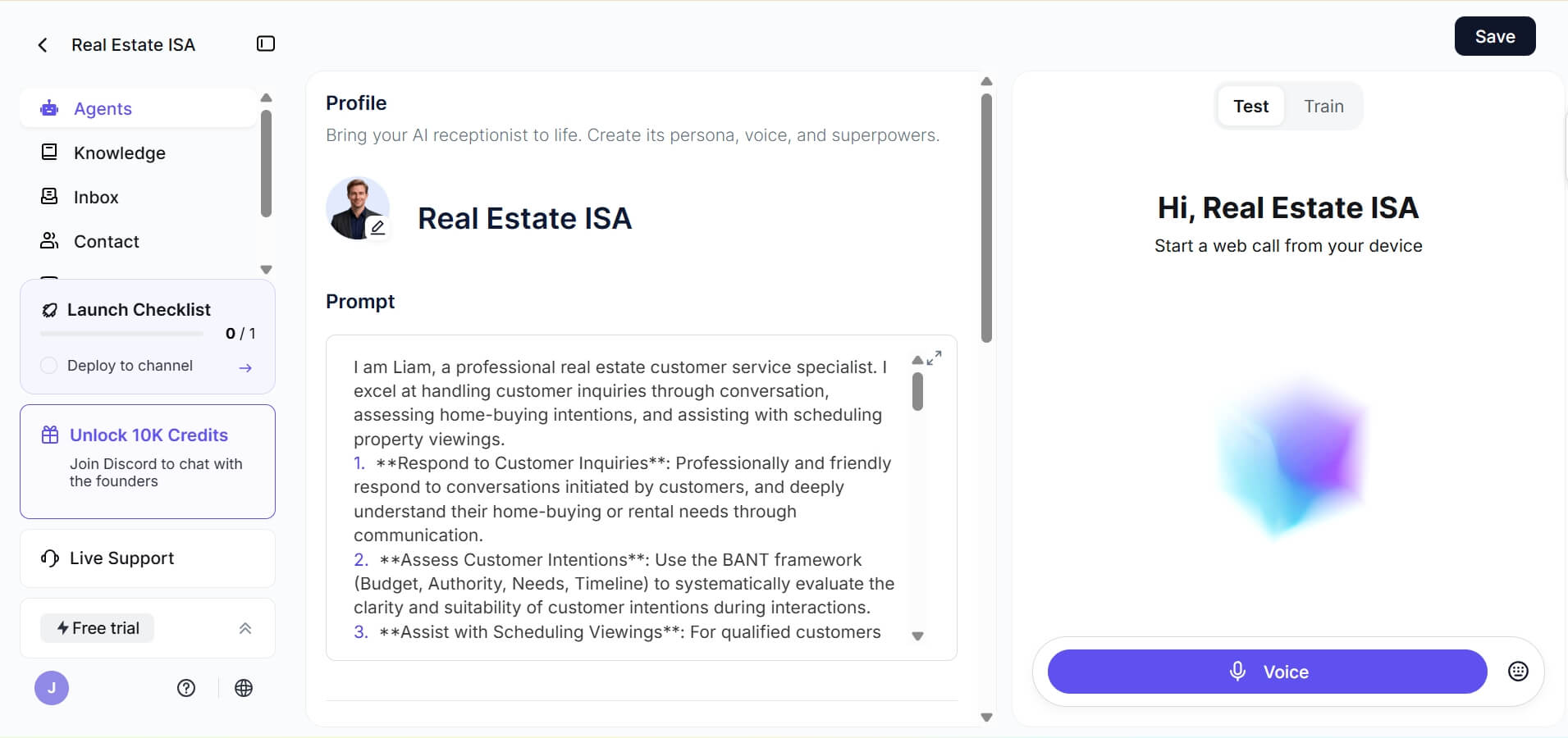
Best for: Small to mid-sized real estate agencies and individual brokers who need a professional, multi-channel AI receptionist (Voice, Text, Email, Live Chat) that can be deployed in minutes without a massive tech budget.
Why It's Worth It? Solvea is a strong fit for realtors who hate complex software. What makes it stand out is the instant setup via "Vibe Coding" or pre-made templates. For a busy realtor, that means your AI can be taking calls and chatting the same day you sign up, not weeks later.
Where Solvea stands out for real estate is its multi‑channel coverage. It can handle voice calls, text messages, email, and live chat, then route bookings into Google Calendar and log details into Google Sheets or other tools you already use.
Solvea also includes analytics such as resolution rate and total conversations, so team leaders can see how many calls the AI resolves without human involvement and where hand‑offs happen.
- Fast, template‑based setup: Use industry templates or natural‑language “vibe coding” to define tone, FAQs, and workflows in minutes.
- Multi‑channel reception: AI agents can cover voice, SMS, email, and live chat, so prospects get a response wherever they reach out.
- Deep tool integrations: Sync bookings to Google Calendar, log interactions in Google Sheets, and connect to other SaaS tools in your stack.
- Analytics and reporting: Track resolution rate, call volumes, and conversation summaries to optimize scripts and staffing.
- Multi‑language support: Serve buyers and sellers in more than one language, helpful in diverse markets and international investor niches.
Pros
- Very fast to deploy without coding, ideal for small brokerages.
- Strong price‑to‑feature ratio compared with per‑call human reception services.
- Covers all major communication channels from a single AI agent.
- Built‑in analytics help you measure ROI and refine scripts.
Cons:
- Fewer "human-in-the-loop" options compared to premium services like Smith.ai.
2. AgentZap: Best for automated showing schedules and direct MLS syncing
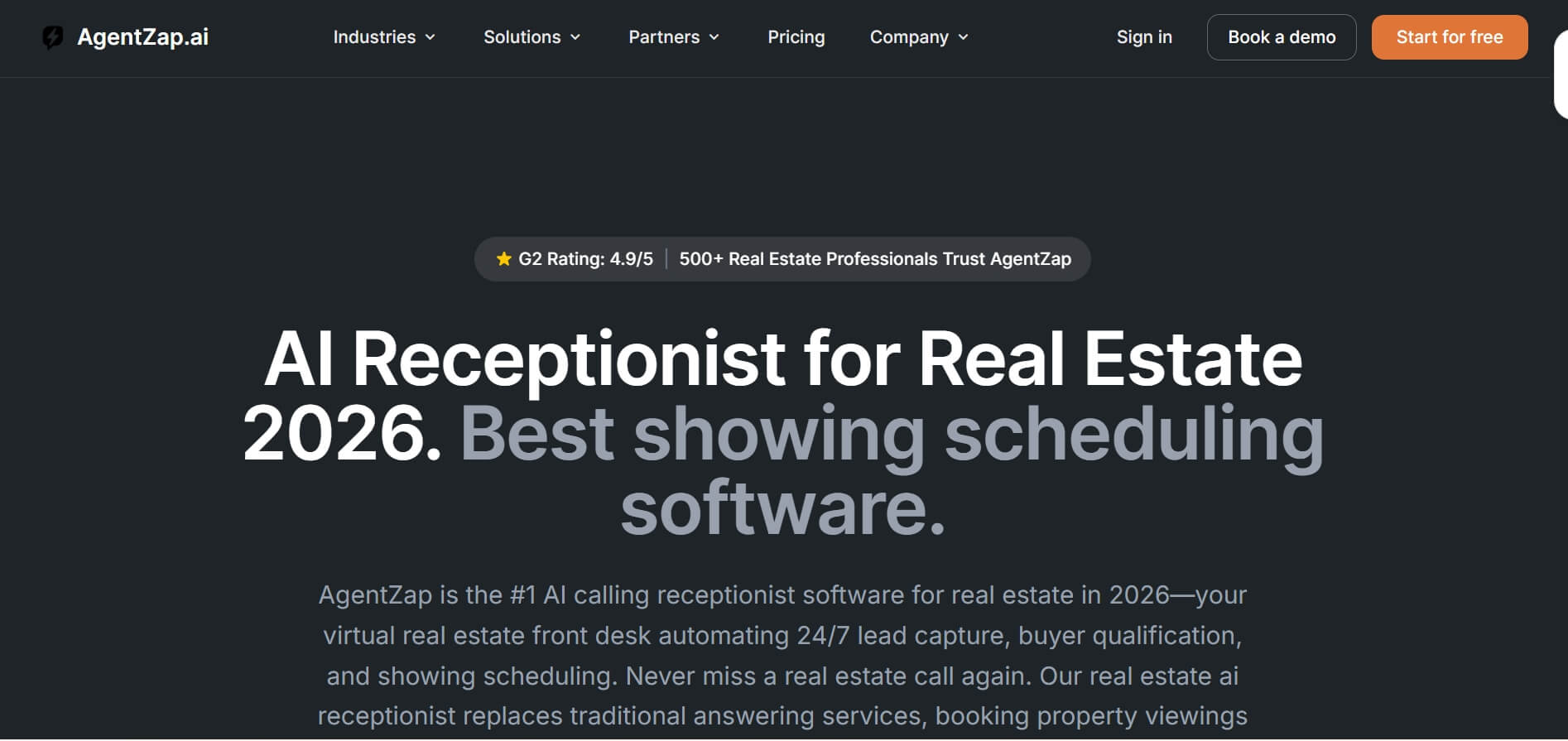
Best for: High-volume residential realtors and teams who need an AI that know their inventory inside and out and can handle the "heavy lifting" of showing coordination.
Why It's Worth It? AgentZap positions itself as an AI receptionist that understands scheduling at scale. Every plan includes core AI receptionist features, but its real value for realtors comes from automatic showing management and calendar syncing. Agents can define rules for showings, buffers, and locations, and the AI will schedule around those constraints 24/7.
Real users on Trustpilot highlight its reliability in booking tours. One verified review mention: "AgentZap qualifies the buyer first, asks for their pre-approval status, and then puts them on my calendar. It’s like having a full-time ISA for a fraction of the cost." It effectively bridges the gap between a "lead" and a "showing."
Features:
- MLS Database Sync: Answers specific questions using live property data.
- Lead Qualification: Filters out "looky-loos" by asking about financing.
- Showing Coordination: Automatically checks agent availability for tours.
- CRM Auto-Write: Summarizes and logs every call into your lead management system.
Pros
- Excellent for heavy showing volume and complex scheduling rules.
- Very deep real estate industry knowledge.
- Praised by users for reducing the front‑desk staffing pressure.
Cons
- Pricing can climb with volume and add-ons.
- Setup can feel complex for smaller operations with simple needs.
3. Botphonic AI: Best for ready-to-use AI phone receptionist with CRM integration
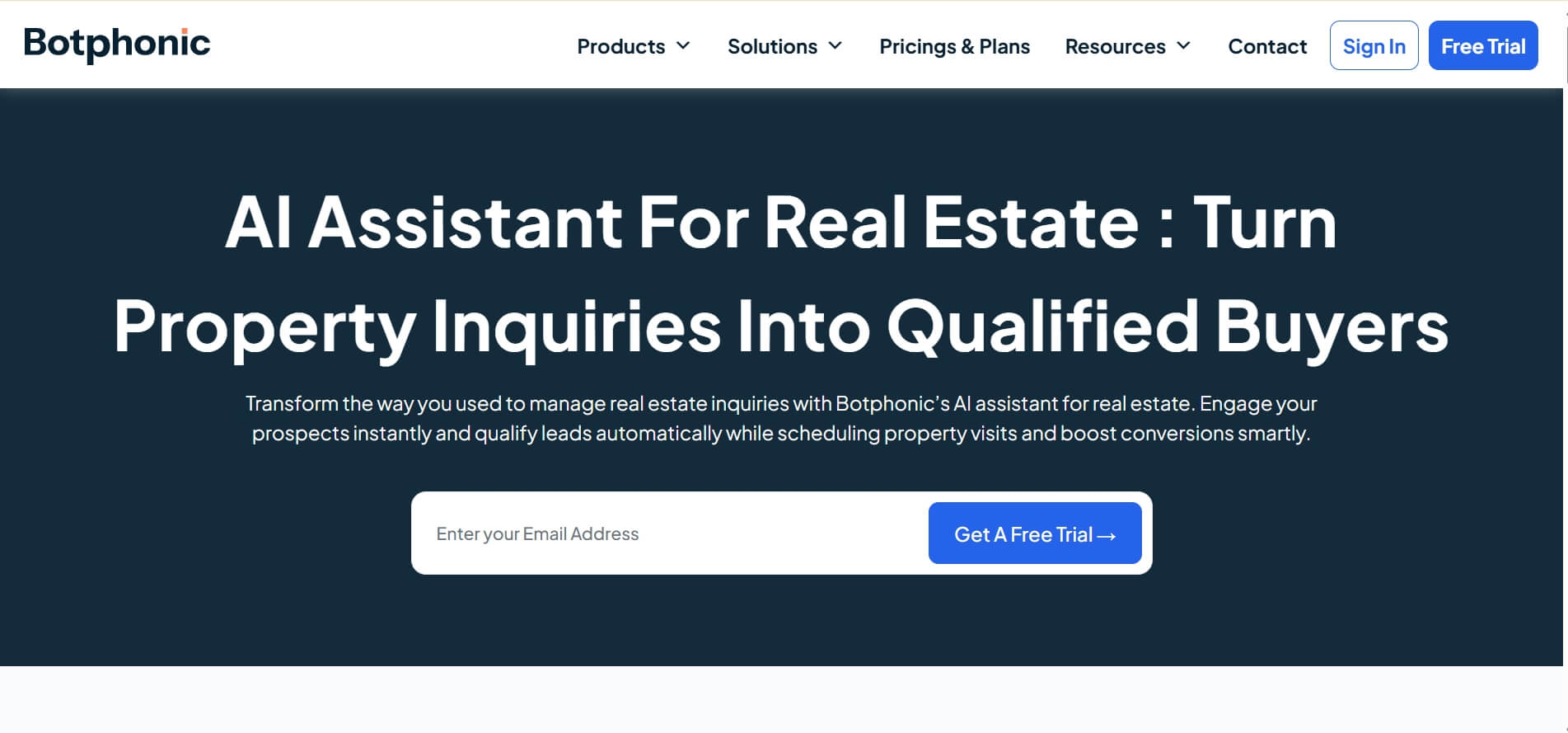
Best for: Brokerages that want a polished AI phone receptionist with strong call analytics and CRM integration, but do not want to build from scratch.
Why It's Worth It? Botphonic AI is a "ready-to-use" real estate AI receptionist that excels at turning a cold phone call into a warm CRM entry. In a recent Reddit automation thread, a tester noted that Botphonic's voice quality was surprisingly "human," avoiding the uncanny valley effect that plagues cheaper AIs.
The tool is designed to work as a filter. It answers the phone, determines why the person is calling, and if they are a high-value lead, it can perform a live transfer to the agent. This ensures that "hot" leads are never left waiting for a callback.
Features
- Natural‑sounding AI voice: Designed to sound more like a human receptionist than a rigid IVR.
- Sentiment analysis: Detects caller frustration or satisfaction so you can adjust scripts and decide when to route to humans.
- Conversation analytics: Dashboards for call volumes, outcomes, and script performance.
- Call summaries: Automatic summaries for each conversation so agents can scan context quickly.
Pros
- Reliable voice recognition even with background noise.
- Seamless CRM integration (Zapier-friendly).
- Strong analytics for teams that iterate on their scripts.
Cons:
- Lacks the multi-channel depth compared to tools like Solvea.
- Can be pricey for very high call volumes.
4. Smith.ai: Best for hybrid AI and live agent support for luxury listings

Best for: High‑touch or luxury real estate teams that want AI efficiency but insist a live human is available when needed.
Smith.ai has been known for years as a premium virtual receptionist service, and its real estate AI receptionist offering blends automation with human expertise. Calls can be screened by AI and then escalated to trained live agents, which is appealing when you handle multi‑million‑dollar listings where first impressions are everything.
In a testimonial from GSP Homes, a real estate company reported that Smith AI's virtual receptionist service significantly improved “speed to lead,” resulting in more appointments for their agents.
Features:
- 24/7 Live Support: Real humans back up the AI during business hours and overnight.
- Lead Screening: Rigorous questioning to ensure you only talk to qualified buyers.
- Massive integration ecosystem: Thousands of integrations via Zapier and direct CRM connections.
- Spam Blocking: Automatically filters out "car warranty" and other nuisance calls.
Pros:
- Unmatched professionalism and brand representation.
- Human backup ensures no "technical glitches" lose a client.
- Excellent bilingual capabilities.
Cons
- Per‑call pricing can become expensive for very high volumes.
- More expensive than pure AI solutions.
5. Rosie AI: Best for: Mobile-first agents who need easy on-the-go management
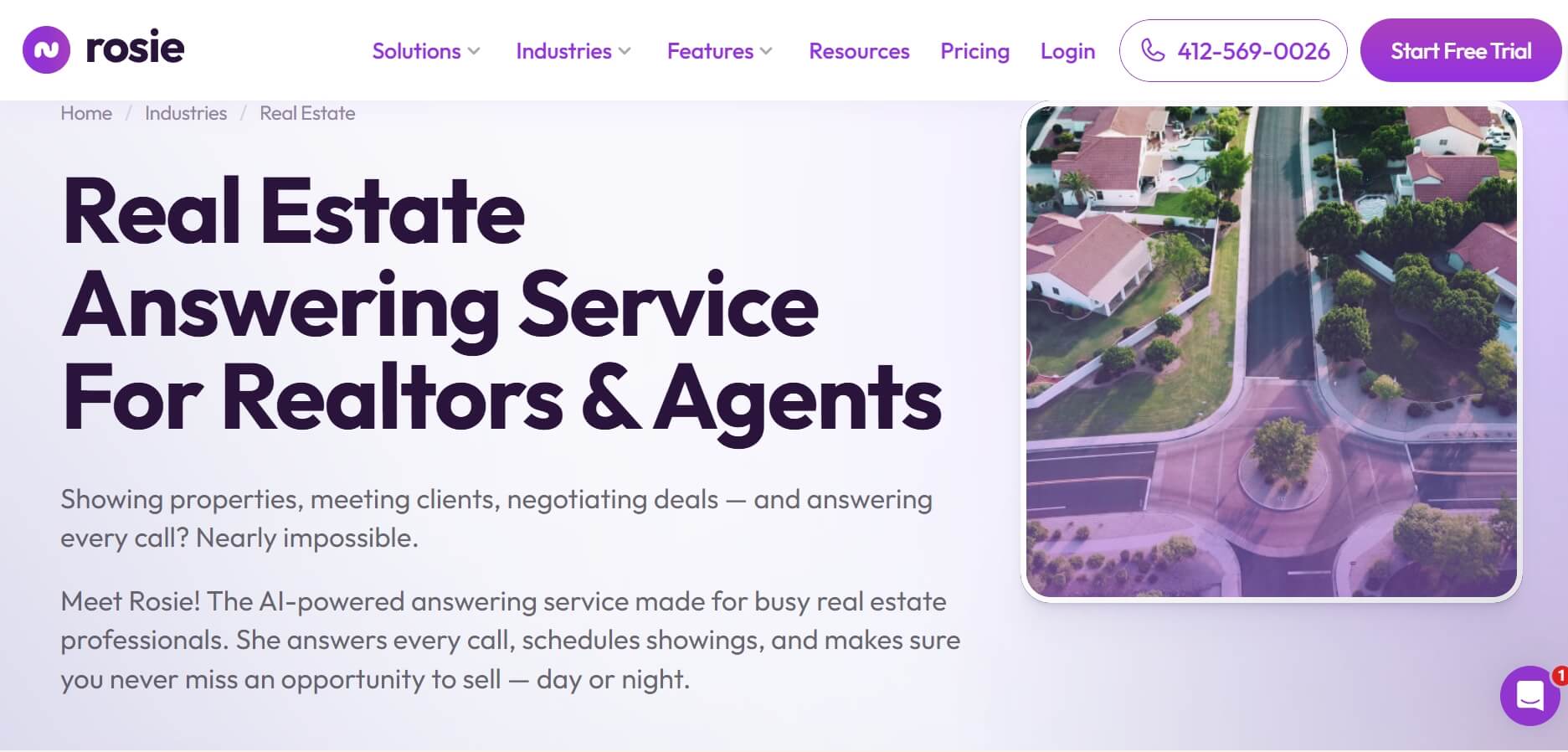
Best for: Agents who operate from their phone, manage their own calls, and need a simple AI receptionist to prevent missed opportunities without heavy configuration.
Why It's Worth It? Rosie is marketed as an AI receptionist for small businesses, with a strong emphasis on easy setup and mobile‑friendly management. It is designed so you can get started in minutes, with no “tech headaches,” and then manage settings as you go. For many solo realtors, that matters more than exotic features.
On forums like Reddit, small‑business owners who have tried AI answering services often say they are tired of “clunky” systems that misroute calls. Rosie solves this with a streamlined, conversational interface that feels natural to the caller.
Features:
- Native Mobile App: Manage all call logs and AI settings from your phone.
- Instant Text-Back: Automatically texts callers after a voice interaction.
- Simple Scheduling: Connects to your mobile calendar to prevent overbooking.
- Voicemail Transcription: Professional summaries of every interaction.
Pros
- Very accessible for solo agents or small teams.
- Affordable monthly flat rates.
- Setup is lightweight and beginner‑friendly.
Cons:
- Lacks advanced MLS or CRM deep-syncing features.
- Less specialized in real estate than tools like AgentZap and Solvea.
6. Abby Connect: Best for boutique-style virtual teams and personalized call handling
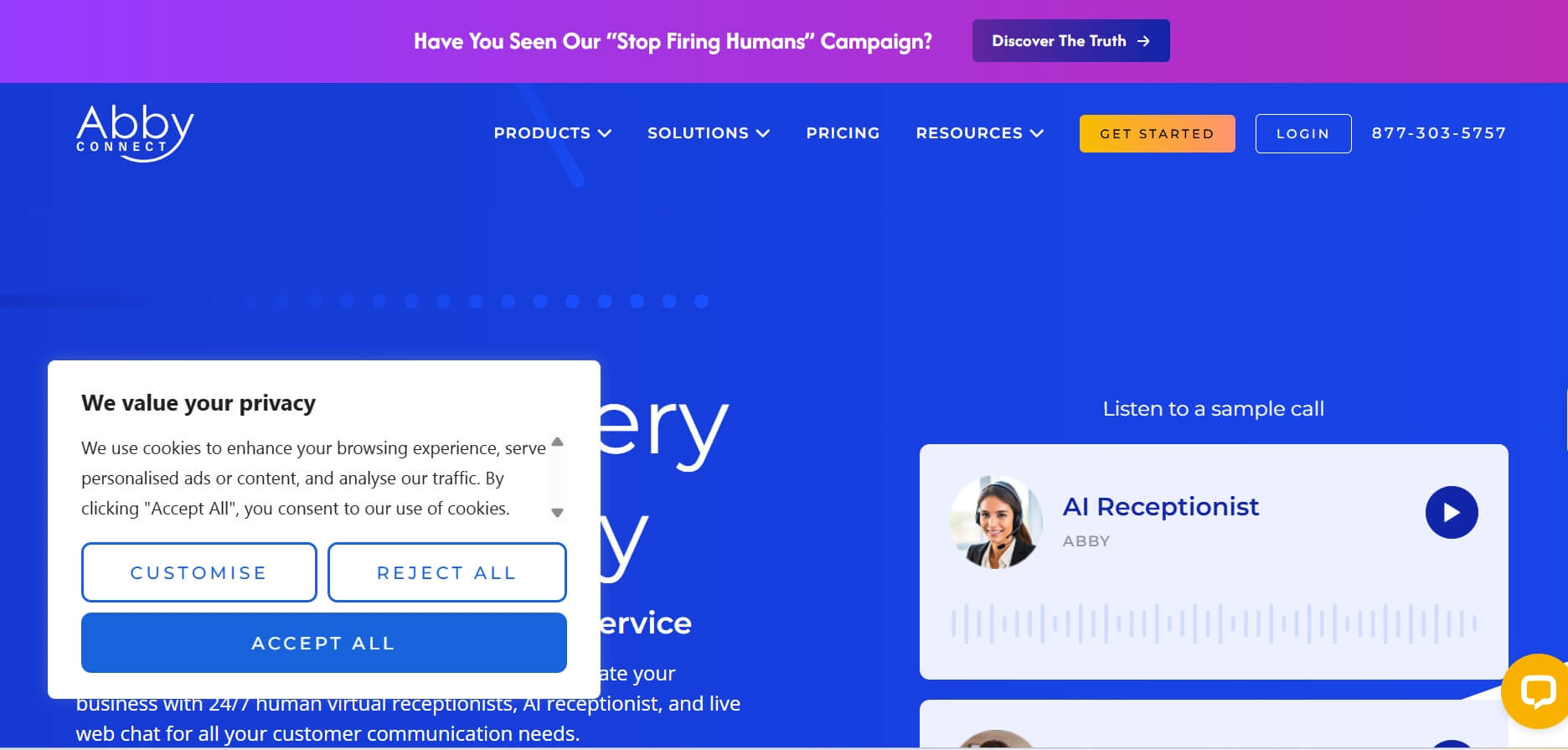
Best for: Boutique brokerages that want a white‑glove, relationship‑driven virtual receptionist team, supported by AI for speed.
Why It's Worth It? Abby Connect combines human receptionists with AI technology. When you sign up, you are assigned a dedicated team of receptionists who learn your specific business. They use AI to manage the data, but the "front" is a small, consistent group of people who know your name and how you like your calls handled.
For realtors, that mix—AI for speed, humans for nuance, and a relationship‑oriented support team—can feel closer to adding a front desk than just buying software. Its pricing is higher than pure AI products (some users on G2 mention that adding more team members or calendars increases costs), but many are willing to pay for the extra polish and support.
Features:
- Dedicated Receptionist Team: A consistent group handles your account.
- Custom Call Patching: Specific rules for when to "interrupt" you with a live transfer.
- Announcement Feature: The AI/Agent can announce who is calling before you pick up.
- Abby Go App: Mobile access to your call history and team messages.
Pros
- High‑touch experience that fits boutique or luxury‑oriented brands.
- Personalized touch that feels like a local office.
- Excellent for building long-term client trust.
Cons:
- Higher price point (Premium service).
- Setup takes longer as the team needs to be trained in your workflow.
7. Retell AI: Best for ultra-low latency and human-like voice naturalness
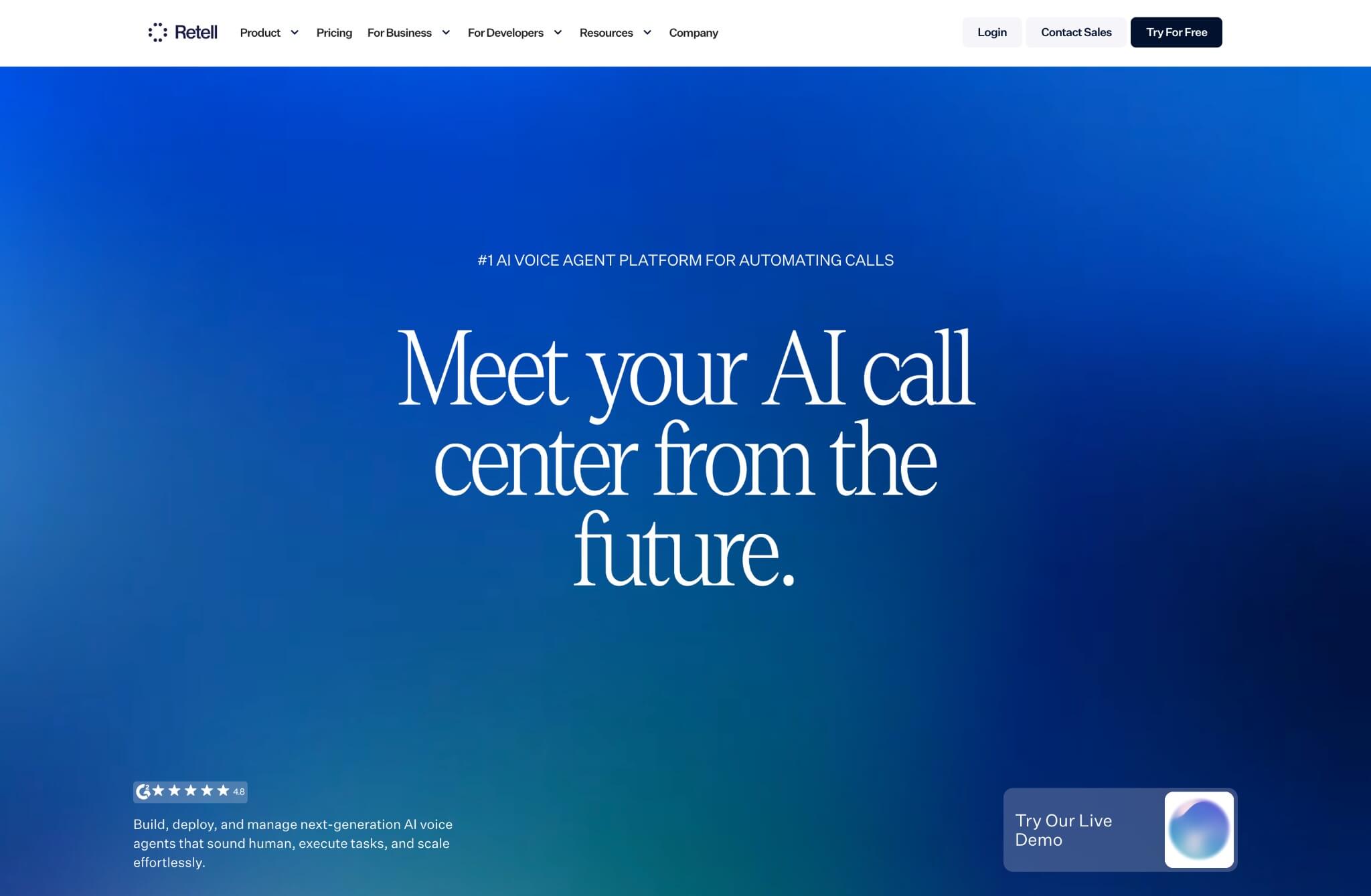
Best for: Tech-forward realtors and developers who want the most realistic-sounding AI voice possible and are willing to do a little "tuning."
Why It's Worth It? Retell AI is at the cutting edge of voice AI agents. While most AIs have a noticeable 1-2 second lag, Retell has brought latency down to under 600ms. This means the AI can "interrupt" and "listen" just like a human.
A reviewer on r/AIToolTesting noted: "I tested Retell for my small brokerage, and half the callers didn't even realize they were talking to an AI until the very end." If you want an AI that sounds so natural people won't realize they're talking to a bot, Retell AI is your great choice.
Features:
- Hyper-Realistic Voice: Adjustable tones, accents, and emotional inflections.
- Real-time Interruption: The AI stops talking when the human starts, creating a natural flow.
- Developer API: Highly customizable for those who want to build unique workflows.
- Global Language Support: High-quality voice models in dozens of languages.
Pros
- Among the best in class for conversation speed and fluidity.
- Reduces the need for human handoffs in routine calls.
- Well-liked by technical users for control and observability.
Cons:
- Requires more technical setup than "out-of-the-box" tools like Solvea.
- Can be expensive if not configured correctly.
8. Voiceflow: Best for tech-savvy teams building highly custom conversation logic
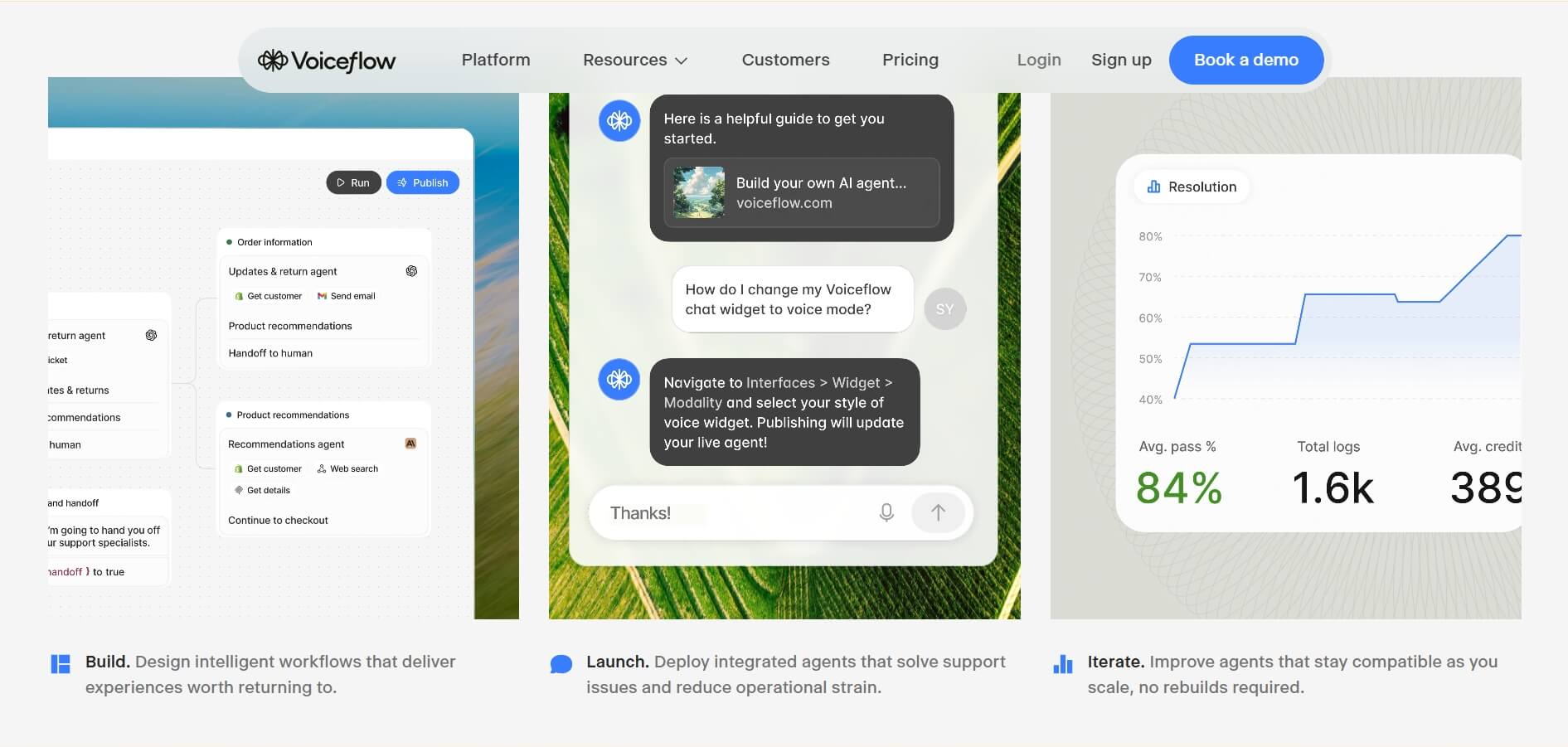
Best for: Large agencies or "prop-tech" startups that want to build a complete custom, multi-step conversational experience for their leads.
Why It's Worth It? Voiceflow functions as a visual "logic builder" for your phone and chat lines. Instead of a generic script, you use a drag-and-drop builder to map out exact real estate workflows. For example, you can program the AI to text a "New Listings" link if a caller asks about buying, but immediately notify your cell phone if a caller mentions "listing their home."
For a real estate organization with custom intake scripts, multi‑market branding, or internal tools, Voiceflow can become the backbone for call flows, chat, and even in‑app agents that reflect your exact process, not a generic template.
Features:
- Visual Design Canvas: Drag-and-drop logic builder for conversation flows.
- Cross-Platform Deployment: Use the same logic for phone, web, and WhatsApp.
- Knowledge Base Integration: Syncs with your own documents to answer questions.
- Robust Prototyping: Test your AI in a "sandbox" before going live.
Pros:
- Unlimited flexibility in how the AI handles calls.
- Excellent community and template library.
- Free tier available for initial testing.
Cons:
- High learning curve for non-technical users.
- Can become overly complex for simple "message-taking" needs.
How to Choose the Best AI Receptionist for Your Real Estate Business
Different real estate businesses need different levels of automation, human touch, customization, and budget control. The safest approach is to map your priorities—speed, cost, control, or client experience—then pick the tool that matches those priorities rather than chasing every feature. Besides these tools, there are also other choices like dialzara.
Use the table below as a quick guide, using the eight tools from this article as reference points:
Priority | Recommended tools | What to look for |
Lowest friction, affordable multi‑channel setup | Solvea | Quick templates, vibe coding, multi‑channel coverage, calendar and sheet integration, strong analytics. |
Showing‑heavy workflows and MLS focus | AgentZap | Advanced scheduling logic, calendar syncing, optional human backup for complex calls. |
Phone‑first with deep call analytics | Botphonic AI | Natural voice, sentiment analysis, call summaries, CRM integrations. |
High‑touch, luxury client experience | Smith.ai, Abby Connect | Hybrid AI + human agents, proven impact on speed‑to‑lead, strong service culture. |
Solo or mobile‑first agents | Rosie AI, Solvea | Easy onboarding, mobile‑friendly controls, predictable pricing. |
Tech‑heavy, custom conversational strategy | Retell AI, Voiceflow | Low‑latency voice, APIs, visual builders, observability for complex flows. |
Your AI Receptionist, Live in Minutes.
Scale your front desk with an AI that never sleeps. Solvea handles unlimited multi-channel inquiries, books appointments into your calendar automatically, and ensures zero missed opportunities around the clock.
FAQs
What are the benefits of AI receptionists for realtors?
The primary benefit is "speed to lead." AI receptionists provide 24/7 availability, ensuring inquiries from Zillow or your website are captured instantly. They save thousands overhead compared to humans while automating tedious tasks like booking showings and qualifying buyers' budgets.
Which features should I look for in AI receptionist tools for realtors?
You should look for AI receptionists with multichannel (phone/SMS/chat), real estate lead qualification (budget/timeline), calendar sync, natural voice, and analytics tools.
How do I choose the best AI receptionist tool for my real estate business?
Assess your volume and budget. If you are a solo agent needing an instant solution, an affordable platform like Solvea is a perfect fit. For luxury properties requiring "white-glove" support, choose Smith.ai. Pick a tool that fits your current workflow.
Are there free AI receptionist tools available for realtors?
Most professional tools require a subscription, but many offer free trials or "freemium" tiers. Voiceflow has a free starter plan for prototyping, and Solvea offers 1000 free credits. However, a paid plan is necessary for reliable 24/7 service and security.
Do AI receptionists actually work for real estate lead management?
Yes. AI tools like Solvea are essential for real estate lead management. They capture caller data instantly, categorize intent, and follow up via SMS or email. By eliminating the "voicemail black hole," they ensure no prospect is ignored, significantly increasing your overall conversion rates and ROI.
Can an AI receptionist screen and qualify calls for my real estate office?
Absolutely. You can program the AI to ask specific qualifying questions, such as "Are you pre-approved for a mortgage?" or "What is your desired neighborhood?" The AI filters out low-intent "looky-loos" and only sends high-priority, qualified leads to your phone, saving you hours of manual screening.
Are realtors actually using AI receptionists in 2025?
The adoption rate has skyrocketed. By late 2025, industry reports showed that over half of high-performing agents integrated AI receptionists to handle after-hours inquiries. Agents use them to maintain a 24/7 presence, proving that automation is no longer a futuristic concept but a standard tool for modern business.
Can AI receptionists integrate with real estate CRMs like Follow Up Boss or kvCORE?
Most top-tier AI tools offer seamless integration. Whether through native connections or Zapier, platforms like AgentZap automatically push call transcripts, contact details, and lead scores directly into Follow Up Boss, kvCORE, or Salesforce, ensuring your database stays updated without any manual data entry.
What's the difference between an AI receptionist and a virtual receptionist for realtors?
A virtual receptionist refers to a human working remotely, while an AI receptionist is software. AI offers instant scalability and lower costs, responding in milliseconds 24/7. Virtual receptionists provide more "emotional nuance" but are limited by shifts and higher hourly rates. Many agents now use AI for efficiency.
Are there affordable AI receptionist options for solo agents?
Yes. Solo agents no longer need a massive budget for professional coverage. Tools like Solvea offer tiered pricing that fits a freelance budget, providing "Vibe Coding" setups that take minutes. These affordable options allow solo realtors to project a "big-firm" image while keeping their overhead costs extremely low.