Claude Dispatch arrived just a week ago, but it already feels like the missing bridge between on-desk AI work and the moments you’re away from your Mac. Instead of leaving Slack briefs, CSV audits, or pricing decks “for later,” you now text your Claude Cowork agent from the phone, then return to finished work that never left the secure desktop sandbox.
The catch: Dispatch is still a research preview with uneven reliability, Mac-only support, and zero proactive alerts. This guide distills what early adopters are sharing, the gaps Dispatch still has, and how to fold it into an enterprise-grade automation stack without compromising security or governance. Also, Claude is still updating...
TL;DR
What you need | Claude Dispatch takeaway |
Remote control for Claude Cowork | Dispatch turns the Claude mobile app into a walkie-talkie that instructs your always-on Mac session while keeping execution local. |
Security-first guardrails | Tasks inherit Claude Cowork permissions, so you must harden the host Mac (separate macOS account, encrypted workspace, awake-only schedule). |
Reliability expectations | Early testers report ~50% completion on multi-step jobs; simple file pulls fare far better, so build retries and human review into the playbook. |
Social proof | Finance, product ops, and solo creators are already posting runbooks that text Claude to refresh forecasts, prep research packets, or clean inboxes mid-travel. |
Workflow opportunity | Feed phone-to-desktop requests into standardized prompt templates so inbound asks become structured Dispatch tasks—no laptop required. |
What Claude Dispatch Actually Ships Today
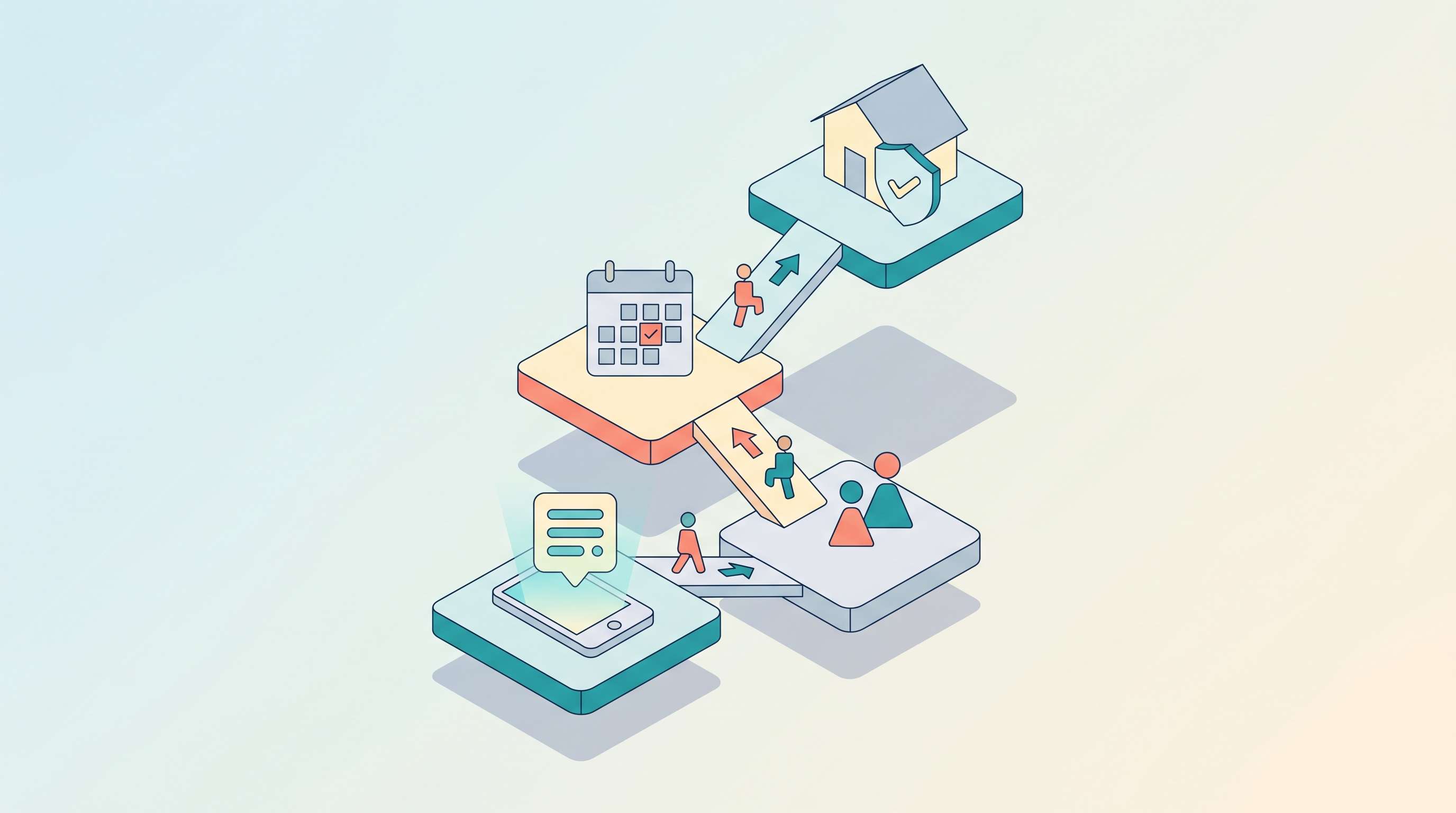
Claude Dispatch lives inside the Claude mobile app (iOS/Android) and Claude Desktop’s Cowork view. Pairing takes roughly two minutes: open Cowork, tap Dispatch, scan the QR code, and keep the Mac awake with Cowork in the foreground. Once connected, your phone becomes a push-to-talk surface that streams text or dictation back to the Mac, where Claude executes inside the same permission model you already configured for Cowork (local folders, Chrome extensions, Jira connectors, etc.).
Key characteristics:
- Local-only execution – Dispatch never moves raw files through the phone; everything runs on the paired Mac, so compliance teams can treat it like an “AI intercom” rather than another cloud relay.
- Single active queue – One task at a time, no scheduling, and no proactive alerts yet. You must open the phone app to check progress.
- Mac exclusivity – Windows and Linux teams still can’t join; Anthropic’s roadmap indicates Mac-first until Cowork’s sandbox lands elsewhere. (Source: Economic Times briefing, 18 March 2026.)
- Success variance – Early testers show roughly a 50% hit rate on multi-step jobs such as “scan Slack, pull three blockers, draft next steps,” while single-app tasks (convert notes, reorganize files) usually succeed.
The upshot: treat Dispatch as a remote control for a single, well-scoped Claude Cowork workspace rather than a general automation fabric.
Claude Dispatch vs Traditional Remote Agents
Dimension | Claude Dispatch | OpenClaw / Zapier bots | What it means |
Execution site | Your Mac’s Claude Cowork session | Cloud workers or remote servers | Dispatch keeps sensitive data local but demands always-on hardware. |
Triggering | Manual “push-to-talk” voice or text | Webhooks, schedules, API events | Dispatch is better for ad-hoc knowledge work, not cron-grade automations. |
Context depth | Full access to files, connectors, browser tabs you allowed Cowork to see | Limited to explicit integrations | Makes Dispatch ideal for research packets or doc editing when you’re away. |
Reliability | ~50% on multi-step workflows during preview | 90%+ on mature Zapier recipes | Build verification rituals before production use. |
Platform coverage | macOS only, Claude Max subscribers first | Any platform with agents | Dispatch is a power-up for teams already deep in Claude Cowork, not a universal answer. |
Implementation blueprint for operations leads
- Harden the host Mac – Create a dedicated macOS user, enable FileVault, keep Cowork in a separate Desktop space, and script a caffeinate/pmset rule so the machine stays awake only during Dispatch windows.
- Scope the Cowork workspace – Restrict Claude’s connectors to the portals you actually want accessible remotely. For finance teams, that might be a sanitized Google Drive folder plus Netsuite read-only credentials.
- Write “radio scripts” – Dispatch shines when you send short, standardized prompts (“Check CRM for stalled POC > summarize blockers > drop into Notion page”). Keep them under 5 sentences.
- Add receipt checkpoints – Because Dispatch doesn’t notify you unprompted, book calendar nudges (or automation reminders) 10–15 minutes after sending a task so you confirm outputs before sharing.
- Log everything – Pipe the phone-side transcripts into an Obsidian vault or your internal glossary entry so you have audit trails for every remote instruction. Pair those logs with the Claude Code Memory process so Cowork keeps state across repos.
Field notes from social media pilots
- FP&A texting forecasts – The AI CFO Office newsletter posted a rundown titled “I used Claude Dispatch to build financial models from my phone,” describing how a CFO now texts Dispatch to refresh rolling forecasts instead of pinging analysts. Their takeaway: a five-minute voice memo now replaces a 30-minute Zoom sync, provided the Mac has the latest spreadsheet mount.
- Product ops sprint boards – Multiple X posts aggregated by MacStories note PMs walking between meetings while Dispatch updates Jira sprint boards via the desktop connector—useful when physical laptops stay docked.
When to deploy—and when to wait
Deploy now if:
- You already maintain a continuously powered Mac mini or MacBook-as-server.
- Your team’s priority is clearing knowledge work from phones during travel days.
- Compliance requires data residency on a single trusted machine.
Wait or limit scope if:
- You need Windows/Linux coverage.
- Your workflows demand guaranteed completion or multi-task queues.
- You can’t dedicate hardware or keep Cowork open due to IT lockdowns.
Workflow handoff
Feed your intake forms or shared inbox macros straight into Dispatch-ready prompt templates (“/claude-dispatch CRM brief”) so routing answers a prospect while you stay off the laptop. Dispatch covers the desktop execution while your CRM or helpdesk surfaces the finished assets.
Your AI Receptionist, Live in Minutes.
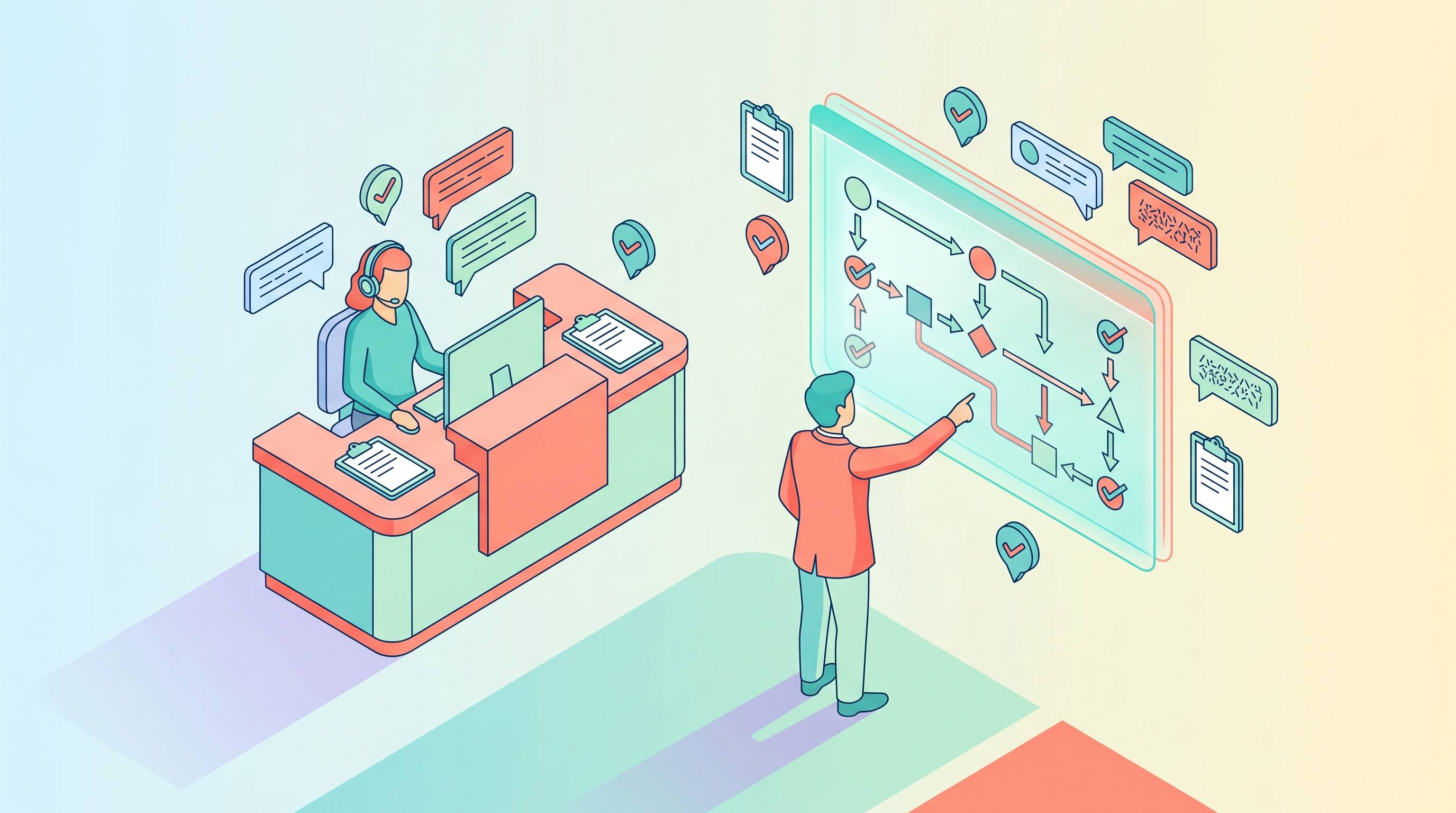
Scale your front desk with an AI that never sleeps. Solvea handles unlimited multi-channel inquiries, books appointments into your calendar automatically, and ensures zero missed opportunities around the clock.
FAQ
Is Claude Dispatch available to Claude Pro users?
Not yet. Anthropic is rolling it out to Claude Max subscribers first, with Pro access promised “soon” in the launch notes. Plan on Max for the near term.
Does Dispatch keep a task running if my phone disconnects?
Yes—the phone is just the remote. Once the Mac receives instructions, the job continues locally even if you lose signal.
Can Dispatch upload screenshots or photos from the phone?
No. Everything must already exist on (or be reachable from) the Mac workspace. If you need to send media, push it into a synced folder (iCloud Drive, Dropbox) Claude already sees.
How do I know when a task finishes?
Today, you must reopen the phone app or check Cowork on the Mac. There are no push notifications yet, so calendar reminders plus automation tasks help.
What about security reviews?
Because Dispatch inherits Cowork permissions, run the same reviews you’d run for any Claude Desktop deployment: credential rotation, filesystem scopes, browser profile isolation, and a host firewall.