Every customer conversation in one place.
Calls, texts, emails, WhatsApp, AI summaries, owners, and status stay together.
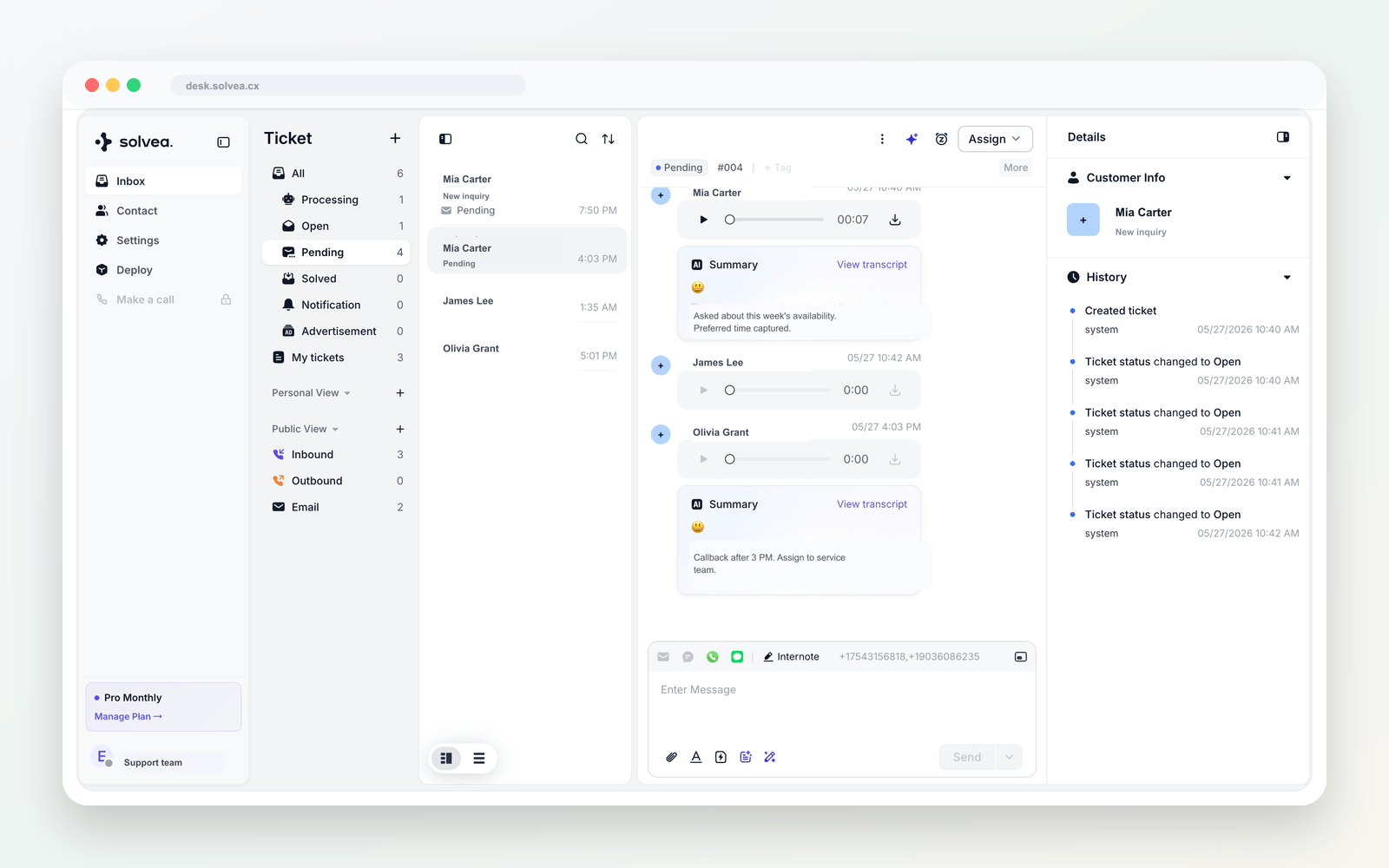
Unified Inbox
A lightweight helpdesk for phone-first teams
Calls, texts, emails, WhatsApp, summaries, owners, and status live in one customer timeline.
Inbox to action
A lightweight helpdesk for phone-first teams
Calls, texts, email, and WhatsApp stay on the customer thread.
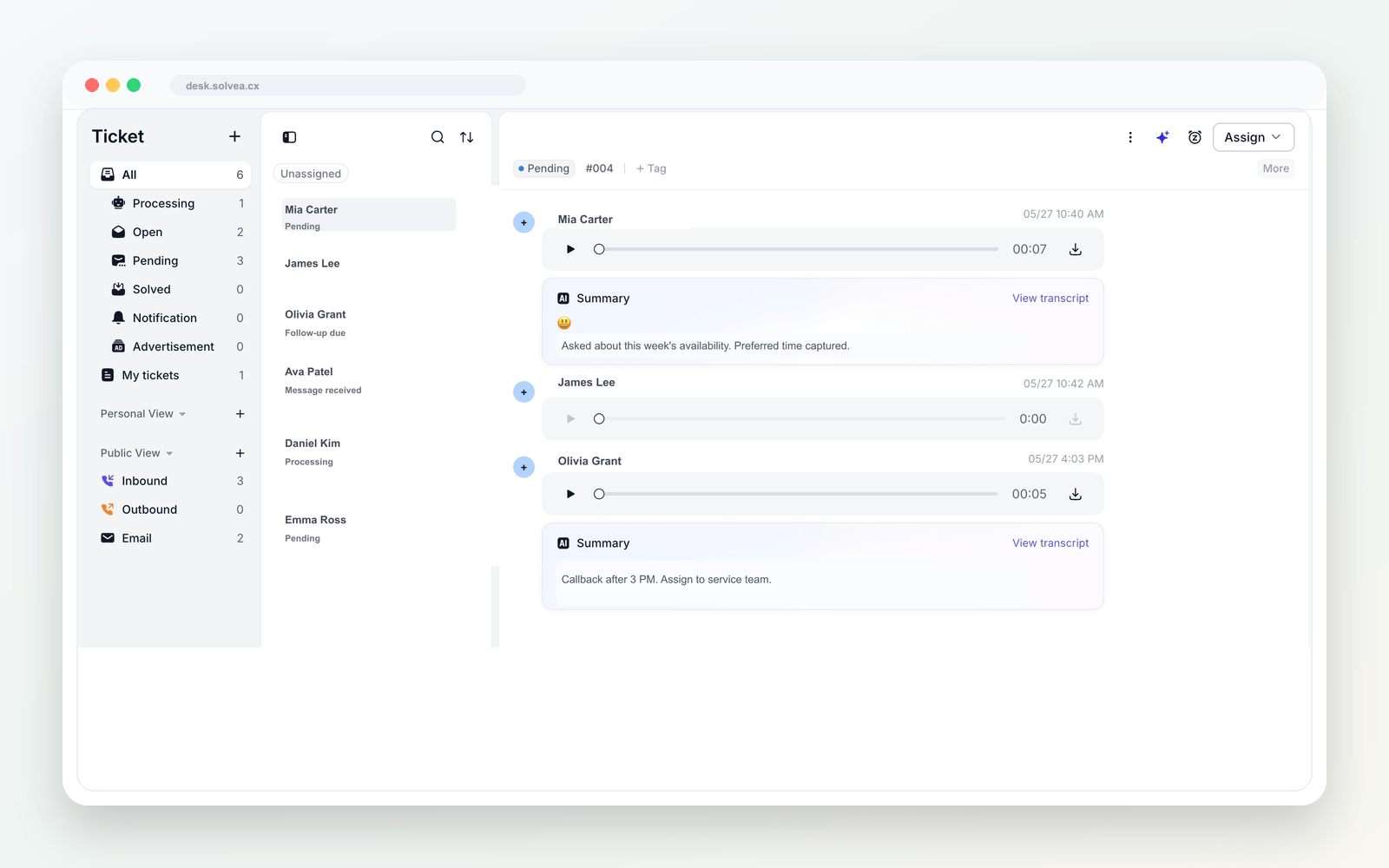
AI call notes
AI summaries after every call
After each call, Desk keeps the recording, summary, transcript, urgency, and next step.
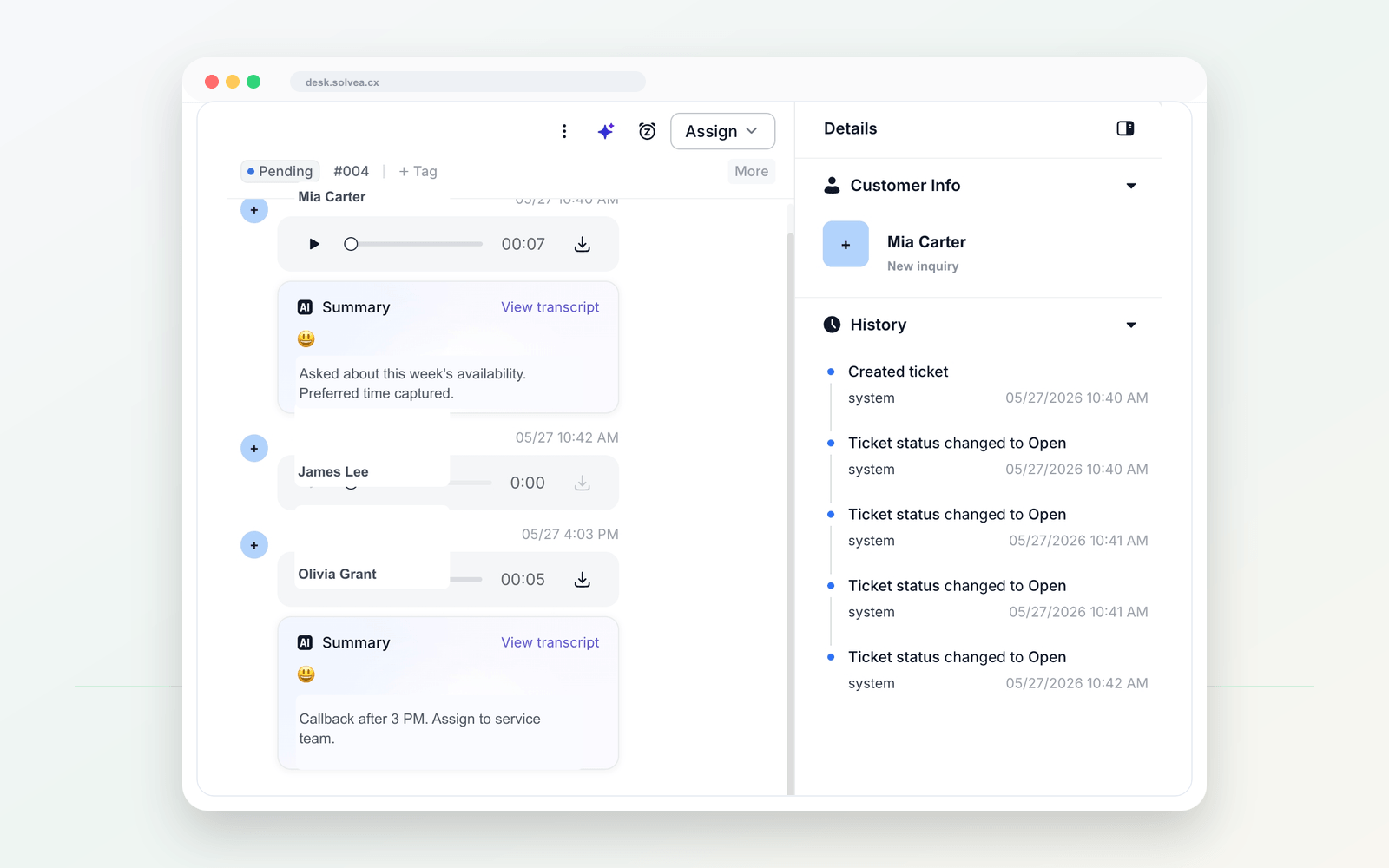
Customer context
Customers stay with your business
Profiles, calls, texts, summaries, owners, and notes stay with the company - not one employee.
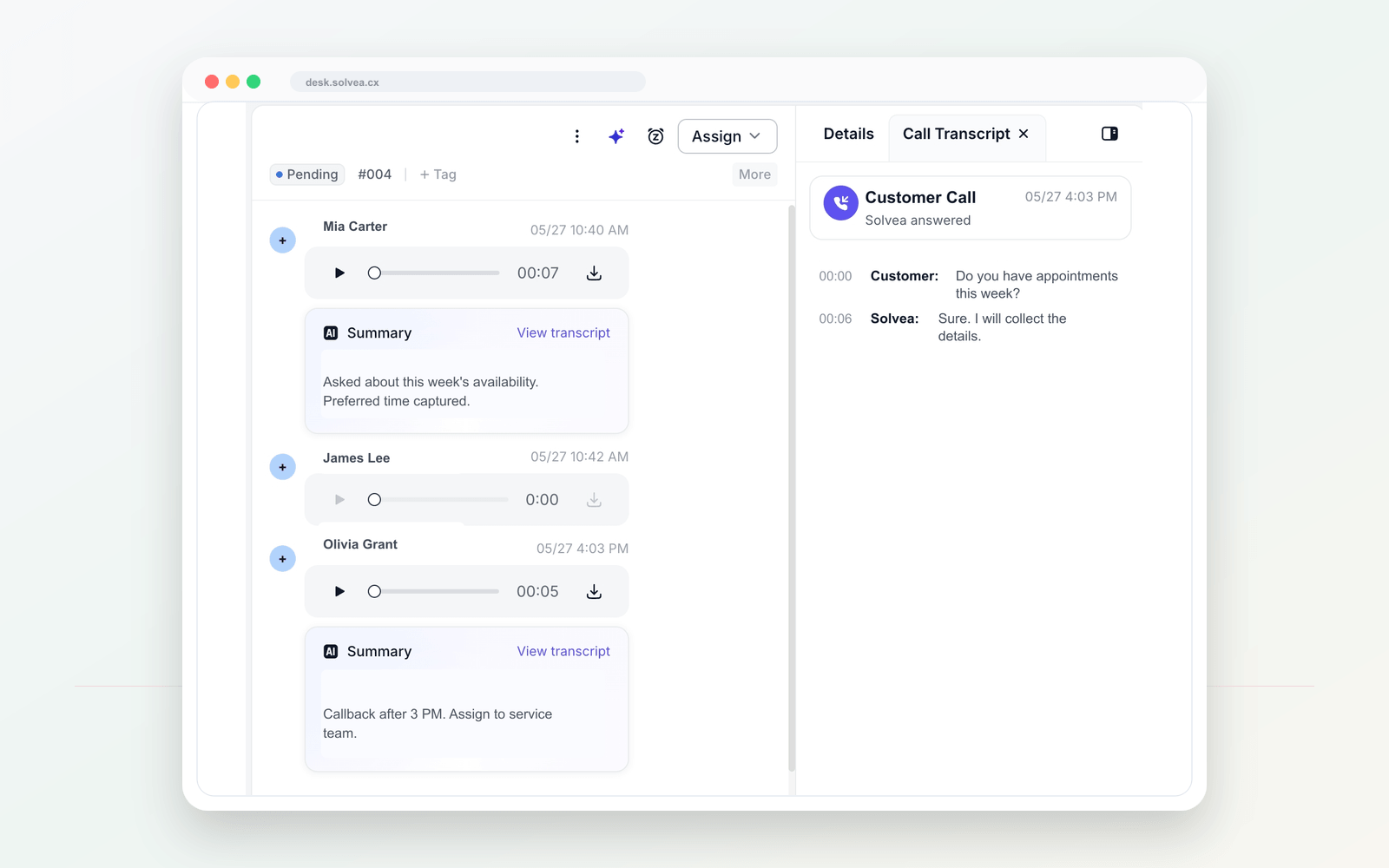
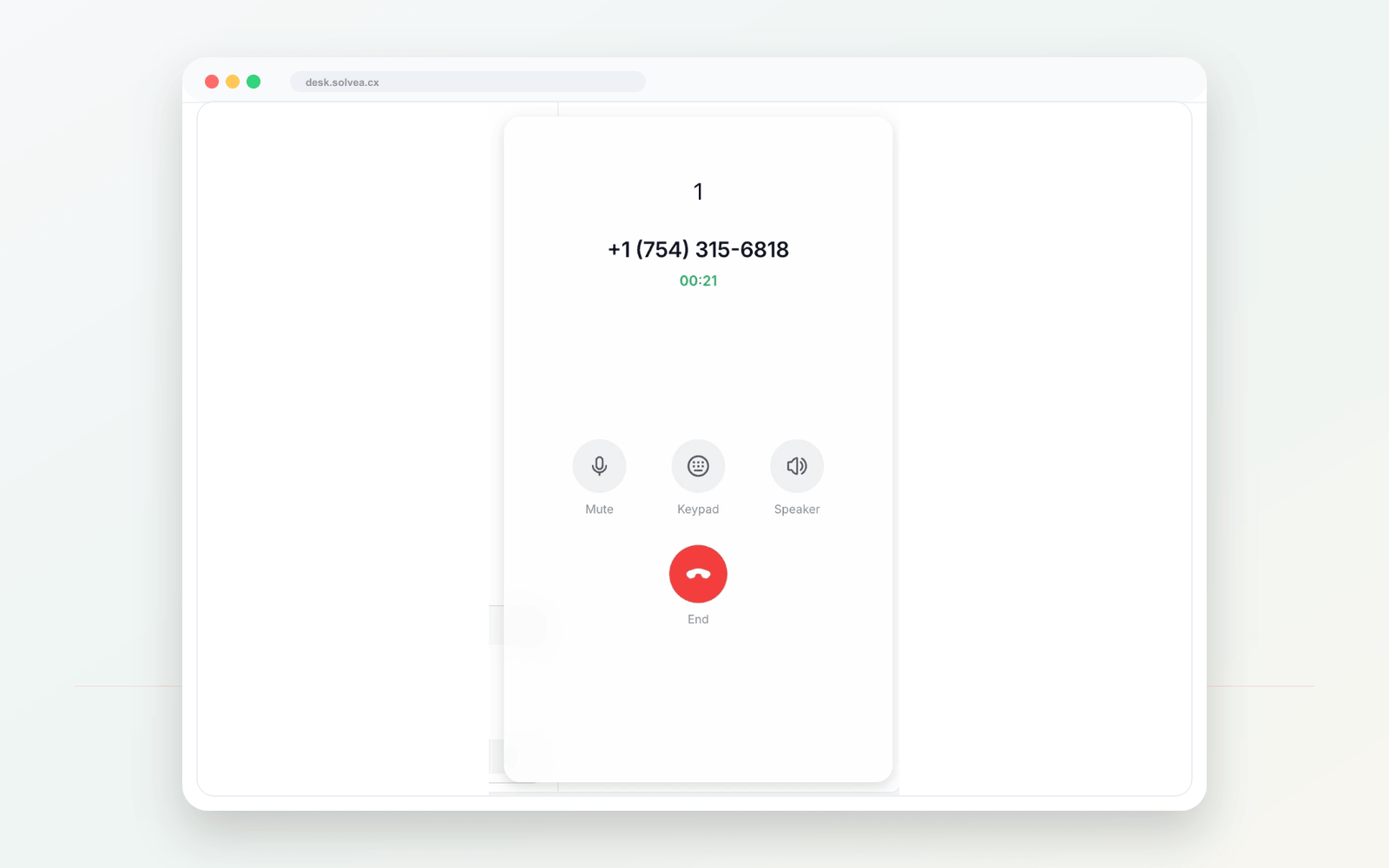
Desk calling
Call back with the full story
Call back with the full story and keep the outcome on the record.
Numbers and agents
Business phone lines and AI agents
AI captures requests, urgency, and the next action.
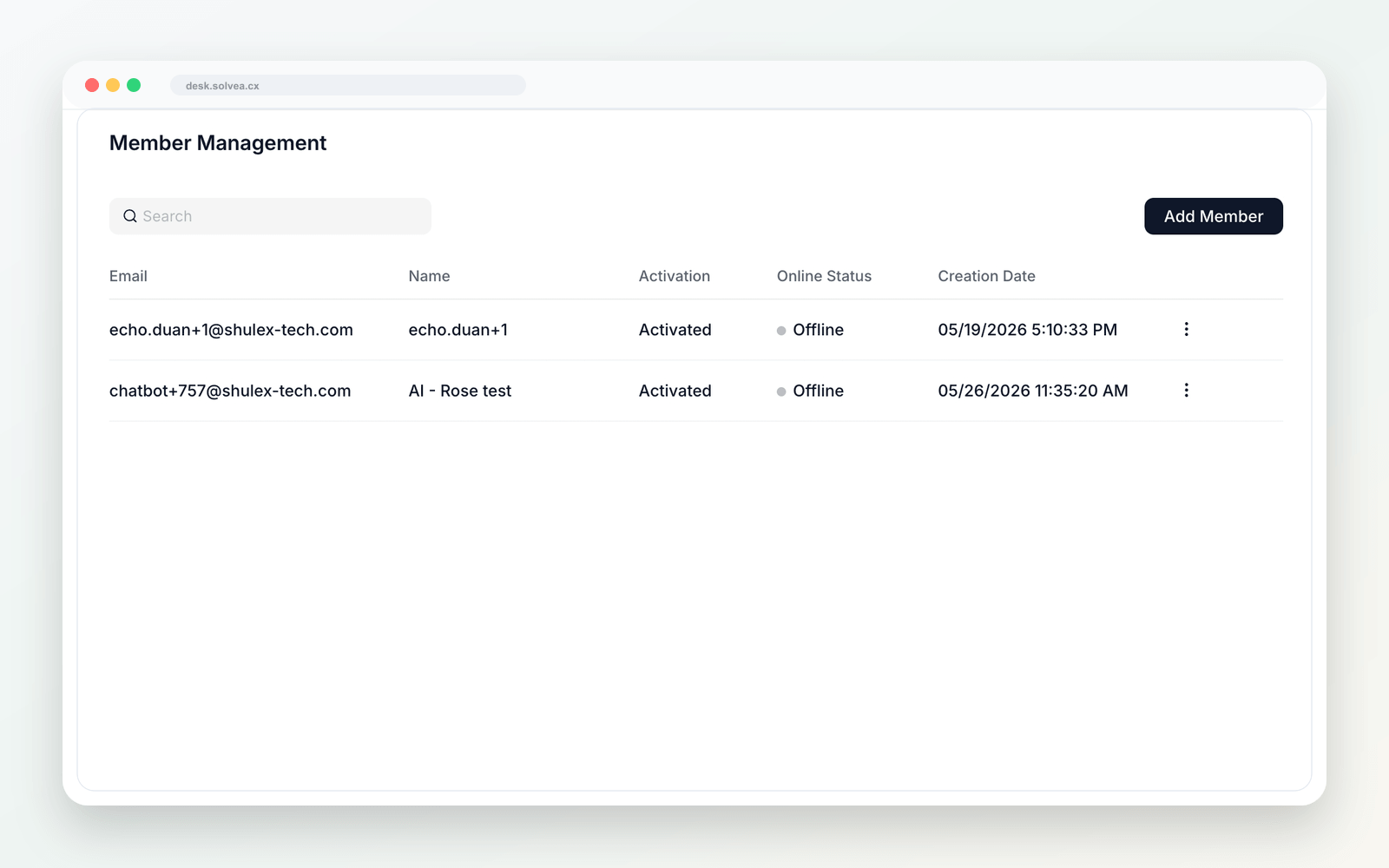
Team workflow
Owners, status, and next steps
Teams see who owns each customer and what happens next.
Capture
Calls and messages enter one workspace.
Understand
AI summaries preserve context.
Assign
Owners and statuses stay visible.
Reach back
Follow up from the customer timeline.
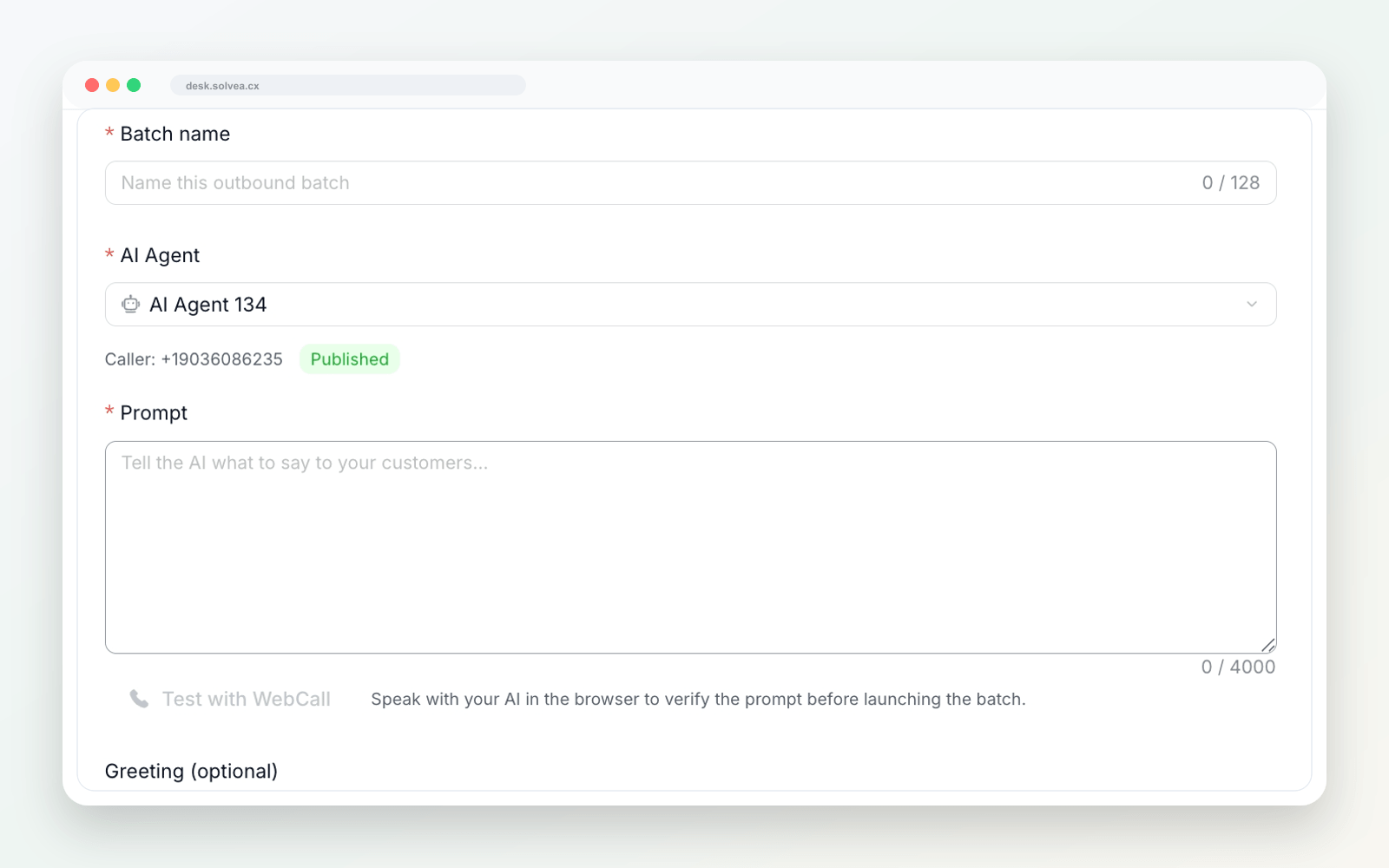
AI outbound
AI follow-up from the thread
Use the customer thread for reminders, confirmations, and callbacks.
Best-fit teams
For small teams that need a lighter helpdesk.
PC Desk keeps customer service work visible without heavy software.
Service teams
Capture busy-hour and after-hours requests.
Appointments
Track bookings, changes, and reminders.
Sales teams
Turn calls into trackable opportunities.
Operations
Coordinate phone-first customer work.
Every customer conversation in one place.
Bring calls, texts, summaries, owners, and status into a lightweight helpdesk.