

Activation Overview
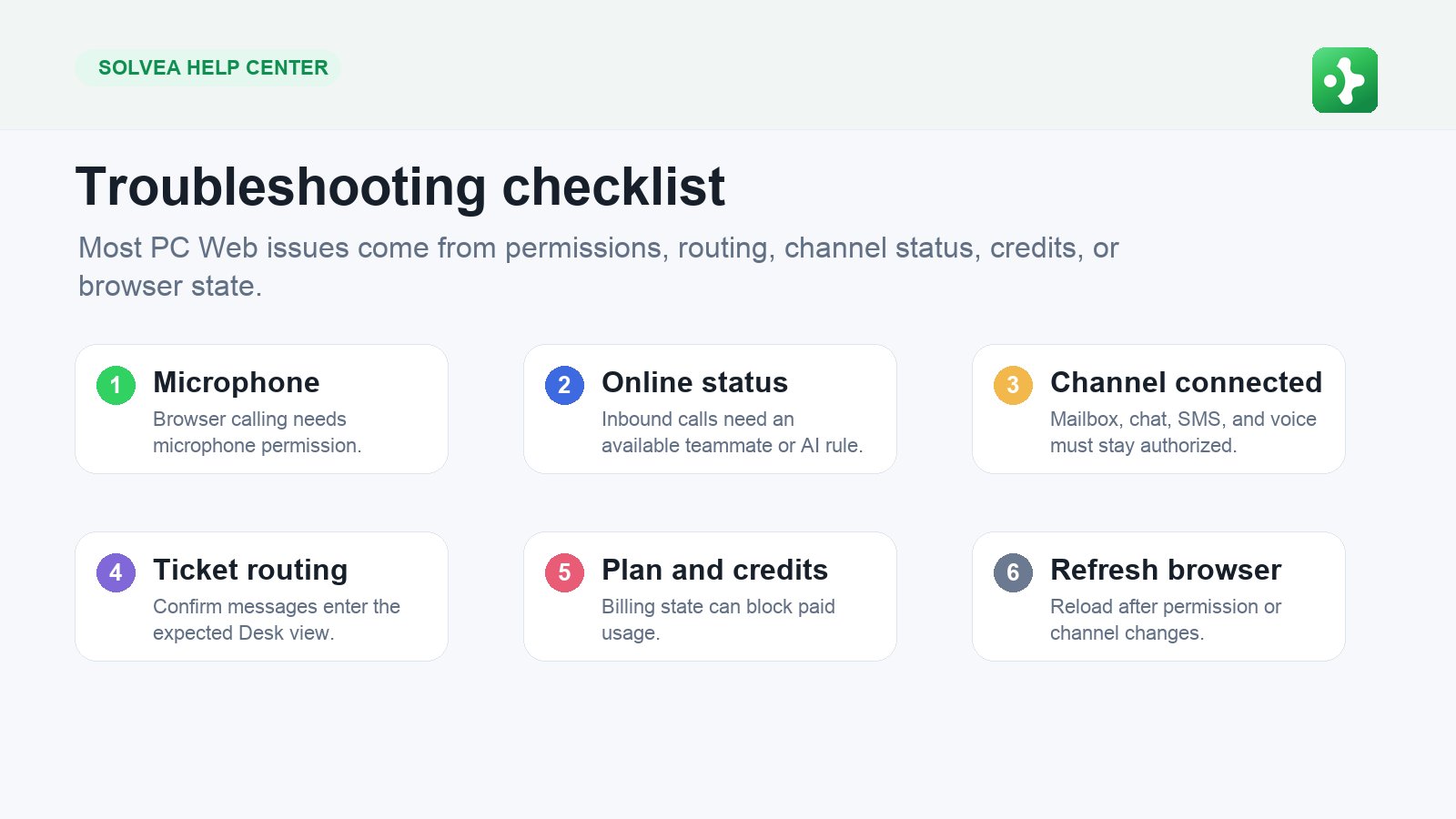
- Your workspace exists.
- Your workspace has a Solvea business number.
- An AI receptionist is created and bound to that number.
- Your iPhone can receive calls and notifications.
Before You Start
Have these ready:- A work email or phone number for sign-up.
- The country or region where you want a business number.
- A short description of what your business does.
- A quiet place to test the AI voice.
Step 1: Sign Up or Log In
Step 2: Create or Join a Workspace
A workspace is where Solvea keeps your team, number, AI agent, contacts, tickets, and usage. Create a new workspace if you own the business setup. Join an existing workspace if a teammate invited you.Step 3: Choose a Business Number
Step 4: Choose an AI Voice
Step 5: Test Your AI
- What are your opening hours?
- Can I book an appointment?
- I missed your call. What was it about?
- Can someone call me back?