Your front desk is the operational center of your business. Every client interaction starts and ends there — the first phone call, the appointment booking, the check-in greeting, the checkout, and the rebooking. If your front desk operations are disorganized, clients feel it. If they run smoothly, clients keep coming back.
This guide covers the core functions of effective front desk operations, the metrics that matter, and the tools that help small businesses manage the front desk without burning out staff or losing bookings to competitors.
TL;DR
Area | What Good Looks Like | Common Problem |
What it covers | Scheduling, client communication, check-in, checkout, rebooking | Ad-hoc, reactive processes with no standard workflow |
Scheduling accuracy | <2% double-bookings, 90%+ schedule fill rate | Manual entry errors, phone tag, last-minute gaps |
No-show rate | Under 10% with reminders in place | Typically above 10% without reminder systems; U.S. medical groups average 6.81% with active management (MGMA 2025, scope: medical groups) |
After-hours coverage | 24/7 booking and inquiry capture | Missed calls = missed revenue |
Tools needed | Scheduling software, CRM, AI receptionist | Paper books, siloed systems |
Who it's for | Salons, clinics, gyms, spas, law offices, any appointment-based SMB | All sizes |
What Front Desk Operations Actually Includes
"Front desk operations" sounds like a hotel term, but it applies to any appointment-based small business: dental practices, hair salons, medical spas, physical therapy clinics, tattoo studios, chiropractic offices, gyms, law firms, financial advisors.
The front desk function covers:
1. Appointment scheduling — Taking inbound booking requests, checking availability, confirming appointments, and managing the calendar to maximize schedule utilization.
2. Client communication — Sending appointment reminders, answering pre-appointment questions, handling rescheduling requests, and following up post-visit.
3. Check-in and intake — Greeting clients when they arrive, verifying appointment details, collecting intake forms, directing them to the appropriate provider.
4. Checkout and rebooking — Processing payment, collecting co-pays or deposits, and scheduling the client's next appointment before they leave.
5. Phone and message management — Answering inbound calls, returning messages, triaging inquiries, and routing complex questions to the appropriate team member.
6. Administrative tasks — Maintaining client records, updating contact information, managing provider schedules, and handling schedule conflicts.
Each of these functions has failure points that cost businesses revenue. Let's address them one by one.
The 6 Most Common Front Desk Operations Problems
Problem 1: No-Shows Without a Reminder System
No-shows are the most direct form of revenue loss in appointment-based businesses. A client who doesn't show up occupies a slot you could have filled. Most no-shows are not intentional — the client forgot, got busy, and didn't realize they hadn't canceled.
A two-touch reminder sequence (text 48 hours out + text morning-of) solves this. A 2025 study found that 28% of restaurant reservations in the U.S. go unhonored, and UK restaurants lose £16B annually to no-shows — a problem rooted in forgetfulness, not malice. Automated reminders directly reduce that leakage.
Solution: Implement automated SMS reminders as the minimum baseline. Include a one-tap confirm or cancel link so the client's response is instant and you can fill the slot if they cancel.
Problem 2: Missed Calls Go Unanswered
A missed call is often a missed booking. When a caller can't reach you, many will try a competitor rather than wait for a callback. This is especially damaging in appointment-based service businesses—the caller who couldn't reach you is now a loyal customer of someone else.According to an industry analysis cited by the Washington Hospitality Association, restaurants miss an average of 150 calls per month across the U.S. About 60% of those are potential orders or reservation requests.
Solution: A text-back automation system or AI receptionist answers every call regardless of staff availability, capturing bookings that would otherwise walk out the door.
Problem 3: Double-Bookings and Scheduling Conflicts
When scheduling happens across multiple staff members or systems that don't sync, double-bookings happen. Two staff members take calls simultaneously and book the same slot. A calendar update doesn't propagate to the main system.
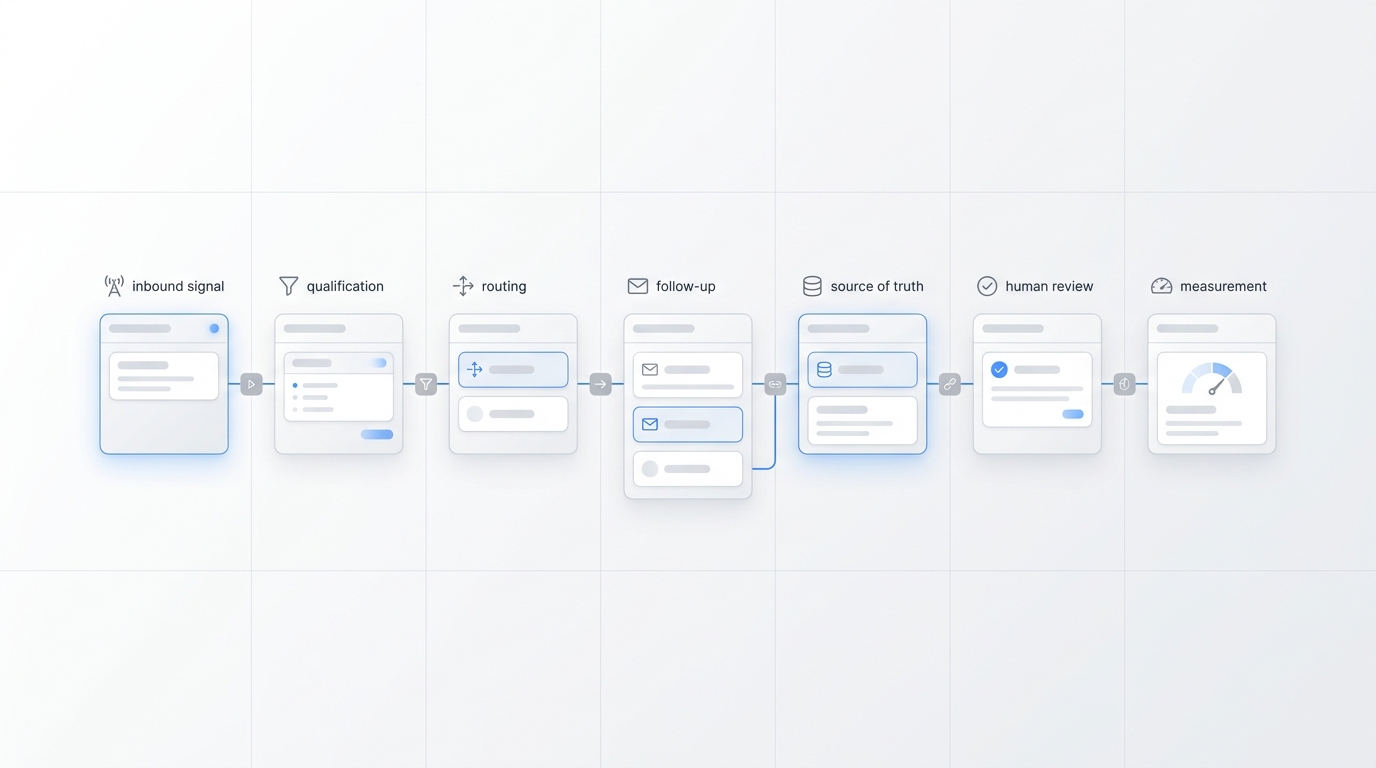
Solution: A single source-of-truth scheduling system where all bookings — phone, online, in-person — write to the same calendar in real time. Real-time locking prevents double-bookings at the system level.
Problem 4: Poor Rebooking at Checkout
Rebooking depth has a dramatic effect on client retention: consumer behavior benchmarks published by the Journal of Service Research demonstrate that service sector clients who secure their next appointment at the point of checkout exhibit an 80% higher retention rate over a 12-month cycle compared to ad-hoc, transactional bookers. When a customer leaves without locking in their next milestone, the cognitive friction of re-initiating contact later drastically increases the likelihood of competitor defection. Yet, most small businesses fail to establish a mandatory rebooking prompt during the exit workflow.
Solution: Train every front desk staff member to ask for the next appointment at checkout as a default behavior — not an optional add-on. Frame it as scheduling help, not a sales push: "Would you like me to get your next appointment on the books?"
Problem 5: After-Hours Inquiries Fall Into a Black Hole
If a potential client calls at 8pm or sends an inquiry on Saturday afternoon, what happens? For most small businesses, nothing — until Monday morning. By then, they've booked with whoever answered.
Solution: At minimum, an auto-reply text that includes a link to your online booking page. For voice calls, an AI receptionist that answers and books 24/7.
Problem 6: Staff Time Consumed by Routine Admin
Front desk staff spend a disproportionate amount of time on tasks that don't require human judgment: reading off appointment times that are already in a confirmation text, answering the same 10 questions that are on the website, confirming that yes, you are still open on Saturday.
Solution: Shift routine information tasks to self-service (FAQ page, automated confirmations, chatbot) so staff time goes toward the tasks that actually require a human.
A Standard Front Desk Operations Workflow
Here's what effective front desk operations look like, step by step:
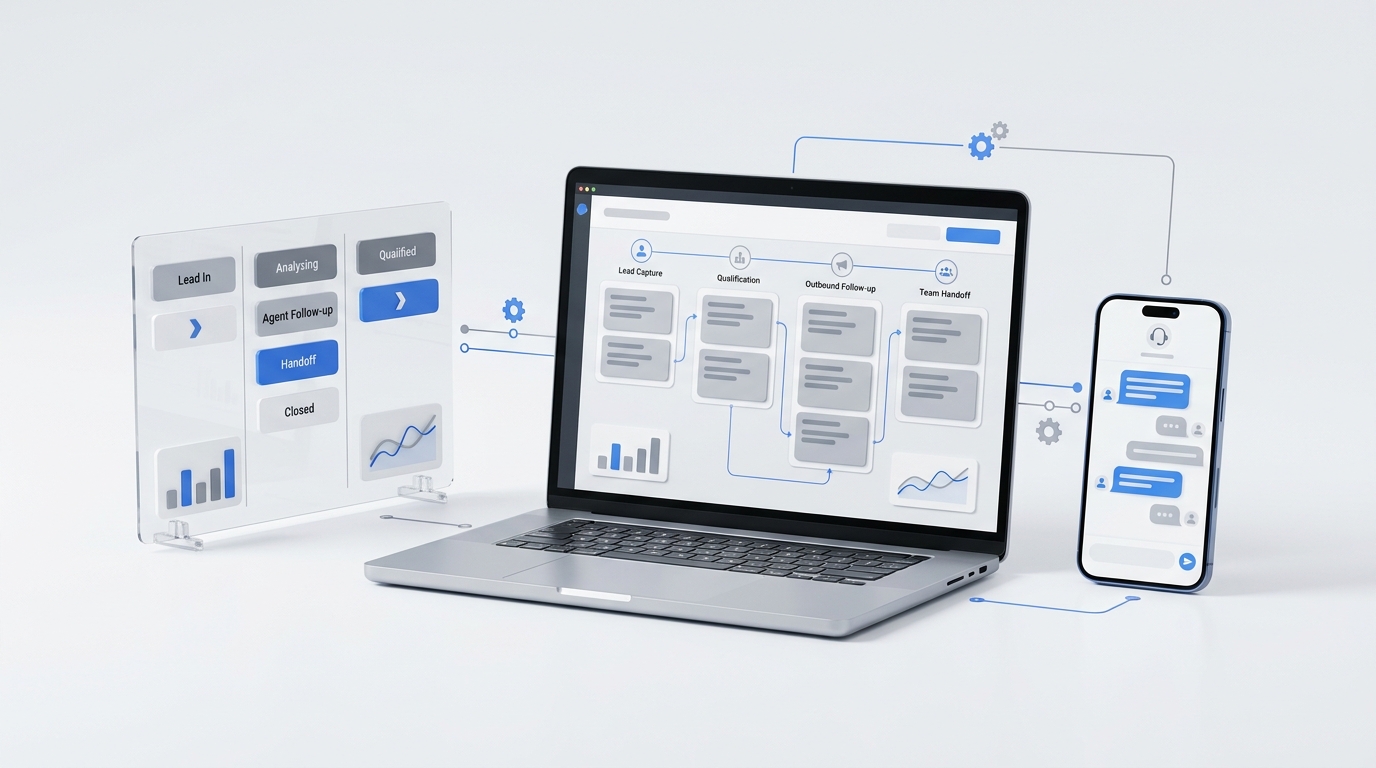
When a booking request comes in (phone, online, or walk-in): 1. Check real-time availability for the requested service and provider 2. Confirm booking with the client (time, date, provider, service) 3. Collect any required information (name, contact, insurance if applicable) 4. Send an immediate confirmation (text and/or email) with appointment details 5. Queue automated reminders: 48-hour reminder and morning-of reminder
At check-in: 1. Greet client by name if possible 2. Verify appointment details and intake form status 3. Notify provider that client has arrived 4. Collect any pre-payment or deposit if applicable
At checkout: 1. Process payment 2. Collect any feedback (brief, in-person — not a lengthy survey) 3. Ask for next appointment: "Would you like to schedule your follow-up?" 4. Confirm next appointment details and send confirmation
After no-call/no-show: 1. Attempt to contact the client within 24 hours 2. Offer to reschedule 3. Note in client record for future reminder lead time
Tools That Support Effective Front Desk Operations
Scheduling software: The core of front desk operations. Should support real-time calendar sync, multi-provider availability, automated confirmations and reminders, and online self-service booking. Options range from industry-specific (Jane App for healthcare, Mindbody for fitness) to general (Calendly, Acuity Scheduling, Square Appointments).
CRM or client management: Even a simple system that records visit history, contact preferences, and notes supports better client interactions. Front desk staff shouldn't have to ask returning clients for information they already have on file.
Phone management: At minimum, a voicemail-to-text service so staff can quickly triage missed calls. Better: a text-back service that auto-responds to missed calls with a booking link. Best: an AI receptionist that handles inbound calls directly.
AI receptionist: For businesses with meaningful inbound call volume, an AI receptionist like Solvea answers every call, checks live availability, answers questions based on your business information, and completes bookings without requiring a staff member. Confirmed bookings appear instantly in your scheduling system.
This combination — scheduling software + CRM + AI receptionist — handles the majority of front desk operations without consuming staff time on routine tasks.
Key Metrics to Track for Front Desk Operations
Metric | Definition | Target |
Schedule fill rate | % of available appointment slots filled | >85% |
No-show rate | % of scheduled appointments that don't show | <10% |
Rebooking rate | % of checkouts that result in a next appointment booked | >60% |
Call answer rate | % of inbound calls answered (not sent to voicemail) | >85% |
After-hours capture | % of after-hours inquiries that result in a booking | Measure baseline, then improve |
Tracking these numbers monthly gives you a clear picture of where your front desk operations are losing revenue and where improvements are having an impact.
Your AI Receptionist, Live in Minutes.
Scale your front desk with an AI that never sleeps. Solvea handles unlimited multi-channel inquiries, books appointments into your calendar automatically, and ensures zero missed opportunities around the clock.
FAQ
What does a front desk operations manager do? In a larger practice or multi-location business, a front desk operations manager oversees scheduling workflows, staff training, system implementation, and metric tracking across the reception function. In smaller businesses, the owner or lead receptionist typically handles this informally.
How do I reduce no-shows without being intrusive? Automated reminders with easy one-tap confirm or cancel options are the most effective approach. Clients appreciate the reminder; the cancel link removes friction and lets you fill the slot faster. Charging a cancellation fee after a certain window also reduces no-shows but can affect client relationships.
What's the best scheduling software for small businesses? The right choice depends on your industry and volume. Square Appointments is common for service businesses. Acuity Scheduling is flexible and integrates widely. Jane App is popular for healthcare. Mindbody suits fitness studios. Evaluate based on: reminder automation, online booking, calendar sync, and reporting.
How should I handle front desk staff absences? An AI receptionist ensures inbound calls are always answered even when front desk staff are absent, on break, or handling in-person clients. Scheduling software with online booking removes the dependency on staff for routine bookings.
Can one person manage a front desk for a busy practice? Yes, with the right tools. Automated reminders, online booking, and an AI receptionist for inbound calls dramatically reduce the volume of manual tasks one person needs to handle. A practice that previously needed 1.5 FTE on reception often finds one person sufficient after implementing these tools.