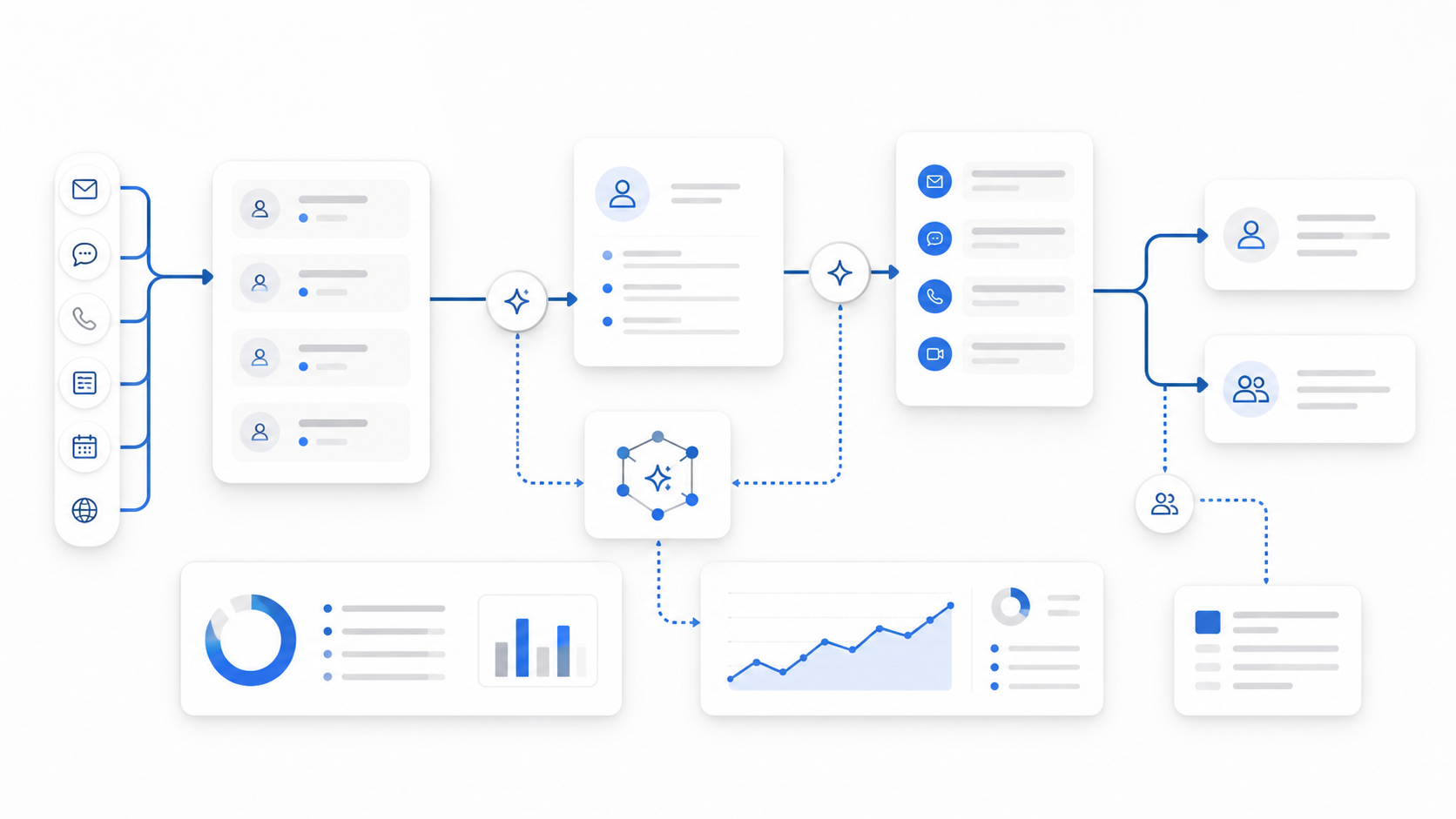
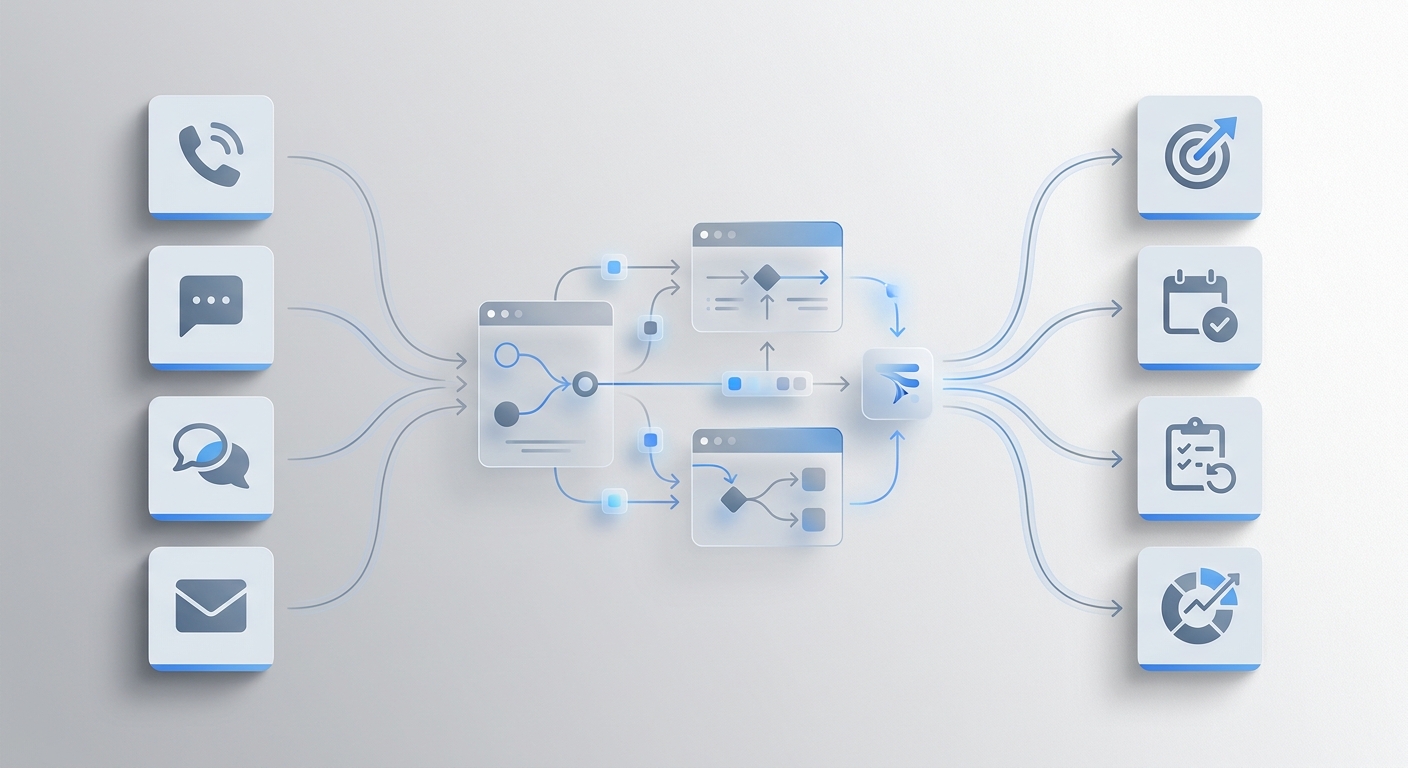
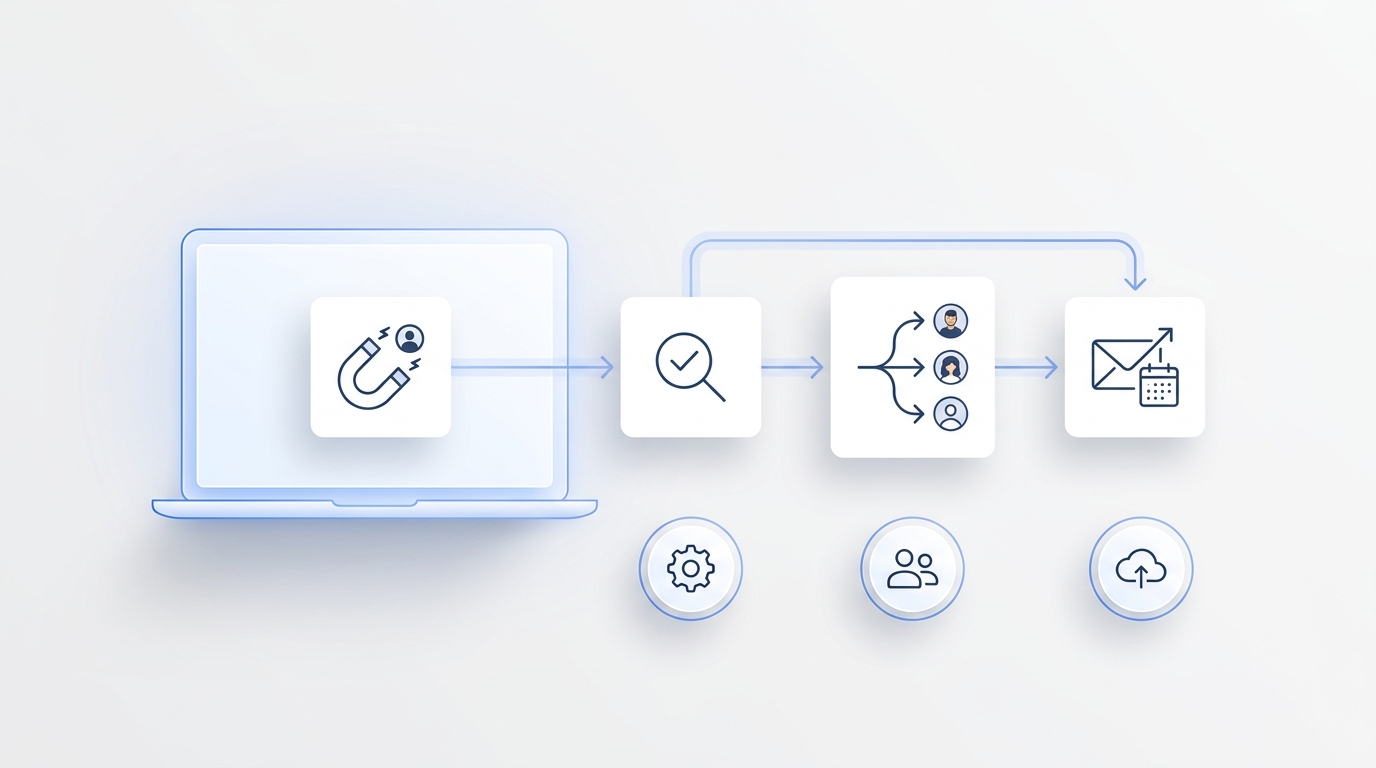
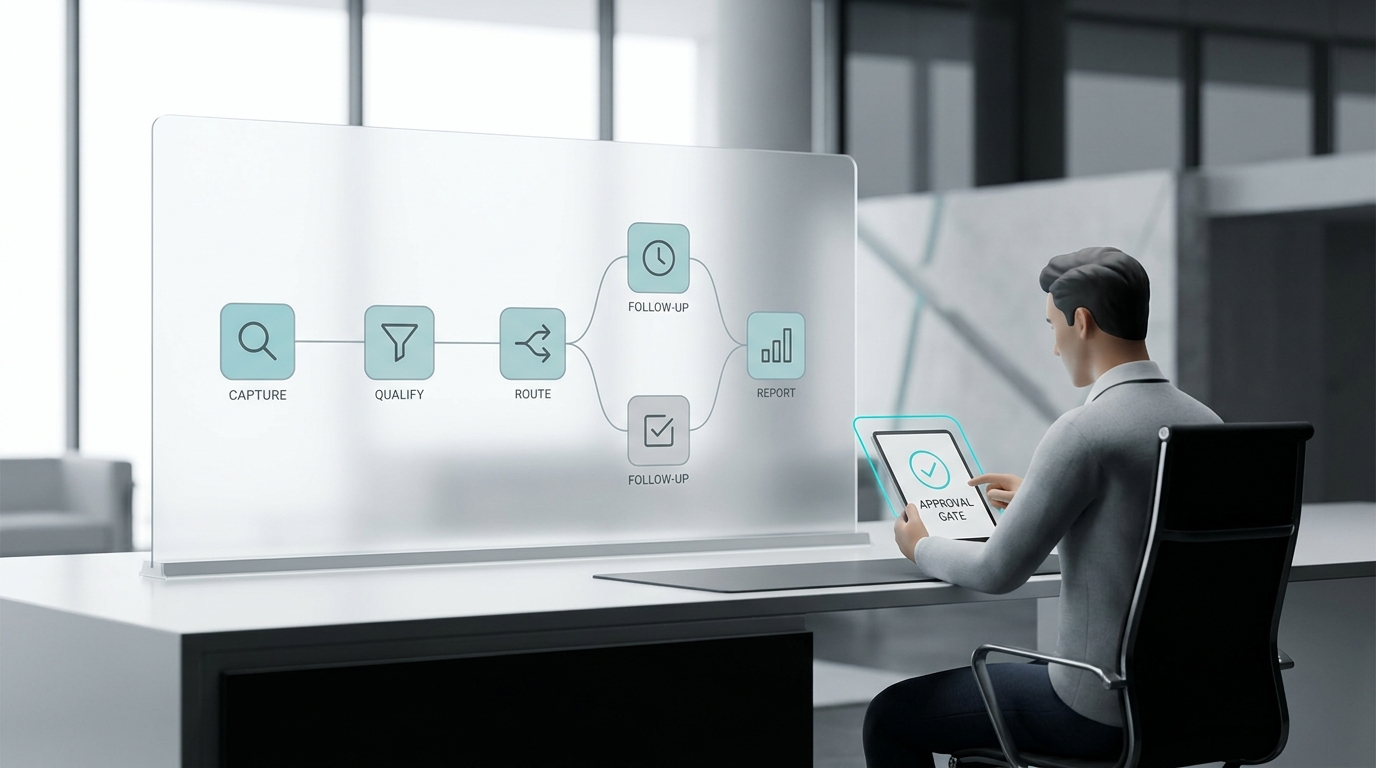
Most people assume an AI receptionist is just a chatbot with a voice. That's not quite right. A chatbot waits for a question and replies. An AI receptionist runs a workflow — it receives a message or call, figures out what the customer actually needs, decides what action to take, and either resolves the interaction or routes it to the right person.
The difference matters because the failure modes are different. A chatbot fails by not knowing an answer. An AI receptionist fails by not knowing what to do next: it books the wrong appointment, skips collecting a phone number, or keeps trying to handle a complaint that should have gone to a human three messages ago. Getting it right depends on how the workflow is built, not just which model is running underneath it.
This guide explains every layer: how the AI receives and interprets messages, what tools it uses to act on them, how escalation is designed, and what separates setups that work reliably from ones that break under real conditions.
TL;DR
Details | |
Core mechanism | Receive input → detect intent → retrieve knowledge or use tools → respond or escalate |
What makes it work | Narrow scope, accurate knowledge base, clear escalation triggers, and reliable tool access |
Where it fails | Broad scope, vague knowledge base content, missing escalation rules |
Channels | Phone, live chat, email, SMS — usually handled by the same underlying agent |
Who needs this | Anyone configuring, managing, or evaluating an AI receptionist for their business |
Next step | See how Solvea implements each layer — setup under 3 minutes, no code required |
How an AI Receptionist Works: The Full Workflow
The underlying sequence is the same across most systems, regardless of channel or platform.
1. Receiving the customer message or call
The customer reaches out through a channel — web chat, phone, email, or SMS. On voice channels, the system converts speech to text before processing. On text channels, the message is passed directly to the AI layer.
This is also where channel context matters. A customer calling at 11pm after hours has different escalation needs than a customer chatting on a weekday afternoon. A well-designed system uses channel and time-of-day context to adjust its behavior before the conversation even starts.
2. Detecting intent
The AI parses the message and classifies what the customer wants. Is this a pricing question? A booking request? A complaint? A request to speak with a human? Something outside the system's scope?
Intent detection is where narrow scope pays off. A system configured to handle three specific request types — say, appointment booking, pricing questions, and hours of operation — will classify those intents accurately and consistently. A system told to "handle any customer question" has no reliable way to route edge cases and starts guessing.
3. Retrieving knowledge or using tools
Once intent is clear, the system decides what to do. Most interactions fall into one of four actions:
- Answer from the knowledge base — the customer asks a question the KB covers; the AI retrieves and delivers the answer
- Collect information — the workflow requires details before proceeding (name, phone number, order ID); the AI prompts and records them
- Execute a tool action — the system is connected to a calendar, CRM, or booking platform; the AI completes an action like scheduling an appointment or logging a note
- Escalate — the request triggers a handoff condition; the AI transfers the conversation to a human agent
The knowledge base is the most important single component in this step. An AI system hits difficult responses when the knowledge base has gaps or vague content. What the AI says is only as good as what's in the KB it draws from.
4. Delivering the response or handing off
The AI responds in the same channel and format the customer used. On voice, that means synthesized speech. On chat or email, it's text. If the action was a tool execution, the confirmation goes back to the customer with the relevant details (booking time, reference number, etc.).
If the step 3 decision was escalation, the AI transfers the conversation — with context — to a human agent. In well-designed systems, the human picks up with full conversation history and doesn't ask the customer to repeat themselves.
What Tools an AI Receptionist Uses
A knowledge base alone makes an AI that can answer questions. Tools are what make it act.
The most common tool integrations in AI receptionist setups:
Tool type | What it enables | Common example |
Knowledge base | Accurate FAQ, policy, and product answers | Uploaded docs, Google Drive, Notion |
Calendar / booking | Real-time availability checking and scheduling | Google Calendar, Calendly |
CRM | Lead capture, customer lookup, note logging | HubSpot, Zendesk, Salesforce |
SMS/messaging | Outbound confirmation and follow-up messages | Twilio, native SMS |
Human handoff | Transferring conversation with context to agents | Inbox / live agent routing |
Basic vs. Full-Workflow AI Receptionist: What Each Setup Handles
The difference in performance between a minimal setup and a complete one is significant. Most businesses start with the basic version and expand as they identify gaps.
Basic Setup | Full-Workflow Setup | Who It's For | |
Knowledge base | Generic or empty | Your actual policies, prices, hours | All businesses |
Handles | FAQs only | FAQs + booking + lead capture + CRM | Service businesses |
Tool access | None | Calendar, CRM, SMS, routing | Appointment-based businesses |
Escalation | None or manual | Automatic, trigger-based | All customer-facing setups |
Channel coverage | Chat only | Phone + chat + email + SMS | Multi-channel businesses |
Who it's for | Teams testing AI for the first time | Businesses replacing or augmenting front desk staff | — |
Most of the AI receptionist failures visible in practice — wrong answers, missed leads, frustrated customers — trace back to a basic setup being asked to do full-workflow work without the right knowledge base or tools to support it.
What Makes an AI Receptionist More Reliable
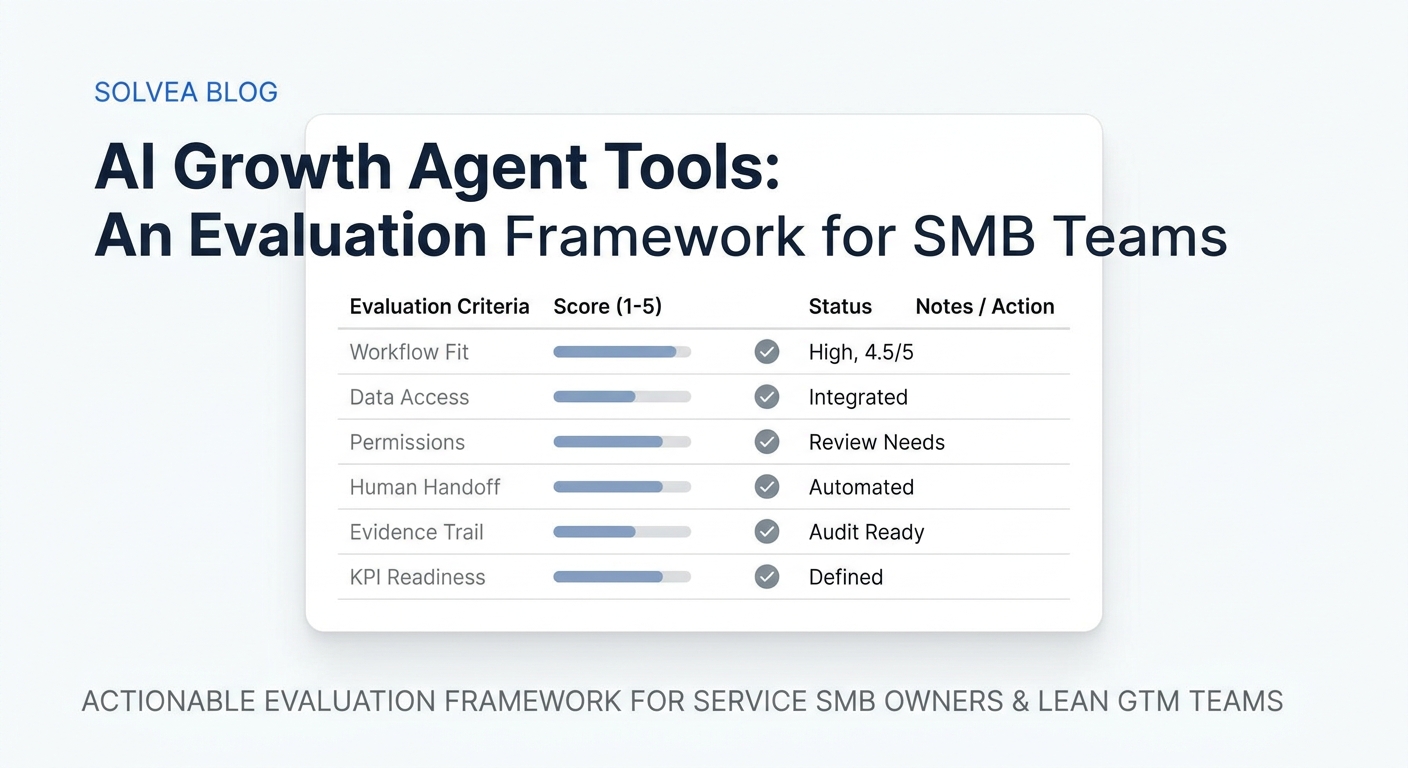
Five setup factors determine whether an AI receptionist performs well under real customer conditions.
Narrow, well-defined scope. The clearer the AI's job description, the more reliably it performs. "Handle appointment booking and pricing questions for our Chicago location" produces better results than "help customers with whatever they need."
A specific, current knowledge base. Vague answers in the KB produce vague AI responses. Specific answers — actual prices, actual hours, actual policy terms — let the AI respond with the same precision a well-informed employee would. For more on this, AI receptionist prompting covers how to structure the instructions that work alongside the KB.
Trigger-based escalation rules. Effective escalation isn't a judgment call — it's a list. "Escalate if: the customer mentions a complaint, asks to speak with a human, or the same question is asked more than twice without resolution." Systems that rely on the AI to decide when something is "too complicated" escalate inconsistently.
Tool access that matches the workflow. If the AI is expected to book appointments, it needs calendar access. If it's supposed to log leads, it needs CRM access. A workflow that expects tool-level actions from a knowledge-base-only setup will fail predictably.
Regular review using real conversations. The most reliable AI receptionist setups treat conversation logs as a maintenance queue. Teams that review escalations and failed responses monthly and update the relevant KB content or rules outperform teams that set it up once and don't revisit it.
Solvea: How Each Layer Is Built Into the Setup
Solvea is an AI receptionist platform designed for SMBs, which handles the full workflow described above — across phone, email, live chat, and SMS — from a single agent setup or based on an industry-specific template.
Each layer of the workflow is configurable without code:
Intent detection and scope are set through plain-language instructions in the agent builder. You describe what the agent should handle and what it shouldn't, and the AI applies those rules across every interaction.
Knowledge base connects to uploaded documents, website URLs, Google Drive, or Solvea's built-in editor. The AI indexes the content and retrieves from it in real time.
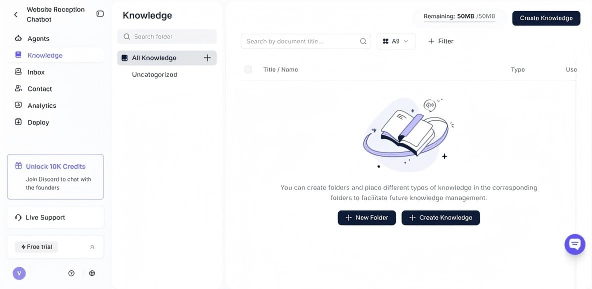
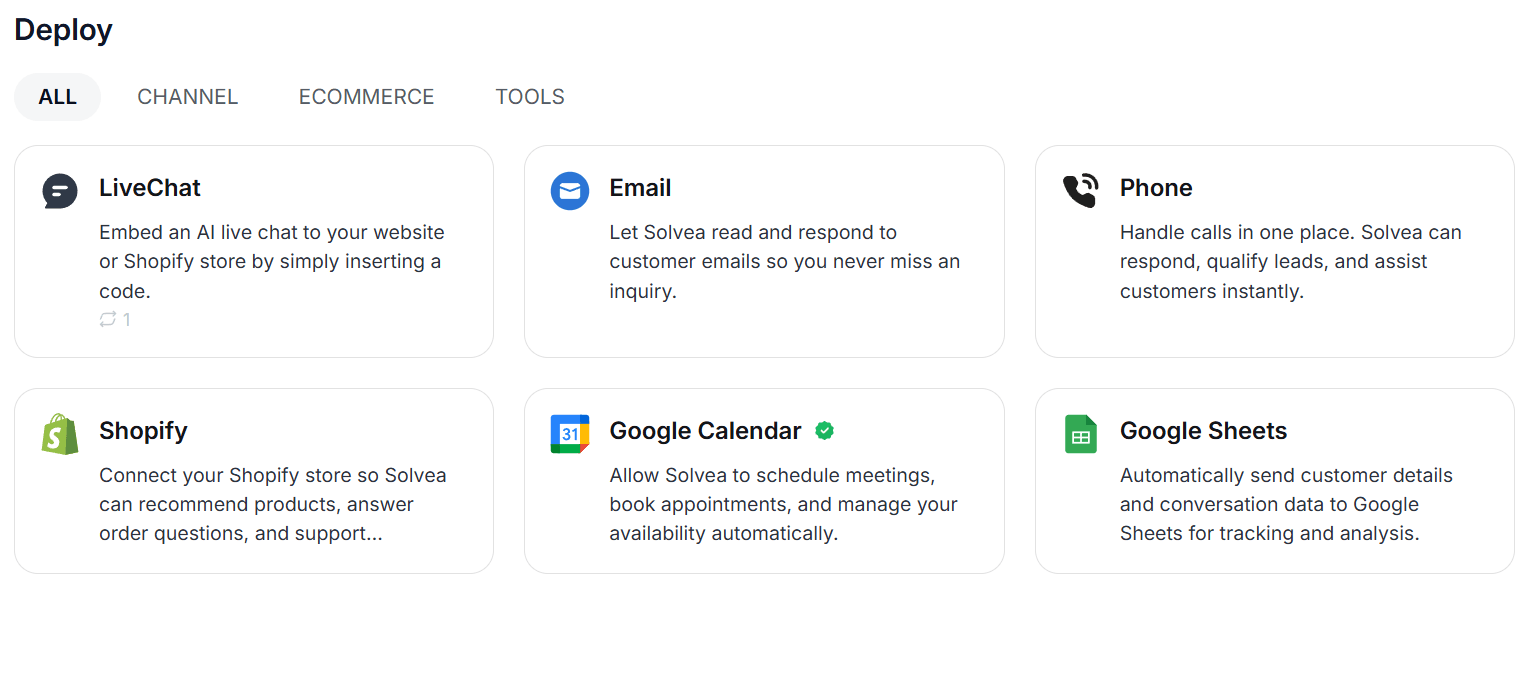
Tools include Google Calendar for scheduling, HubSpot and Zendesk for CRM, Shopify for order data, and Slack for internal alerts. Tool access is configured once and applies across all channels.
Escalation is trigger-based — you define the conditions, and the system transfers with full context when they're met.
Conversation review is available through Solvea's analytics, which shows resolution rates, escalation frequency, and individual conversation logs.
The 80% resolution rate across Solvea customer deployments reflects what happens when all five layers are working together — most customer requests get resolved without a human, and the ones that do require a person get routed correctly.
Pricing: Solvea's free plan handles up to 1K credits/month with no card required. Paid plans start at $30/month.
Your AI Receptionist, Live in Minutes.
Scale your front desk with an AI that never sleeps. Solvea handles unlimited multi-channel inquiries, books appointments into your calendar automatically, and ensures zero missed opportunities around the clock.
FAQ
Does an AI receptionist just answer questions?
No. In most setups, it also collects information, executes actions like booking appointments or logging leads, and routes interactions to human agents when escalation conditions are met. The "receptionist" framing is accurate — it handles the full first-contact workflow, not just replies.
What's the difference between an AI receptionist and a chatbot?
A chatbot typically waits for a question and returns a text answer. An AI receptionist runs a workflow: it classifies intent, retrieves from a knowledge base, takes actions through integrated tools, and escalates when needed. The key distinction is that a receptionist is designed to complete tasks, not just answer questions.
Why do some AI receptionist setups fail?
The most common causes are a knowledge base that's too vague or incomplete, no defined escalation rules, and scope that's too broad for the system to handle reliably. A system configured to handle three specific request types will consistently outperform one told to handle anything a customer might ask.
What channels does an AI receptionist work on?
Most modern AI receptionist platforms — including Solvea — handle phone (inbound calls), live chat, email, and SMS from a single agent setup. The same knowledge base, rules, and escalation logic apply across all channels.
How does escalation work in an AI receptionist?
Escalation is most reliable when it's trigger-based: a specific list of conditions that automatically transfer the conversation to a human agent. Common triggers include the customer asking to speak with a human, a complaint, a billing issue, or a question asked more than twice without resolution. Systems that rely on the AI to decide when to escalate do so inconsistently.
Can an AI receptionist book appointments?
Yes, when connected to a calendar integration. Systems like Solvea connect to Google Calendar to check real-time availability and confirm bookings directly in the conversation. Without a calendar integration, the AI can only collect contact details and have a human follow up.