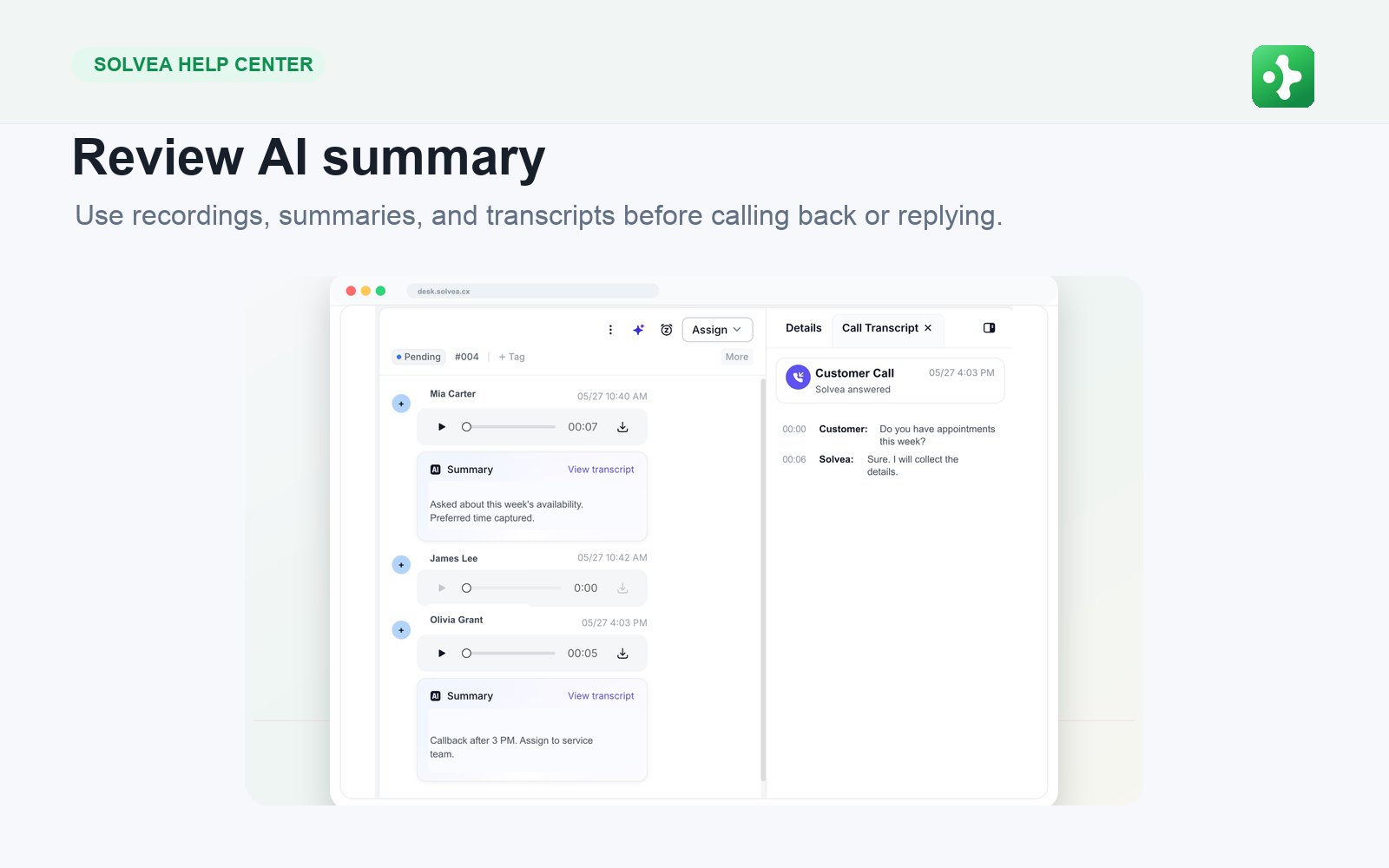
Reply by Email, Live Chat, or SMS
Live Chat
Live Chat is immediate. Keep replies short and move quickly. If you need more time, tell the visitor what you are checking. Example: “I am checking that now. One moment please.”SMS
SMS is best for concise follow-up. Use it for appointment confirmations, missed-call follow-up, short links, and quick status updates. If the message becomes long, call or email instead.Internal Notes
Make and Receive Browser Calls
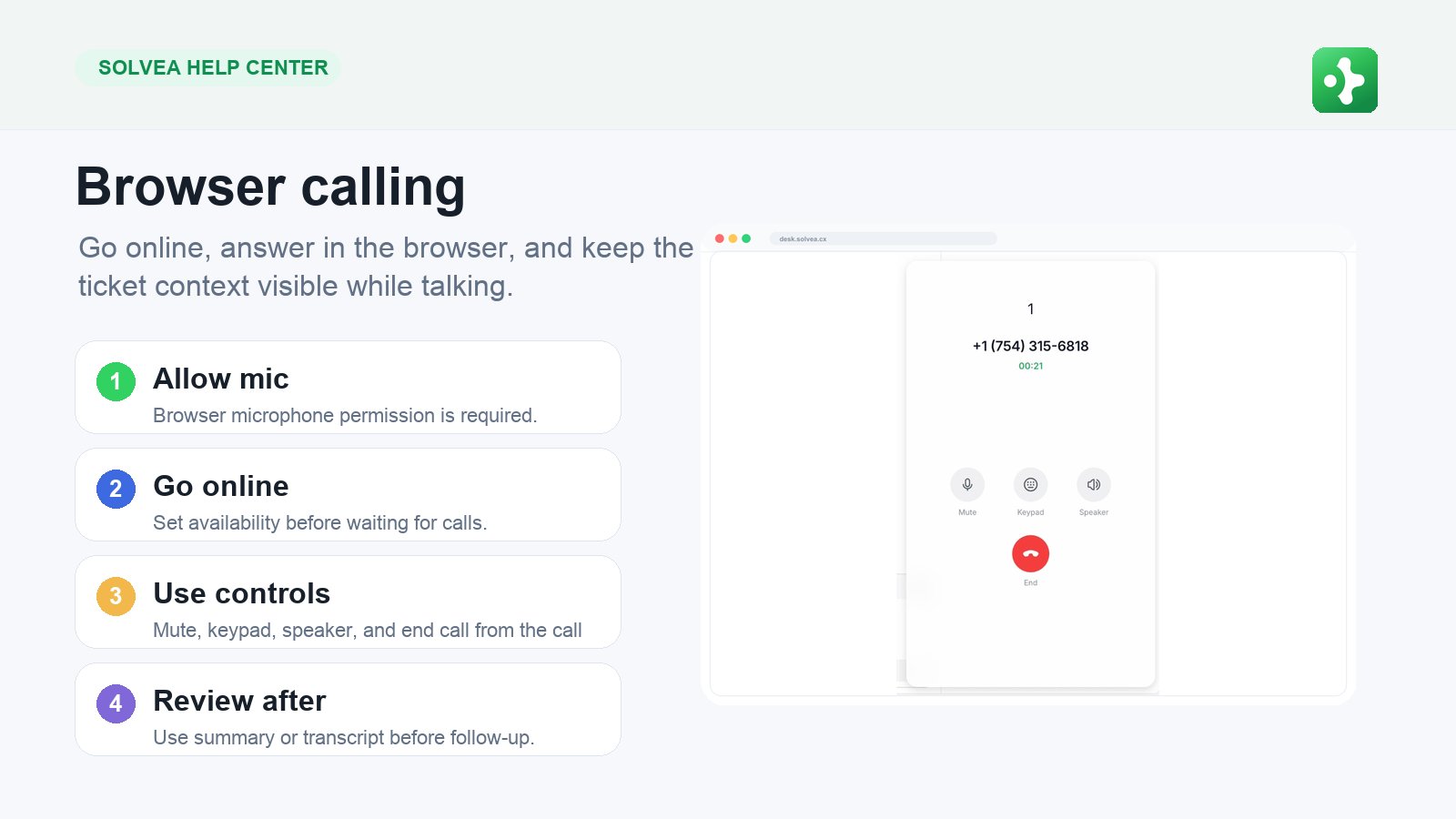
Receive Calls
- Allow microphone access in the browser.
- Go online in PC Web.
- Keep the browser tab open.
- Accept the incoming call toast.
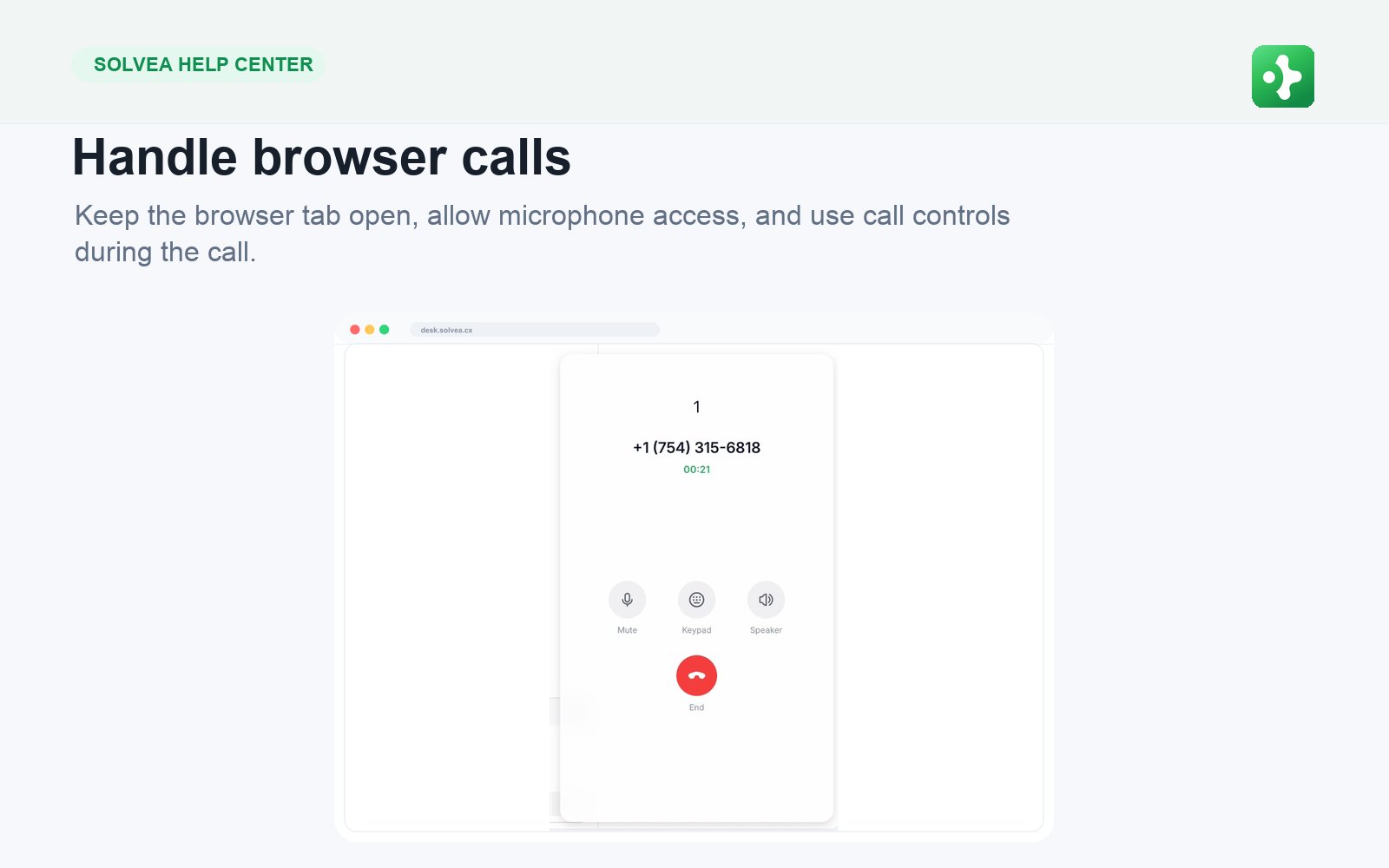
- Use call controls during the conversation.
- Open the related Desk ticket after the call.
Make Calls
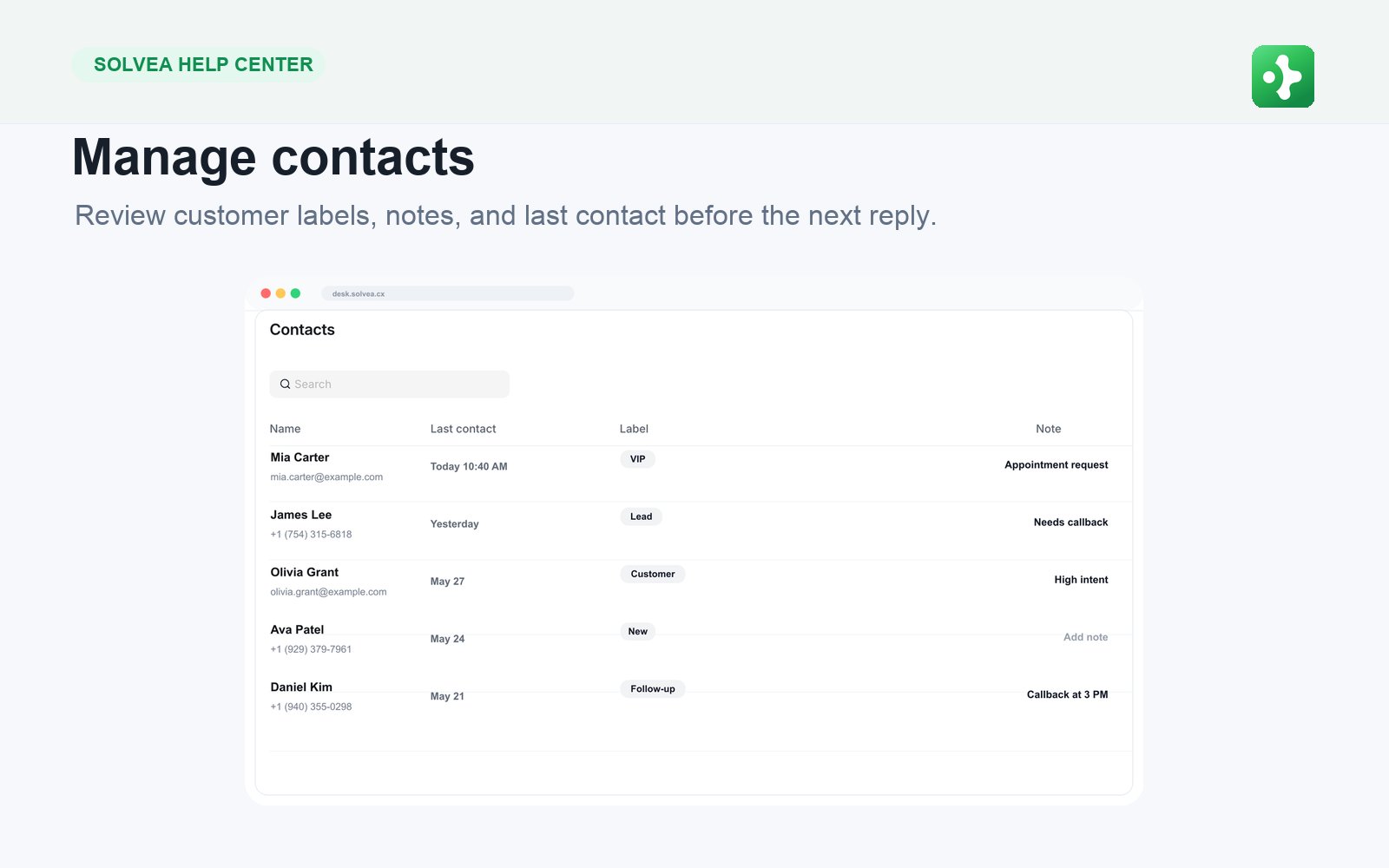
You can start a browser call from Desk, Contacts, or the calling entry point. The customer sees your Solvea business number, not a personal number.After the Call