

Configure AI Agent and Run AI Outbound
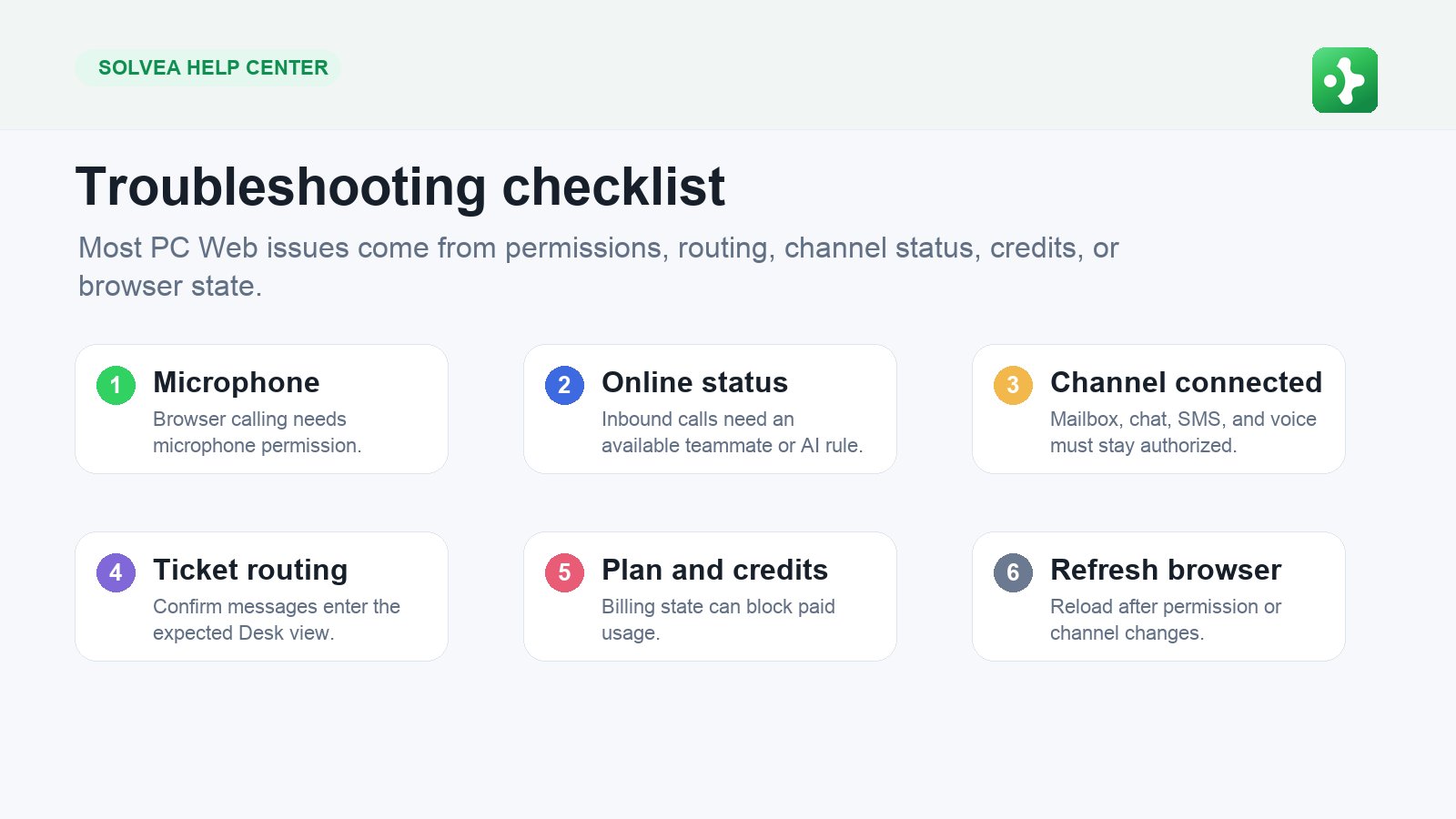
Configure an AI Agent
- Open Settings > Agent.
- Select the agent you want to edit.
- Update the AI identity, prompt, and voice.
- Choose answer behavior for voice agents.
- Save changes.
- Test with WebCall before using the agent live.
Good AI Prompt Logic
A prompt should tell the AI:- Who it represents.
- What goal it should complete.
- What information it should collect.
- What it should not promise.
- When it should hand off or end the call.
Create an AI Outbound Batch
- Open Outbound.
- Create a new batch.
- Choose the calling number and AI agent.
- Add recipients manually or by CSV.
- Write a batch-specific greeting and prompt.
- Test the prompt.
- Launch.
- Review completed, failed, and pending results.