> ## Documentation Index
> Fetch the complete documentation index at: https://solvea.cx/docs/llms.txt
> Use this file to discover all available pages before exploring further.
# Troubleshooting
## Fix Common PC Web Issues
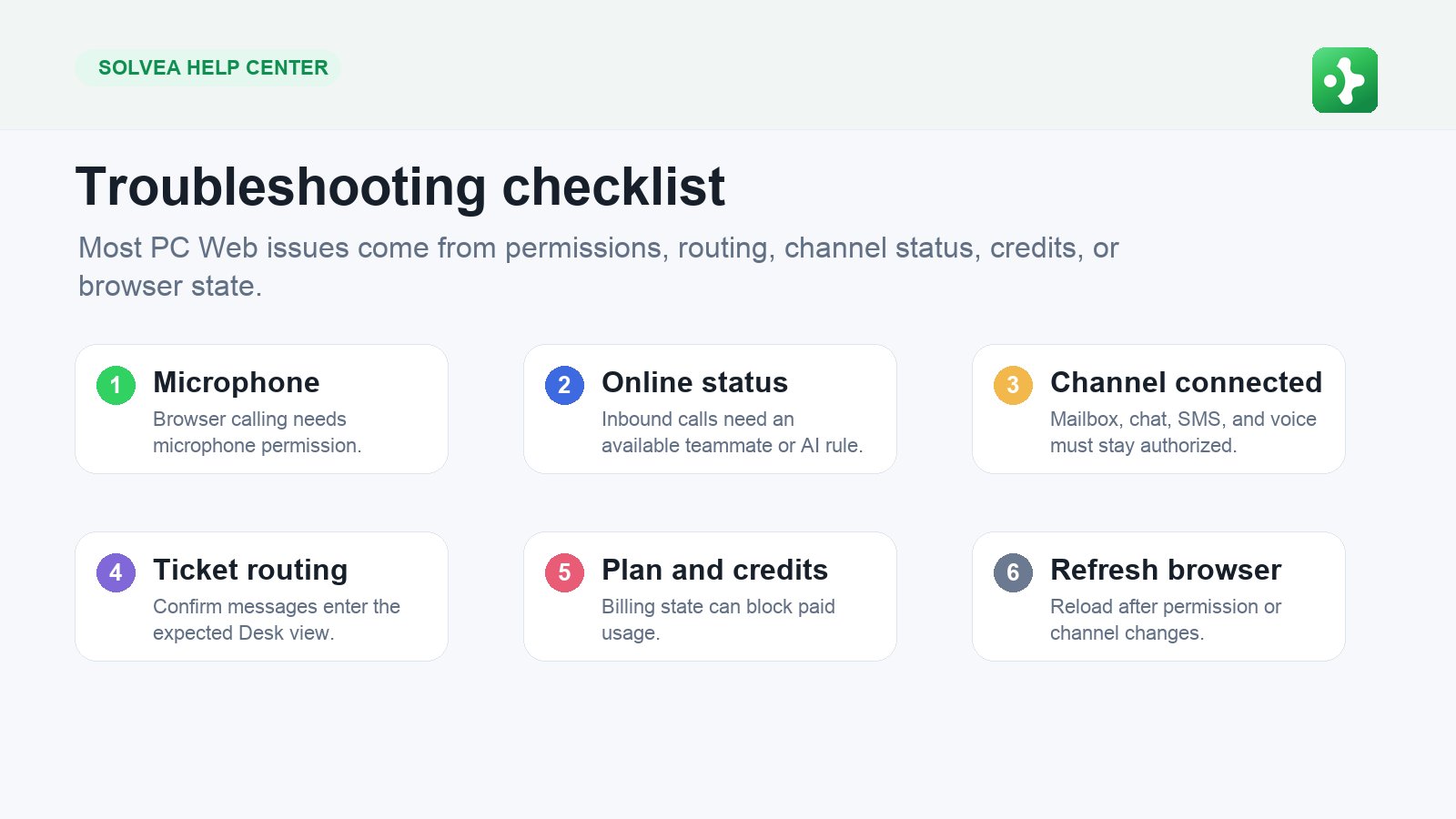 Start troubleshooting with permissions, channel status, subscription state, credits, and processing delays.
### Browser Calling Does Not Work
Check these in order:
1. Browser microphone permission is allowed.
2. You are online.
3. The workspace has a business number.
4. The number is active.
5. Subscription and credits are available.
6. The browser tab is open and network is stable.
### Email Replies Are Not Sending
Recheck mailbox authorization, sender channel, message content, and attachments. If the mailbox was disconnected, reconnect it before retrying.
### Live Chat Messages Are Not Reaching Desk
Confirm the widget script is installed on the website, the channel is active, and the test message is sent from the public website page where the script runs.
### SMS Fails
Check the recipient format, SMS-enabled number, available credits, and delivery status. Try a plain-text test before retrying a longer message.
### AI Outbound Results Look Wrong
Check the prompt, greeting, recipient numbers, selected calling number, agent voice, and whether the campaign goal is too broad.
Start troubleshooting with permissions, channel status, subscription state, credits, and processing delays.
### Browser Calling Does Not Work
Check these in order:
1. Browser microphone permission is allowed.
2. You are online.
3. The workspace has a business number.
4. The number is active.
5. Subscription and credits are available.
6. The browser tab is open and network is stable.
### Email Replies Are Not Sending
Recheck mailbox authorization, sender channel, message content, and attachments. If the mailbox was disconnected, reconnect it before retrying.
### Live Chat Messages Are Not Reaching Desk
Confirm the widget script is installed on the website, the channel is active, and the test message is sent from the public website page where the script runs.
### SMS Fails
Check the recipient format, SMS-enabled number, available credits, and delivery status. Try a plain-text test before retrying a longer message.
### AI Outbound Results Look Wrong
Check the prompt, greeting, recipient numbers, selected calling number, agent voice, and whether the campaign goal is too broad.