> ## Documentation Index
> Fetch the complete documentation index at: https://solvea.cx/docs/llms.txt
> Use this file to discover all available pages before exploring further.
# Desk Operating Logic
## Understand Desk
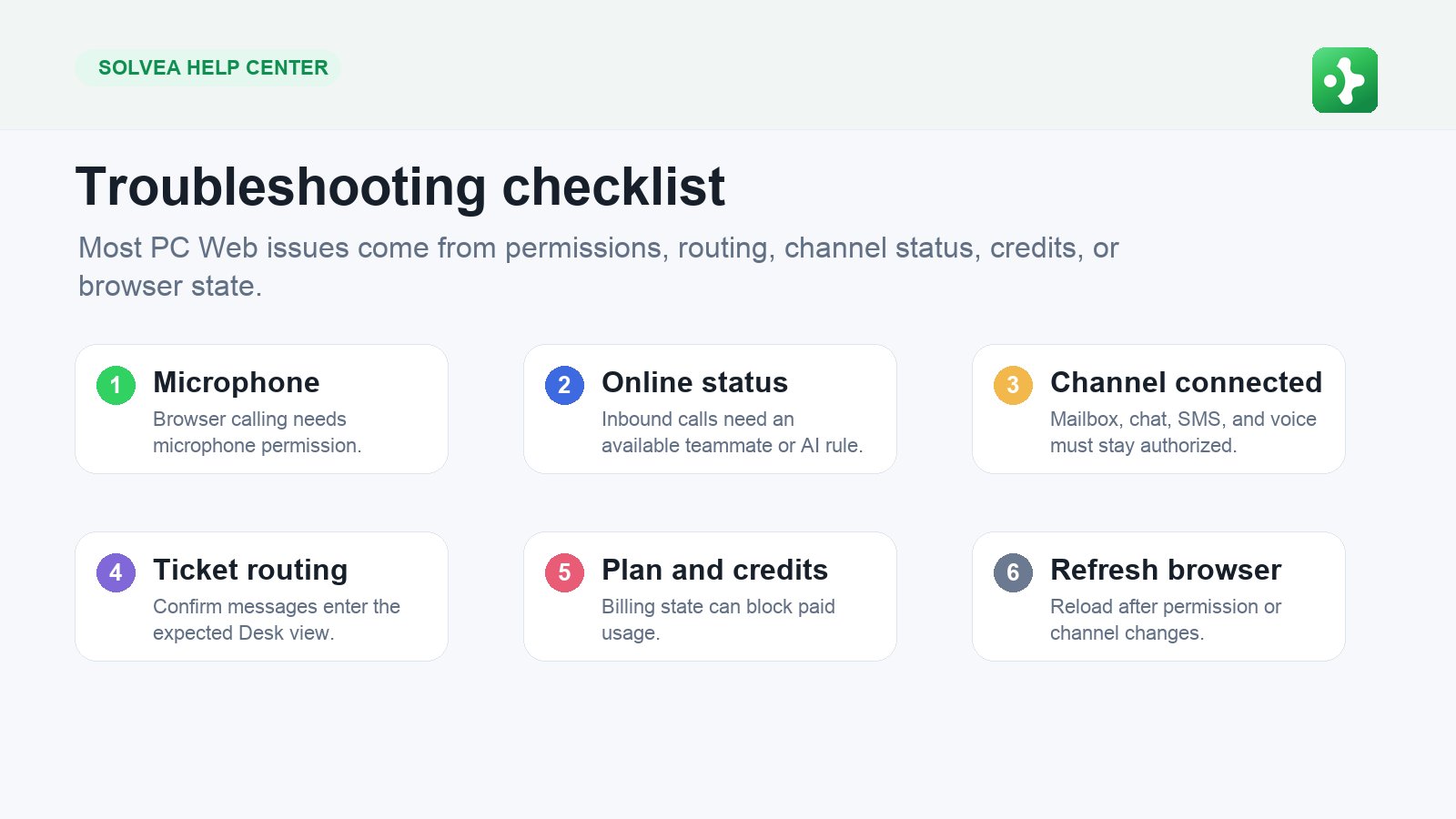
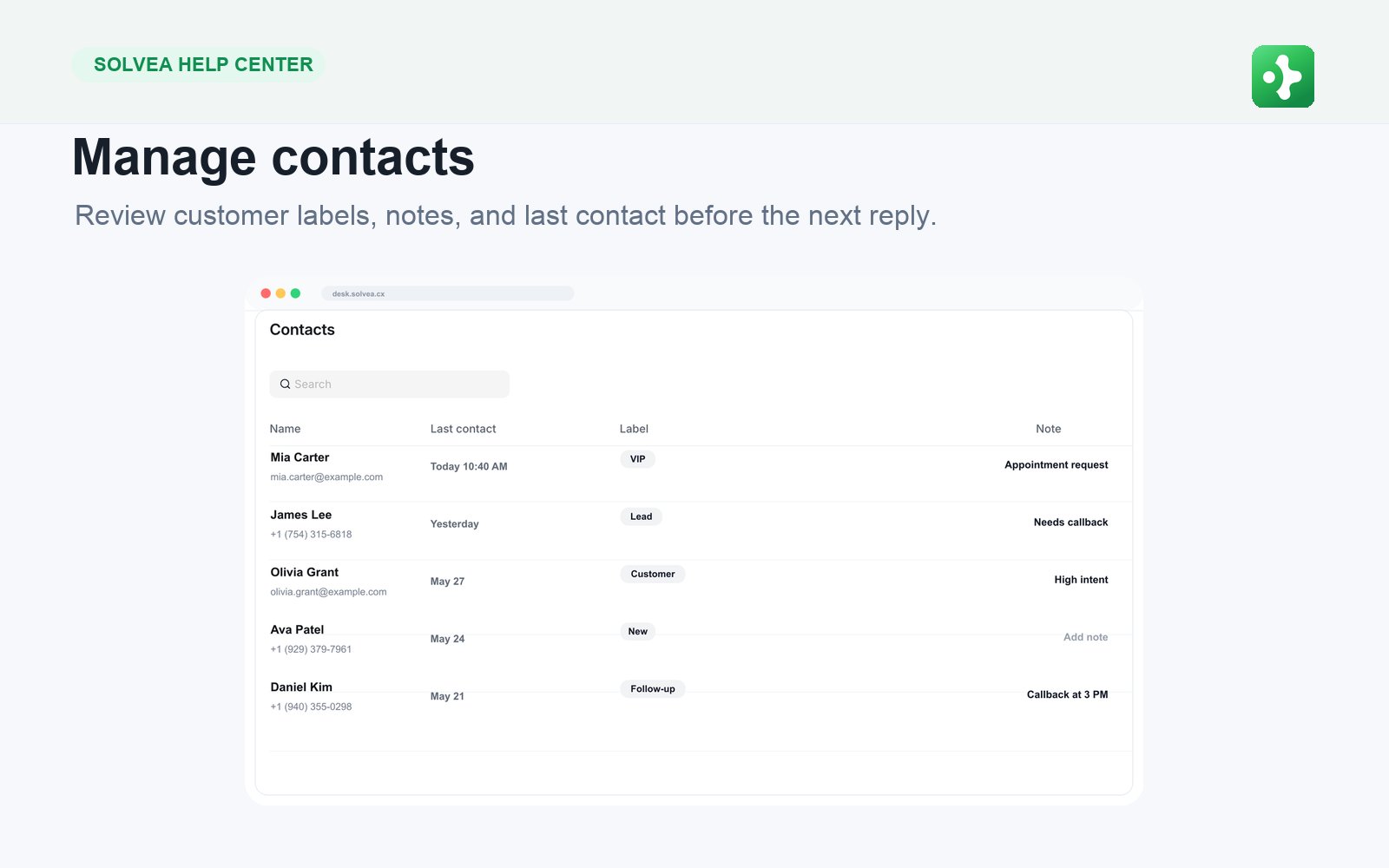 Desk works from left to right: choose a view, open a ticket, read context, reply, note, and update status.
Desk is where customer work happens. A good Desk habit is simple:
1. Pick the right view or queue.
2. Open the oldest or highest-priority ticket.
3. Read the conversation and customer context.
4. Reply on the correct channel.
5. Add an internal note if a teammate needs context.
6. Change the ticket status so the queue stays clean.
### What a Ticket Can Contain
A ticket can include email messages, live chat messages, SMS messages, voice call records, recordings, transcripts, AI summaries, notes, customer details, and status history.
### Practical Desk Rules
* Do not close a ticket until the customer need is handled.
* Use notes for teammate context, never for customer replies.
* Keep one customer issue in one thread when possible.
* If text gets too slow, use browser calling.
Desk works from left to right: choose a view, open a ticket, read context, reply, note, and update status.
Desk is where customer work happens. A good Desk habit is simple:
1. Pick the right view or queue.
2. Open the oldest or highest-priority ticket.
3. Read the conversation and customer context.
4. Reply on the correct channel.
5. Add an internal note if a teammate needs context.
6. Change the ticket status so the queue stays clean.
### What a Ticket Can Contain
A ticket can include email messages, live chat messages, SMS messages, voice call records, recordings, transcripts, AI summaries, notes, customer details, and status history.
### Practical Desk Rules
* Do not close a ticket until the customer need is handled.
* Use notes for teammate context, never for customer replies.
* Keep one customer issue in one thread when possible.
* If text gets too slow, use browser calling.