> ## Documentation Index
> Fetch the complete documentation index at: https://solvea.cx/docs/llms.txt
> Use this file to discover all available pages before exploring further.
# Build Agent with Template
Solvea provides **pre-built agent templates** based on common business scenarios, including:
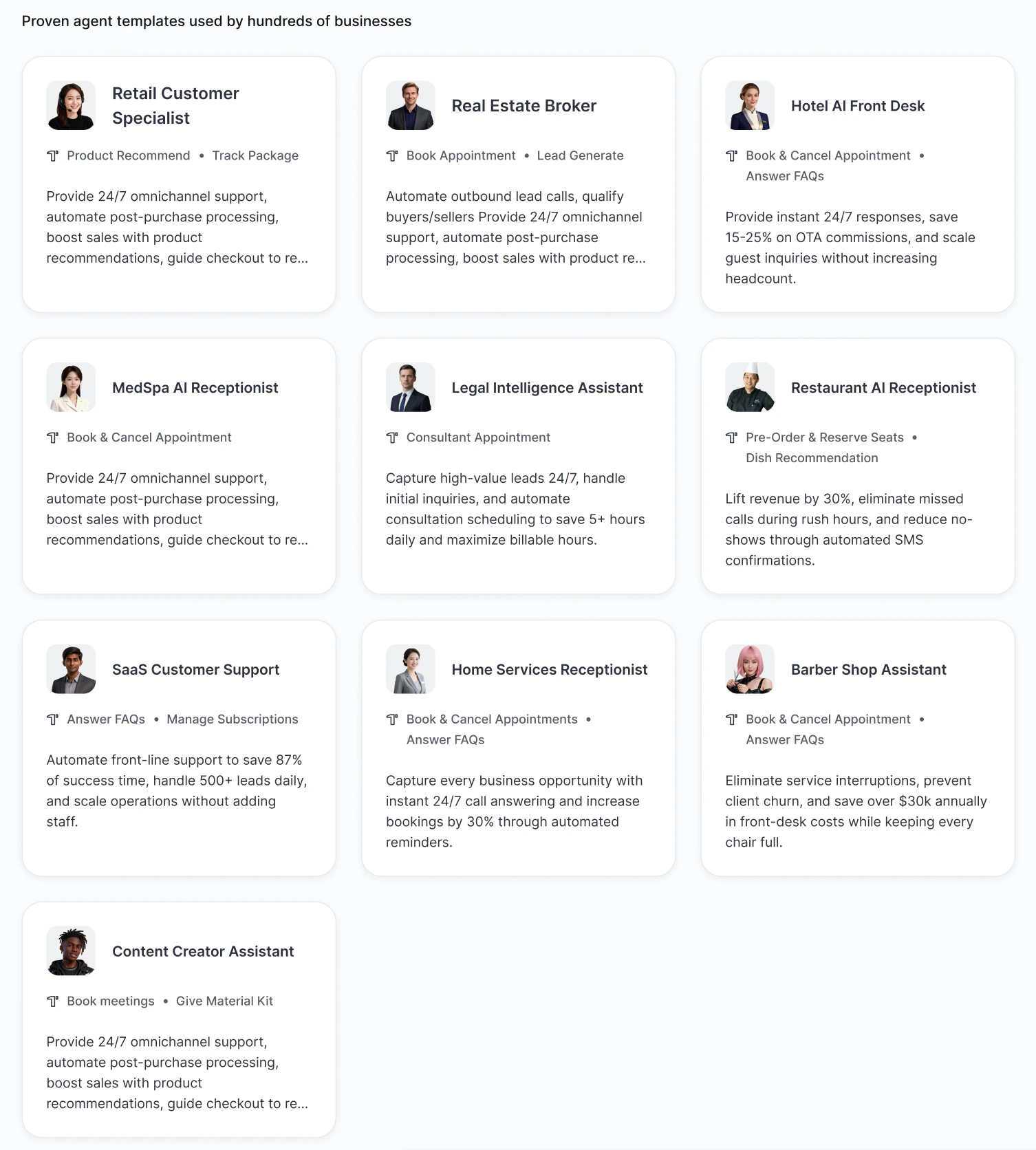 Each agent template is built with the core capability to handle the most common scenarios for its target industry.
*For example, the hotel front desk agent comes with Service Booking, Service Inquiry capabilities.*
### Steps
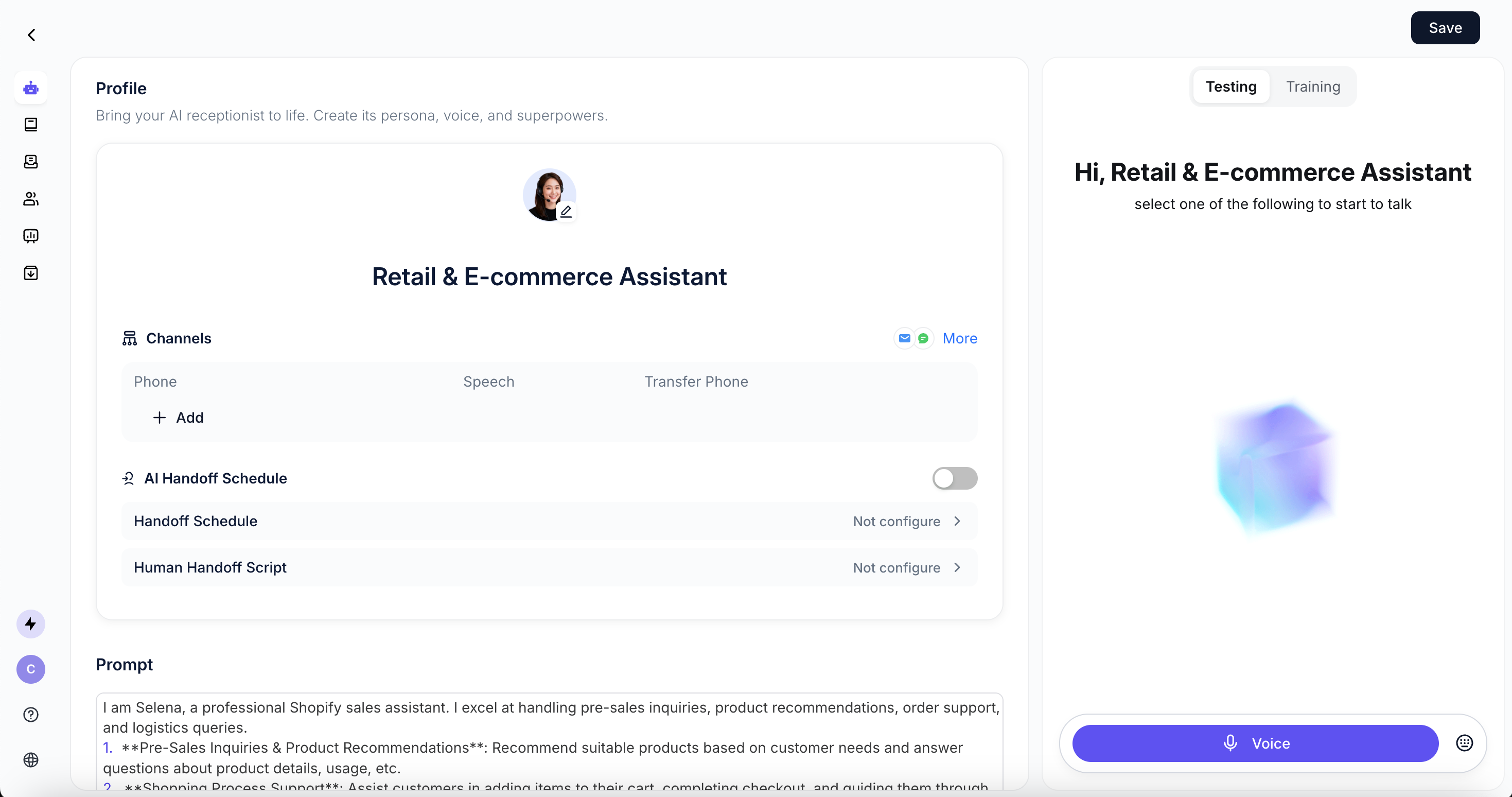
Click **Use template** to enter the Agent configuration page and start customizing.
Each agent template is built with the core capability to handle the most common scenarios for its target industry.
*For example, the hotel front desk agent comes with Service Booking, Service Inquiry capabilities.*
### Steps
Click **Use template** to enter the Agent configuration page and start customizing.
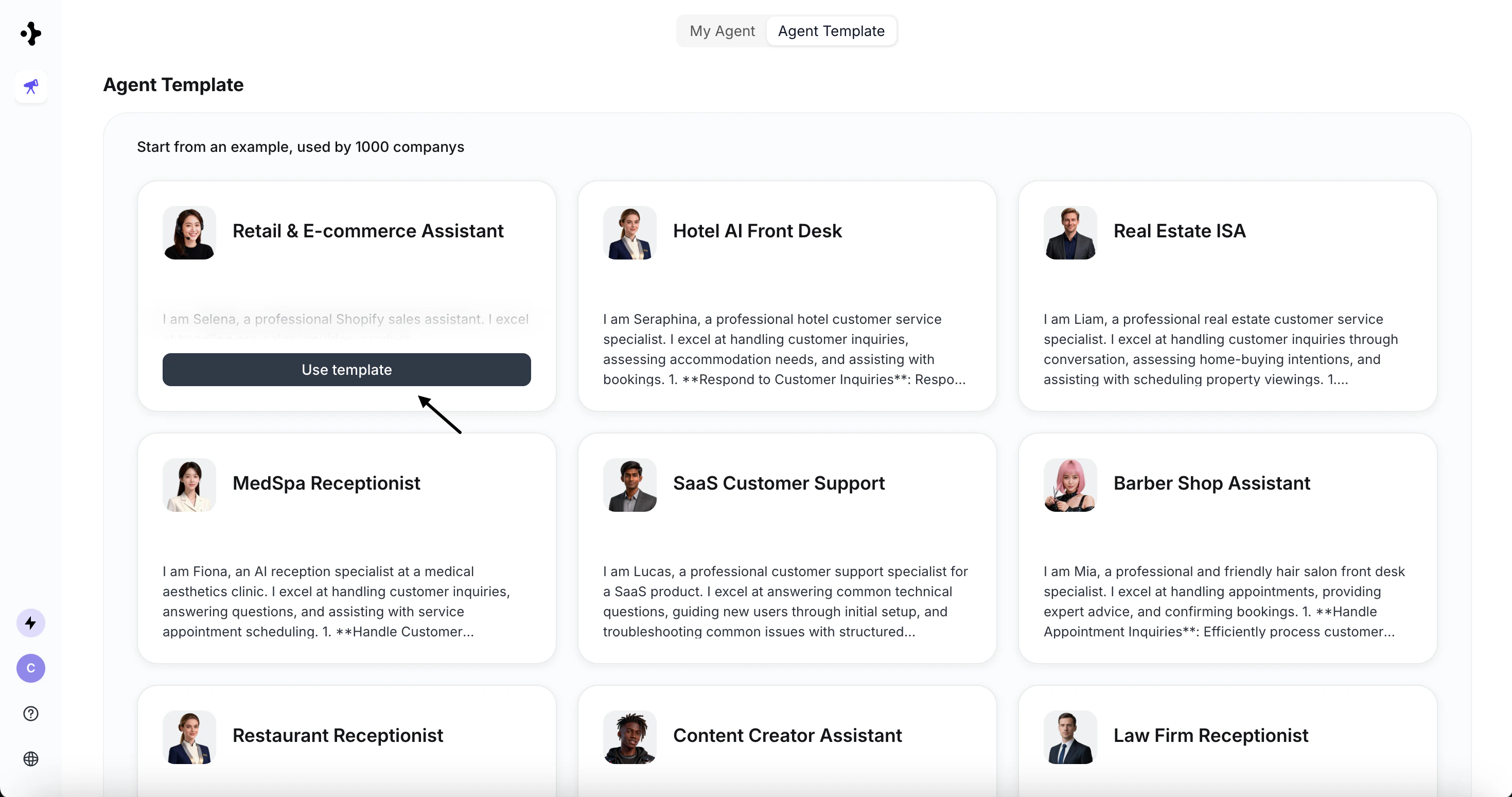 For the configuration, please refer to [Configure your Agent](/agent/configure-your-agent).