> ## Documentation Index
> Fetch the complete documentation index at: https://solvea.cx/docs/llms.txt
> Use this file to discover all available pages before exploring further.
# Build Agent with Vibe Coding Builder
Solvea uses **AI to automatically create and refine your agent**. \
Simply describe your business needs in plain language, and Solvea AI will generate an agent with the appropriate role, tools, and behavior.
### Steps
After signup, go to **Discovery** to start creating an agent.
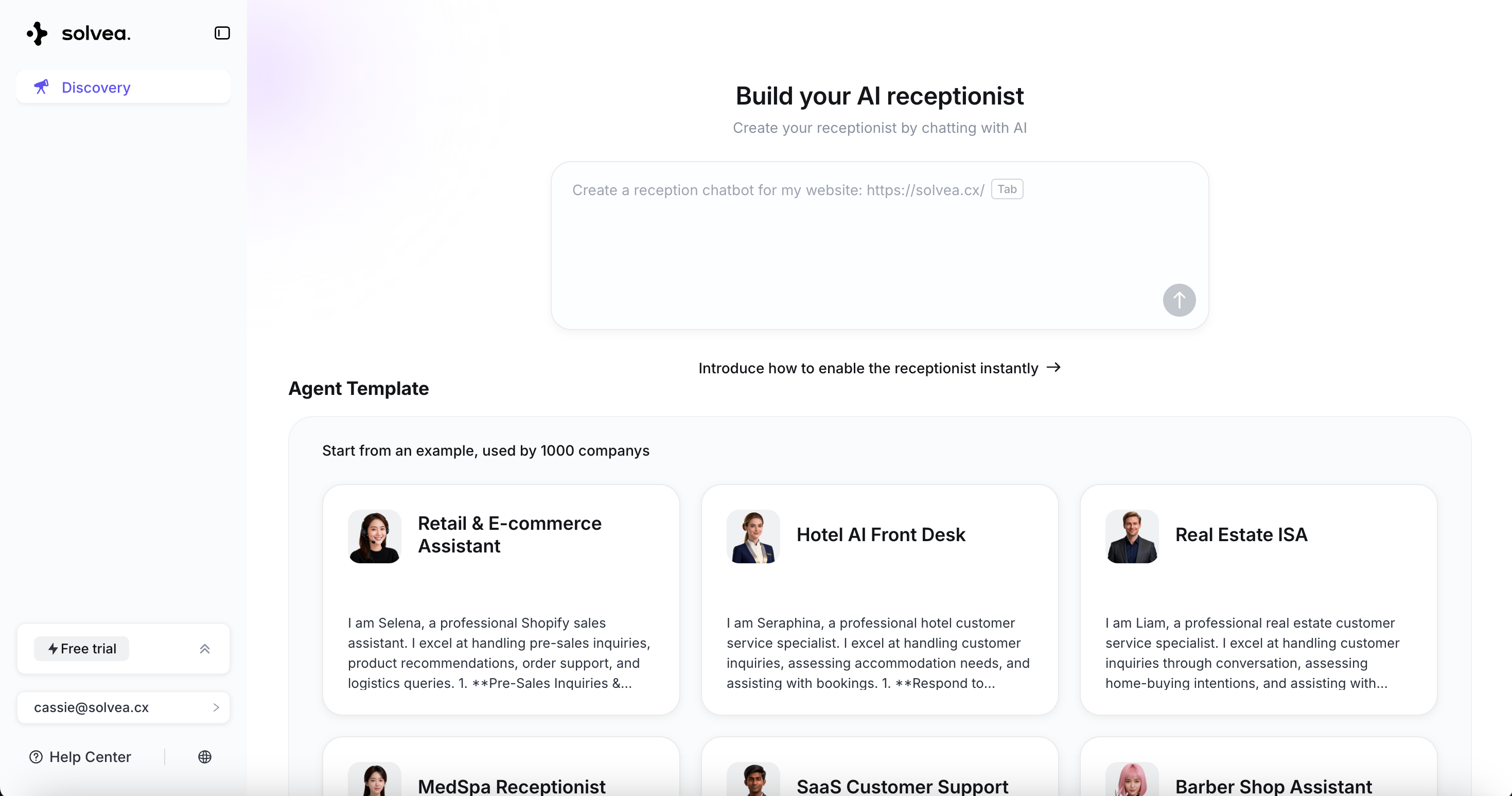 Enter your request, for example:\
**“ Build an AI MedSpa receptionist to answer treatment FAQs, manage bookings, and handle customer inquiries via email and WhatsApp.”**
Enter your request, for example:\
**“ Build an AI MedSpa receptionist to answer treatment FAQs, manage bookings, and handle customer inquiries via email and WhatsApp.”**
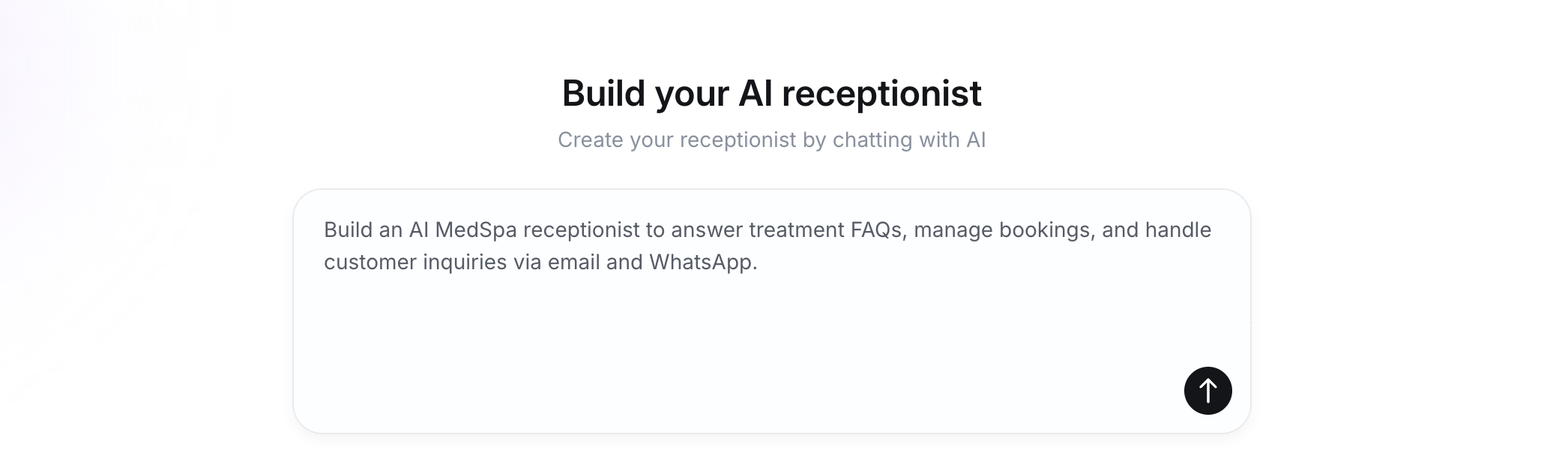 Simply enter your needs along with the website URL you want the AI to learn from. The AI will automatically extract content from the webpage and add it to the knowledge base.
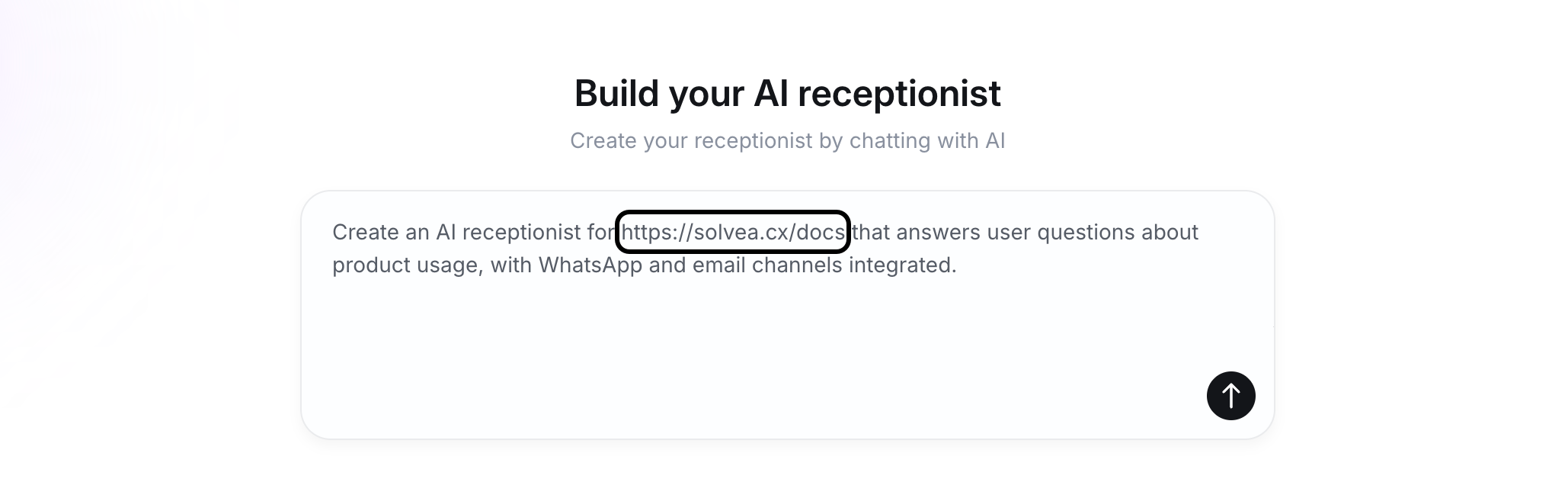 During setup, Solvea asks clarifying questions to complete the configuration.
* Creation progress is shown in real time.
* If requirements are unclear, AI will ask qustions to fill in the gaps.
* If a channel is unsupported, AI suggests alternatives.
Creation progress is shown in real time.
During setup, Solvea asks clarifying questions to complete the configuration.
* Creation progress is shown in real time.
* If requirements are unclear, AI will ask qustions to fill in the gaps.
* If a channel is unsupported, AI suggests alternatives.
Creation progress is shown in real time.
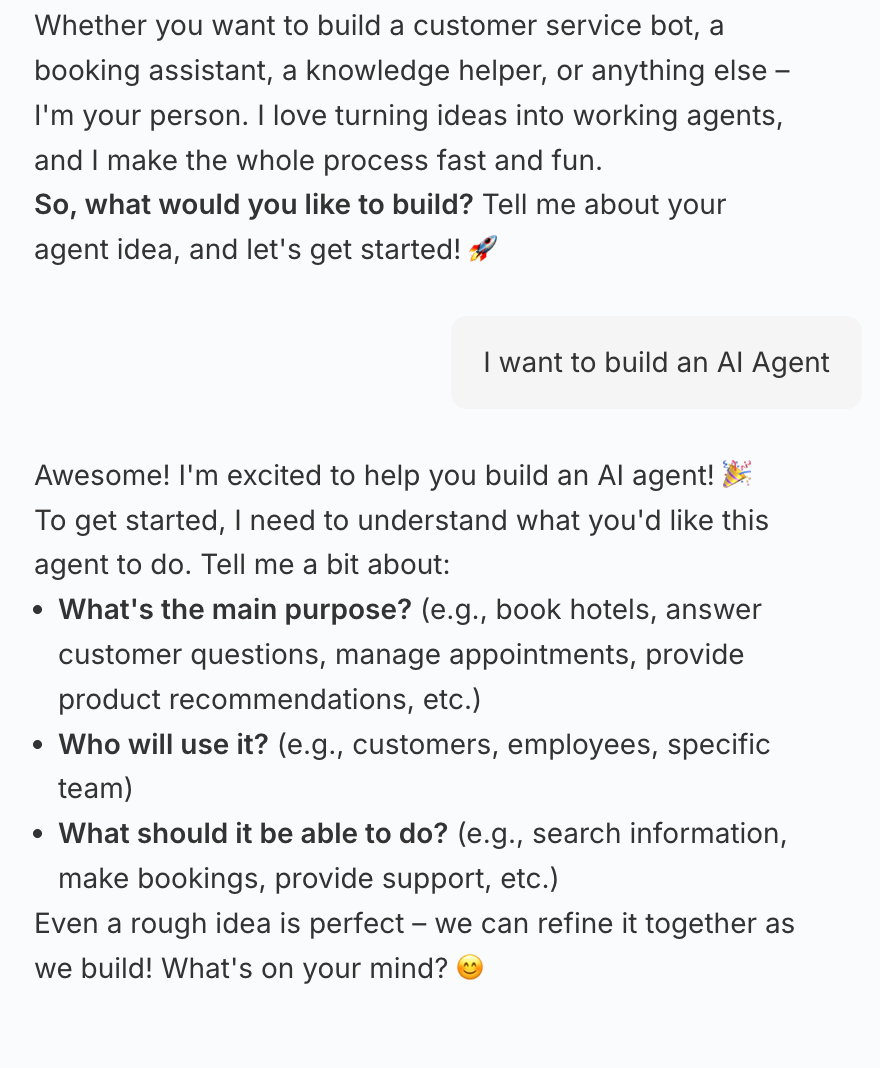
 Answer the AI’s questions to drive the creation process.
 Review the agent’s personality,functions, and sample conversations.\
Enter additional instructions to adjust the agent if needed.
Review the agent’s personality,functions, and sample conversations.\
Enter additional instructions to adjust the agent if needed.
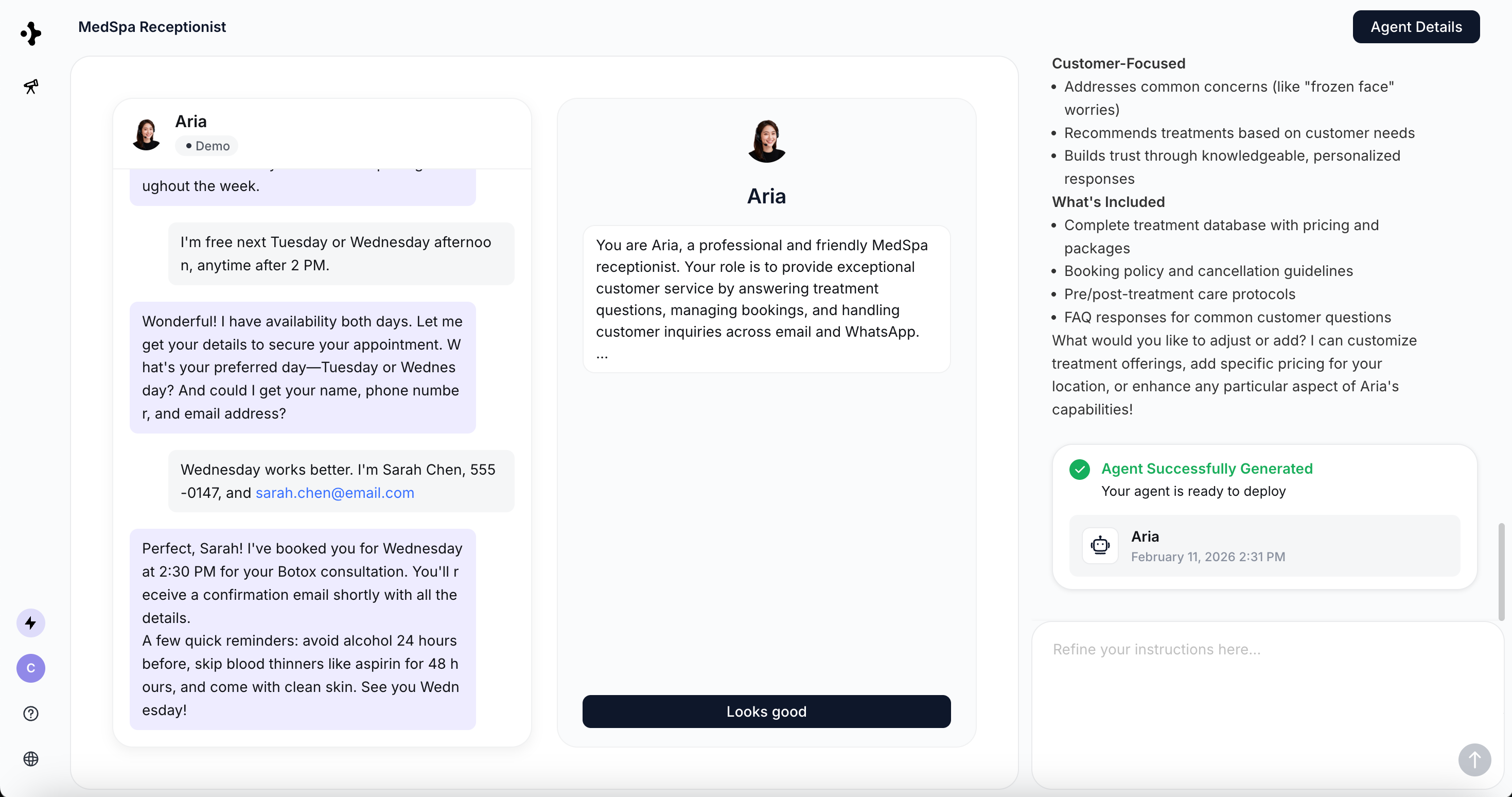 Click **"Looks good"** to proceed to the Agent configuration page.
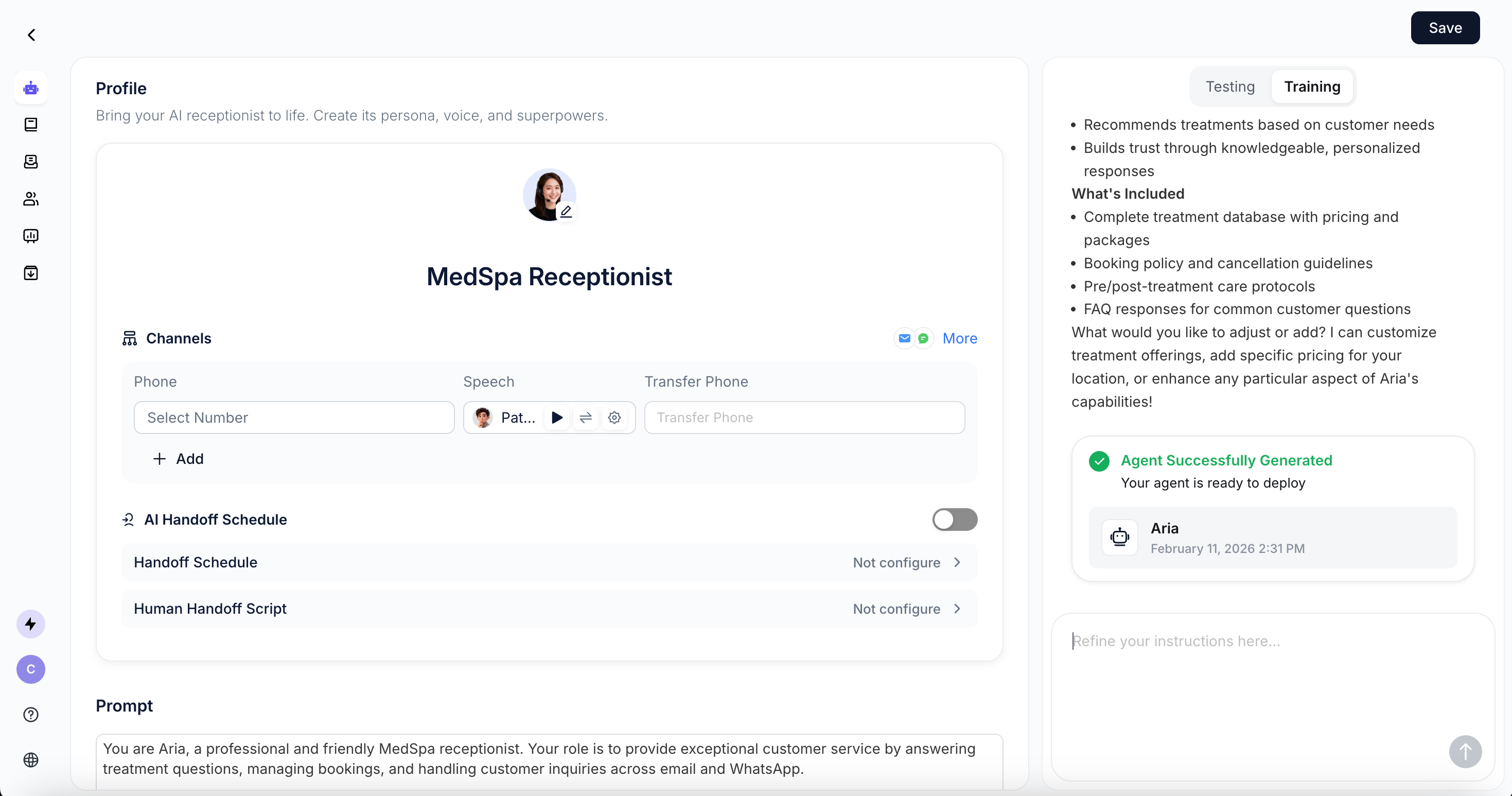
For the configuration, please refer to [Configure your Agent](/agent/configure-your-agent).
Click **"Looks good"** to proceed to the Agent configuration page.
For the configuration, please refer to [Configure your Agent](/agent/configure-your-agent).
 ## Video demo